
Effective knowledge management helps people access information quickly, share expertise, and reduce repeated questions. When information lives in disconnected systems, workflows slow down and teams lose confidence in where to find answers. A centralized approach supports clear communication and gives everyone a dependable source of truth for policies, processes, and company insights.
Modern organizations rely on knowledge platforms to support distributed teams, streamline onboarding, and keep internal resources organized. With the right software, people can contribute knowledge with confidence, leaders can maintain operational consistency, and teams can focus on meaningful work rather than searching for documents. A knowledge management platform also supports long-term continuity by preserving institutional knowledge through transitions and growth.
As your needs expand, a strong platform ensures content stays organized, searchable, and aligned with daily workflows. It integrates with existing tools, supports governance, and adapts to new challenges. Below, you will find top solutions that help organizations manage information effectively.
Top 12 knowledge management software for 2026
- Axero
- Confluence
- Notion
- Guru
- Bloomfire
- Document360
- SharePoint
- Slab
- Tettra
- Zoho Wiki
- KnowledgeOwl
- Helpjuice
What is knowledge management software?
Knowledge management software helps organizations capture, organize, and share information in a structured and searchable way. It includes everything from documents and FAQs to workflows, insights, and best practices. These platforms help employees find what they need without relying on manual requests or scattered sources.
A knowledge management platform also supports the creation and maintenance of internal documentation. It acts as a digital library for policies, procedures, job aids, how-to guides, and subject matter expertise. With built-in search, permissions, and collaboration tools, teams maintain consistent information across functions.
Modern solutions integrate with everyday tools to keep information accessible wherever people work. They support version control, content ownership, and governance guidelines that prevent outdated information from circulating. The goal is simple: give teams the clarity they need to work efficiently.
What to consider when choosing the right knowledge management software
Choosing a platform requires understanding how your teams share information and where breakdowns occur. Think about how people search for resources, how content is updated, and which integrations support daily work. The right platform should reduce manual steps, improve accuracy, and streamline communication across departments.
Content organization
Strong categorization options help teams maintain structure. Clear folders, tags, and taxonomies ensure people find information without confusion.
Search functionality
A reliable search engine helps employees locate specific content quickly. This reduces repeated questions and helps new hires learn systems with confidence.
Integration options
A platform should work with your existing tools. Integrations reduce the need to jump between systems and strengthen adoption across teams.
Governance and permissions
Good governance ensures accuracy. Look for version control, approval workflows, and role-based permissions to keep information reliable.
Ease of use
A simple interface increases adoption. Employees feel more confident creating and maintaining content when the platform is intuitive.
12 best knowledge management software
1. Axero
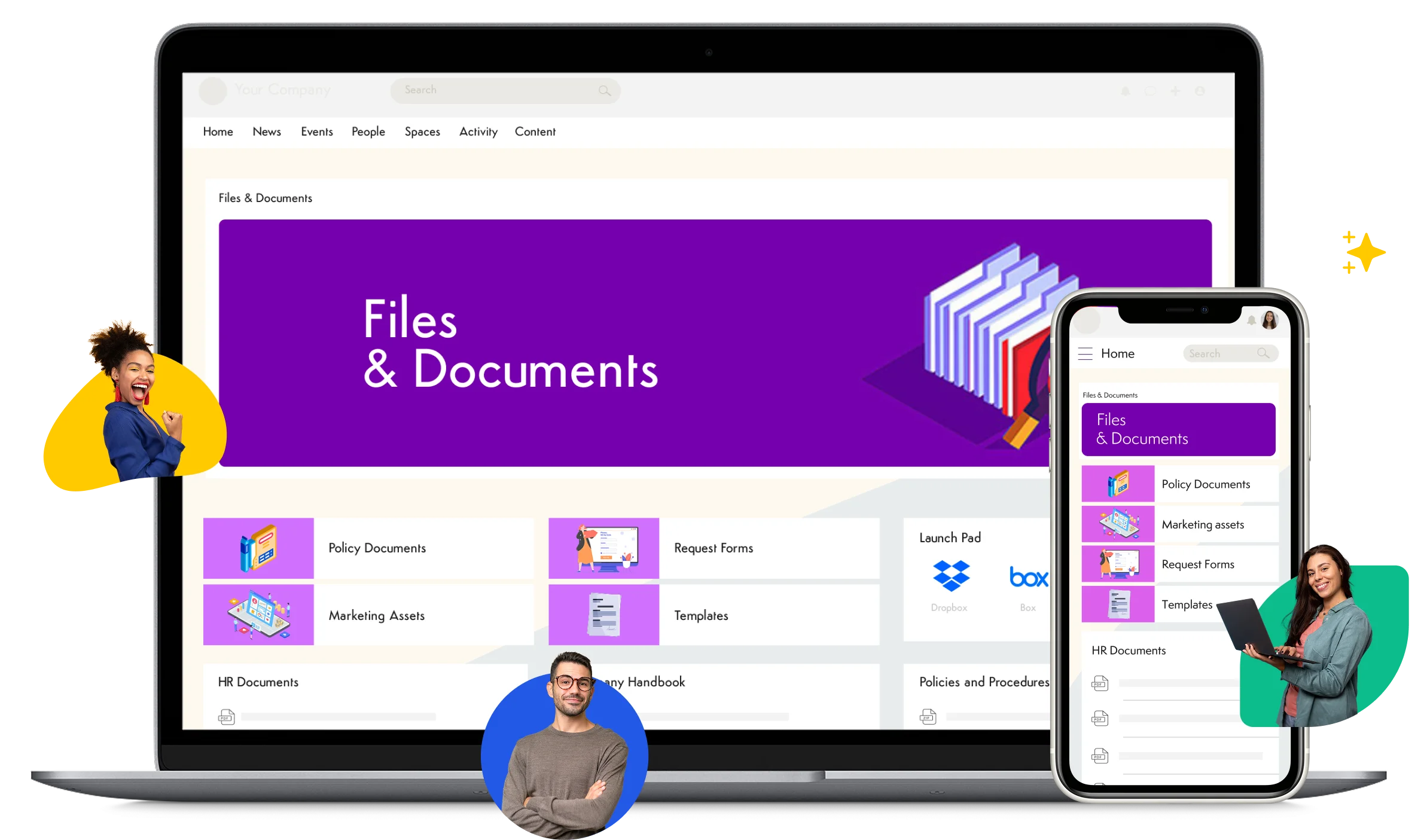
Axero is a comprehensive digital workplace platform designed to centralize communication, knowledge, and collaboration in one hub. Its knowledge management features provide structured spaces for storing documents, FAQs, wikis, and process guides, making it easy for teams to access accurate information. Axero brings communication and knowledge together, which reduces fragmentation and strengthens alignment across departments. People can comment, ask questions, and surface updates in real time, ensuring content stays relevant.
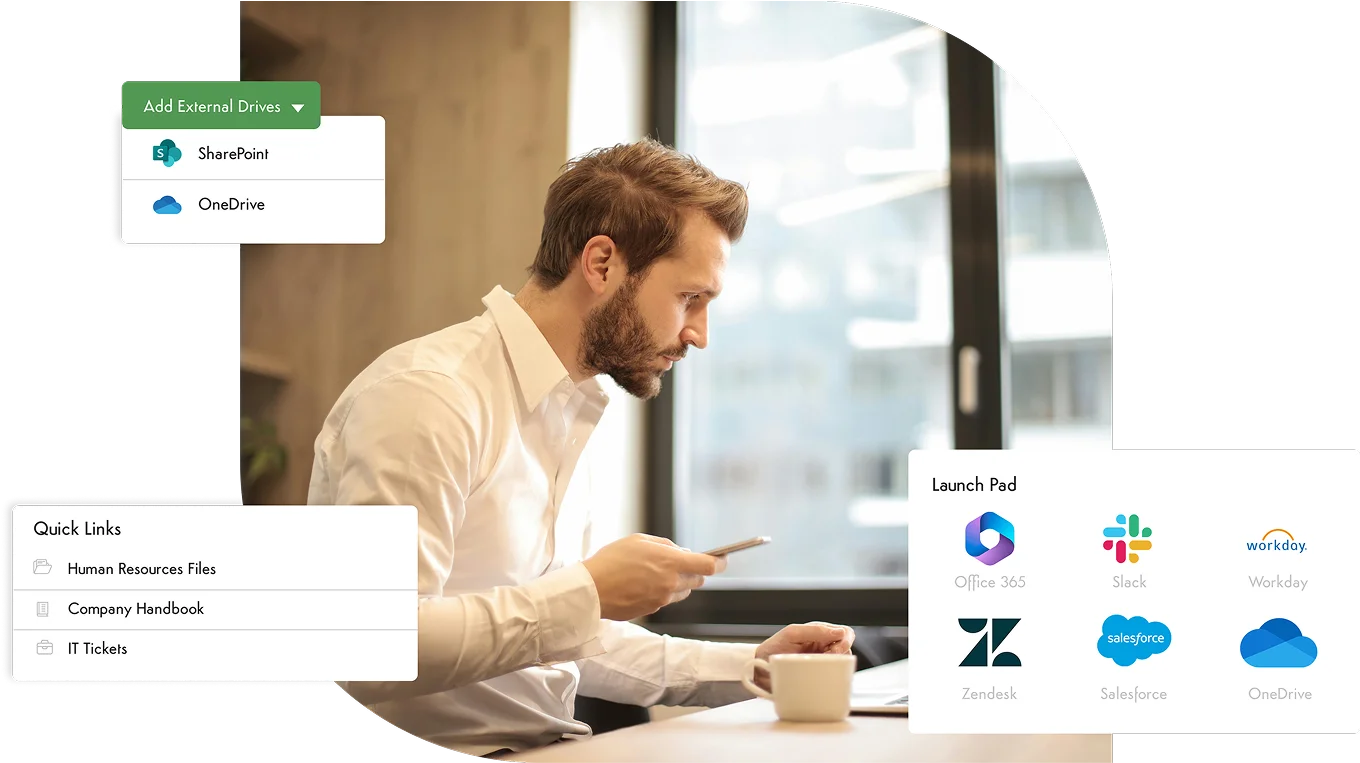
Axero’s customizable workspaces support teams of all sizes. You can build pages, create structured content libraries, and use templates to maintain consistency. Its search engine pulls results from documents, discussions, people profiles, and metadata, helping employees locate what they need without digging through multiple systems. Axero also supports governance through permissions, version history, and workflows that keep content accurate and up to date. With strong integrations, mobile access, and an intuitive interface, Axero helps organizations build a single source of truth that grows with them.
Key features of Axero
- Advanced search: Helps teams find documents, conversations, and resources from one place.
- Customizable workspaces: Allows departments to structure their content in ways that reflect their processes.
- Integrated communication tools: Supports discussions, announcements, and Q&A to strengthen clarity.
Best for: Organizations seeking an all-in-one platform that connects knowledge, communication, and collaboration.

2. Confluence
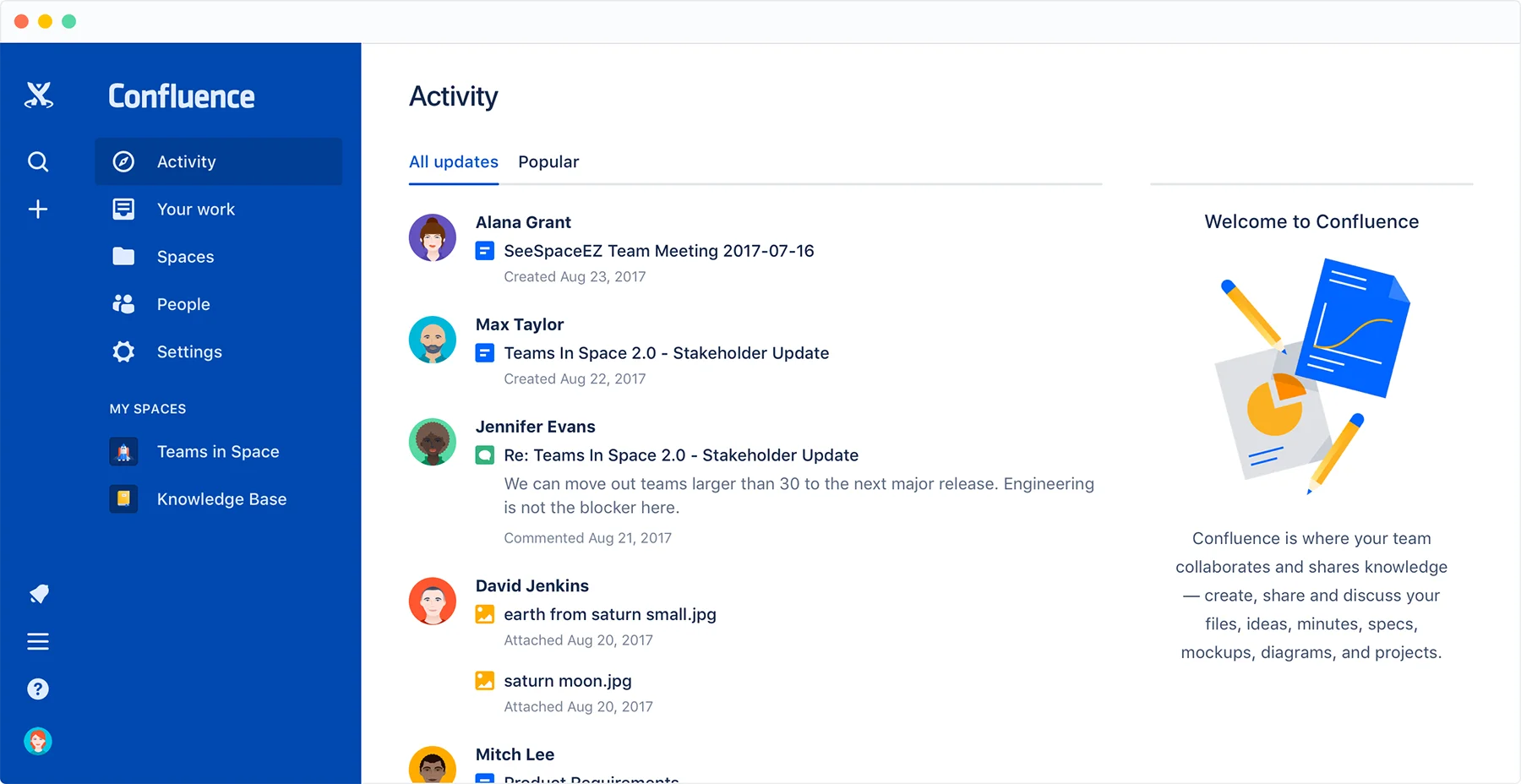
Confluence is a collaboration and documentation tool widely used for creating and organizing internal content. It offers flexible page structures that allow teams to build everything from meeting notes to lengthy process documentation. Its strength lies in how easily teams can create and update content, which encourages consistent documentation habits. Confluence allows multiple contributors to work together through comments, inline notes, and page histories.
Its use of hierarchical page trees makes content organization straightforward for teams managing large volumes of documentation. Confluence integrates with other Atlassian tools, so teams using Jira or Trello can connect project updates directly to relevant documentation. Permissions and versioning support content governance, helping teams maintain accuracy over time. The interface is designed to be simple enough for quick documentation while still supporting complex structures.
Key features of Confluence
- Page trees: Maintains clear hierarchy for large libraries of documents.
- Collaborative editing: Supports multiple contributors with tracked changes and comments.
- Integrations with Atlassian tools: Connects knowledge to project and development workflows.
Best for: Teams already using Atlassian products or organizations focused on structured documentation.
3. Notion
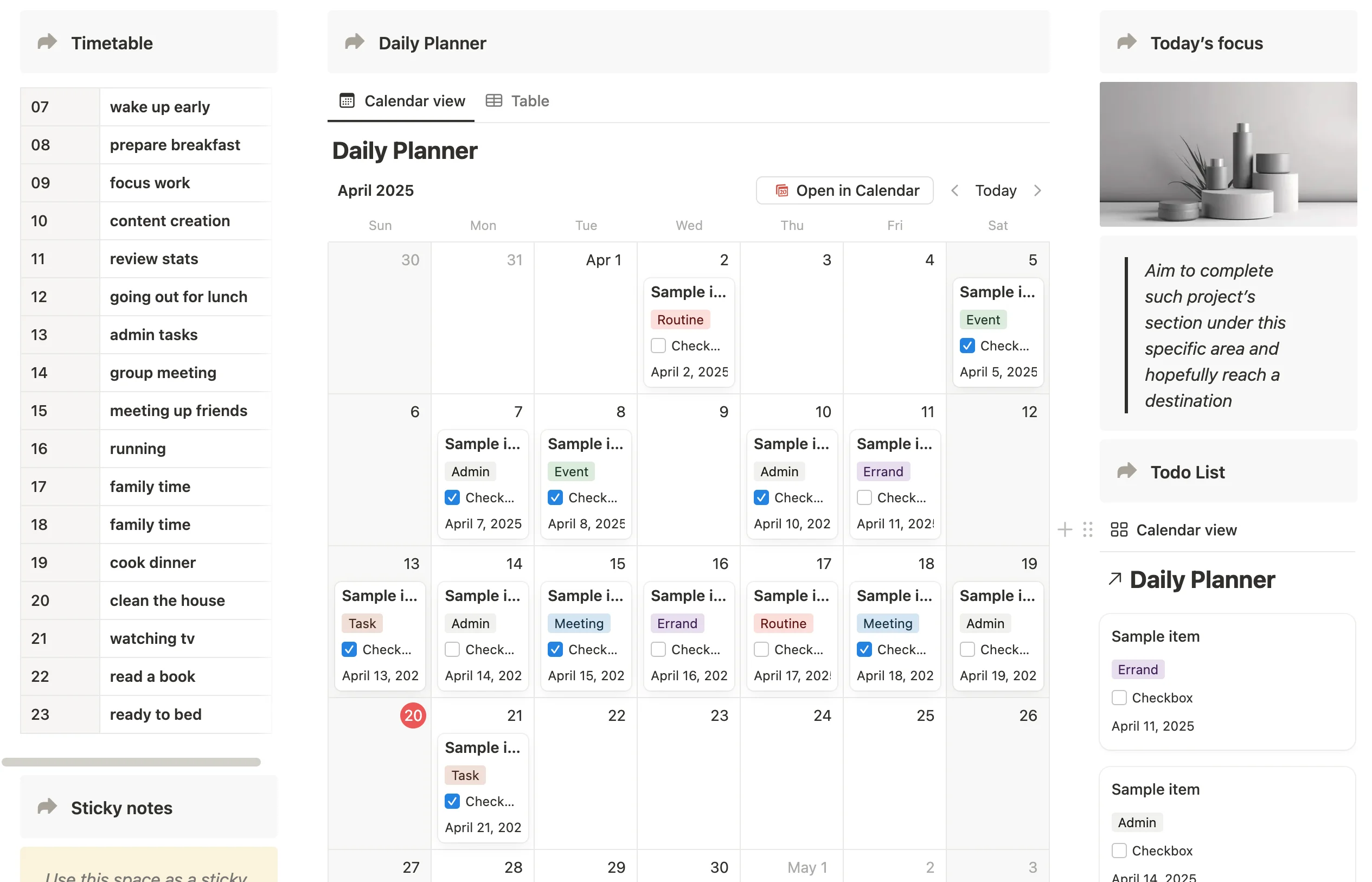
Notion is an all-in-one workspace that blends notes, documents, databases, and wikis into a single flexible platform. This makes it popular for teams looking to customize how they structure and maintain internal knowledge. Its block-based editor allows people to build pages that include text, tables, media, checklists, and relational databases. This modular approach gives teams the flexibility to design their knowledge system in a way that mirrors their workflows.
Notion supports collaboration through shared pages, comments, and powerful search capabilities. Databases allow teams to build dynamic content libraries with filters, views, and custom properties that scale as information grows. Templates help maintain consistency across departments. While its flexibility is a strength, it can require upfront planning to maintain structure as teams expand. Notion integrates with a wide range of tools, making it easier to pull information into one place.
Key features of Notion
- Flexible page and database structure: Lets teams build personalized knowledge systems.
- Template library: Supports consistent content formats across the organization.
- Strong search and filtering: Helps users find information within complex datasets.
Best for: Teams seeking a flexible, customizable workspace for notes, documentation, and knowledge libraries.
4. Guru
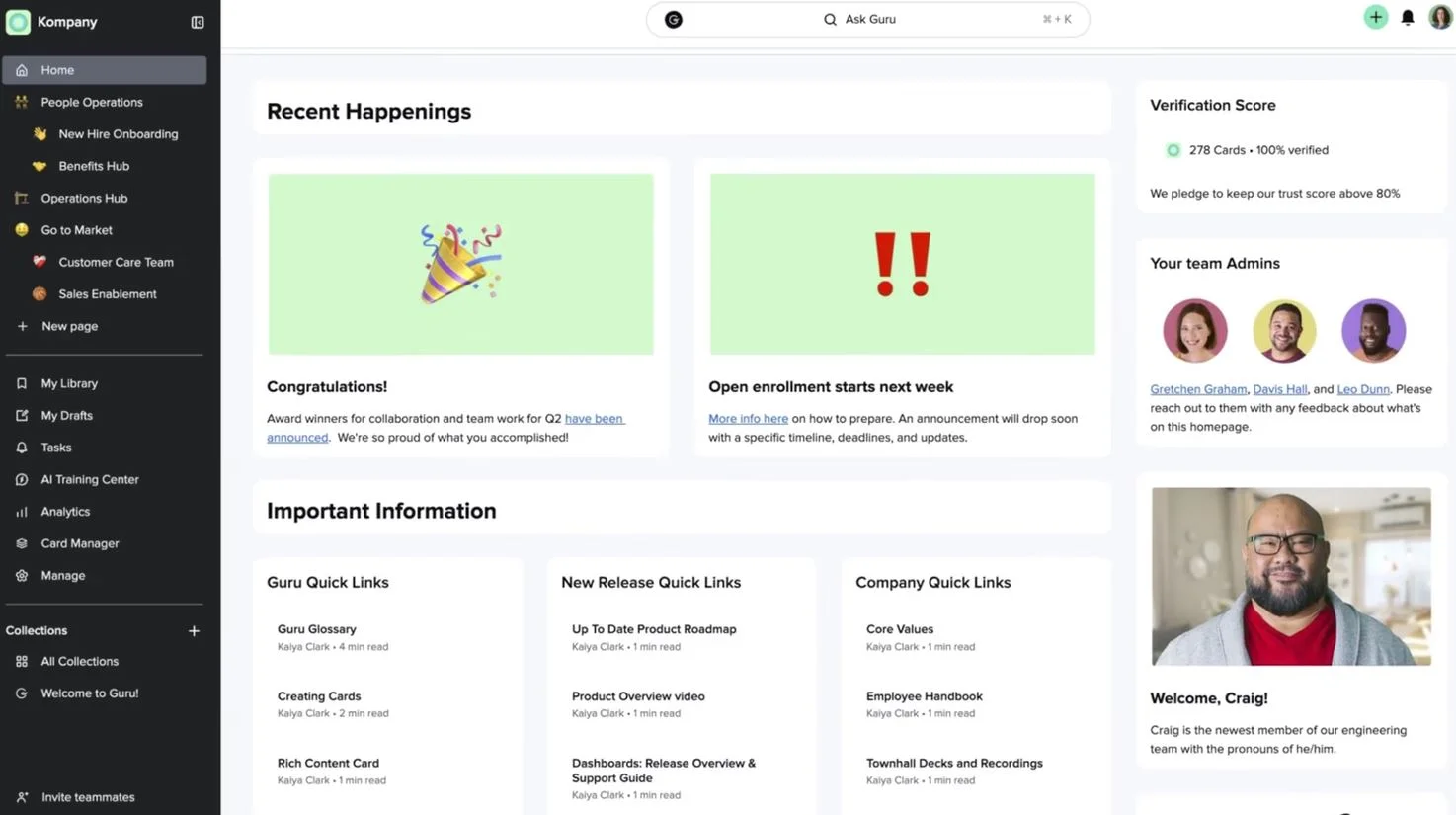
Guru is a knowledge management platform designed to deliver information at the moment people need it. It uses guided verification workflows to keep content accurate, which reduces outdated information across teams. Guru stores knowledge in “cards,” making it easy to organize resources into collections that reflect how teams work. These cards can appear directly inside everyday tools through browser extensions, helping employees find answers without switching systems.
Guru’s verification reminders help subject matter experts review content on a regular schedule. This maintains trust in the information being shared. Its search tool surfaces relevant cards quickly, and AI-assisted suggestions recommend knowledge based on conversations or tasks. Guru also includes simple authoring tools, allowing teams to create and update content with minimal friction. For organizations managing fast-moving information, these capabilities support consistency and alignment.
Key features of Guru
- Verification workflows: Keeps information accurate through automated review cycles.
- Browser extension: Surfaces knowledge directly inside existing workflows.
- Card-based structure: Helps teams organize information in digestible formats.
Best for: Fast-paced teams that need real-time knowledge inside the tools they already use.
5. Bloomfire

Bloomfire is a knowledge sharing platform built to support searchable content libraries and strong collaboration features. It allows teams to create articles, upload documents, and store multimedia assets in a central, organized hub. Its search engine indexes video transcripts, text, and metadata, which helps employees find information quickly. Bloomfire emphasizes accessibility, making it easy for teams to navigate knowledge from any device.
Content can be organized into communities, helping departments tailor resources to their specific needs. Engagement analytics show which resources are being viewed, shared, or referenced, giving leaders visibility into content performance. Bloomfire also supports Q&A threads, allowing employees to contribute insights and collaborate. This helps democratize knowledge sharing while reducing duplicated efforts.
Key features of Bloomfire
- Advanced search: Indexes multimedia and transcripts for precise results.
- Communities: Structures content around teams and topics.
- Engagement analytics: Provides insight into what information employees actually use.
Best for: Organizations that want searchable, multimedia-friendly knowledge libraries.
6. Document360
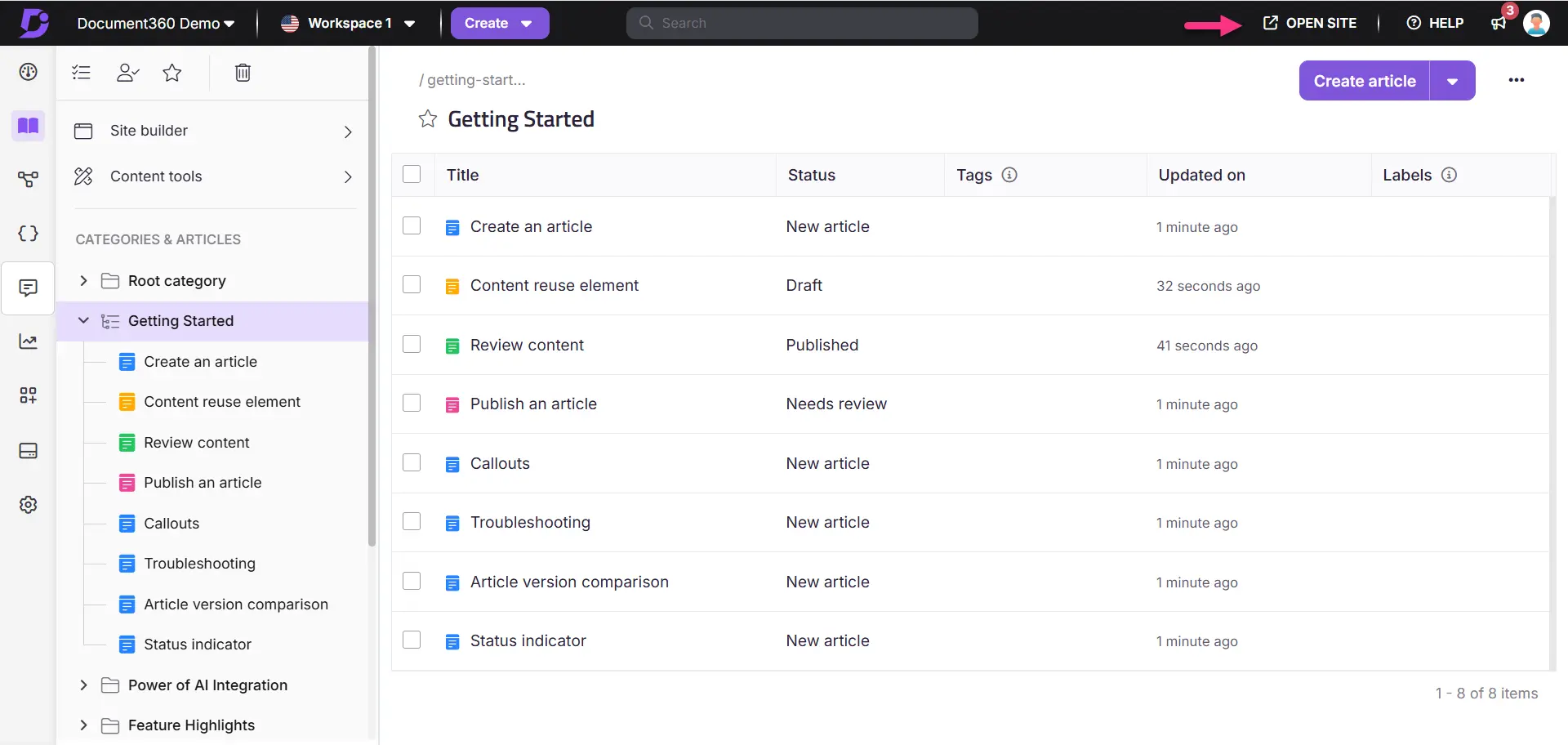
Document360 focuses on structured documentation and self-service knowledge experiences. It supports internal and external knowledge bases, making it a flexible platform for both employees and customers. Its markdown editor, versioning tools, and category management help teams maintain clean, consistent documentation. With a clear hierarchy system, Document360 makes it easy to organize large volumes of technical or process-heavy content.
Its analytics tools offer insights into search performance, content gaps, and user behavior. Document360 integrates with ticketing and support tools, which helps teams align documentation with customer service workflows. Internal access controls ensure that sensitive information is protected while still enabling collaboration. For teams managing complex documentation, the platform offers the precision needed for long-term scalability.
Key features of Document360
- Structured content hierarchy: Helps teams build clean, organized knowledge bases.
- Markdown editor: Supports technical documentation with version histories.
- Analytics dashboard: Surfaces gaps, trends, and usage insights.
Best for: Teams managing detailed, documentation-heavy knowledge bases.
7. SharePoint
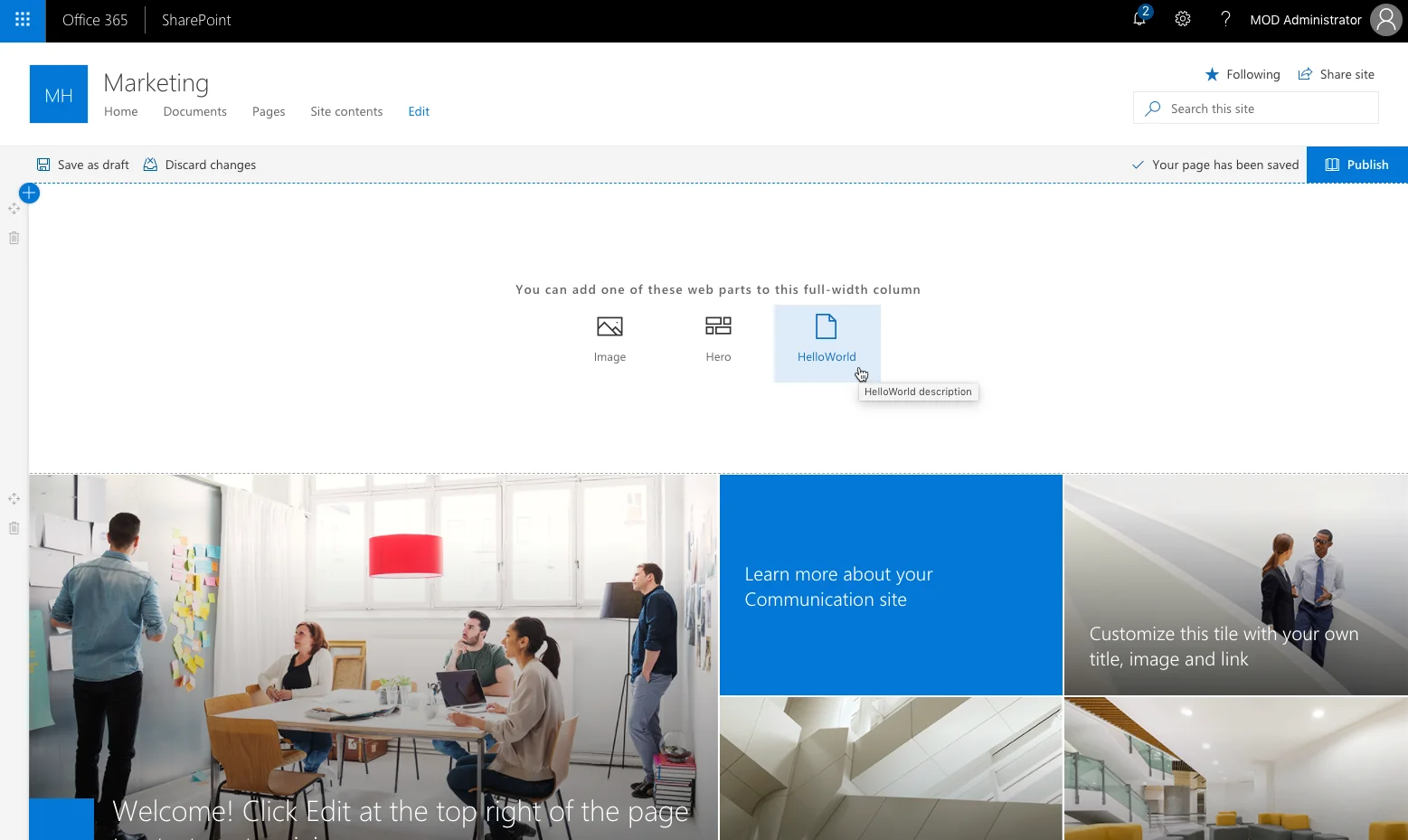
SharePoint is Microsoft’s enterprise content management platform, widely used to support document storage, collaboration, and corporate knowledge. It integrates tightly with Microsoft 365, allowing organizations to centralize files, policies, and processes in a controlled environment. SharePoint’s strengths include document versioning, permission management, and workflow automation, all of which help teams maintain consistency and accuracy across content.
Its customizable sites allow departments to create libraries, lists, pages, and hubs that reflect their operational needs. SharePoint supports robust search capabilities, pulling results from documents, metadata, conversations, and profiles across Microsoft tools. For organizations working heavily within the Microsoft ecosystem, SharePoint reinforces security standards and governance frameworks already in place.
Key features of SharePoint
- Enterprise-level document storage: Supports structured libraries and permission controls.
- Integration with Microsoft 365: Connects knowledge to tools like Teams, Word, and Outlook.
- Workflow automation: Helps standardize content governance and review processes.
Best for: Large organizations using the Microsoft ecosystem that need structured content management.
8. Slab
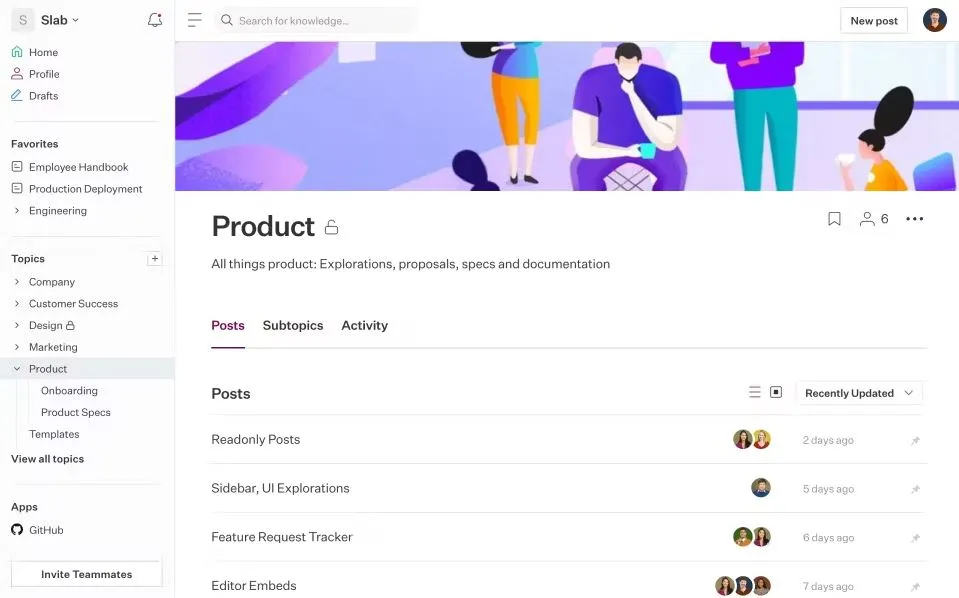
Slab is a knowledge hub built to help teams create clean, modern documentation without unnecessary complexity. Its interface is simple and distraction-free, which encourages employees to document processes, guides, and insights consistently. Slab’s organizational structure combines topic-based hierarchies with powerful search, making it easy for people to find information across teams and repositories.
The platform integrates with many third-party tools, such as GitHub, Slack, and Google Drive, which helps unify knowledge stored across different locations. Slab’s publishing tools support formatting standards so content remains consistent, regardless of who creates it. Collaborative editing and comments streamline updates, while version histories keep teams aligned as information evolves. The platform emphasizes clarity above all, making it suitable for teams that prefer straightforward documentation environments.
Key features of Slab
- Simple editor: Supports clean, standardized documentation.
- Unified search: Pulls results from Slab and integrated tools.
- Topic-based structure: Helps teams maintain logical content organization.
Best for: Teams that value minimal, structured documentation without advanced customization.
9. Tettra
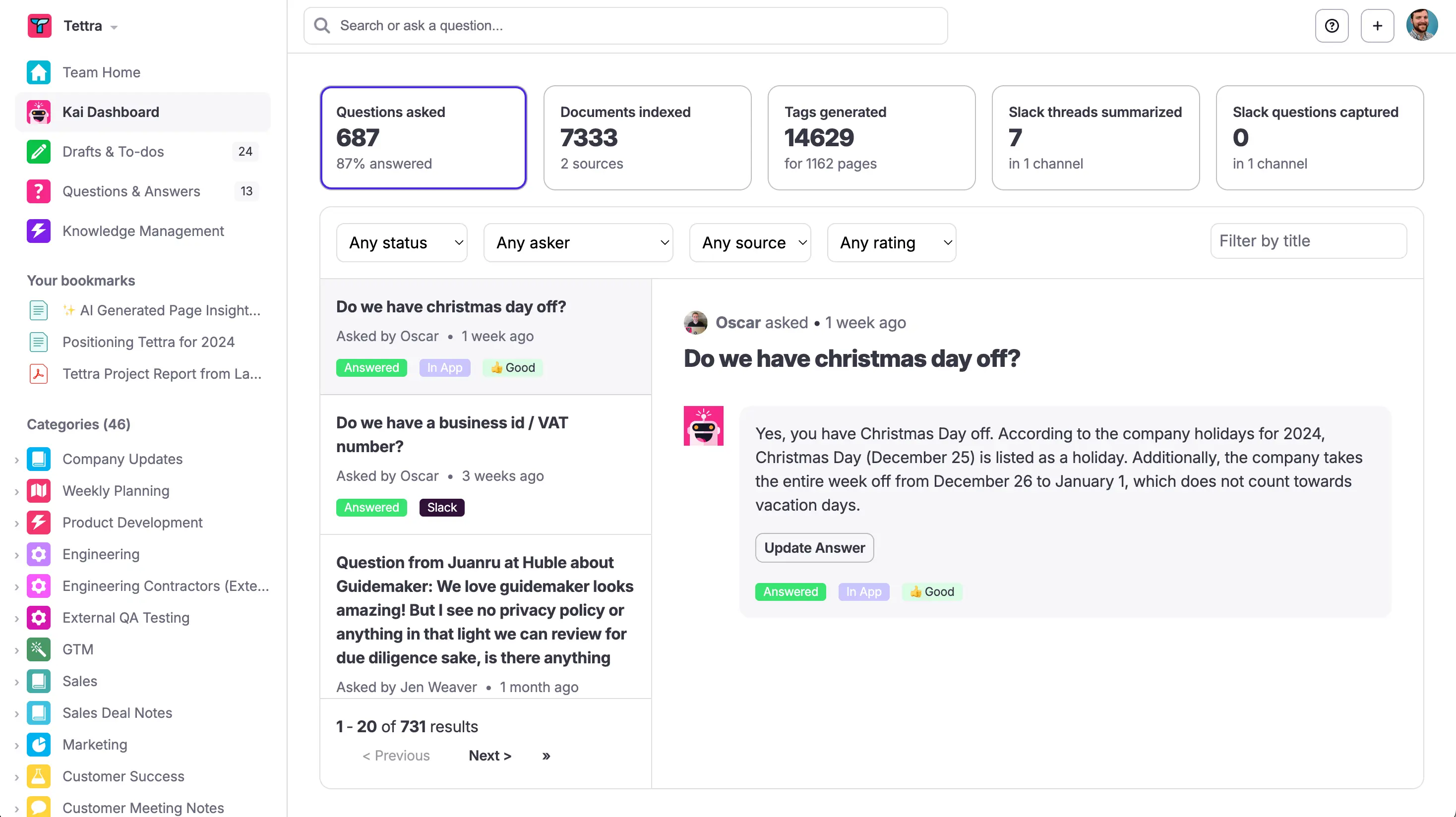
Tettra is a lightweight knowledge management platform designed for fast-moving teams. Its strength lies in simplifying how teams document processes, answer recurring questions, and maintain internal knowledge. Tettra’s categorization options and templates help teams create consistent documentation with minimal effort. It links closely with Slack and Microsoft Teams, allowing employees to surface answers directly inside chats.
Content verification notifications help subject matter experts review and update information on a regular basis. Tettra also includes Q&A features for capturing tribal knowledge that may not yet be documented. Simple permissions and intuitive navigation make it easy for teams to adopt and maintain. This focus on clarity and simplicity supports teams that need a streamlined, curated knowledge base.
Key features of Tettra
- Slack and Teams integrations: Surfaces answers directly inside chats.
- Verification reminders: Prompts timely content updates.
- Q&A capture: Converts informal knowledge into structured documentation.
Best for: Smaller teams that want quick access to verified knowledge without complex features.
10. Zoho Wiki
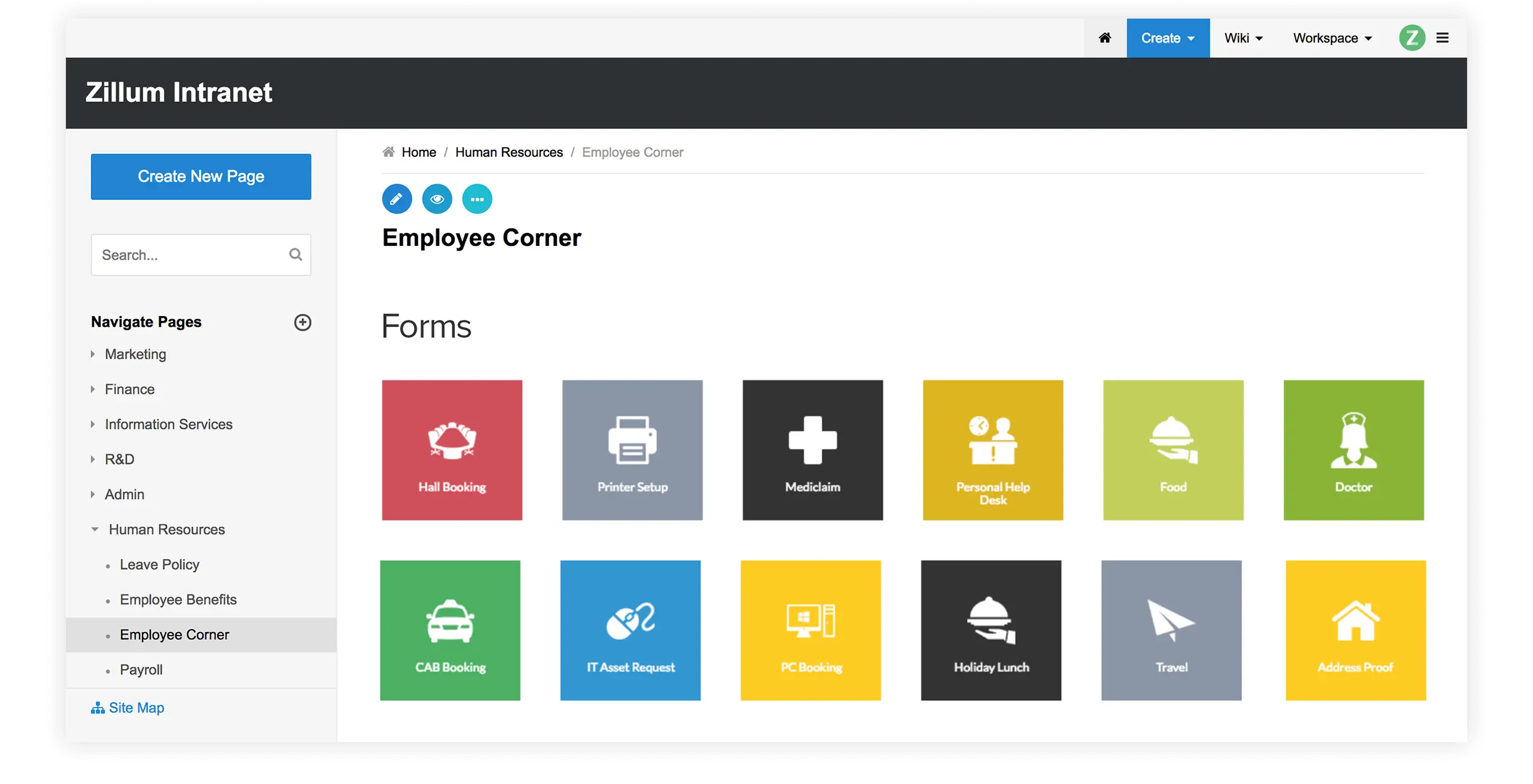
Zoho Wiki offers a structured environment for creating team-specific knowledge spaces. Each department can build its own workspace with pages, categories, and templates to maintain order. This provides flexibility while still supporting organization-wide consistency. Zoho Wiki offers access controls that allow administrators to manage visibility and editing capabilities across teams and roles.
The platform supports a range of formatting options that help teams build process guides, manuals, policies, and internal project documentation. Integrations with other Zoho products strengthen workflows for organizations already using the ecosystem. Zoho Wiki includes version histories, notifications, and simple search tools that help maintain clarity across growing content libraries.
Key features of Zoho Wiki
- Department workspaces: Supports tailored content structures for different teams.
- Access controls: Helps maintain governance and content accuracy.
- Template support: Standardizes documentation formats across the organization.
Best for: Organizations using the Zoho ecosystem that need structured departmental knowledge spaces.
11. KnowledgeOwl
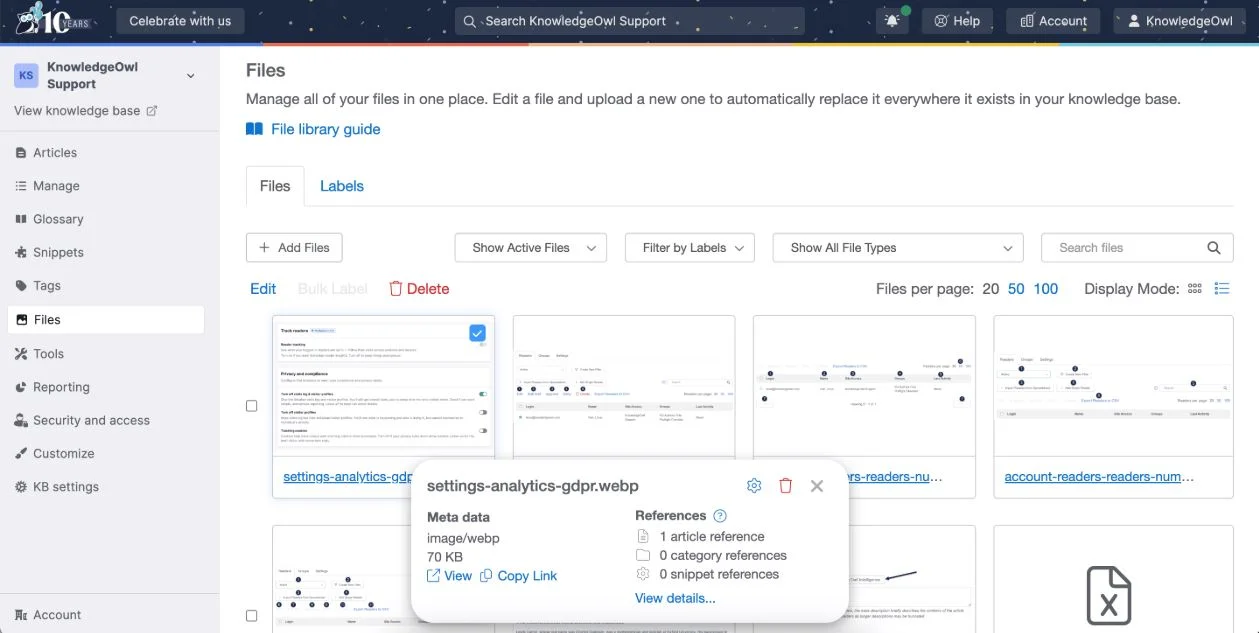
KnowledgeOwl is a documentation-focused platform designed to help teams build organized internal and external knowledge bases. Its editor supports structured content creation, allowing authors to manage detailed guides, policies, and procedural documents with precision. KnowledgeOwl’s category system helps teams maintain clear hierarchies, which is especially useful for organizations managing large volumes of technical or compliance-related information.
The platform offers strong permission controls, enabling administrators to customize access for internal teams, customers, or partners. Its analytics tools highlight how content is used, helping teams identify gaps or areas that require updates. KnowledgeOwl integrates with support and ticketing tools, making it easy to align documentation with customer service workflows. This combination of structure and flexibility makes the platform suitable for information-heavy environments.
Key features of KnowledgeOwl
- Structured categories: Supports clean organization of technical or detailed content.
- Flexible permissions: Manages internal and external visibility with precision.
- Analytics reports: Highlights user behavior and documentation performance.
Best for: Documentation-heavy teams that manage technical or compliance-related knowledge.
12. Helpjuice
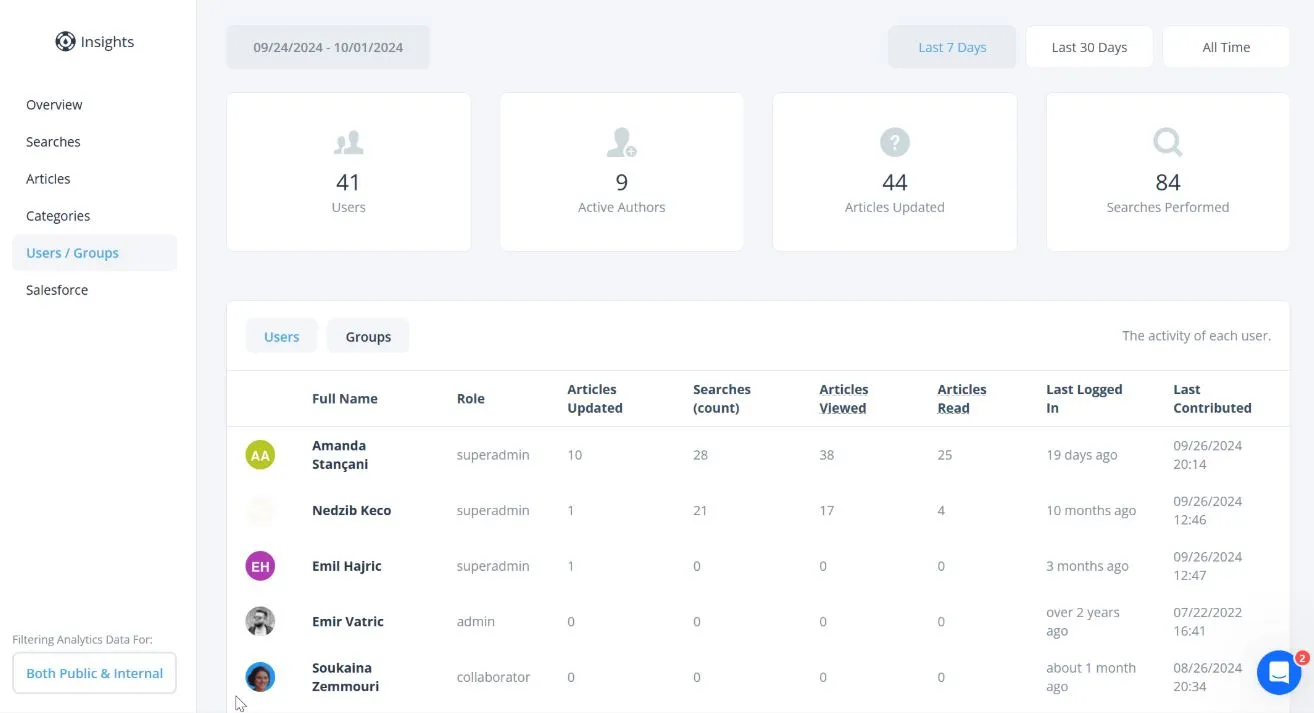
Helpjuice is a knowledge base platform built to support scalable documentation and easy information retrieval. Its editor allows teams to create guides, FAQs, and process documentation in a clean, readable format. Helpjuice offers advanced search capabilities and customizable themes, allowing organizations to tailor the platform to their internal workflows or branding needs.
Collaboration tools help teams co-author content, track updates, and maintain consistency as information grows. Helpjuice’s analytics dashboard provides insights into what employees search for, what they read, and where content gaps exist. Its permission controls and versioning tools support governance across departments. With a focus on simplicity and scalability, Helpjuice helps teams reduce repeated questions and maintain structured, searchable knowledge.
Key features of Helpjuice
- Customizable themes: Aligns the knowledge base with internal branding.
- Analytics insights: Identifies content gaps and search patterns.
- Versioning tools: Ensures documentation remains accurate and reliable.
Best for: Organizations that want a scalable, easy-to-manage knowledge base with strong search and analytics.
Build a more connected knowledge environment
Knowledge management plays a significant role in how teams share information, solve problems, and maintain confidence in their work. When knowledge lives in one reliable place, people spend less time searching for answers and more time making informed decisions. A strong platform also helps preserve expertise, support onboarding, and provide clarity across changing roles and responsibilities.
Choosing the right solution depends on how your teams work, where information currently lives, and which tools support your processes. As organizations grow, they need platforms that maintain structure, streamline updates, and make knowledge accessible across departments. This is where Axero comes in. We provide a centralized, flexible platform that helps organizations build a dependable source of truth for daily operations.
Book a demo today to see how Axero can strengthen your knowledge sharing practices.












 info@axerosolutions.com
 1-855-AXERO-55