“Excellent security, customer service, and support drive internal participation and community engagement and are great tools for sharing resources, updates, and collaboration across the organization.”

Theresa M.
Earthjustice
Intranet for Nonprofits & NGOs
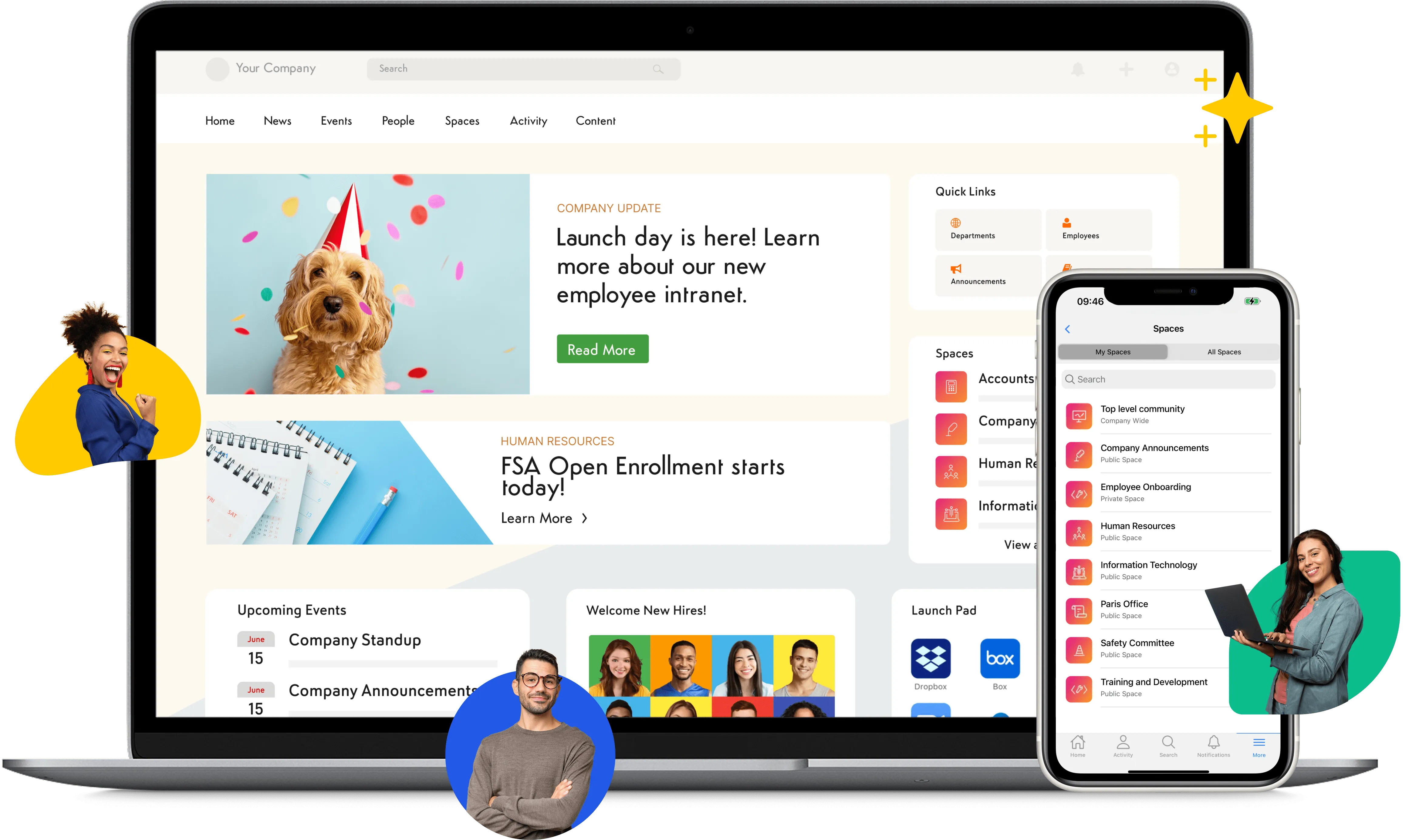
Bring staff, volunteers, program teams, and your board into one place — each with the right level of access — so your people spend less time wrangling tools and more on the mission.
Trusted by leading nonprofits






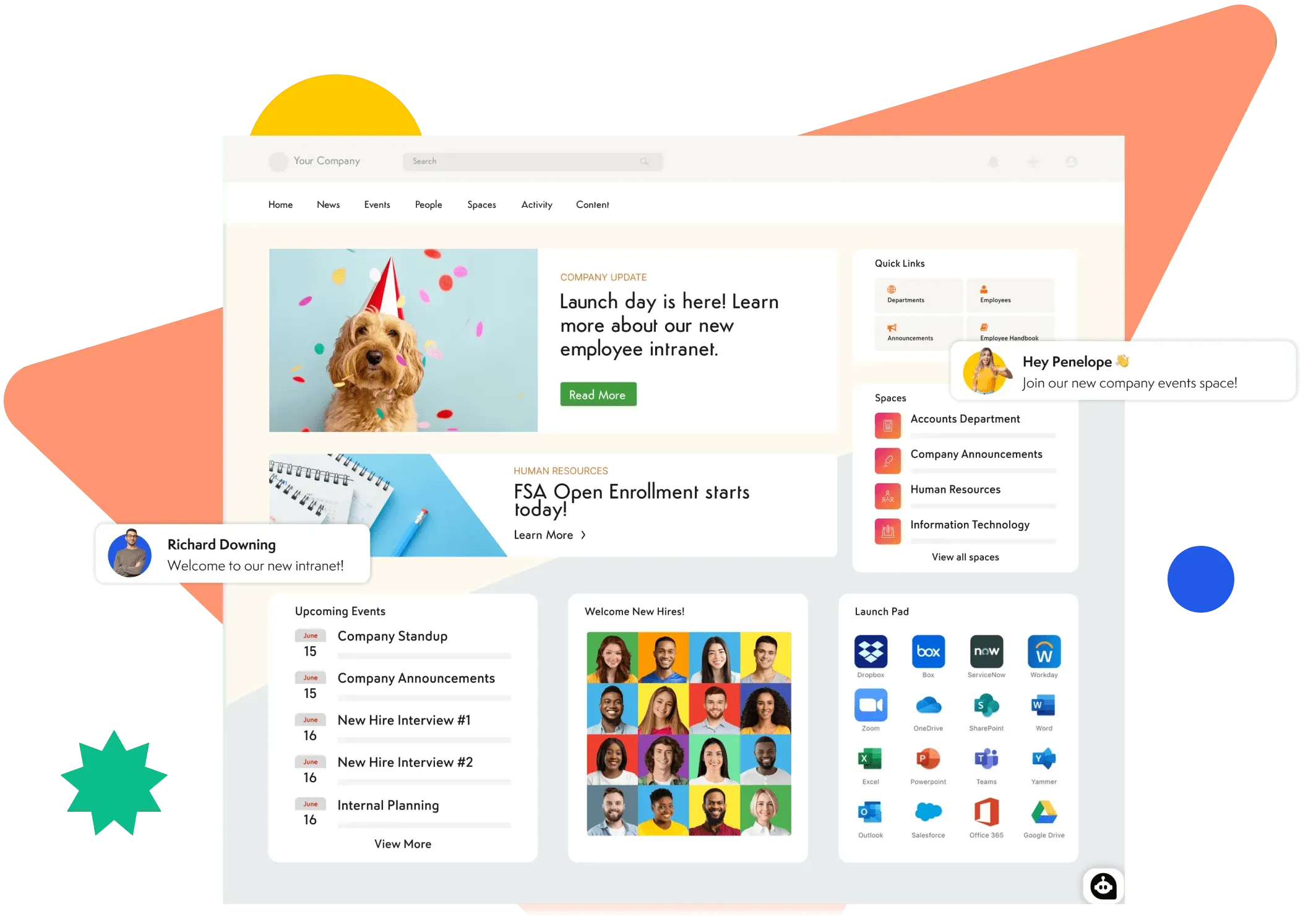
The more efficient your nonprofit is, the further you can stretch every dollar. If staff and volunteers have ten browser tabs open on top of separate communication and collaboration apps, they're spending more time managing tools than serving their community. Axero brings that digital workplace into one place, so your people can focus on what matters most.
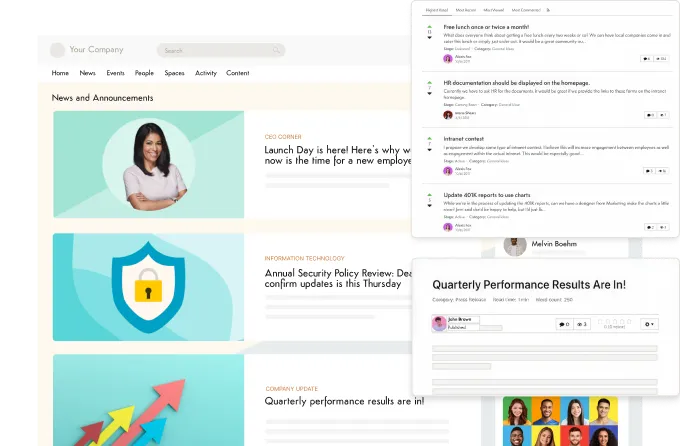
Keep everyone in the loop with a range of publishing tools. Post critical information as an article, start a discussion on a hot topic, or send a quick status update. You can target messages so exactly the right people see them, and make anything required reading with one click.
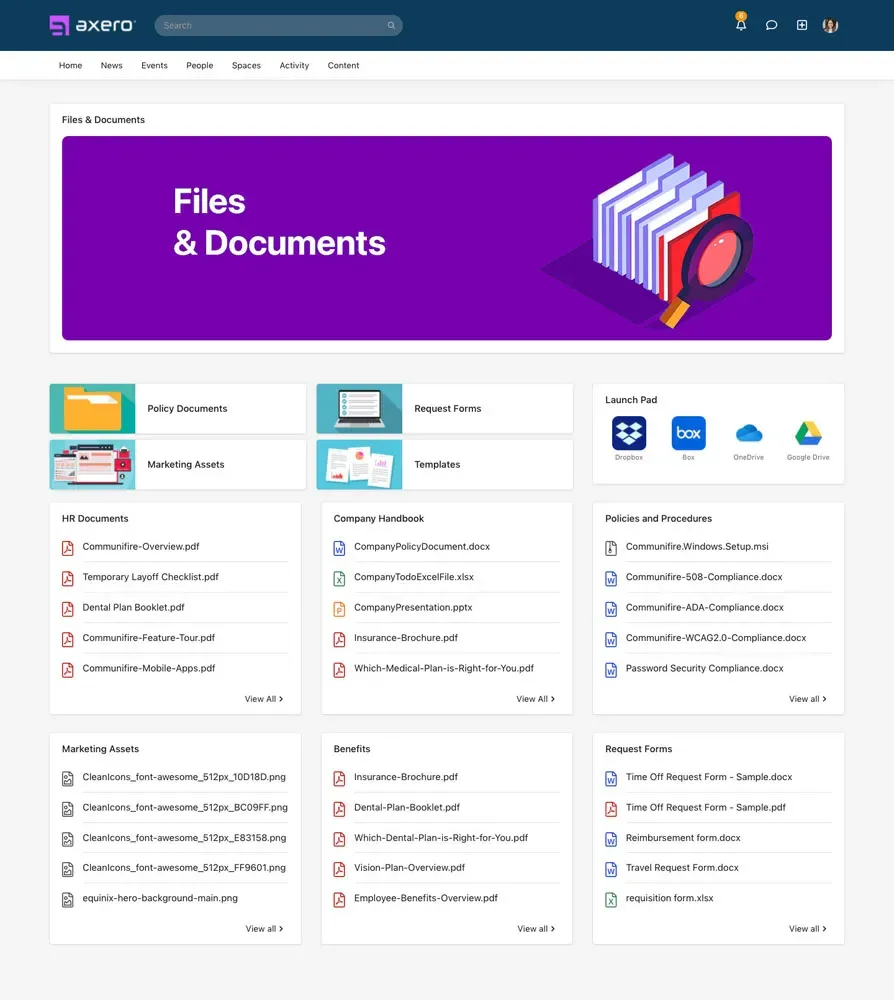
Your volunteers, coordinators, administrators, staff, and partners bring a lot of knowledge to the table. Axero centralizes that expertise and makes it easy to find with knowledge management features that build a living, searchable library as your team works — no messy shared drives required.
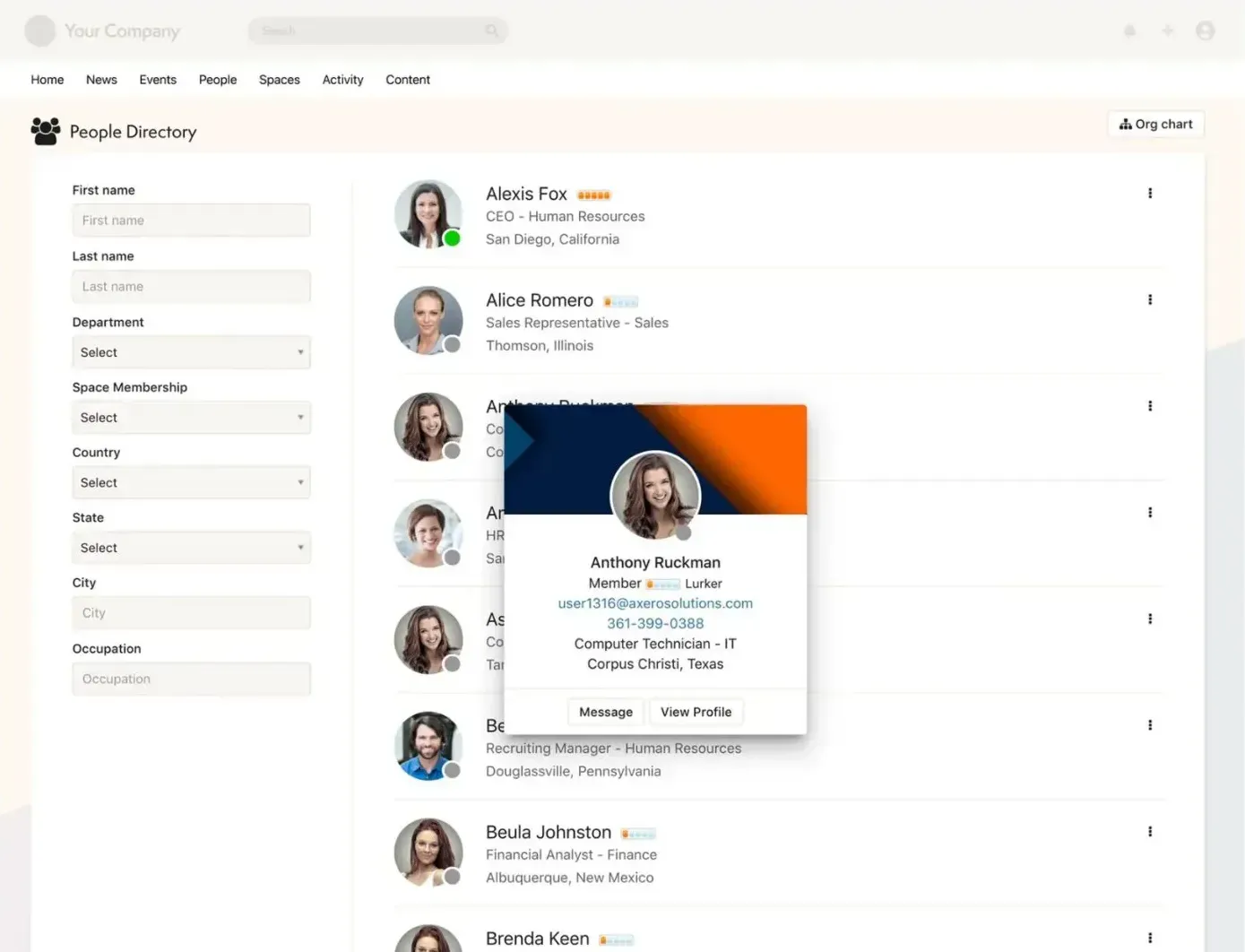
Unlock a social intranet with the Axero directory and member profiles. Profiles aren't just contact cards — they carry activity feeds, authored content, connections, and group memberships. You and your team decide what's public, what's private, and what's shared only with connections.
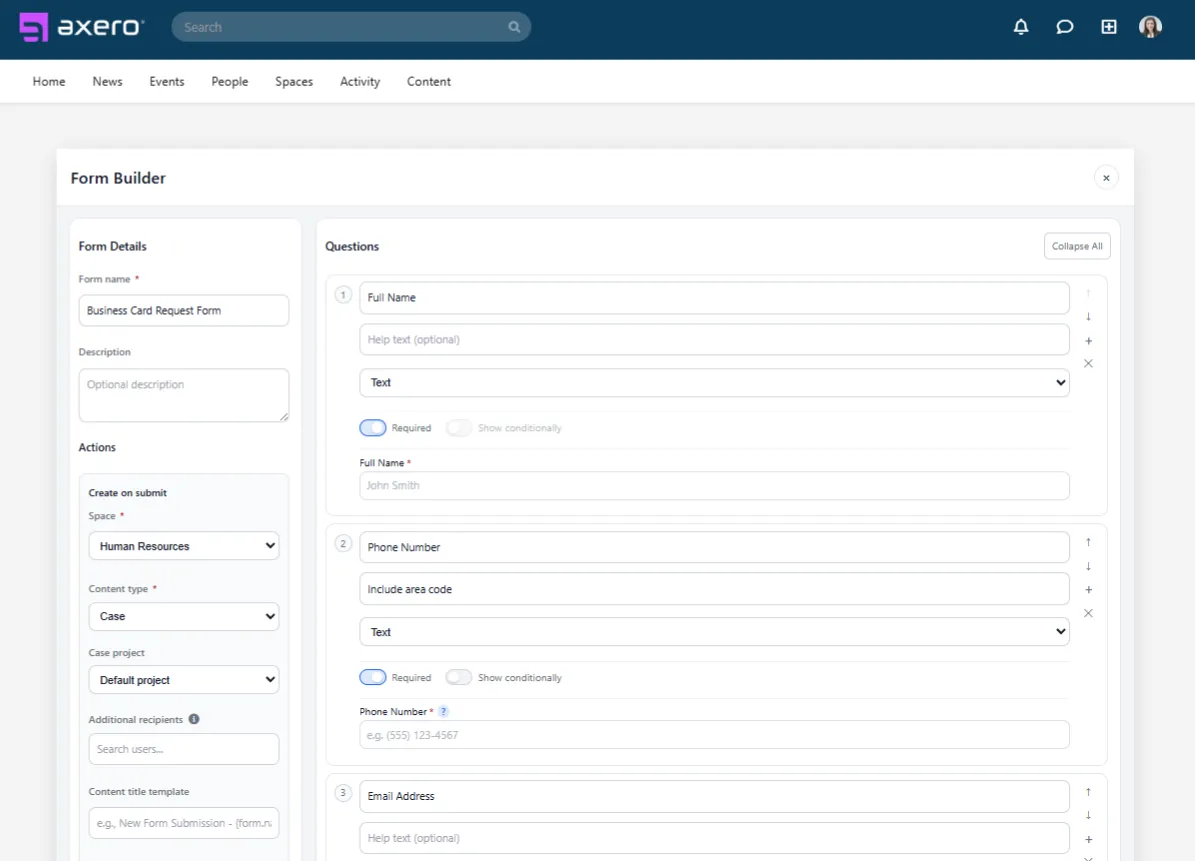
Volunteer applications, event registrations, program intake, expense requests — the forms a nonprofit runs on usually end up scattered across a survey tool, a PDF someone emails around, and a spreadsheet nobody owns. Form Builder keeps them inside the intranet, and a submission can open a case in the right queue or post to the right Space on its own, with the notification going to the coordinator who handles it rather than to everyone.
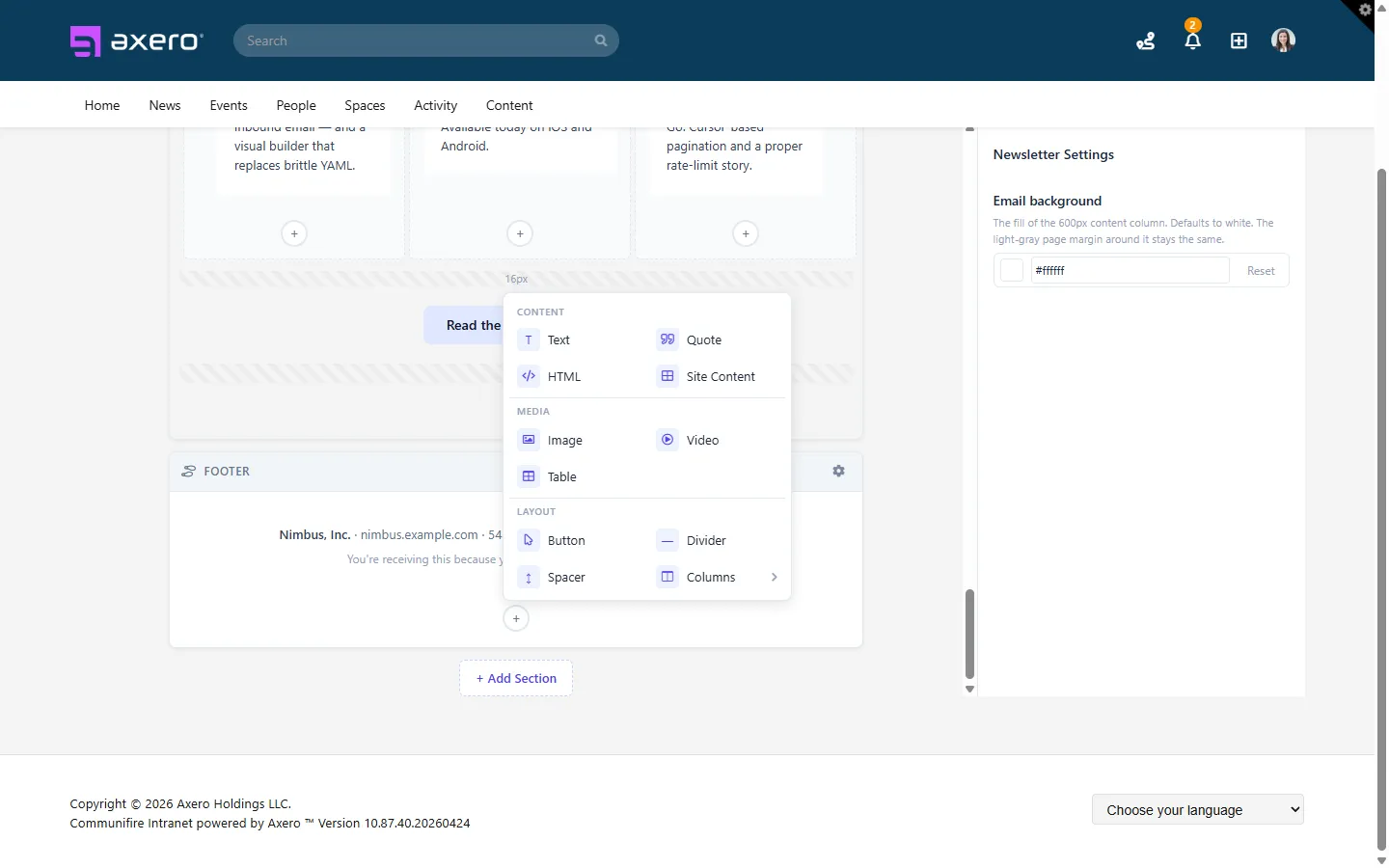
Newsletter Manager builds and sends email from inside Axero, drawing recipients from the groups and Spaces you already maintain — so a volunteer newsletter goes to current volunteers rather than to whoever was on last year's list. After a send you can see opens and clicks, which is the part a board report usually asks about.
“Excellent security, customer service, and support drive internal participation and community engagement and are great tools for sharing resources, updates, and collaboration across the organization.”
“Axero provides a platform for our Non-Profit to stimulate conversations, cultivate our community, and engage our members.”

“With Axero, we host the TEDx community from around the world under one social platform. Axero's customer service is the best. We always have someone to answer our questions.”

Why nonprofits choose Axero
Provide an easy way for your workforce to get connected and informed. Streamline communications and simplify the process of daily knowledge sharing.
Eliminate barriers based on location or device. Provide your volunteers with instant access to knowledge they need from any mobile device anywhere.
Encourage information sharing by removing silos. Speed up knowledge acquisition and remove frustrations and operational inefficiencies.
Find the information you need when you need it easily via Axero's centralized knowledge base. Stop sifting through email threads.
Spin up Spaces to collaborate on a program, campaign, or grant. Invite donors, funders, program partners, and board members into the specific area they need.
Getting your best work done requires excellent organization. Organize info by projects, groups, or topics — and pull any relevant data instantly.
Axero makes it easy for your teams to share their expertise within the context of any topic or project. Unlock that insight and make better decisions.
Engage volunteers, staff, donors, and board members so they become genuine ambassadors for your mission — not one-time supporters you have to re-earn each year.
Workspaces
A nonprofit isn't one uniform group of employees. Paid staff, volunteers, program and field teams, board members, committees, donors, and partner organizations each need different things — and different levels of access — from the same platform. That's what Workspaces handles.
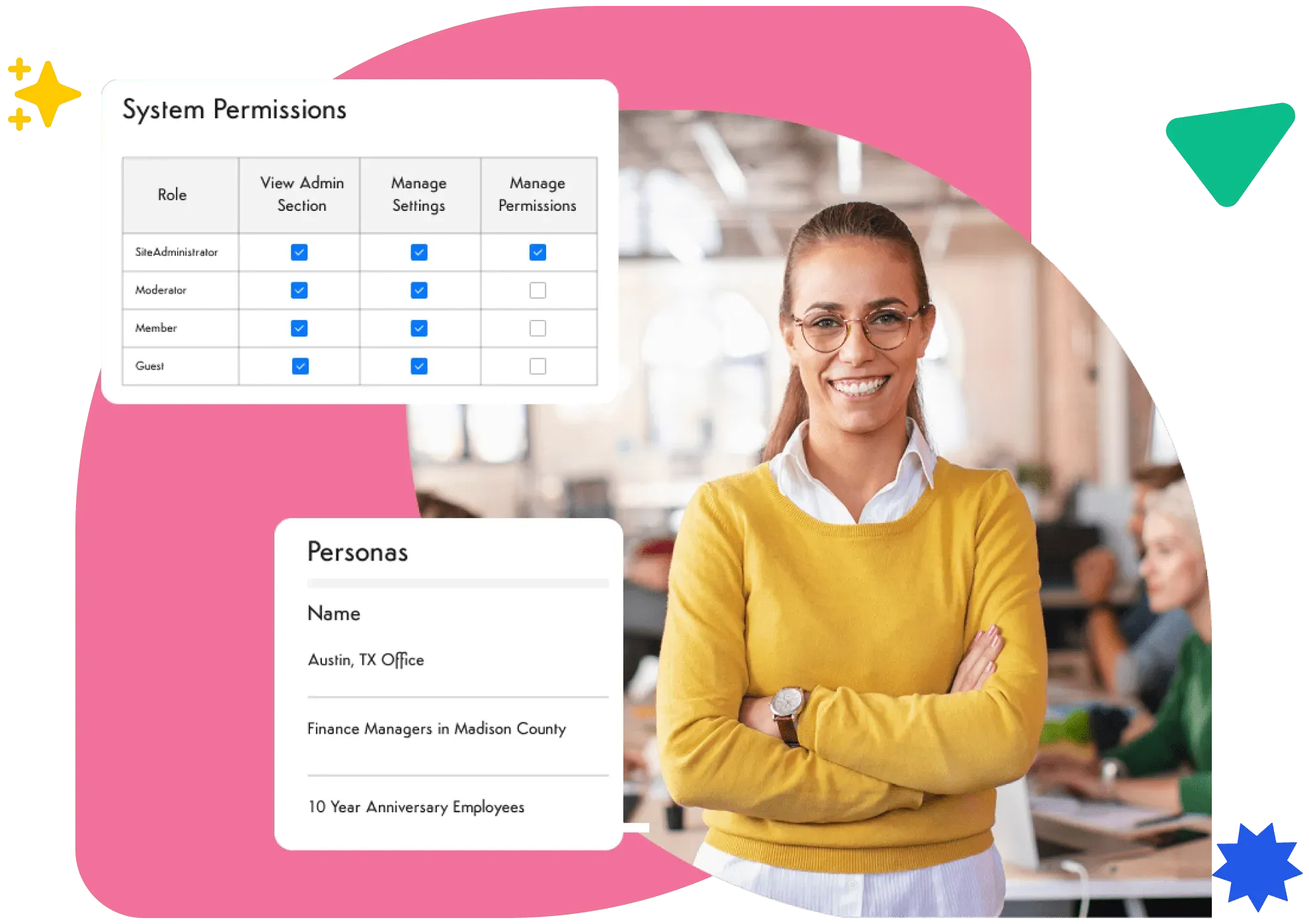
Teams control what's visible to the whole organization versus restricted to specific members.
Restricted membership for meeting materials, minutes, and governance documents, with permissions down to the individual file.
Volunteers see only the Spaces relevant to them — onboarding, schedules, program information — without HR or finance content.
Invite external board members, funders, and partner organizations into a specific Space without giving them broader platform access.
Customization
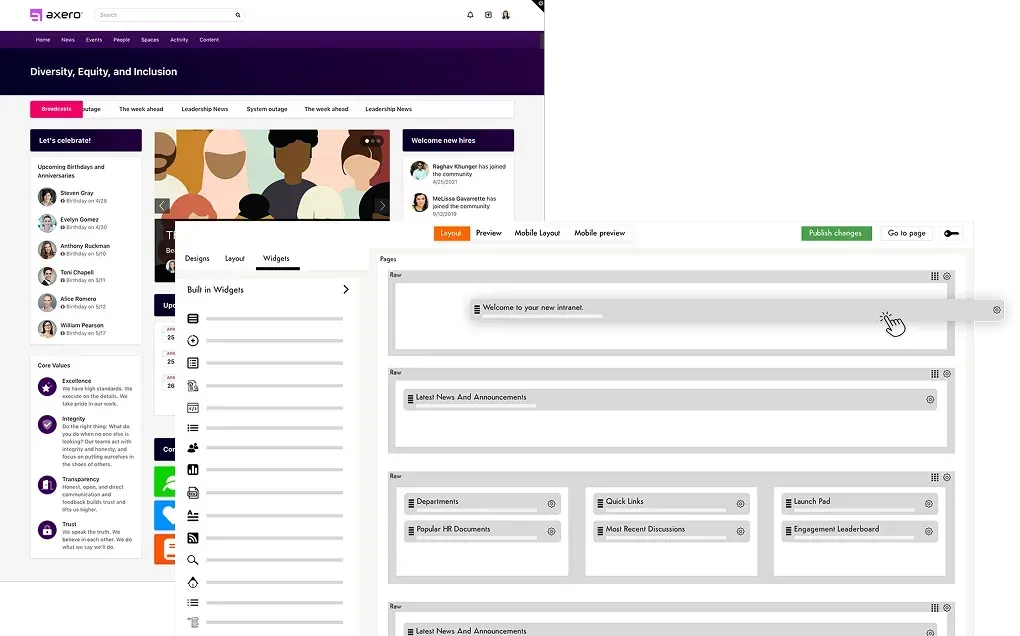
Staff, volunteers, and board members don't need the same homepage. With Page Builder personas, you build a separate homepage layout per role and target it to that group, so a volunteer signing in lands on onboarding steps, shift schedules, and program information, while staff land on internal comms, the document library, and day-to-day operations. Neither one is a stripped-down version of the other — they're different pages, each assembled from the widgets that group actually uses.
Branding goes deeper than a logo in the corner. Fonts, colors, headers, and navigation can follow your own brand guide, which matters when volunteers and board members are the people you most want to feel at home. The result reads as your organization's site rather than as software you licensed.
Nonprofits rarely get to standardize on one vendor, so an intranet has to sit alongside what's already in place. Axero ships 39 native integrations, including Microsoft 365, SharePoint Online, OneDrive, and Outlook calendars on the Microsoft side, and Google Workspace, Google Drive, and Google Calendar on the other. Teams, Slack, and Zoom cover day-to-day communication; Dropbox and Box cover files. Single sign-on runs through Active Directory, Azure AD, ADFS/SAML, Okta, OneLogin, and social logins, so volunteers and staff use credentials they already have.
Where a native connector doesn't exist, the REST APIs and webhooks cover it — useful for the donor database or grants system that no intranet ships an integration for.


Security & deployment
Nonprofits hold sensitive information — donor records, beneficiary data, financials. Axero is built to protect it, whether we host you or you host yourself.