A company knowledge base gives employees one place to find the information they need to work with confidence. Most organizations rely on a mix of documents, shared drives, and messaging tools, which often leads to confusion, outdated files, and slow responses. A centralized knowledge base solves these issues by creating a single source of truth. It helps teams store information in organized spaces, surface answers quickly, and keep everyone aligned on processes, guidelines, and expectations.
As work environments continue to shift and employees operate across departments, offices, and time zones, structured knowledge becomes essential. People need accurate information at the moment they need it. Leaders want to reduce repetitive questions. Teams want clarity. A strong knowledge base supports each group, reduces friction, and helps employees focus on their work instead of hunting for details.
Top 10 company knowledge bases for 2025
What is company knowledge base?
A company knowledge base is a structured hub where organizations store and share information employees need to perform their roles. It holds documents, guidelines, procedures, FAQs, and institutional knowledge. A knowledge base organizes this information so employees can find answers quickly without relying on email threads or one-on-one conversations.
Modern knowledge bases go beyond static documents. They include search tools, permissions, version control, and collaborative editing. These features help teams maintain accuracy, work together, and keep information current. A knowledge base also supports onboarding, reduces repeated questions, and helps new and experienced employees locate information with confidence. Centralizing this knowledge strengthens communication and reduces time spent searching across disconnected tools.
What to consider when choosing the right company knowledge base
When evaluating knowledge base tools, consider how the platform supports your employees’ daily needs. The right solution should reduce friction, simplify governance, and help teams work together more effectively. You should also look for tools that integrate with your existing software so your knowledge base becomes part of a connected digital workplace.
Search accuracy
A strong search function helps employees surface relevant results quickly. It should recognize keywords, handle natural phrasing, and filter content by type or location.
Ease of use
A simple, intuitive interface encourages adoption. Employees should be able to create, update, and find content with minimal training.
Content organization
Look for clear structures like categories, tags, and pages. These tools help teams manage growing libraries of information and maintain consistent formatting.
Permissions and governance
Role-based access ensures the right people can edit or view specific content. Good governance tools help maintain accuracy as your knowledge base expands.
Integrations
A knowledge base should connect with communication, collaboration, and productivity tools. Integrations reduce context switching and keep information accessible.
10 best company knowledge bases
1. Axero
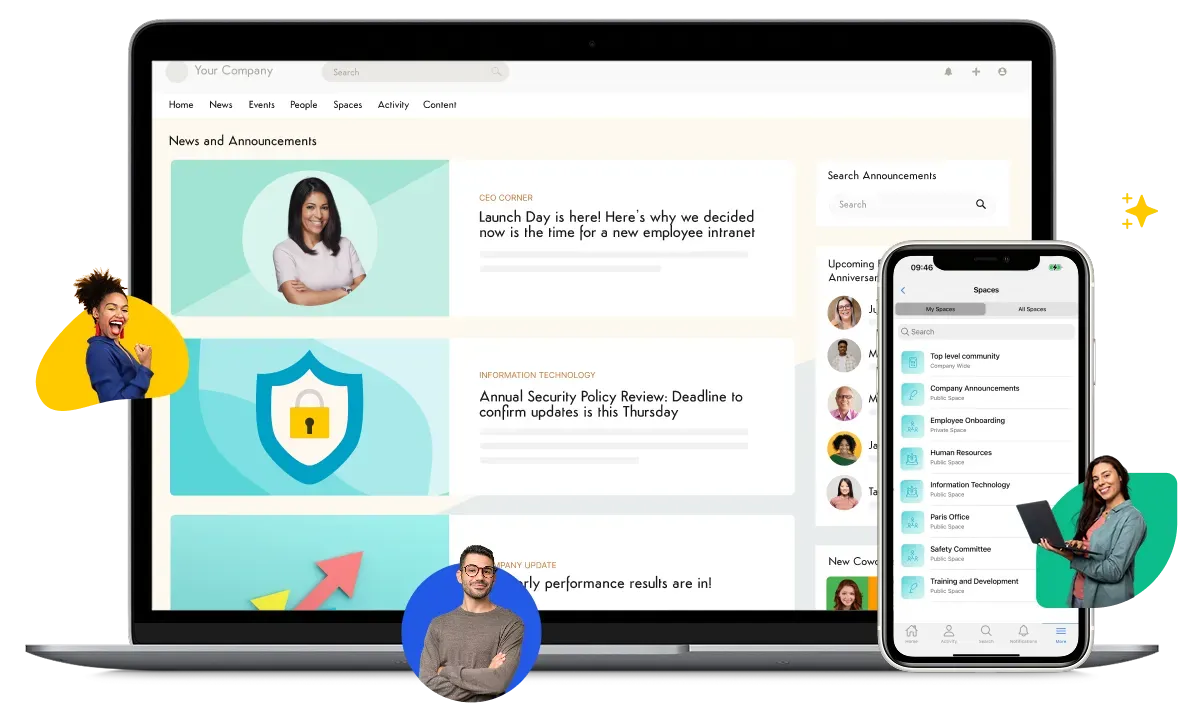
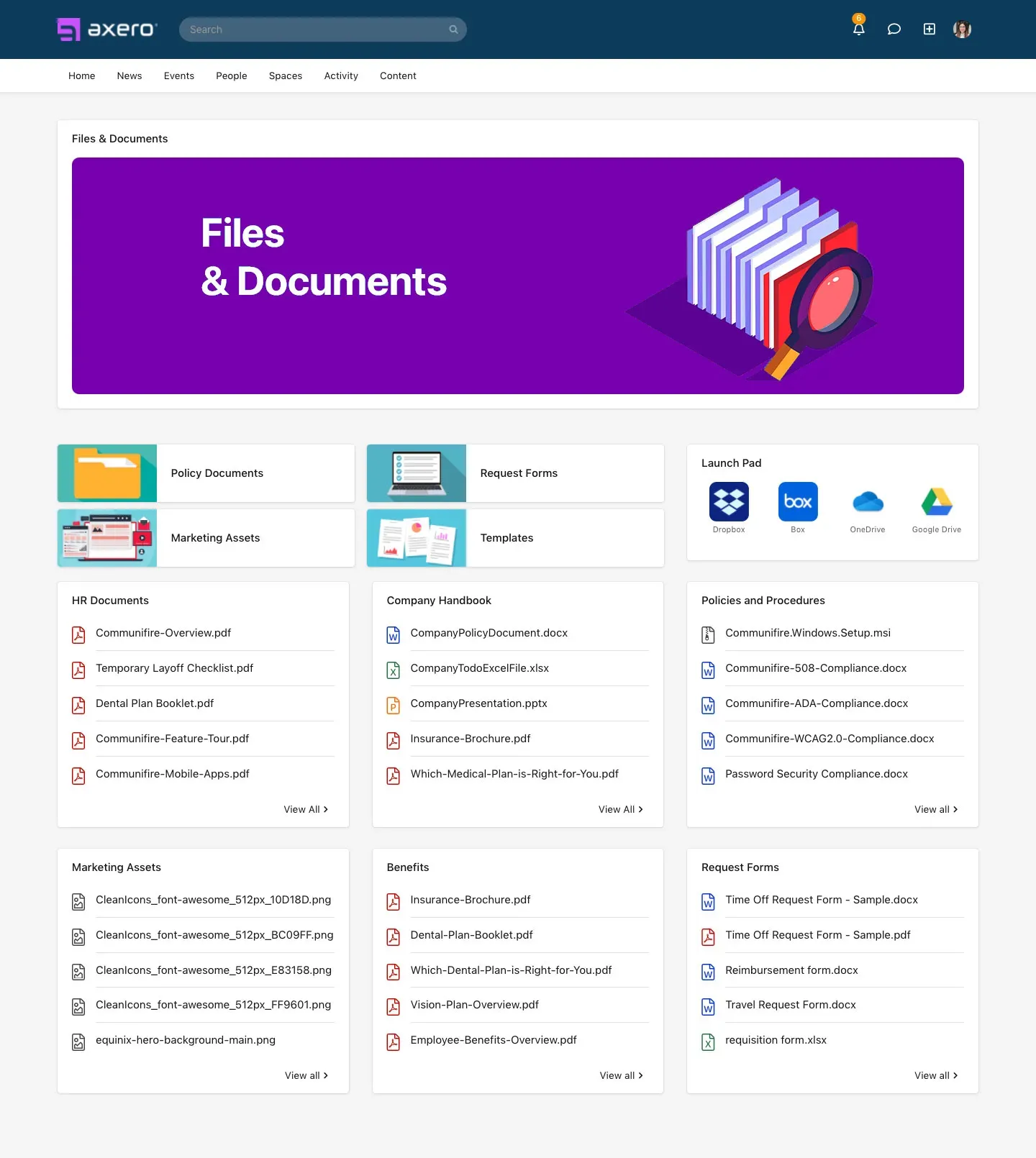
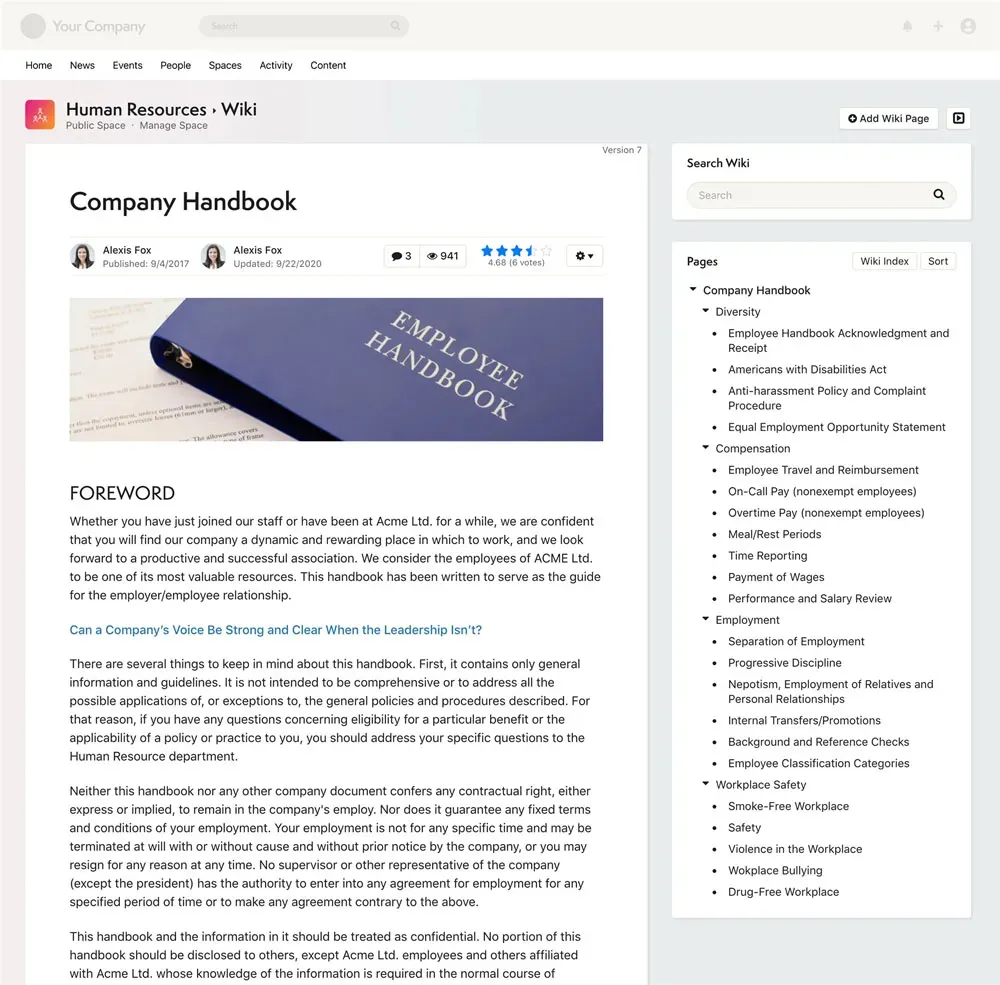
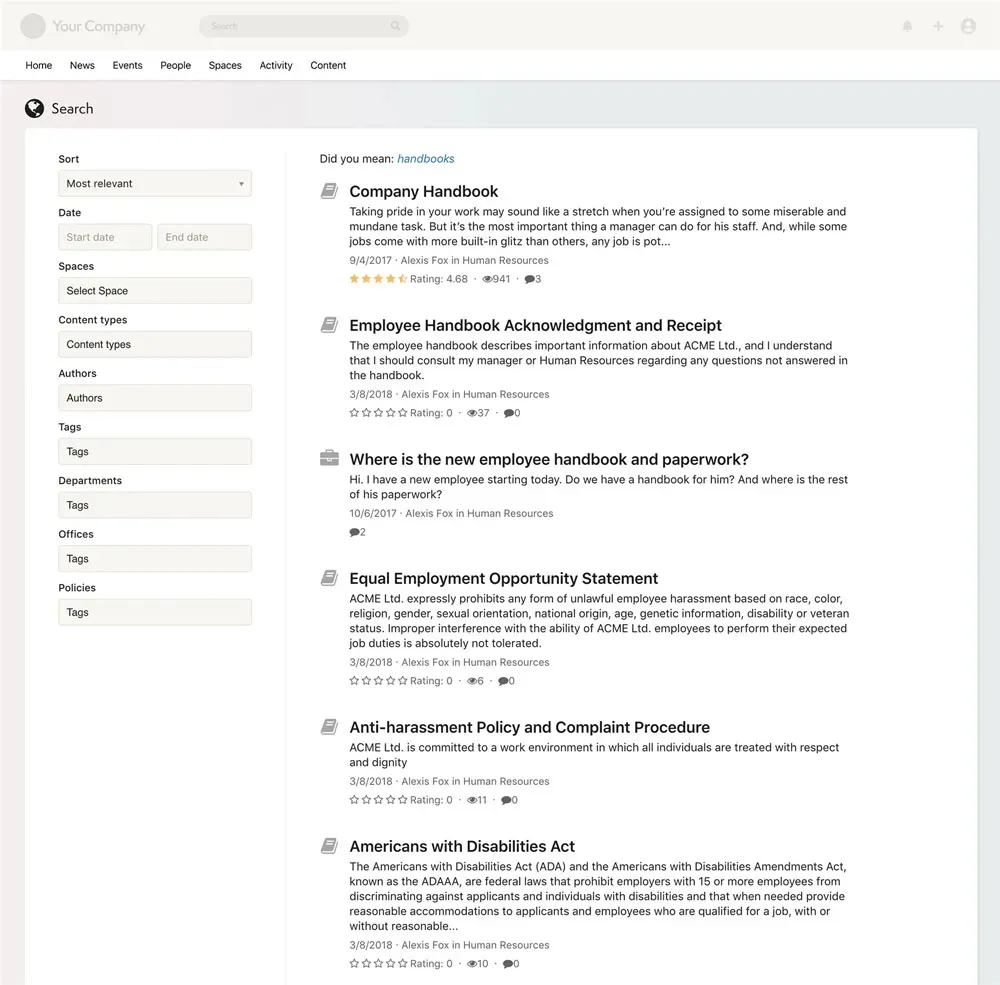
Axero is an intranet platform with built-in knowledge base capabilities that give organizations a unified space for information, communication, and collaboration. Employees can store documents, create structured pages, and organize content into hubs that reflect how teams work. Everything lives in one platform, which removes the need to jump between tools or manage multiple content repositories. Axero’s search engine helps employees find answers quickly, even when information spans different areas of the intranet. This supports faster decision-making and reduces repeat questions across teams.
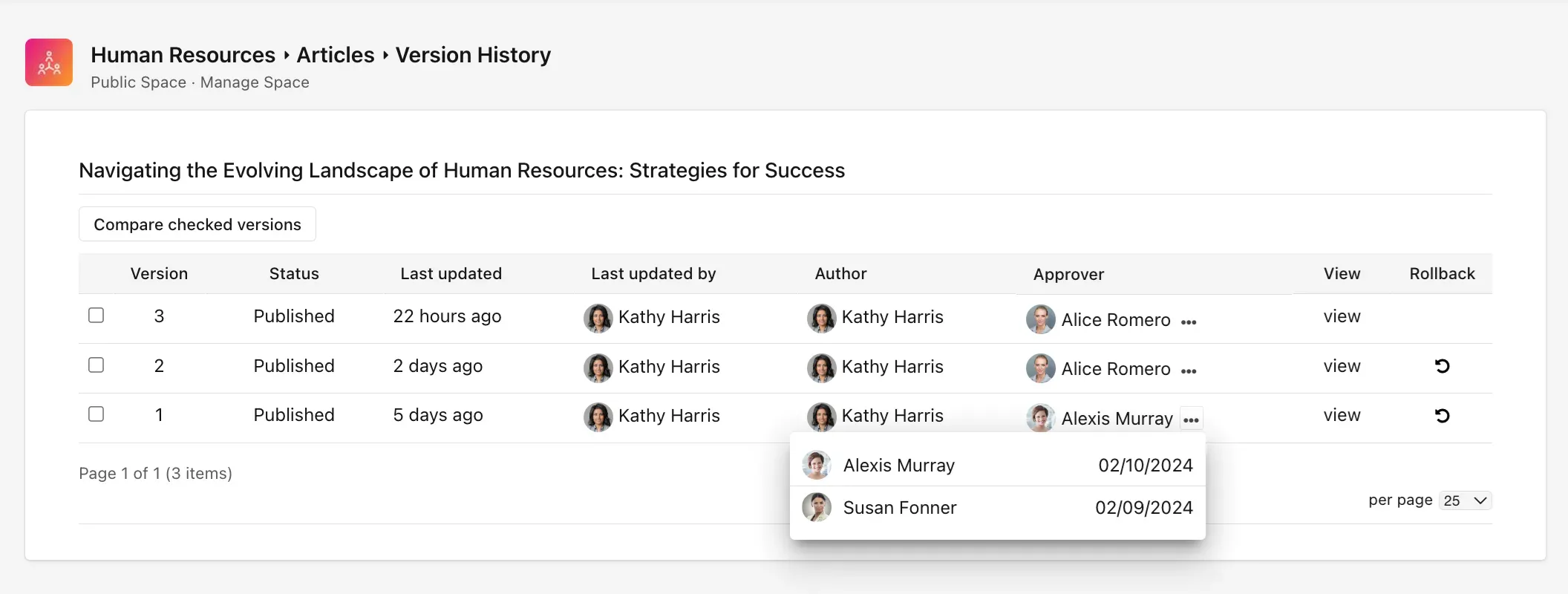
Axero also includes content governance features such as permissions, content expiration, and workflows. These tools help leaders maintain accurate information while giving content owners control over updates. Customizable templates allow teams to create consistent pages for processes, policies, and documentation. Because the knowledge base connects seamlessly with communication tools, discussion threads, and directories, employees have full context for every piece of information.
Key features of Axero
- Advanced search: Helps employees locate answers quickly by scanning documents, pages, and comments.
- Structured content templates: Supports consistent formatting for procedures, guidelines, and reference material.
- Role-based permissions: Helps organizations control access, maintain accuracy, and streamline governance.
Best for: Organizations seeking a unified intranet with a knowledge base that connects communication, collaboration, and daily operations.
2. Confluence
Confluence is a team workspace used to create, organize, and share documentation. It offers flexible page structures that help teams build knowledge libraries, project hubs, and reference materials. Confluence supports collaborative editing, inline comments, and page history, which makes it useful for teams that update content frequently. Its categorization tools help organize information into spaces, and employees can use labels to improve navigation.
Confluence integrates with other Atlassian tools, including Jira, which helps technical teams link documentation to issue tracking and product work. The platform also includes version control, templates, and permissions to manage content more effectively. Confluence’s search feature helps employees find pages across spaces, though larger instances often benefit from additional structure to avoid clutter.
Key features of Confluence
- Collaborative editing: Allows multiple people to update content at the same time.
- Spaces and labels: Helps teams categorize content for easier navigation.
- Version history: Supports accurate documentation by tracking changes over time.
Best for: Teams that rely on Atlassian products or need flexible documentation spaces for projects and processes.
3. Notion
Notion is a workspace tool that combines pages, databases, and structured content into one environment. Organizations use it to build knowledge bases, project documentation, and team libraries. Its flexible block-based editor supports text, media, tables, and embeds, which makes it useful for teams that want custom layouts. Users can link pages and databases to build structured systems that grow with the organization.
Notion’s search tool helps employees find information quickly, and its permission settings control access at the page or workspace level. Templates make it easier for teams to create repeatable formats for policies, onboarding material, and internal guides. Integrations with workflow, communication, and storage tools help employees keep information connected without switching platforms.
Key features of Notion
- Flexible page design: Helps teams create structured content with customizable layouts.
- Linked databases: Allows organizations to build organized, scalable knowledge systems.
- Integrated templates: Supports repeatable structures for documentation and reference materials.
Best for: Teams that want customizable knowledge spaces and flexible content structures.
4. Guru
Guru is a knowledge base platform designed to surface information directly within employees’ daily workflows. It offers browser extensions and in-app cards that help teams access verified knowledge without leaving the tools they already use. Guru focuses on reducing repetitive questions by providing quick answers and context where employees need them. Its verification system prompts subject matter experts to review and refresh content regularly, which helps maintain accuracy across the knowledge base.
Guru supports collaborative editing, tagging, and collections to keep information organized. Its search capabilities scan cards, collections, and references to help employees locate answers quickly. Integrations with communication and productivity tools help teams share knowledge in real time and standardize responses across departments.
Key features of Guru
- In-workflow knowledge cards: Surfaces answers inside tools like Slack and browsers.
- Verification workflows: Ensures subject matter experts keep information accurate.
- Collections and tags: Helps organize growing knowledge libraries.
Best for: Fast-moving teams that need verified answers surfaced inside daily workflows.
5. Document360
Document360 is a standalone knowledge base platform designed for structured documentation. It offers dedicated workspaces for writing, editing, and publishing content. Its markdown editor supports technical and non-technical documentation. Document360 includes category managers, versioning, and access controls that help teams organize content for different audiences.
The platform provides analytics that highlight search behavior, popular articles, and content gaps. Its portal is customizable, which helps organizations shape how employees browse and consume information. Integrations with collaboration tools and ticketing systems support teams that want knowledge resources connected across different workflows.
Key features of Document360
- Markdown editor: Helps teams create structured, readable documentation.
- Versioning and rollback: Supports accurate and reliable content management.
- Detailed analytics: Highlights trends to improve knowledge quality.
Best for: Organizations needing a dedicated, structured documentation environment.
6. Helpjuice
Helpjuice is a knowledge base platform built to streamline how teams create, manage, and analyze documentation. It offers a clean editor with customizable templates that help content owners maintain consistency. Its search engine is designed to surface relevant results quickly, even when employees use different keywords or phrasing.
Helpjuice includes advanced permission controls, content grouping, and collaborative editing to help teams manage documentation across departments. Its analytics show which articles employees use most, where they struggle, and what new information they need. The platform’s customizable design options help organizations match their brand and structure their content in clear, intuitive ways.
Key features of Helpjuice
- Powerful search engine: Surfaces relevant results even with varied phrasing.
- Customizable templates: Supports consistency across documentation.
- Analytics dashboard: Reveals usage trends and content needs.
Best for: Organizations seeking strong analytics and a customizable documentation portal.
7. Bloomfire
Bloomfire is a knowledge-sharing platform designed to help teams centralize information and make it searchable. It uses indexing technology that analyzes the text within documents, videos, and audio files, helping employees surface answers quickly across different formats. Its user-friendly interface encourages teams to share knowledge in posts, collections, and categories.
Bloomfire includes social features such as comments, likes, and Q&A threads that support ongoing knowledge exchange. The platform also provides insights into engagement and search patterns, which helps leaders improve content quality. Integrations allow Bloomfire to connect with communication and productivity tools across the organization.
Key features of Bloomfire
- Deep content indexing: Makes documents and multimedia fully searchable.
- Q&A and discussion features: Supports collaborative knowledge sharing.
- Engagement analytics: Highlights usage patterns and content gaps.
Best for: Teams that rely on multimedia content and social knowledge-sharing features.
8. Slab
Slab is a knowledge base platform built to help teams share information in a clean, readable format. It focuses on creating well-structured documentation with a writing experience similar to modern content editors. Slab’s organization tools use topics and nested hierarchies to help teams maintain a clear system for storing and navigating growing libraries of knowledge. Its editor supports rich media and embeds, which helps teams create practical and visually clear documentation.
Slab integrates with a wide range of workplace tools, including Google Drive, GitHub, Slack, and others. Its unified search pulls results from both Slab content and connected apps, which reduces the need to switch between platforms. Permissions help organizations control access to sensitive content while still encouraging broad knowledge sharing.
Key features of Slab
- Unified search: Surfaces content from Slab and integrated tools.
- Clean, structured editor: Helps teams write readable, consistent documentation.
- Topic-based organization: Keeps knowledge organized in intuitive hierarchies.
Best for: Teams that value clean formatting and structured documentation with integrated search.
9. Zoho Wiki
Zoho Wiki is a documentation tool within the Zoho ecosystem that helps organizations create structured knowledge spaces. It supports wikis for teams, departments, or company-wide documentation. Its editor allows employees to write, organize, and format content with templates and categories. Teams can manage access through granular permissions that control viewing, editing, and publishing rights.
Zoho Wiki integrates with other Zoho applications, which helps organizations keep documentation connected to workflows such as project management, communication, and CRM activities. Its navigation features help users browse topics and subtopics without difficulty, making it suitable for organizations that prefer clear, hierarchical structures.
Key features of Zoho Wiki
- Team and departmental wikis: Helps create separate spaces for different content.
- Granular permissions: Supports governance and content control.
- Integration with Zoho apps: Keeps documentation aligned with broader workflows.
Best for: Organizations using the Zoho ecosystem that want structured, hierarchical documentation.
10. Tettra
Tettra is a knowledge base platform built to help teams create and manage internal documentation with minimal friction. It focuses on simplicity, making it easy for employees to add and update content without learning complex tools. Tettra integrates closely with Slack and Microsoft Teams, allowing users to answer questions with verified content directly inside those tools. This supports quick responses and reduces repeated questions across teams.
Tettra includes structured page templates, categories, and suggestions for missing content. Its verification system helps subject matter experts keep pages fresh and accurate. The platform’s lightweight approach makes it accessible for teams that want a simple system without overwhelming features.
Key features of Tettra
- Slack and Teams integrations: Provides quick access to verified answers.
- Content suggestions: Identifies missing or outdated information.
- Simple templates: Helps teams create consistent pages.
Best for: Teams that want a simple knowledge base tightly integrated with messaging tools.
Choosing the right knowledge base for your organization
A strong knowledge base helps employees find the information they need to work with confidence. It supports onboarding, reduces repetitive questions, and gives teams consistent processes to follow. As your organization grows, the right platform will scale with you, helping you maintain clear, accurate, and accessible knowledge across every department.
When your knowledge base lives inside a broader intranet, it becomes part of a connected experience that brings people, communication, and information together. Axero supports this connected approach by providing a unified platform where documentation, collaboration, and communication work in one place.
Ready to see how Axero can support your organization’s knowledge goals? Book a demo today.


info@axerosolutions.com
1-855-AXERO-55