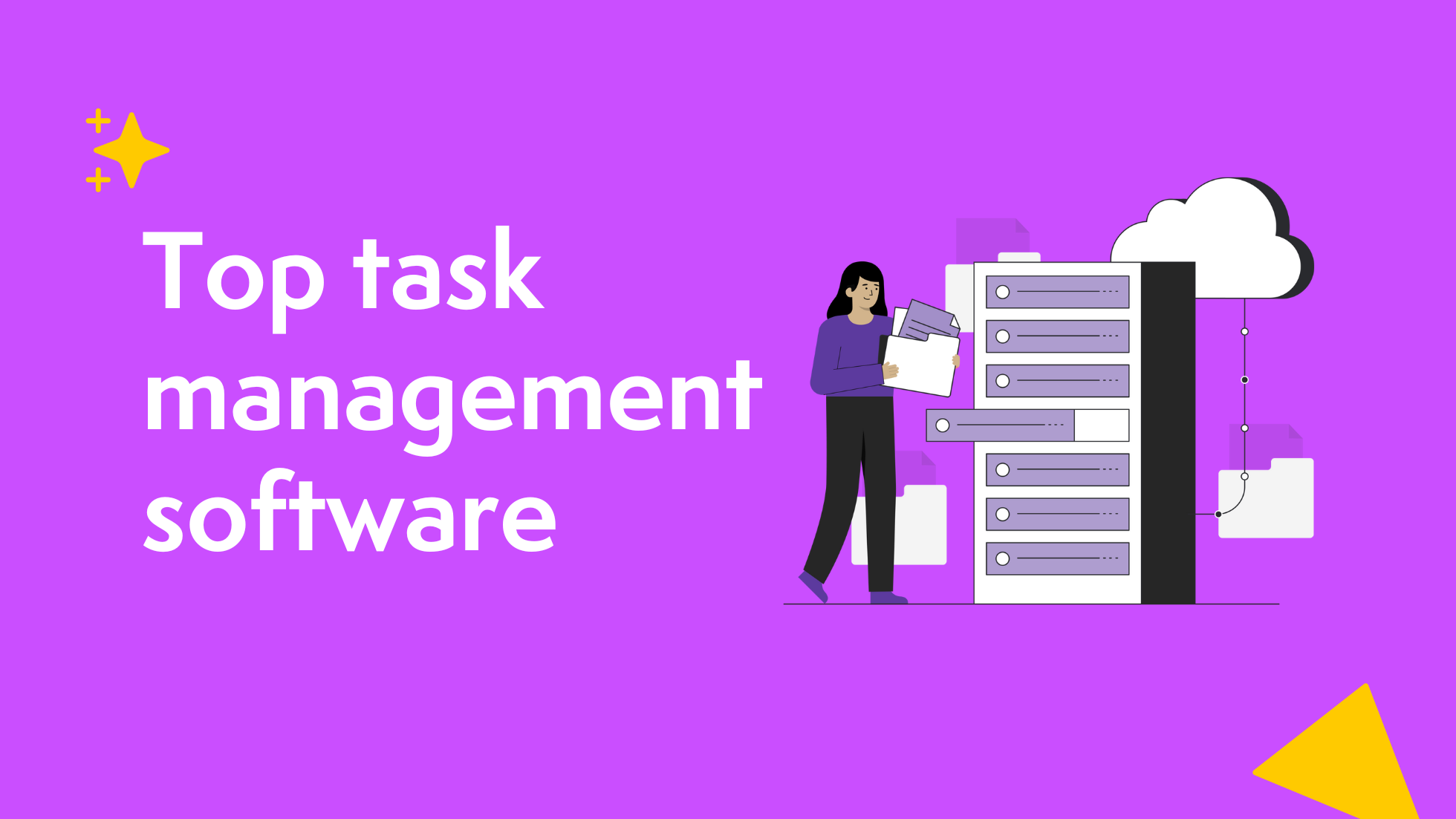

Every team needs an organized way to plan, execute, and track work. Without a proper system, projects can quickly spiral into confusion, missed deadlines, and lost productivity. That’s where task management software comes in. These platforms help teams manage everything from small daily tasks to complex, multi-stage projects. They make collaboration seamless, improve accountability, and offer visibility across departments.
Over the last few years, the shift toward hybrid and remote work has made these tools essential. They allow managers to see progress in real time, automate routine updates, and ensure everyone stays aligned regardless of location. For organizations, choosing the right platform isn’t only about keeping projects on track, it’s also about empowering employees to work smarter, not harder.
Let’s explore what task management software is, what features to look for, and the top platforms that can help streamline your work.
Top 15 task management software for 2026
- Axero
- Asana
- Trello
- ClickUp
- Monday.com
- Wrike
- Smartsheet
- Notion
- Hive
- Teamwork.com
- nTask
- Proofhub
- Basecamp
- Airtable
- Todoist
What is task management software
Task management software helps teams plan, organize, prioritize, and track tasks from start to finish. It ensures everyone knows what needs to be done, by whom, and when. These tools usually include features such as task assignments, progress tracking, notifications, and integrations with communication platforms.
At its core, task management software centralizes work. Instead of relying on endless email threads or spreadsheets, teams use a single platform where all tasks, comments, and files live. This increases transparency, reduces bottlenecks, and helps teams achieve project goals efficiently.
What to consider when choosing the right task management software
Choosing the right tool depends on your team’s structure, workflows, and goals. Here are key features to evaluate:
Collaboration tools
Look for platforms that make it easy to share updates, comment on tasks, and attach files. Seamless collaboration ensures that all discussions and decisions happen in one place.
Customizable workflows
Different teams work differently. Choose software that allows you to create custom workflows, automate task assignments, and tailor views such as Kanban boards or Gantt charts.
Integration capabilities
Make sure the platform integrates with tools you already use—like Slack, Microsoft Teams, or Google Workspace. Integrations reduce friction and save time.
Reporting and analytics
Comprehensive reporting helps track productivity, project progress, and bottlenecks. Look for dashboards that provide actionable insights.
Scalability
Your needs will grow as your business grows. Choose a tool that can scale with your organization, adding users and projects without compromising performance.
15 Best task management software
1. Axero
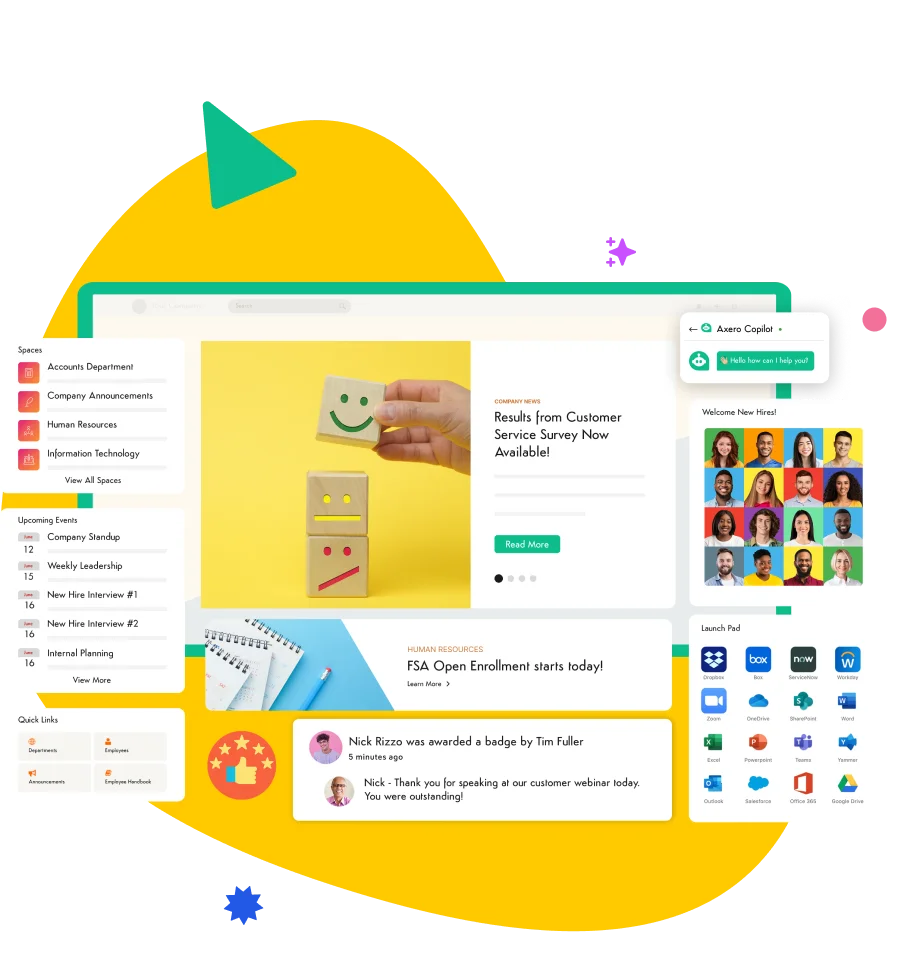
Axero is an industry-leading digital workplace platform that combines communication, collaboration, and task management in one place. Beyond managing tasks, it provides a full suite of features to connect teams, centralize knowledge, and track productivity across departments.
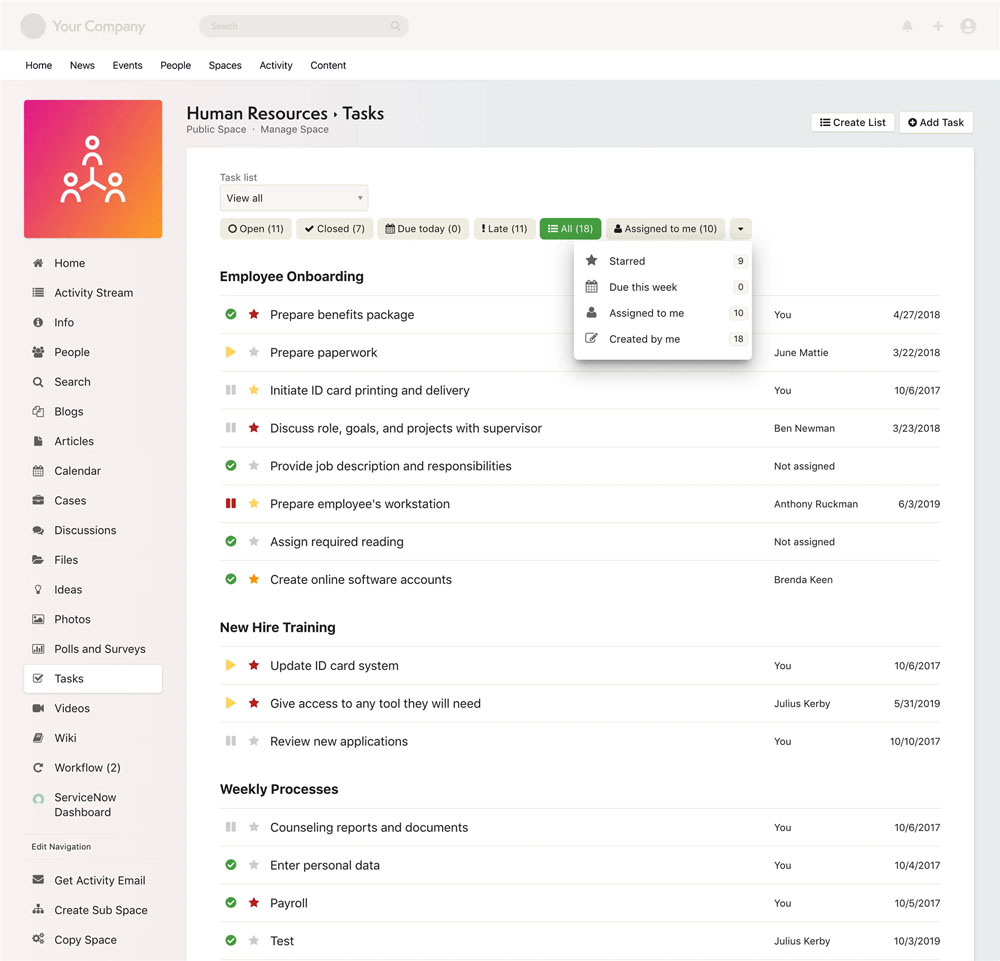
Key features of Axero:
- Integrated workspaces: Manage projects, track deadlines, and collaborate in real time.
- Custom task boards: Visualize tasks by department, project, or team for easy tracking.
- Robust reporting: Gain insights into project progress and employee workload.
Best for: Organizations that want an all-in-one digital workplace to manage communication and tasks together.

2. Asana
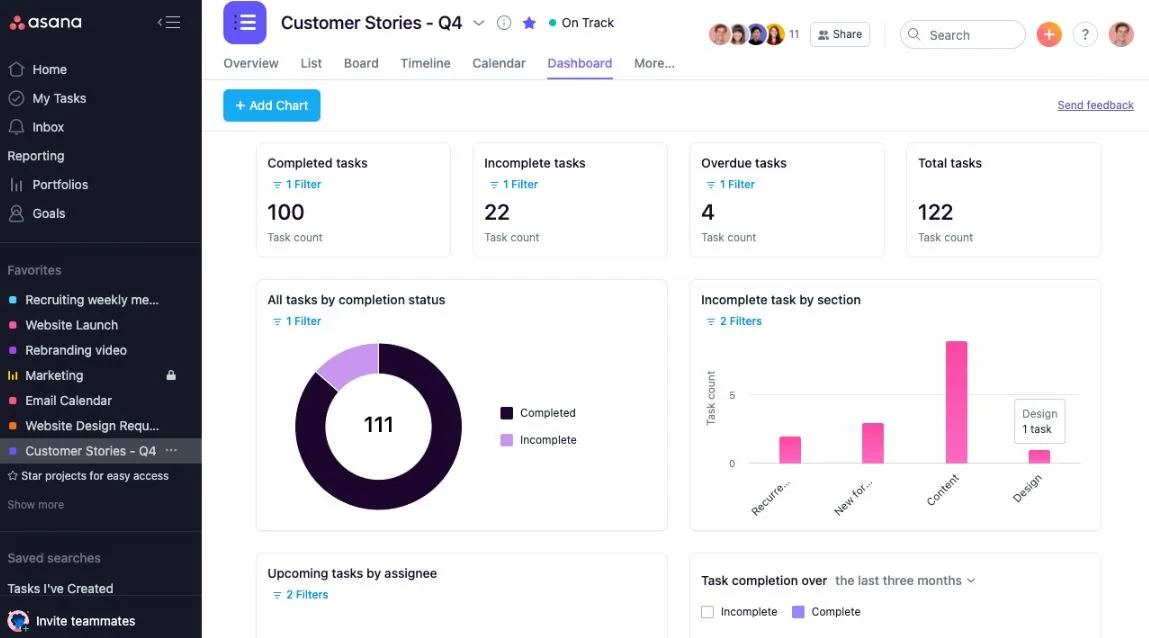
Asana is known for its flexible structure that accommodates both simple task lists and complex workflows. It supports automation, dependencies, and multiple project views.
Key features of Asana:
- Timeline view: Visualize project timelines and dependencies.
- Automation: Reduce repetitive work with rules and triggers.
- Collaboration tools: Assign tasks, set priorities, and comment directly within tasks.
Best for: Teams managing cross-departmental projects.
3. Trello
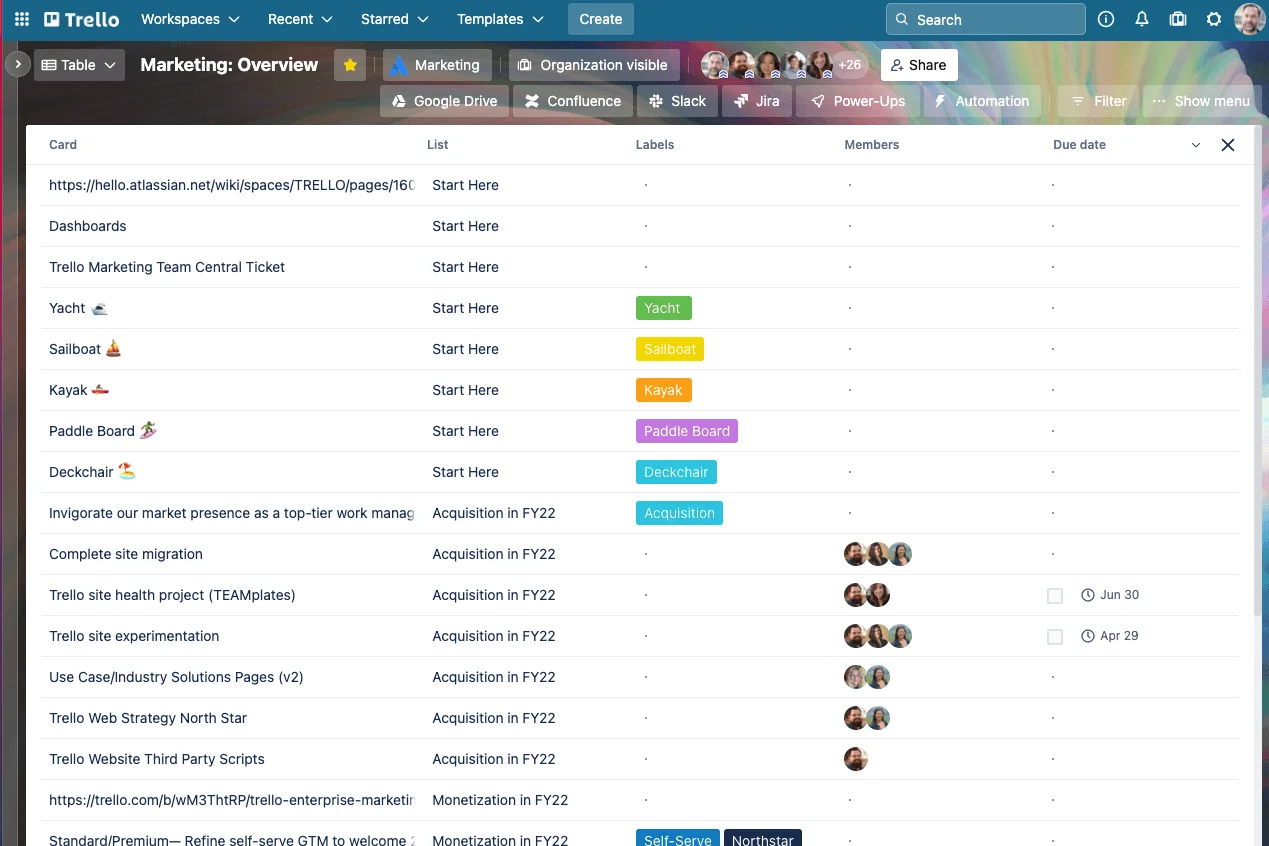
Trello uses a simple, visual Kanban board format to manage projects. It’s highly intuitive and suitable for smaller teams or visual thinkers.
Key features of Trello:
- Drag-and-drop boards: Easily manage tasks with cards and lists.
- Power-Ups: Extend functionality with integrations and automation.
- Templates: Get started quickly with pre-built project boards.
Best for: Small teams and creative projects.
4. ClickUp
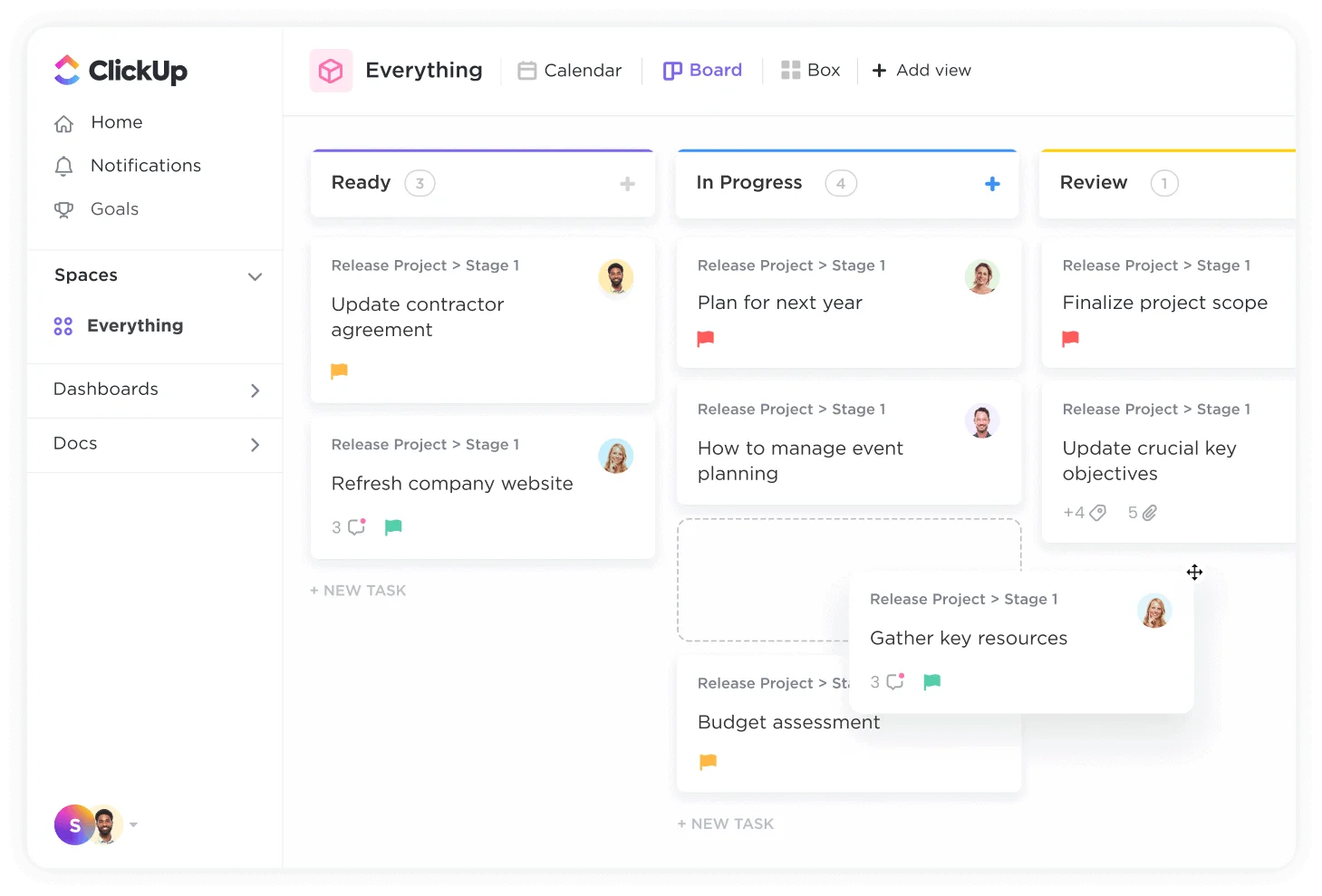
ClickUp offers a fully customizable workspace for managing everything from individual tasks to enterprise projects. It includes features for time tracking, goals, and documentation.
Key features of ClickUp:
- Custom dashboards: Track progress across projects in real time.
- Built-in time tracking: Monitor how long tasks take to complete.
- Goal alignment: Connect individual tasks to company objectives.
Best for: Growing teams that need flexibility and scalability.
5. Monday.com
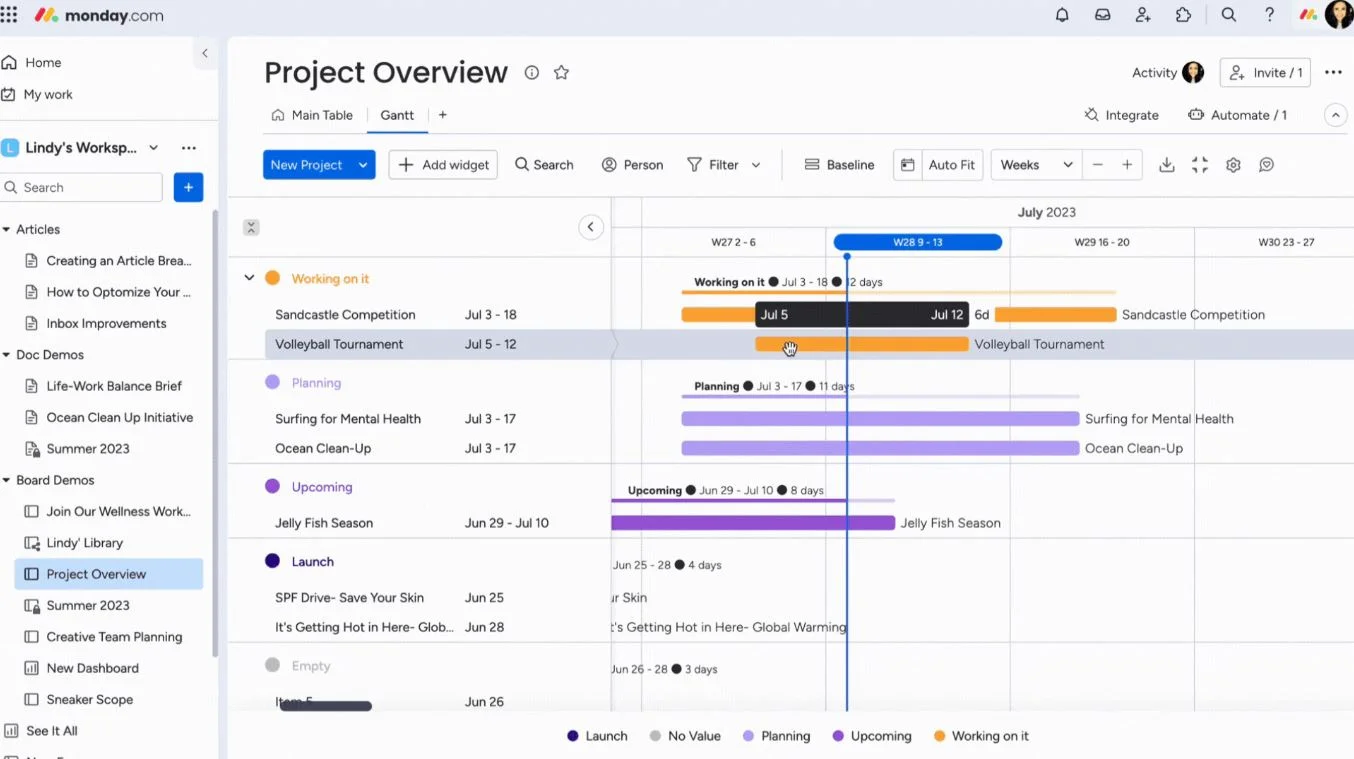
Monday.com helps teams plan, track, and deliver projects collaboratively. Its highly visual interface makes managing complex workflows intuitive.
Key features of Monday.com:
- Color-coded dashboards: Get quick visibility into task status.
- Automation: Simplify updates and reminders.
- Integrations: Connect with major apps like Slack and Outlook.
Best for: Teams seeking visual, user-friendly task tracking.
6. Wrike
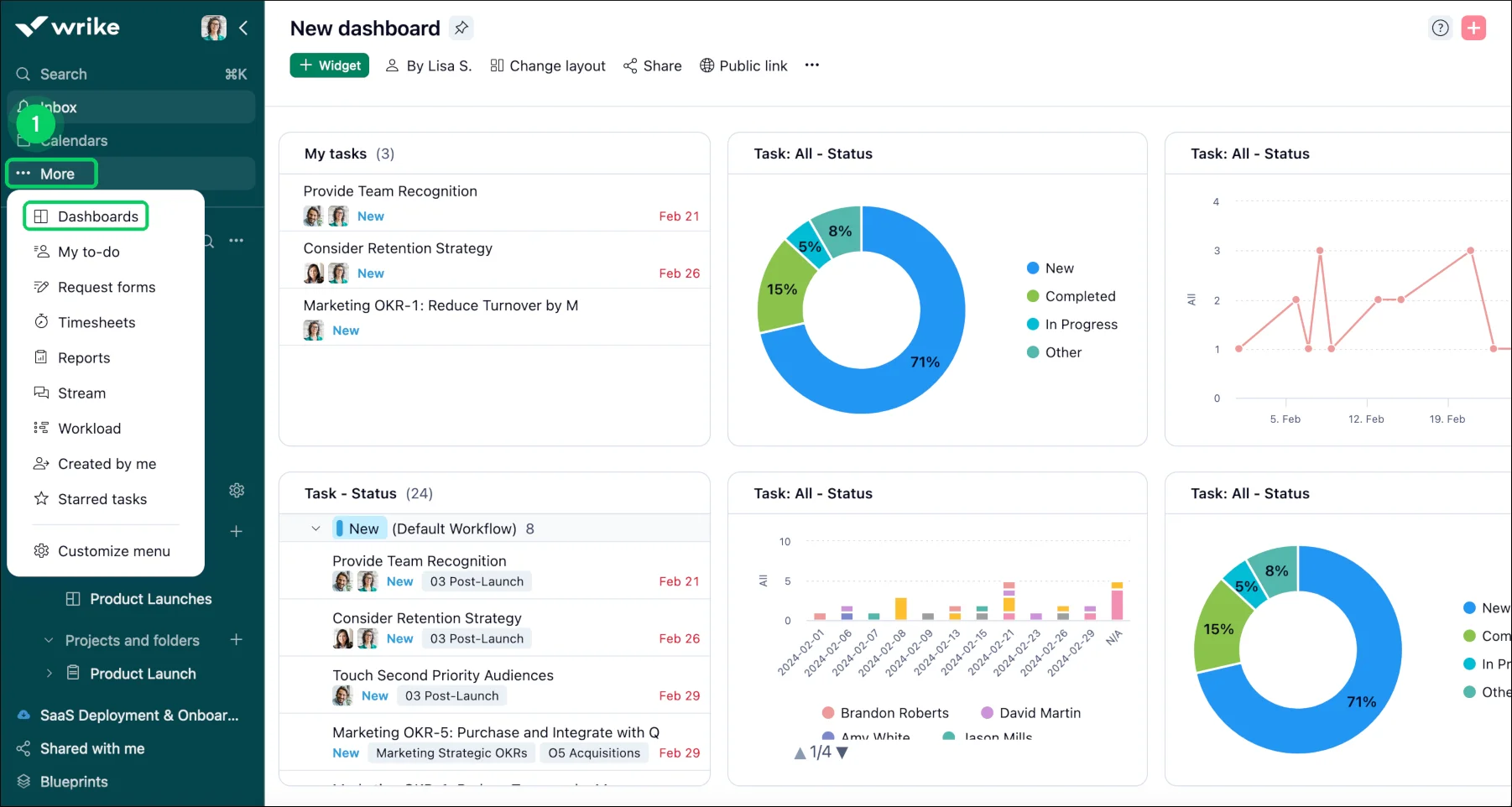
Wrike focuses on enterprise-grade project management and performance tracking. It provides deep visibility into projects and progress.
Key features of Wrike:
- Gantt charts: Manage complex projects visually.
- Advanced analytics: Track productivity and project timelines.
- Custom dashboards: Personalize views by department.
Best for: Large teams needing comprehensive project oversight.
7. Smartsheet
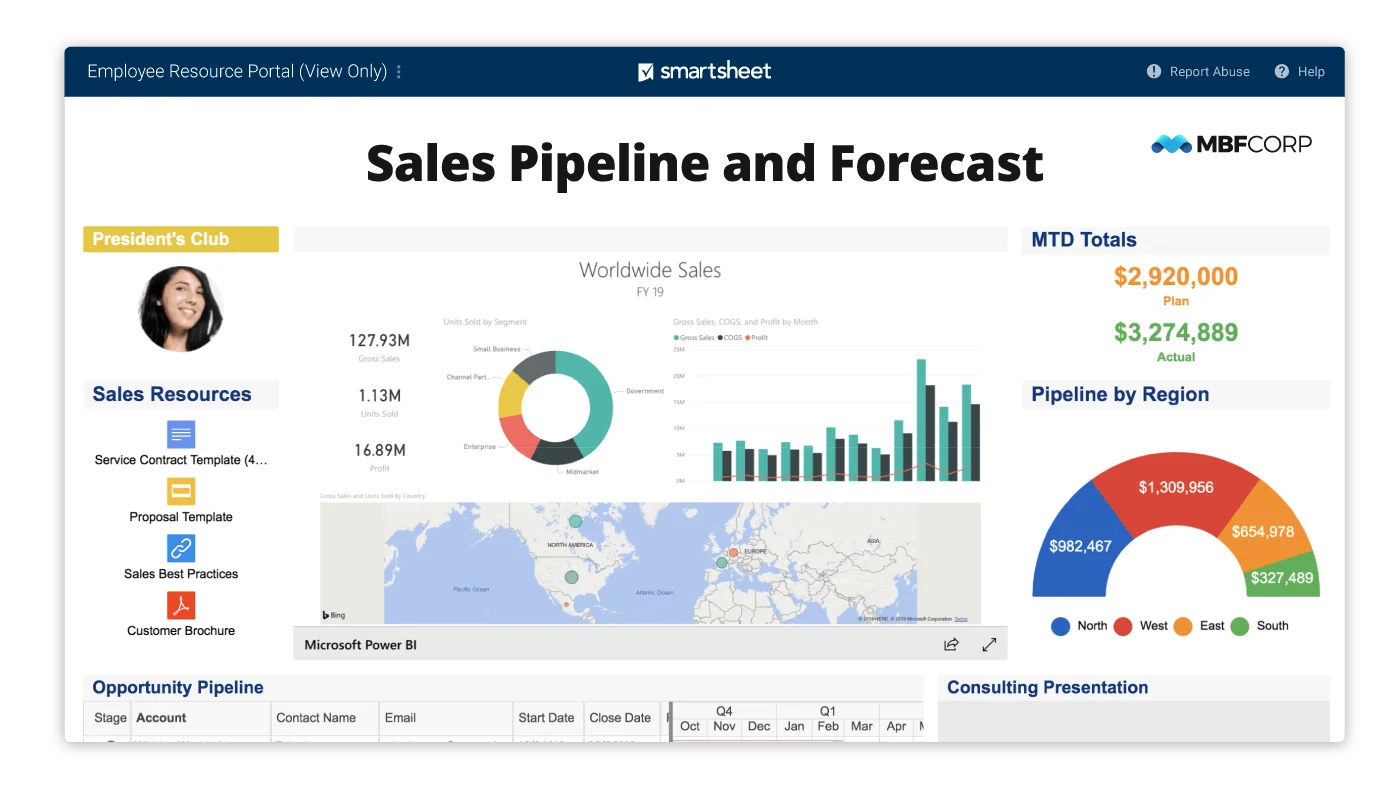
Smartsheet combines the familiarity of spreadsheet with the power of project management. It’s particularly effective for teams working on data-driven projects.
Key features of Smartsheet:
- Grid, card, and Gantt views: Switch between multiple task visualizations.
- Automation: Automate repetitive actions and reminders.
- Collaboration tools: Centralize documents, comments, and updates.
Best for: Data-focused teams and enterprises.
8. Notion
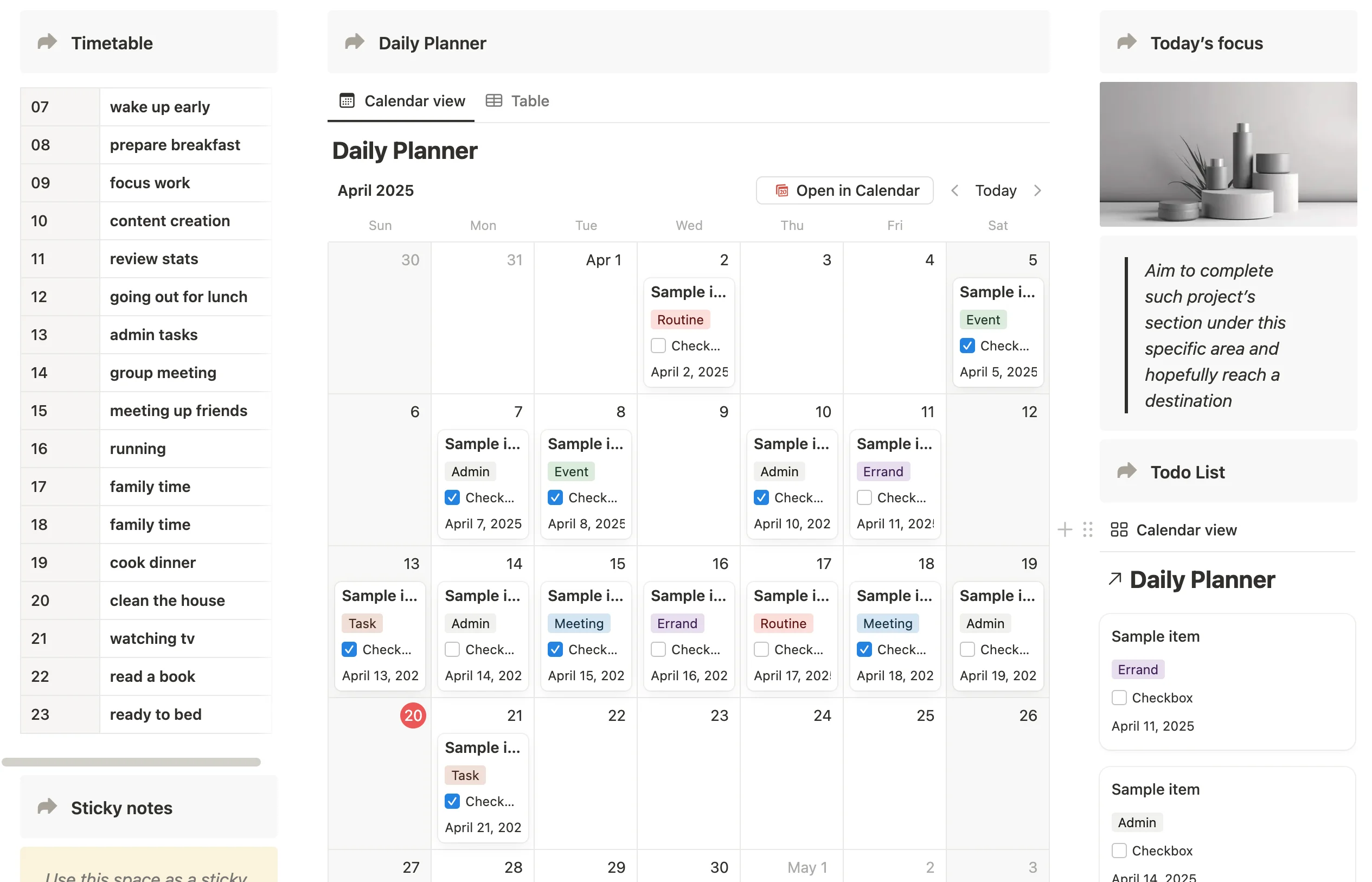
Notion merges notes, wikis, and tasks into one flexible workspace. Its modular structure makes it ideal for teams looking to organize information their own way.
Key features of Notion:
- Custom databases: Build task tracking systems to match your workflow.
- Knowledge hub: Combine documentation and task management.
- Integrations: Connect with project and communication tools.
Best for: Teams seeking flexibility and simplicity.
9. Hive
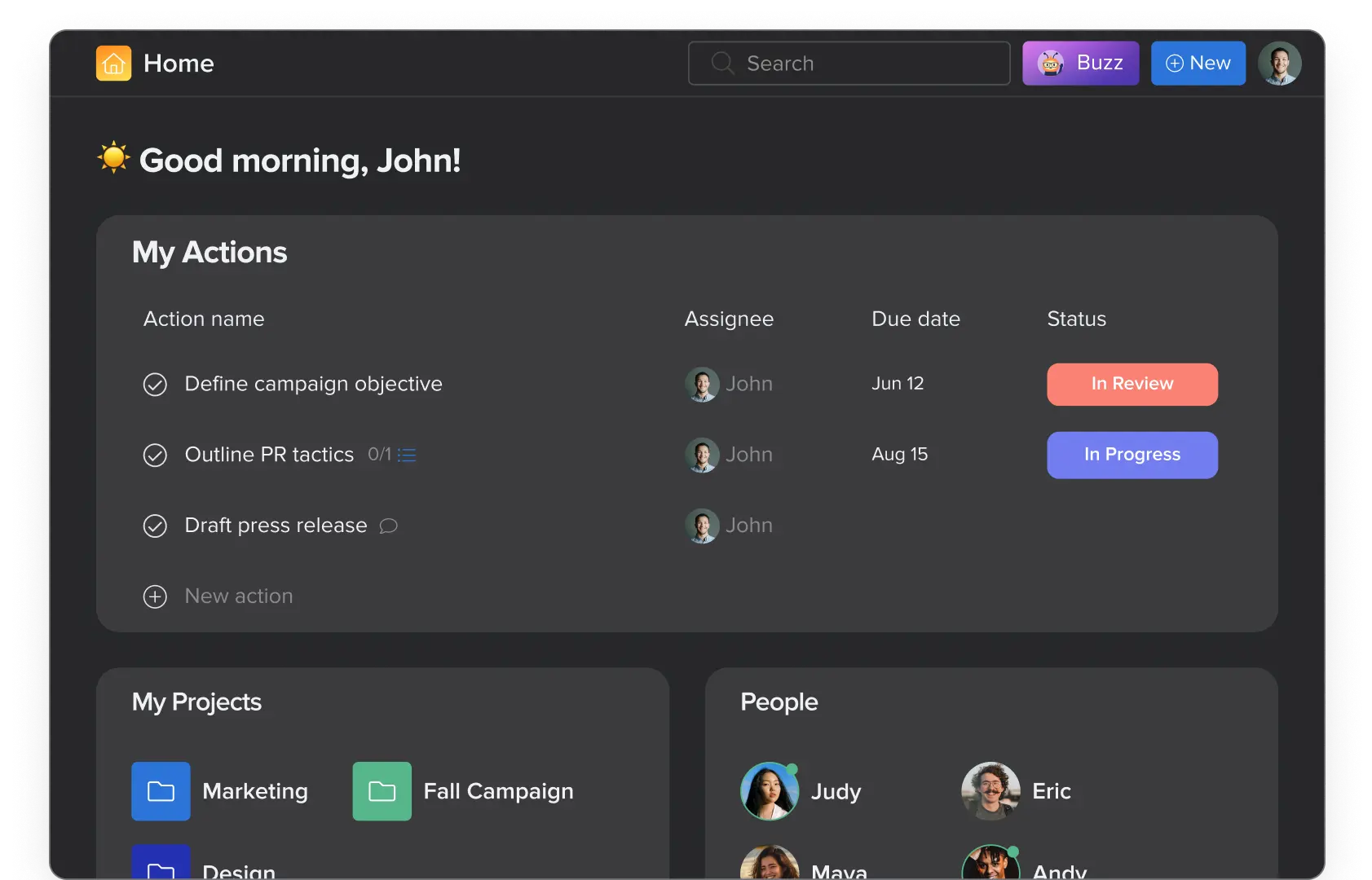
Hive brings together project management, automation, and communication in one platform. It emphasizes teamwork and performance tracking.
Key features of Hive:
- Flexible project views: Choose between Gantt, Kanban, or table view.
- Built-in messaging: Communicate directly within the app.
- Analytics: Measure productivity and time spent per task.
Best for: Teams that need collaboration and data insights.
10. Teamwork.com
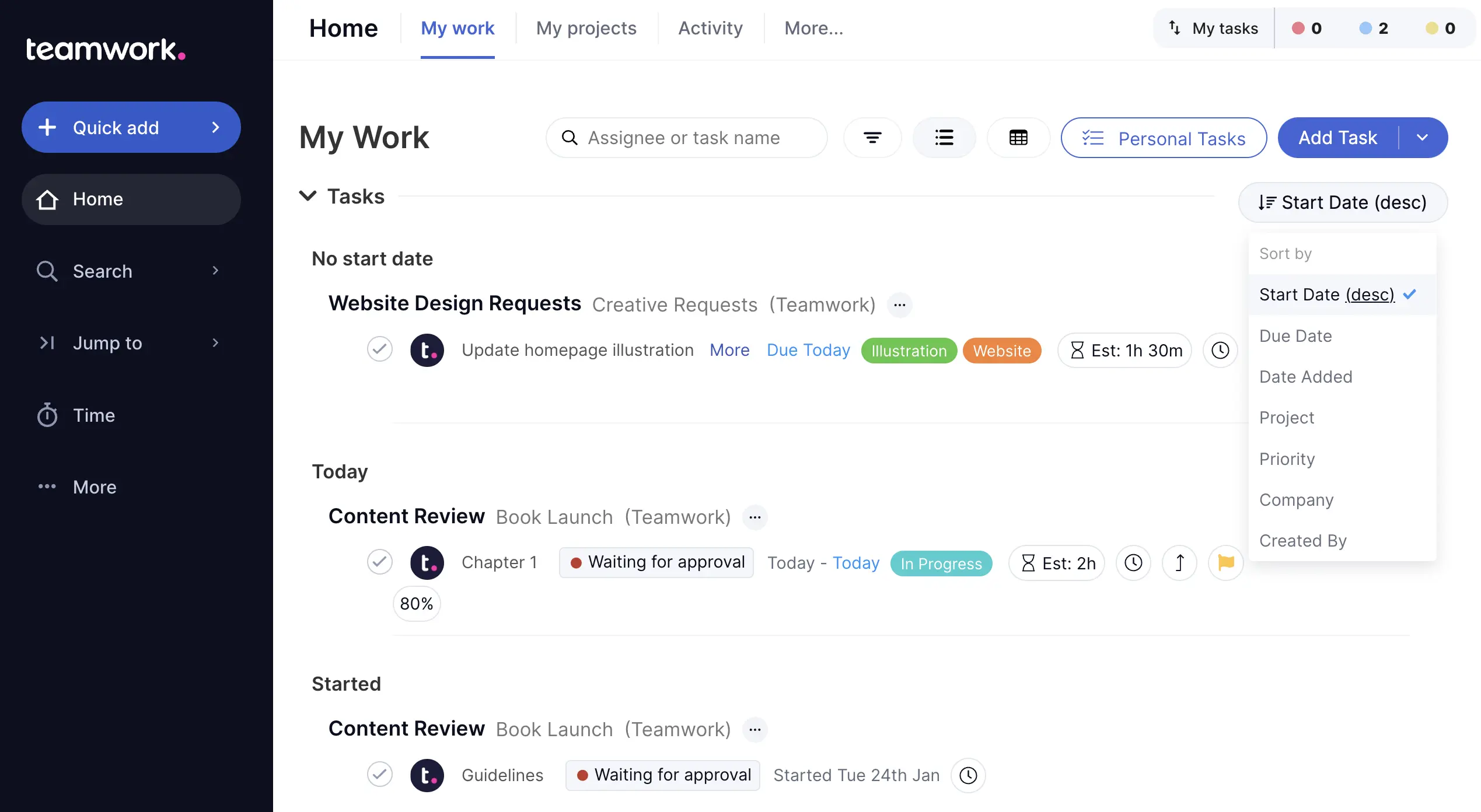
Teamwork.com offers full project management features with a focus on client-facing teams. It includes time tracking and billing integrations.
Key features of Teamwork.com:
- Workload management: Balance team resources effectively.
- Time tracking: Track billable and non-billable hours.
- Client access: Allow external partners to view progress.
Best for: Agencies and service-based teams.
11. nTask
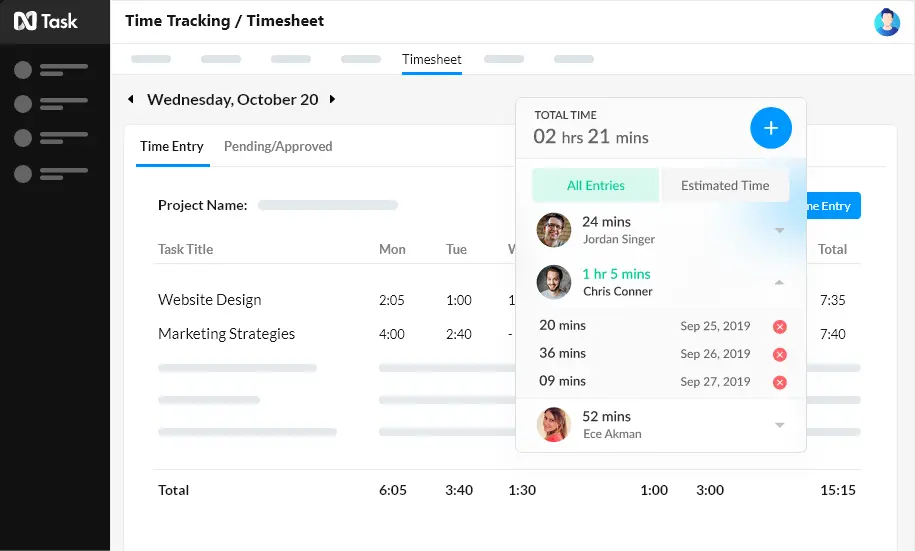
nTask is an easy-to-use platform that supports task creation, time tracking, and team collaboration. It’s particularly appealing for small to medium teams.
Key features of nTask:
- Meeting management: Plan and record meeting notes.
- Risk tracking: Identify potential project risks.
- Kanban boards: Organize work visually.
Best for: Small teams managing multiple short-term projects.
12. Proofhub
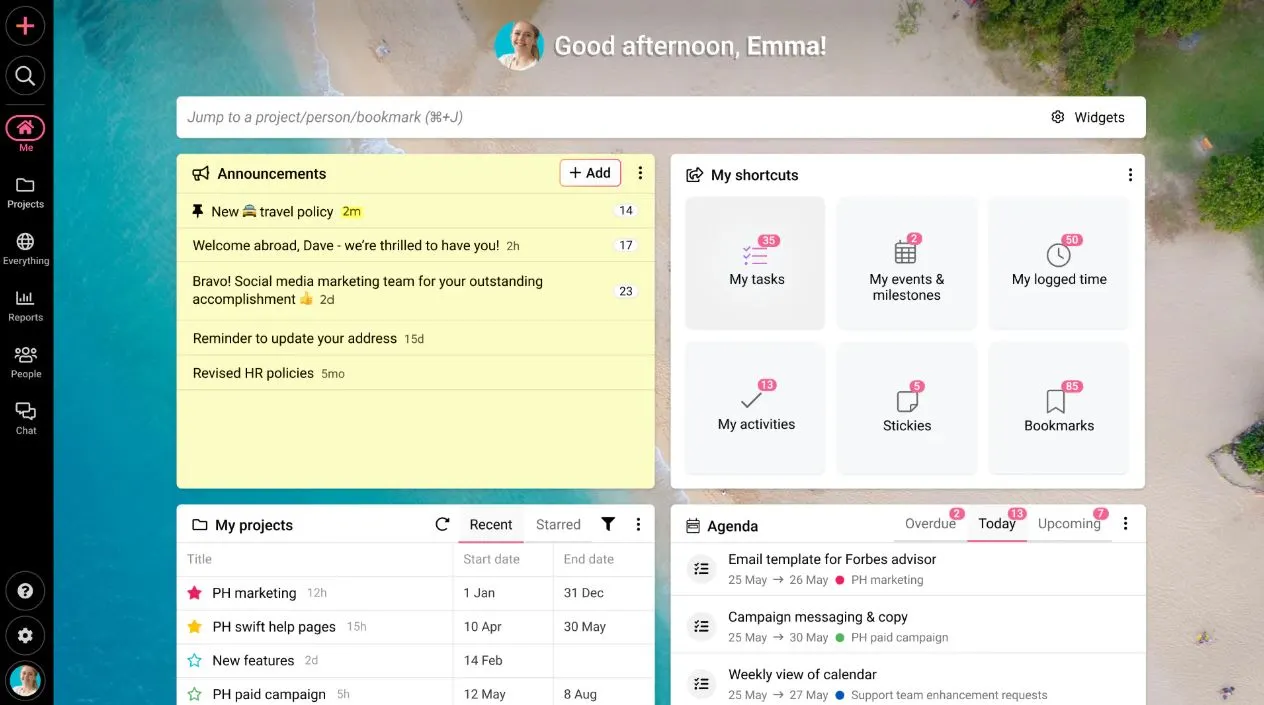
Proofhub simplifies project management with built-in collaboration, file sharing, and proofing tools. It provides all-in-one visibility for teams.
Key features of Proofhub:
- Task lists and milestones: Track progress clearly.
- Online proofing: Review and approve designs efficiently.
- Reports: Generate project summaries instantly.
Best for: Creative teams and marketing departments.
13. Basecamp
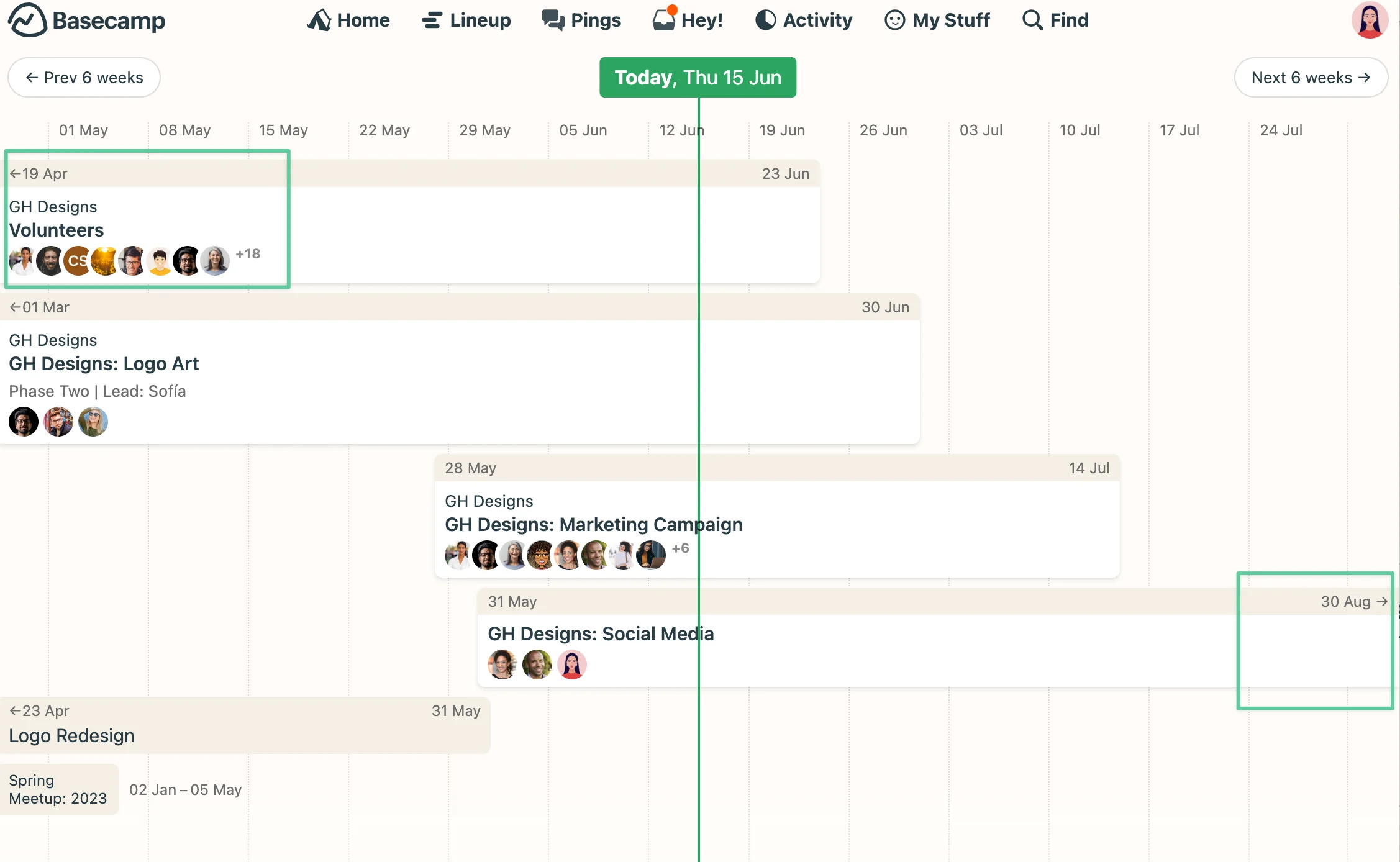
Basecamp focuses on simplicity and communication. It organizes everything into projects with tasks, discussions, and file storage.
Key features of Basecamp:
- Message boards: Keep all team communication in one place.
- Automatic check-ins: Gather updates without meetings.
- To-do lists: Simplify task assignment and tracking.
Best for: Small to mid-sized teams seeking simplicity.
14. Airtable
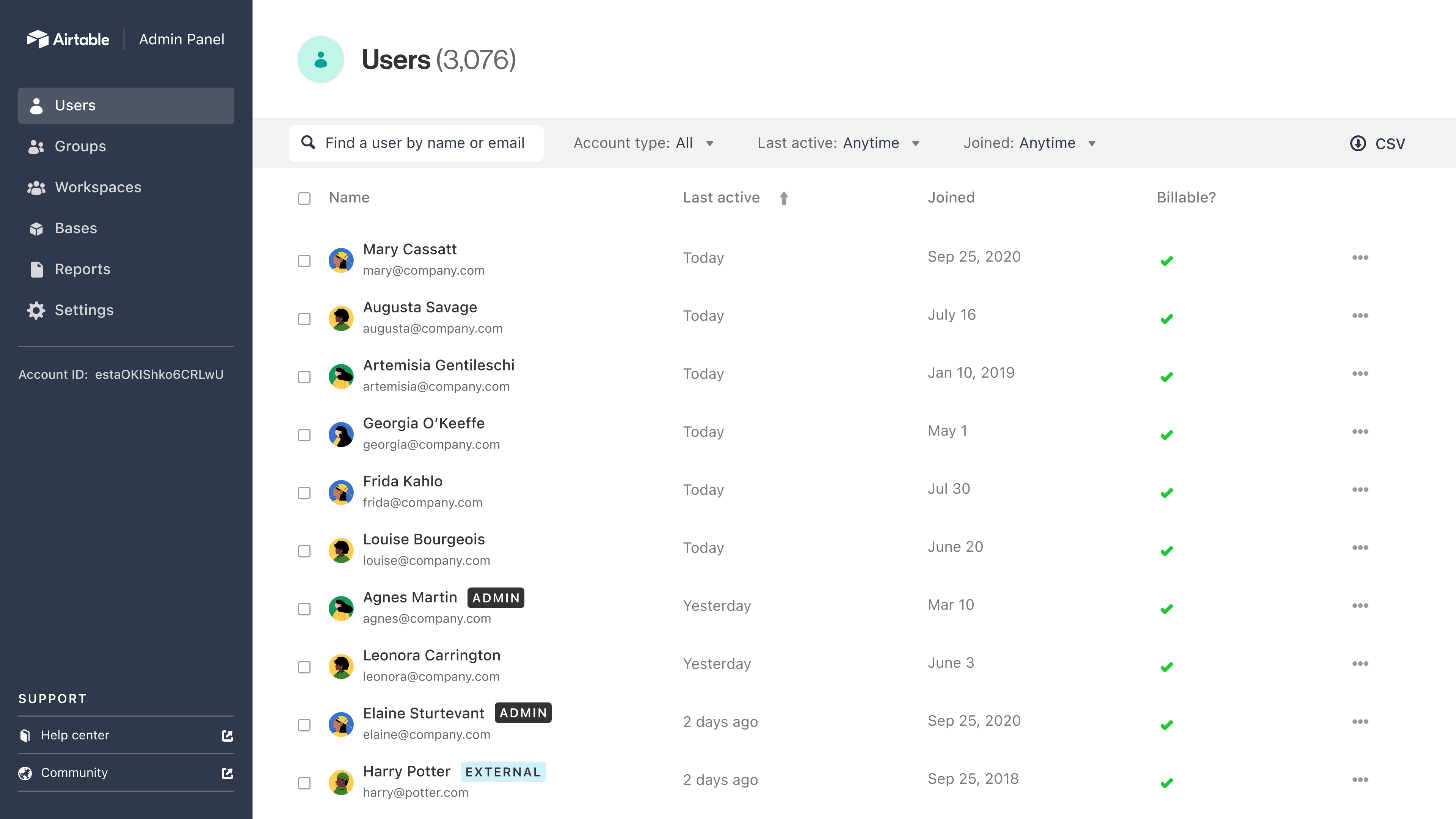
Airtable blends spreadsheets with database functionality to create flexible task tracking solutions. Its visual layouts suit teams working with structured data.
Key features of Airtable:
- Database-style organization: Link and filter tasks easily.
- Automations: Build workflows without coding.
- Templates: Quickly start projects with pre-built models.
Best for: Teams managing creative or data-centric workflows.
15. Todoist
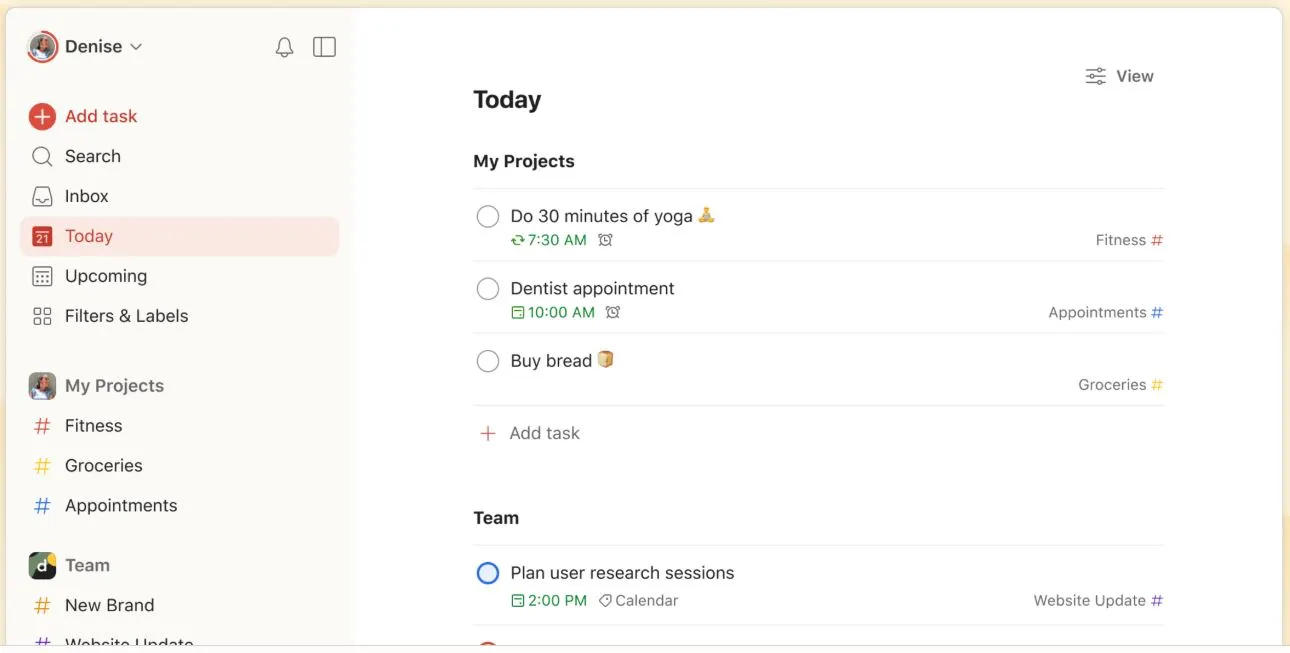
Todoist is one of the most popular task list tools for personal and small-team productivity. It focuses on simplicity and consistency.
Key features of Todoist:
- Smart scheduling: Automatically reschedule overdue tasks.
- Labels and filters: Organize priorities effectively.
- Cross-platform access: Sync across all devices.
Best for: Individuals and teams needing simple task tracking.
Choosing the best fit for your team
The best task management software is the one that fits your team’s workflow and encourages daily use. Look for ease of use, collaboration options, and the ability to integrate with your existing tools. A well-chosen platform can transform how your organization plans, executes, and reviews its work.
If you’re looking for a single platform that merges communication, collaboration, and productivity tracking, Axero is built for that. Book a demo today to see how it can simplify task management across your entire organization.











 info@axerosolutions.com
 1-855-AXERO-55