
Organizational communication tools help people share information, stay connected, and move work forward. Many workplaces rely on a collection of apps to deliver messages, manage updates, and support teamwork. As teams grow, information spreads across chats, email threads, and files—making it harder for employees to find what they need or feel connected to their roles. This is where a strong communication platform becomes foundational. It brings conversations, documents, and announcements into one place so employees stay informed and supported, no matter where they work.
Modern organizations depend on timely communication. Remote and hybrid work models require reliable channels that help people feel part of the same workplace. Leaders need clear ways to distribute updates. Employees need fast access to resources. HR and comms teams need a way to share policies, updates, and news without overwhelming people with constant messages. Organizational communication tools give teams the structure to share information consistently, build alignment, and ensure people have what they need to succeed.
With the right platform, communication becomes a natural part of daily work instead of another task to manage. That’s why choosing the right software matters. A strong tool supports your culture, helps teams collaborate, and strengthens the employee experience.
Top 15 organizational communication tools for 2026
- Axero
- Slack
- Microsoft Teams
- Staffbase
- Workvivo
- LumApps
- Simpplr
- Viva Engage
- Google Workspace
- Blink
- Haiilo
- Jive
- Confluence
- Intercom
- Front
What is organizational communication tools?
Organizational communication tools are digital platforms that help employees share information, collaborate, and stay connected. These tools support company-wide announcements, team conversations, document sharing, messaging, and knowledge access. They centralize communication so information reaches the right people at the right time.
Communication inside an organization happens in many ways: leadership updates, HR messages, project discussions, or day-to-day chats among team members. Without a structured system, important information can get lost or delayed. Organizational communication tools solve this by offering a single space where employees connect, find resources, and communicate consistently.
Many platforms combine messaging, news publishing, document libraries, and integrations with everyday workplace apps. Others focus on employee engagement or frontline communication. Regardless of the format, the goal is the same: help people communicate clearly so work moves forward smoothly.
What to consider when choosing the right organizational communication tools
Finding the right communication tool starts with understanding how your teams work. Every department has different expectations and communication habits. A tool should support all employees, simplify processes, and fit naturally into your existing workflows. The best choice helps teams reduce noise, improve clarity, and keep information organized.
Centralized communication hub
A strong tool brings messages, updates, and resources into one place so employees don’t juggle multiple apps to stay informed.
Ease of use
A simple interface supports higher adoption. When employees can quickly find information, engagement increases and learning curves shrink.
Collaboration features
Look for tools that support real-time conversations, document sharing, comments, and team spaces to keep work connected in one environment.
Integration capabilities
Your communication tool should integrate with existing systems, including HR platforms, project tools, and document storage, to streamline workflows.
Mobile access
A mobile-friendly tool supports frontline workers and distributed teams who rely on quick, on-the-go access to updates and resources.
Governance and permissions
Clear permission controls keep content organized, protect sensitive information, and help admins maintain structure as your intranet grows.
15 best organizational communication tools
1. Axero
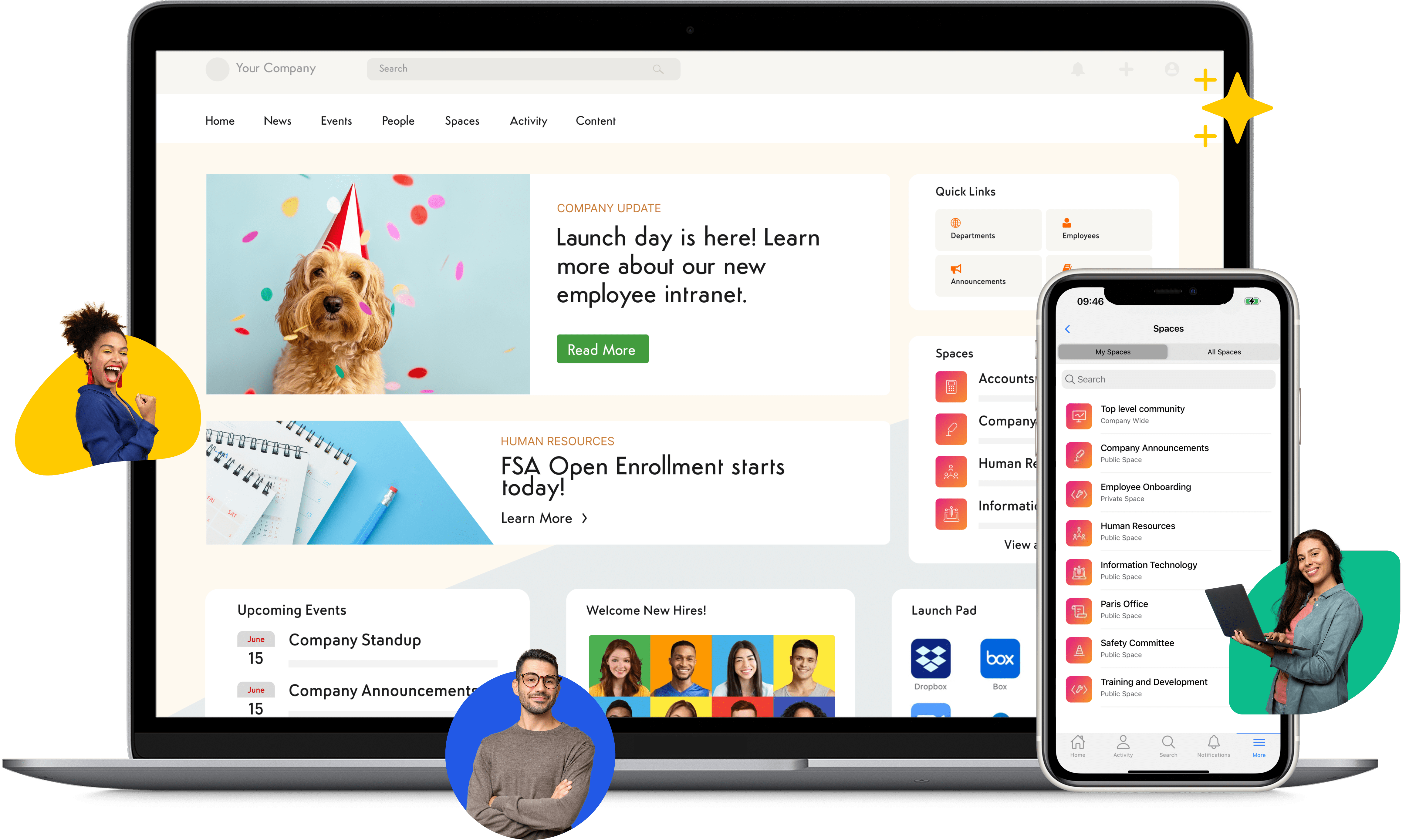
Axero is an intranet and communication platform that brings conversations, documents, and knowledge into one central space. It supports internal communication with company news, targeted announcements, team workspaces, and a modern social experience that helps people feel connected. Employees can find updates, collaborate on projects, and access resources without switching between unrelated tools. Axero offers a clean, intuitive interface, which reduces friction and supports strong engagement across all teams.
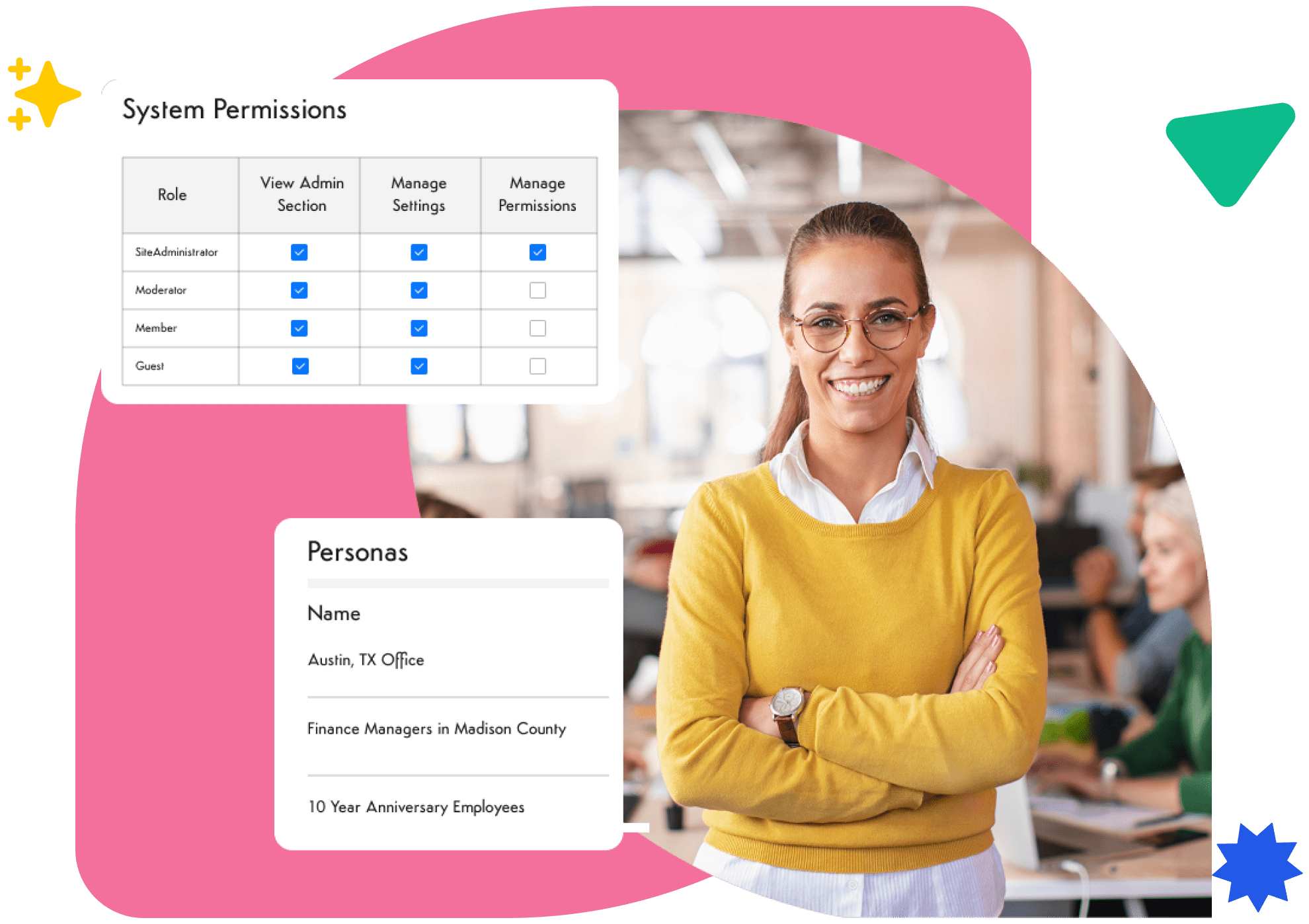
Leaders use Axero to share messages with specific groups, create structured content, and maintain consistency across the organization. HR teams rely on it to publish policies, manage onboarding resources, and organize key communications in a way that is easy for employees to find. With customizable page layouts and branding, every organization can design an experience that reflects its culture. Axero also integrates with common workplace systems, keeping information flowing smoothly.
Key features of Axero
- Targeted communication: Send updates to specific groups so employees receive information that matters to them.
- Team workspaces: Support collaboration with spaces designed for departments, projects, or cross-functional groups.
- Content governance: Maintain structure with permissions, workflows, and approval settings.
Best for: Organizations that want a centralized communication hub with strong collaboration and knowledge features.

2. Slack
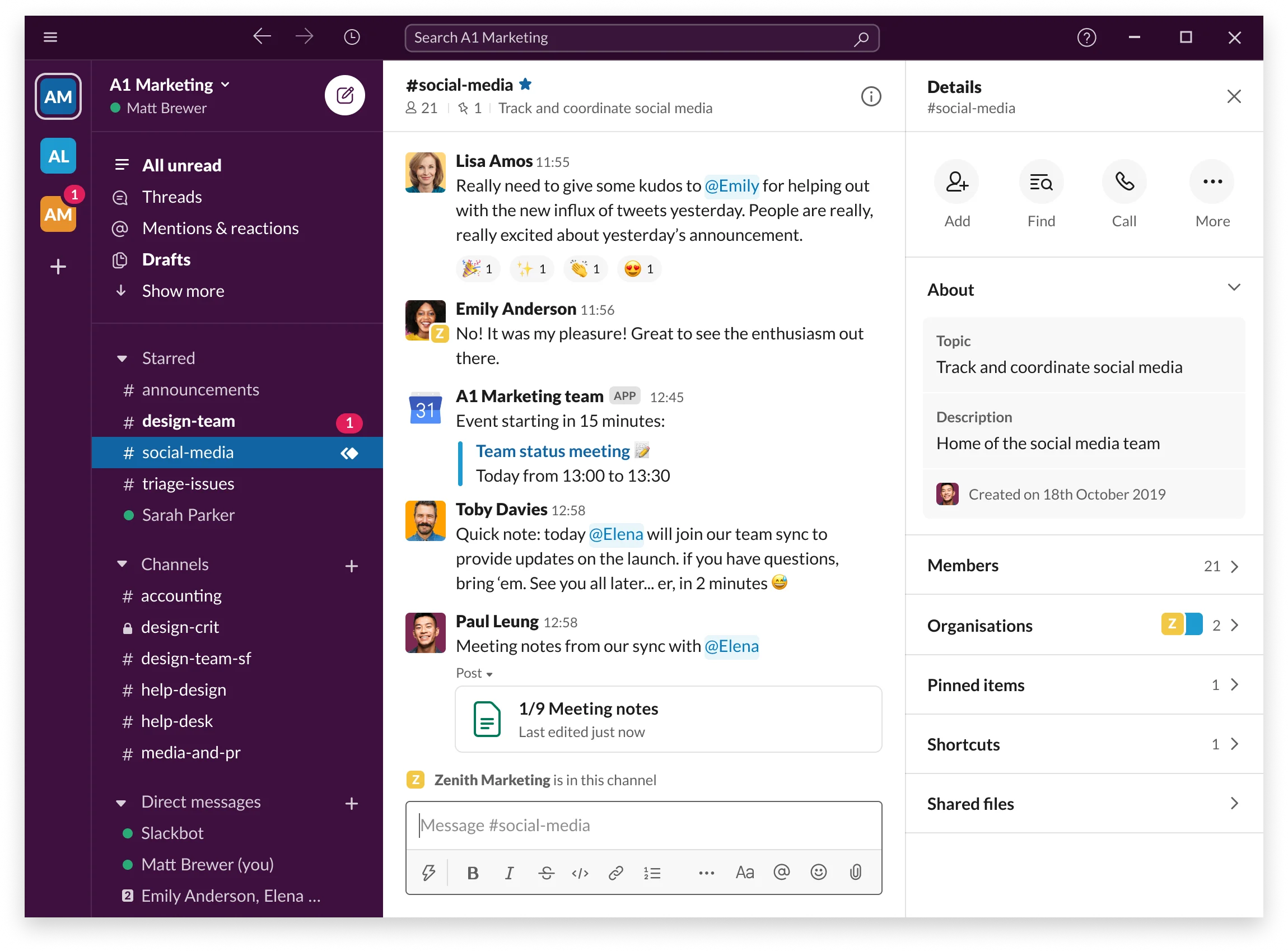
Slack is a messaging platform built around channels that support conversations across teams. Messages, threads, and shared files help employees communicate in real time and manage quick interactions that move work forward. Slack is widely used for daily discussions, fast decision-making, and cross-team collaboration. Its channel structure keeps topics organized so teams can track conversations and revisit information when needed.
Slack integrates with many tools, allowing employees to receive notifications, start workflows, or access documents without leaving the app. This helps teams move faster and reduce switching between systems. While Slack excels at quick communication, organizations often combine it with a broader intranet when they need structured content, long-term documentation, or more formal communication.
Key features of Slack
- Channels for organization: Keep conversations grouped by project, topic, or team.
- Searchable history: Find messages, files, or past decisions quickly.
- Extensive integrations: Connect with project management, CRM, and file storage tools.
Best for: Teams that rely on real-time messaging and need flexible channel-based discussions.
3. Microsoft Teams
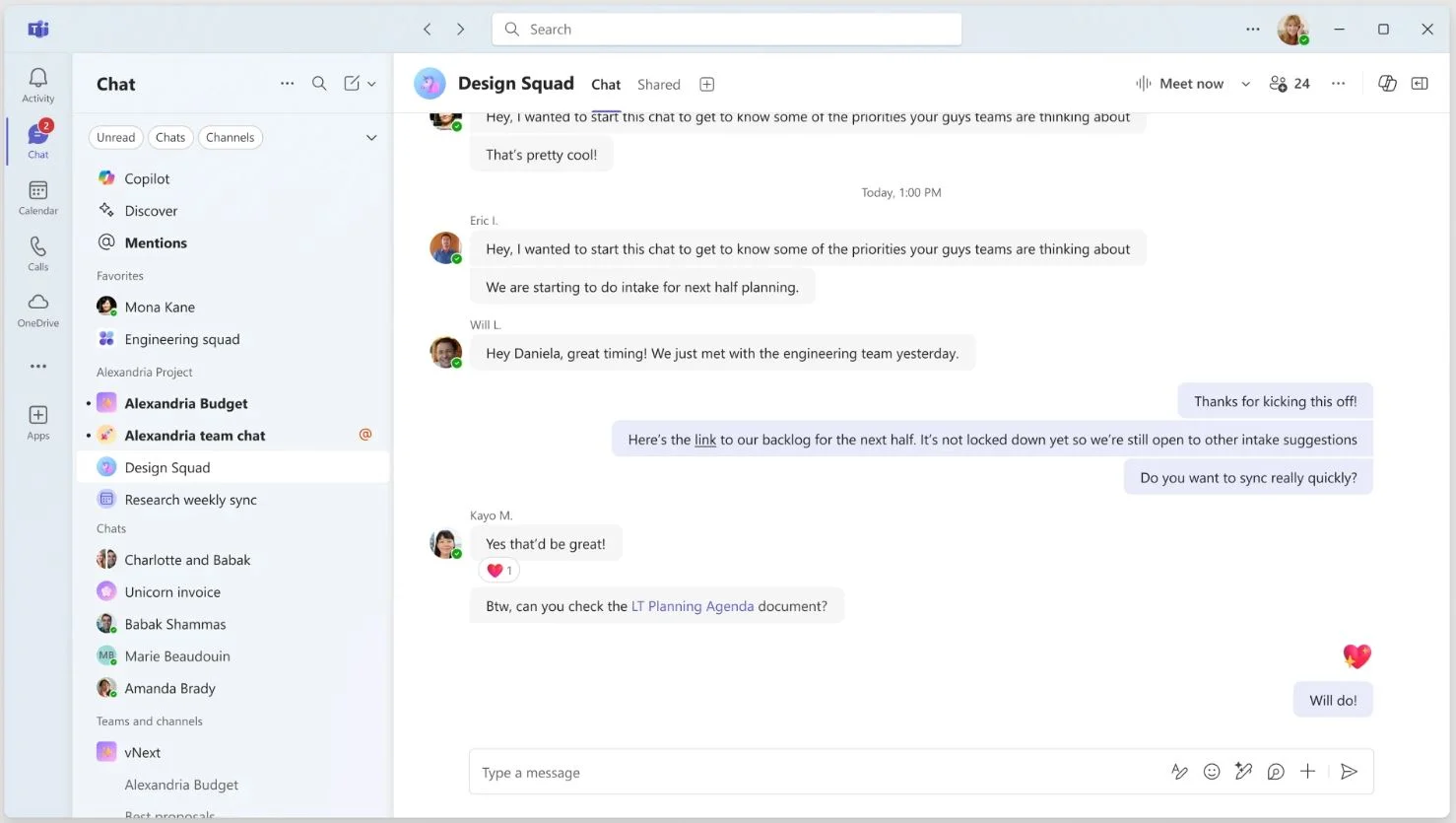
Microsoft Teams offers chat, calls, and video meetings in one communication platform. It supports collaboration through channels, shared files, and integrated Office tools like Word, Excel, and PowerPoint. Employees use Teams to hold meetings, share updates, and collaborate through threaded discussions or group chats. Its integration with Microsoft 365 allows teams to work on documents together and streamline routine tasks.
Teams provides reliable communication features for hybrid and remote environments. Employees can switch between chat, meetings, and document work in one space. Leaders often use Teams to share updates or manage team projects, while IT departments value its security and administrative controls. Organizations that already rely on Microsoft 365 often find it fits well into their workflows.
Key features of Microsoft Teams
- Meeting tools: Support video calls and screen sharing for distributed teams.
- Office integrations: Edit documents directly within channels or chats.
- Channel collaboration: Organize team discussions and share resources.
Best for: Organizations using Microsoft 365 that want communication, meetings, and collaboration in one place.
4. Staffbase
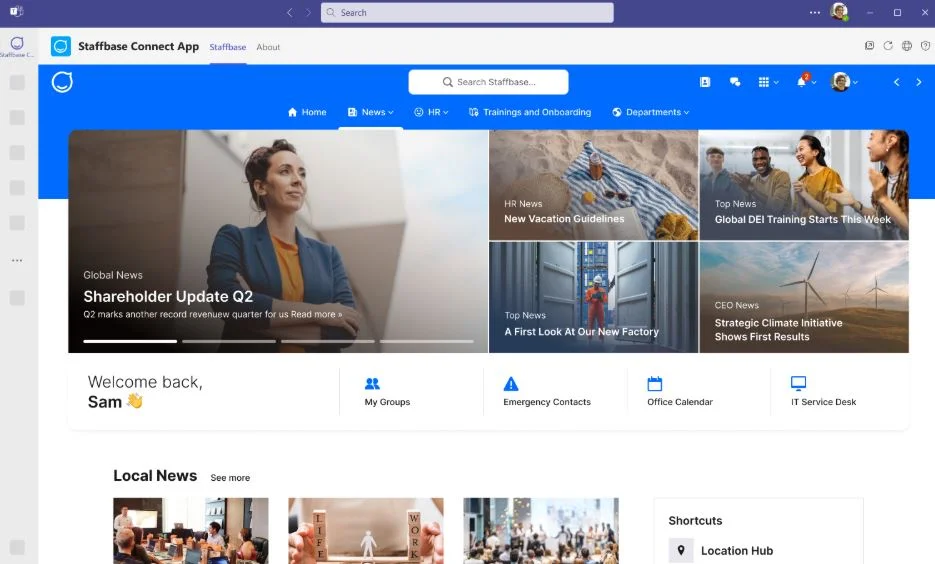
Staffbase focuses on internal communication and employee engagement. It helps organizations publish announcements, run internal campaigns, and deliver updates to the right audiences. Staffbase offers editorial tools for communication teams, including scheduling, design features, and analytics. Its mobile app supports employees who work on the move or outside office environments.
The platform is built to help communication teams plan and deliver messages with consistency. Departments can publish news, set up newsletter formats, and manage leadership communications. Staffbase also includes feedback tools so employees can respond to updates or participate in surveys. Many organizations use it to create a branded employee communication app that supports reach across every location.
Key features of Staffbase
- News publishing tools: Create and distribute updates using templates and scheduling.
- Audience segmentation: Target messages to specific roles or locations.
- Mobile-first access: Support frontline teams with an easy-to-use app.
Best for: Employers that need a structured communication platform for large or distributed workforces.
5. Workvivo
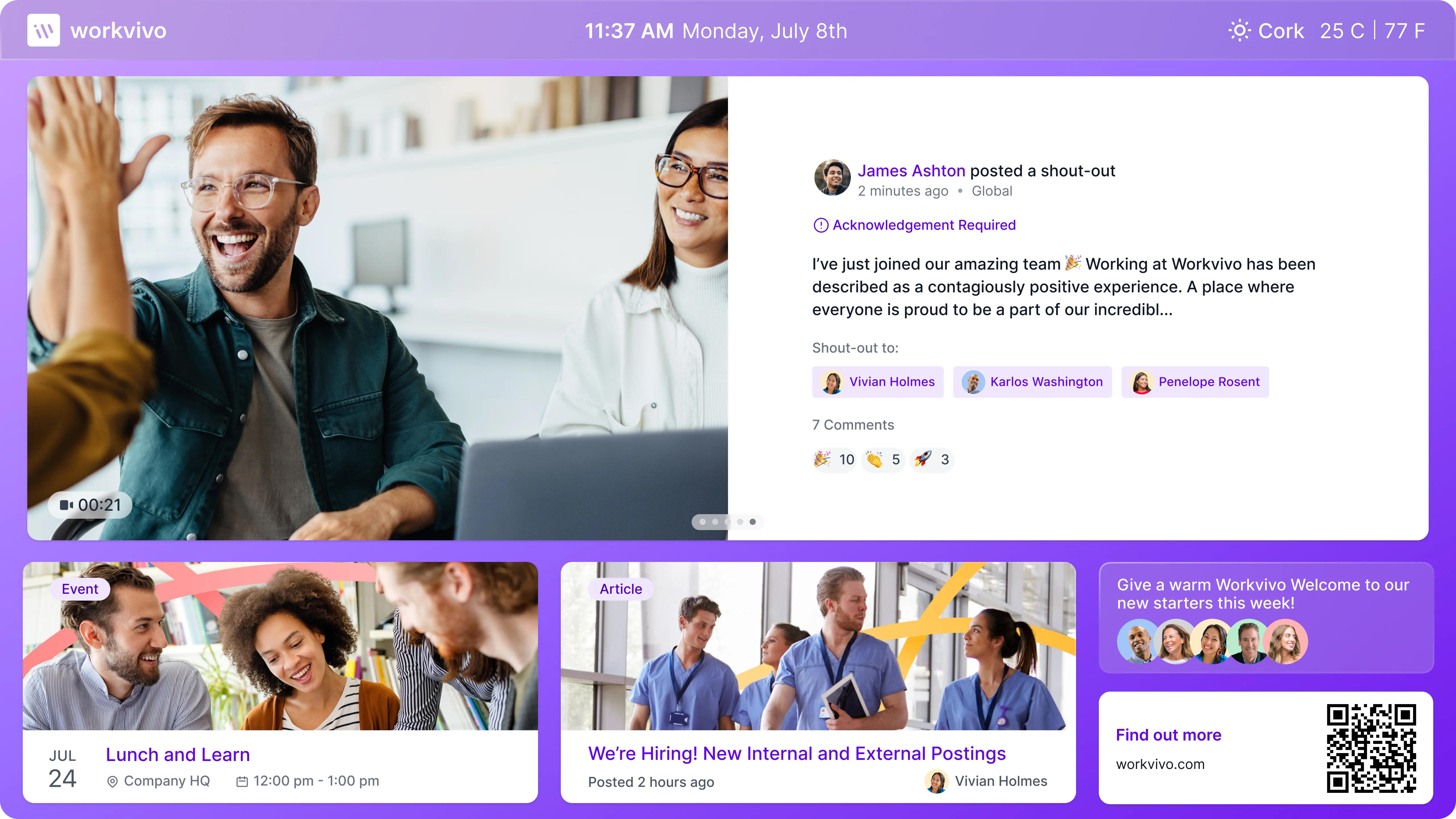
Workvivo is an employee experience platform designed to help companies strengthen connection and communication. It provides a social feed, news publishing, shout-outs, and spaces where teams can engage with updates in an interactive format. Employees can react, comment, and share posts, which encourages participation and keeps communication open across all levels of the organization.
The platform supports leadership messaging, pulse surveys, and recognition features to help teams stay aligned and informed. Workvivo’s mobile-first approach makes it easy for frontline and deskless employees to stay connected. Many organizations use Workvivo when they want a communication tool that feels more like a social community while still offering structure for internal announcements, policies, and updates.
Key features of Workvivo
- Social-style feed: Encourage engagement through comments, reactions, and conversations.
- Recognition tools: Support peer appreciation to build community.
- Mobile accessibility: Keep distributed teams informed from anywhere.
Best for: Organizations looking for a community-driven communication tool with strong engagement features.
6. LumApps
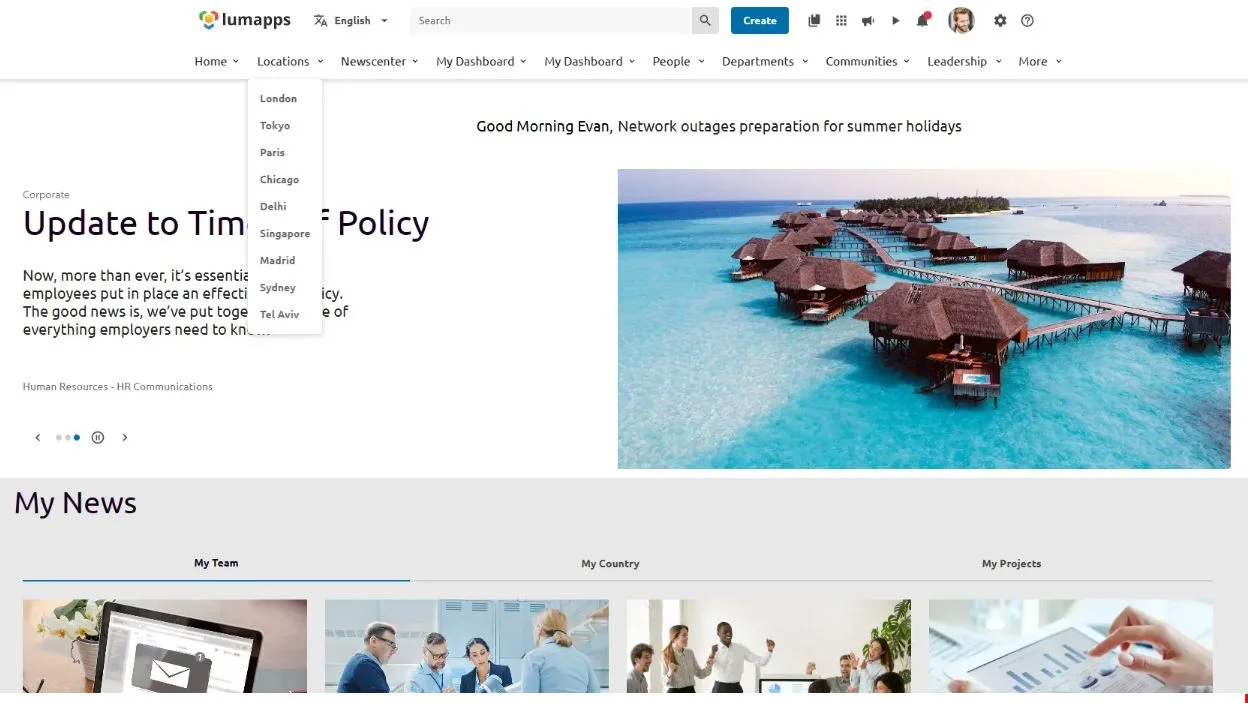
LumApps is an intranet-style platform designed for employee communication and content management. It gives companies a single place to publish news, share resources, and manage workflows for communication teams. LumApps supports personalized content targeting so employees see the most relevant updates based on their role, location, or department.
The platform integrates with Google Workspace and Microsoft 365, making it easy for organizations with existing ecosystems to connect their tools. Leaders and HR teams use LumApps to distribute updates, host employee resources, and create branded portals that support culture and engagement. Its structured approach makes it useful for companies that want communication to be consistent and well-organized.
Key features of LumApps
- Personalized news feeds: Deliver updates tailored to individual employee profiles.
- Content governance: Control publishing workflows and approvals.
- Integrations with major suites: Connects with Microsoft 365 and Google Workspace.
Best for: Enterprises that want a branded, structured communication hub with strong governance tools.
7. Simpplr
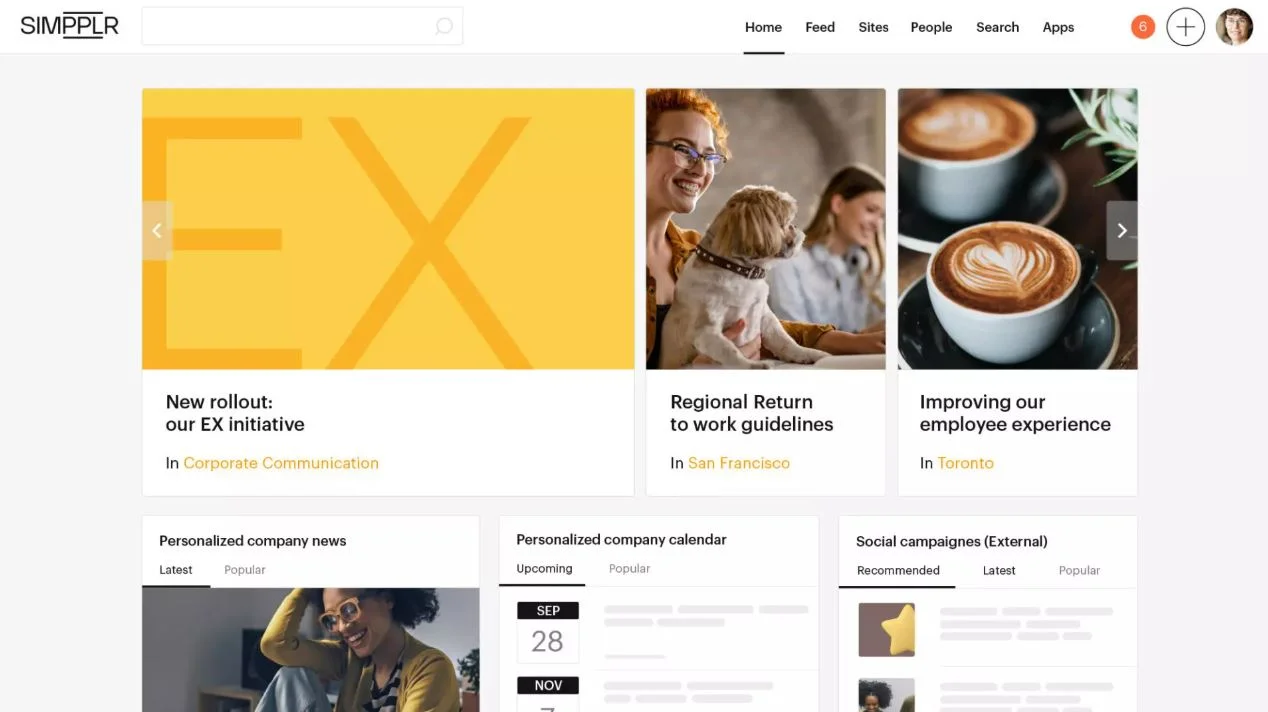
Simpplr is an employee intranet and communication platform that focuses on delivering clear, well-organized internal information. It combines company news, employee resources, and team sites to help employees find the information they need without searching across multiple apps. Simpplr emphasizes ease of use with a simple interface and strong search capabilities.
Communication teams use Simpplr to publish announcements and deliver targeted messages to specific audiences. The platform includes AI-driven insights that measure engagement and help leaders understand which messages resonate most with employees. Its design supports communication consistency while offering flexibility for content organization.
Key features of Simpplr
- AI-powered insights: Understand communication performance and engagement trends.
- Clean interface: Help employees navigate news and resources easily.
- Smart search: Quickly locate documents, pages, or updates.
Best for: Companies needing a straightforward intranet that supports communication and structured content.
8. Viva Engage
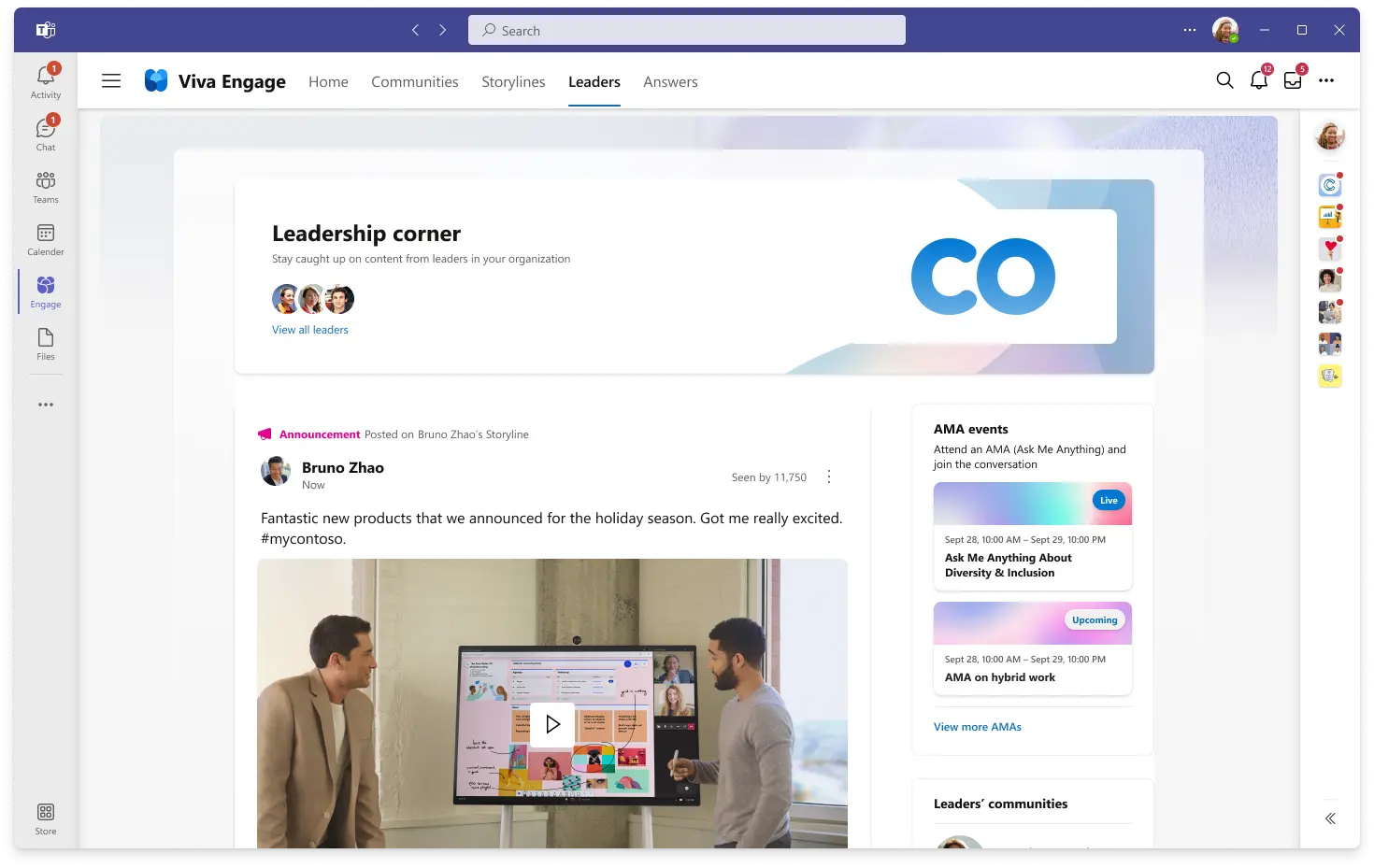
Viva Engage is a community platform within Microsoft 365 that supports organization-wide communication. Employees can join groups, participate in conversations, and share updates in a social format. Viva Engage works well for large discussions, crowdsourcing input, and connecting people who may not work together daily.
The platform encourages open communication across departments. Leaders use Viva Engage to host Q&A sessions, share updates, and gather feedback. It integrates with Microsoft tools, making it easier for organizations already within the ecosystem to add it to their communication strategy. While Viva Engage is less structured than a full intranet, it supports widespread visibility into conversations and community engagement.
Key features of Viva Engage
- Open discussions: Support large groups and organization-wide conversations.
- Community groups: Create spaces for departments, interests, or projects.
- Microsoft ecosystem integration: Connect with existing workplace tools.
Best for: Organizations using Microsoft tools that want a social communication layer for broader conversations.
9. Google Workspace
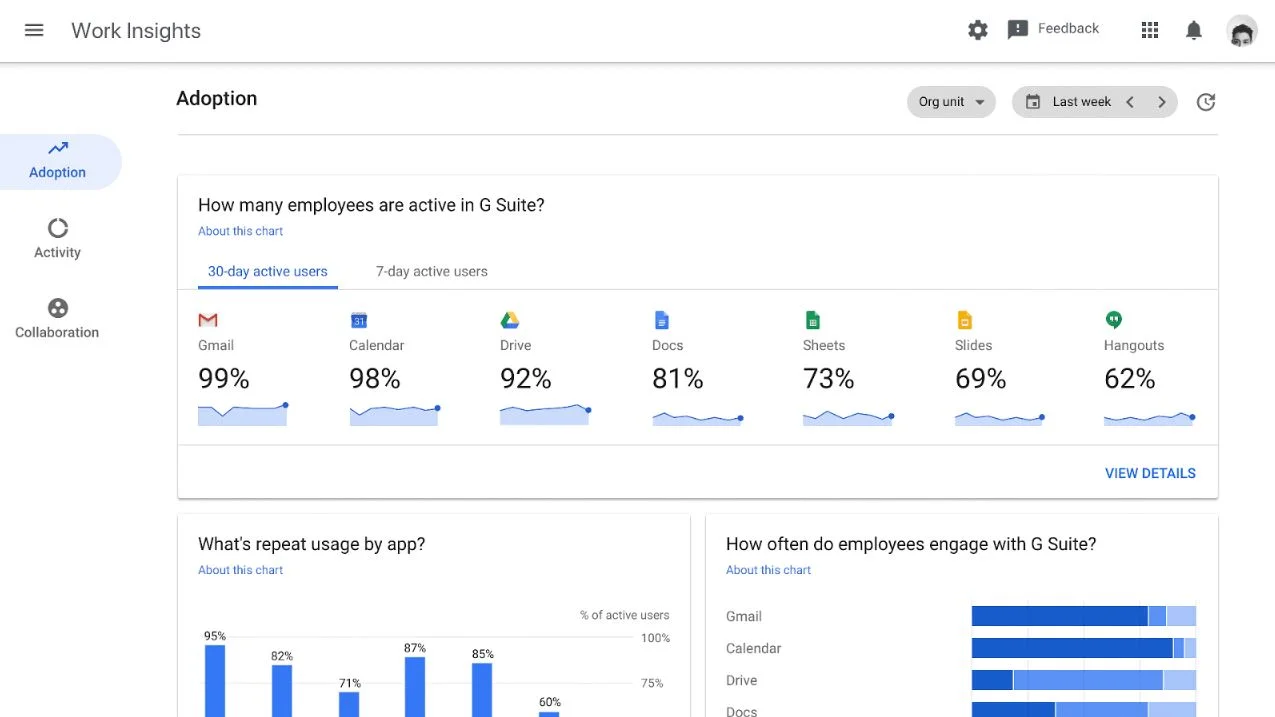
Google Workspace provides a suite of communication and productivity tools that help teams share information and stay connected. Gmail, Chat, Meet, Drive, and Sites work together to support daily communication, document collaboration, and internal updates. Teams use Google Workspace to manage conversations, host meetings, and share files in real time without switching between unrelated apps.
Chat supports direct messages and group discussions, while Meet provides video conferencing for hybrid teams. Drive centralizes documents so employees can access files from any location, and Sites can serve as a simple internal hub for publishing updates or team resources. Google Workspace works well for organizations that want communication and productivity tools under one ecosystem.
Key features of Google Workspace
- Integrated communication apps: Combine email, chat, and meetings in one environment.
- Shared documents: Collaborate in real time using Docs, Sheets, or Slides.
- Cloud storage: Keep files accessible and organized across teams.
Best for: Organizations using Google apps that want communication and collaboration in a unified system.
10. Blink
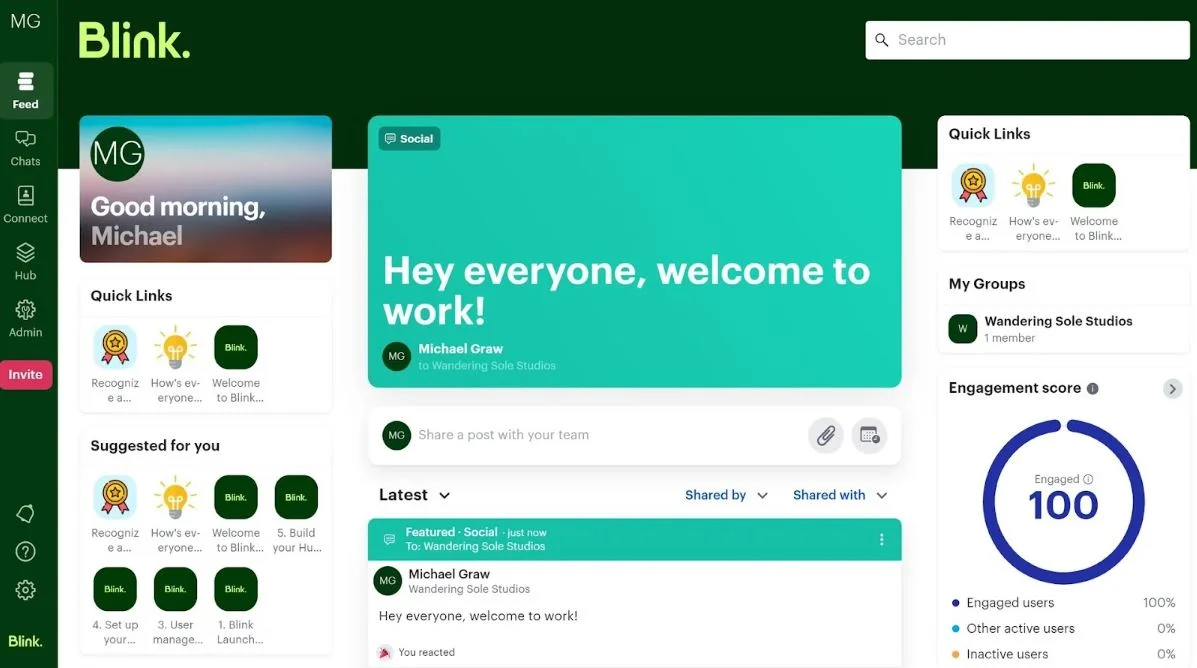
Blink is a communication app designed for frontline and mobile workforces. It centralizes updates, chat, and resources in a mobile-first interface that helps shift workers stay connected. Teams can share announcements, access schedules, and communicate quickly, even without a desk or laptop.
Blink’s feed supports company news, links to resources, and posts from leadership or local managers. Its messaging tools make it easy for teams to coordinate work or request support. The platform also includes document access, forms, and micro-apps that reduce paperwork and keep processes simple. Many organizations choose Blink when they need an accessible tool that supports on-the-go communication.
Key features of Blink
- Mobile-first design: Support frontline teams with easy access from any device.
- News feed: Share updates, announcements, and team posts.
- Built-in forms: Streamline requests and operational workflows.
Best for: Companies with large frontline or shift-based teams needing mobile communication.
11. Haiilo
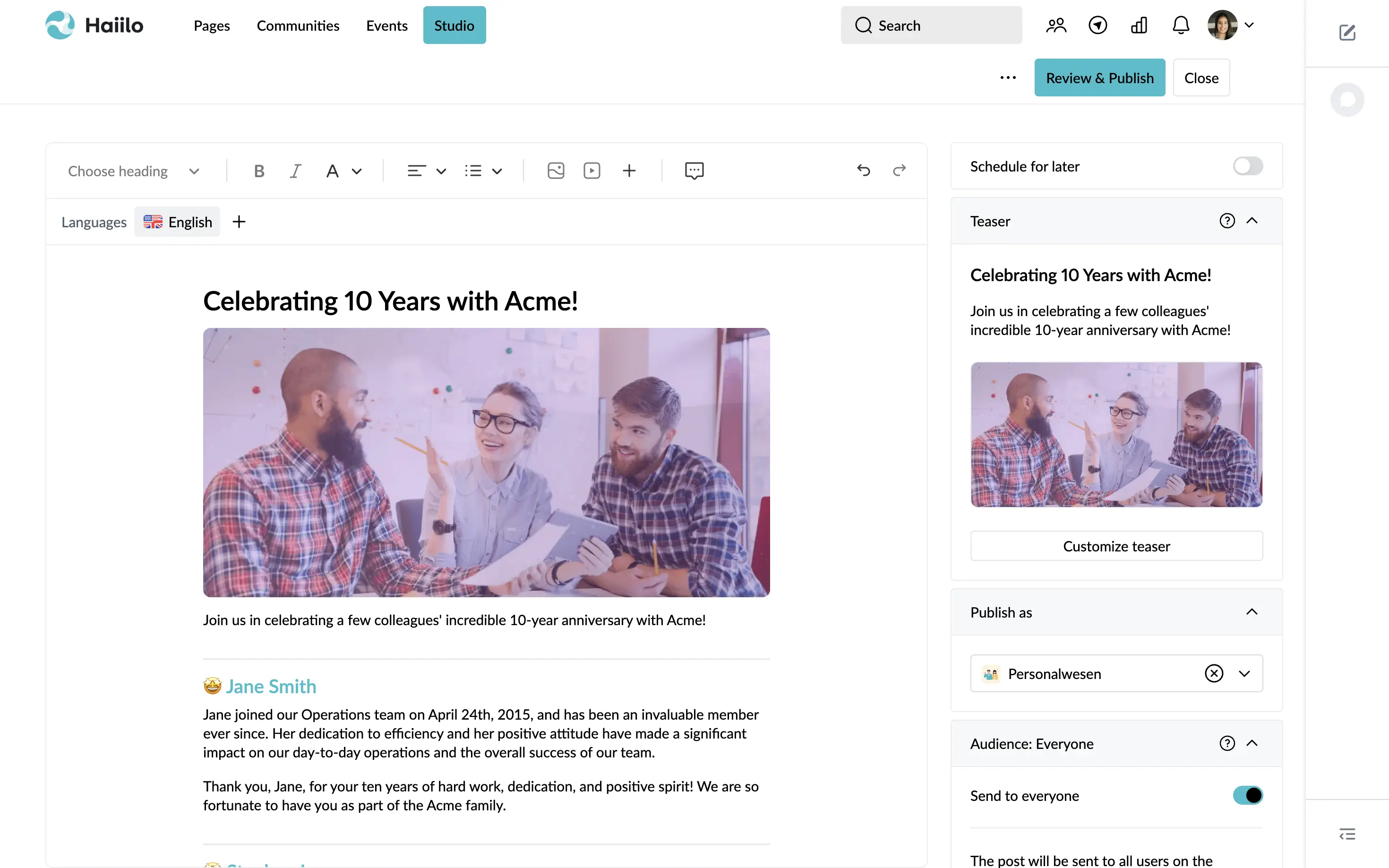
Haiilo combines communication, engagement, and advocacy features to help organizations strengthen internal messaging. The platform allows companies to publish news, manage campaigns, and track engagement across departments. Employees can access content through a feed, comment on posts, and participate in surveys or polls.
Haiilo includes tools for communication planning, analytics, and personalization so teams can deliver relevant updates. It also offers employee advocacy features that allow organizations to share selected content externally. With a strong emphasis on engagement and measurement, Haiilo supports communication teams that need visibility into how employees interact with messages.
Key features of Haiilo
- Personalized content feeds: Deliver updates based on roles or interests.
- Analytics dashboards: Measure reach and employee engagement.
- Campaign management: Plan and schedule communications efficiently.
Best for: Communication teams needing strong analytics and engagement tools.
12. Jive
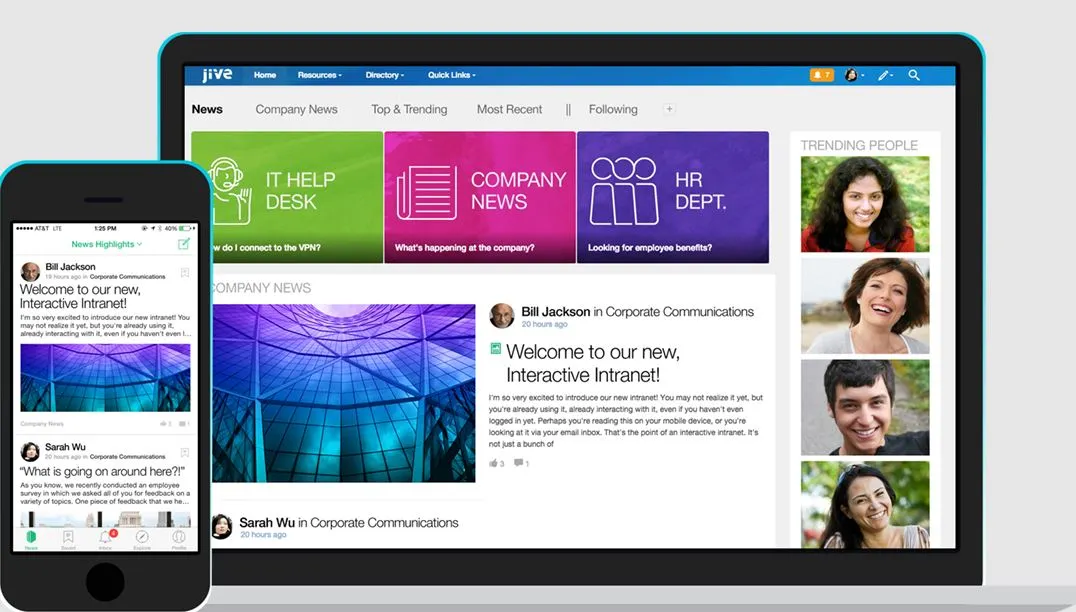
Jive is an intranet and communication platform that helps companies manage conversations, content, and collaboration. It provides spaces for teams to share updates, ask questions, and access important documents. Jive’s design supports community-style engagement and structured communication, giving employees a clear place to stay informed.
The platform includes discussion forums, news publishing, and document libraries. Its search tools help employees locate resources quickly, which reduces time spent looking for information. Jive also supports onboarding materials, HR content, and team spaces. Organizations choose Jive when they want a communication platform that feels like a blend of a social network and a structured intranet.
Key features of Jive
- Discussion forums: Support open conversations across teams.
- Document libraries: Organize resources in a structured environment.
- Engagement features: Encourage participation through comments and sharing.
Best for: Companies wanting a community-style platform with structured content spaces.
13. Confluence
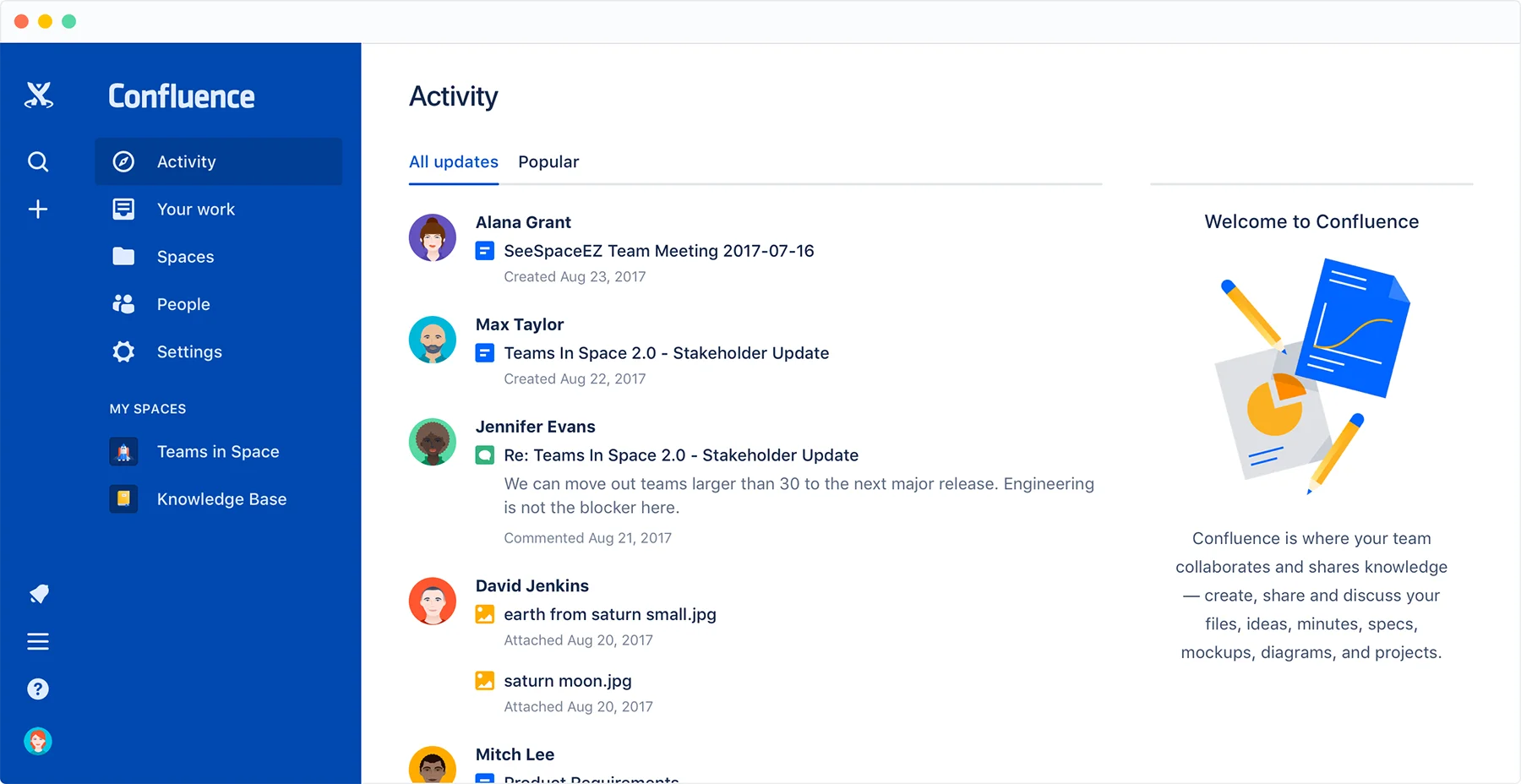
Confluence is a workspace platform designed for documentation, project communication, and knowledge sharing. Teams use it to create pages, share updates, and organize information in a structured format. It supports collaboration through comments, page editing, and shared spaces. Confluence is widely used when teams want a reliable way to document decisions, maintain transparency, and keep communication tied to ongoing work.
The platform integrates with Atlassian tools, including Jira, making it helpful for organizations with engineering or product teams. Confluence’s hierarchy of pages allows teams to build structured knowledge areas. While it is not a traditional communication platform, it supports long-form updates, project status reports, and announcements that require permanence and clarity.
Key features of Confluence
- Structured documentation: Create organized knowledge spaces for teams.
- Collaborative editing: Work on pages together and track changes.
- Atlassian ecosystem integration: Connect updates to project tasks.
Best for: Teams that need documentation and project communication in one centralized space.
14. Intercom
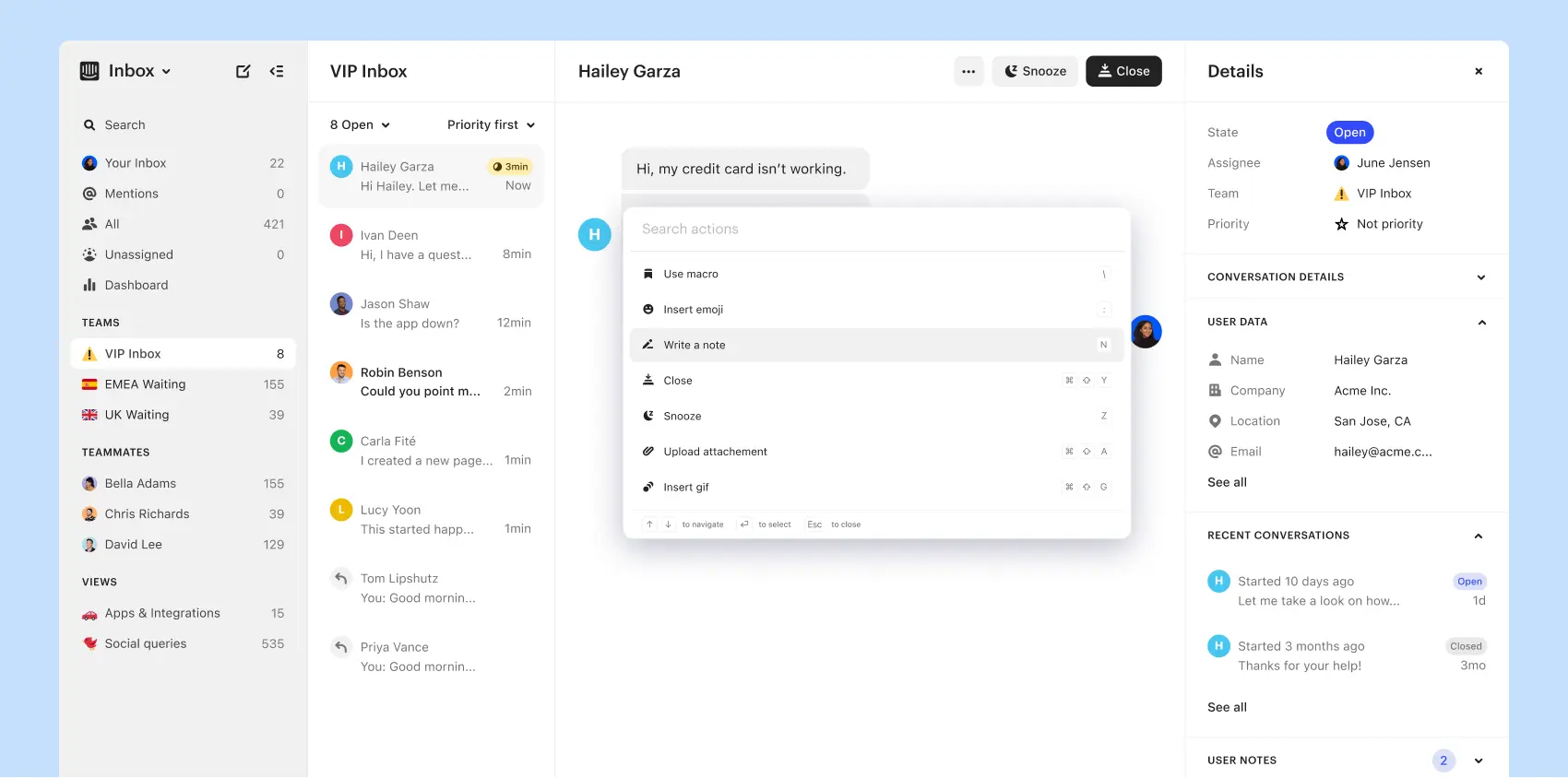
Intercom is a communication platform that supports both internal and customer-facing interactions. While known for customer messaging, many organizations use its internal communication workflows and automation to support employee coordination. Intercom’s chat tools, bots, and shared inboxes help teams manage communication efficiently.
The platform is often used by support, operations, and product teams that handle high volumes of messages or need fast cross-team responses. Intercom’s automation features help route conversations, share updates, and ensure the right teams receive the right information. Although not a full intranet, it supports communication connected to operational workflows.
Key features of Intercom
- Shared inbox: Collaborate on messages that require team responses.
- Automation tools: Route information to the right departments.
- In-app chat: Support real-time coordination and updates.
Best for: Teams that manage large volumes of internal or external communication.
15. Front
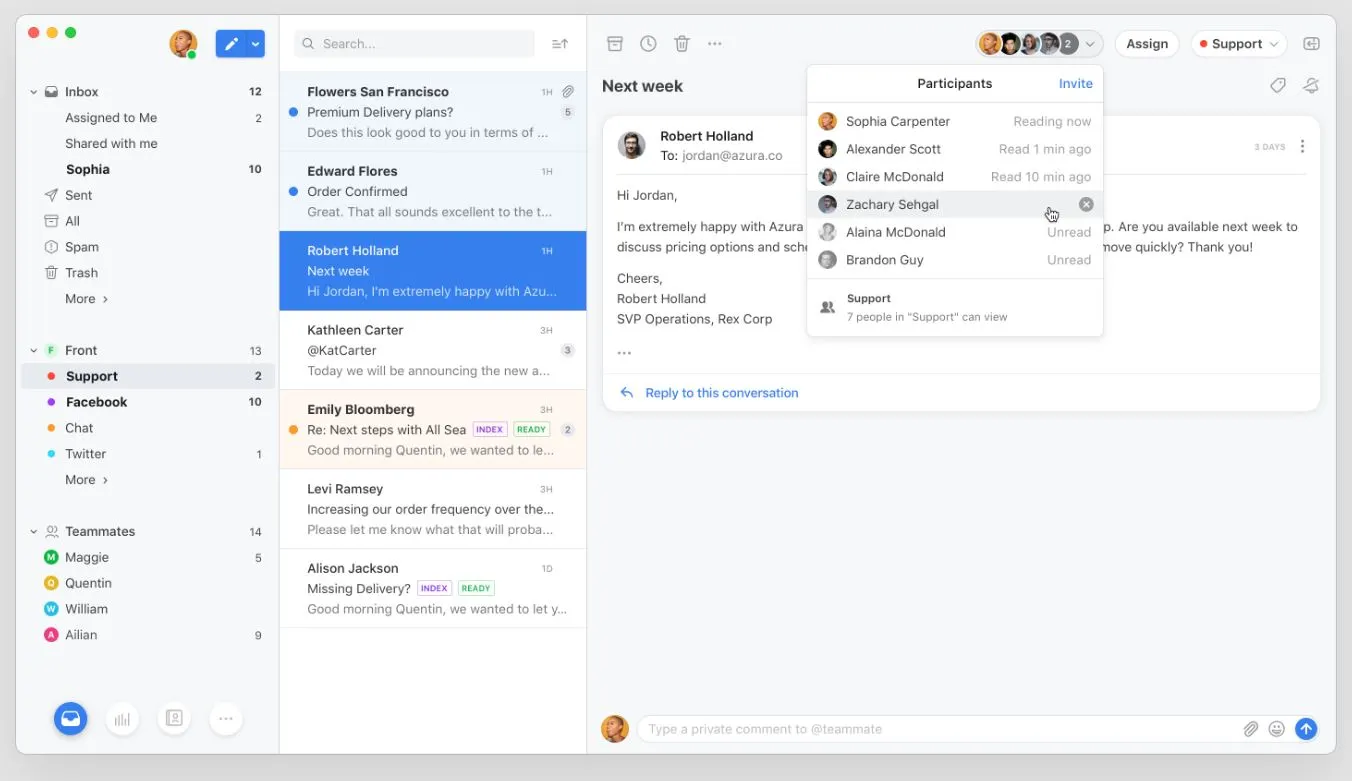
Front is a shared inbox and communication hub that brings messages from email, SMS, and other channels into one workspace. Teams collaborate on incoming messages, assign tasks, and comment internally to resolve issues quickly. Front supports transparency and faster decision-making, especially for teams working with customers or cross-functional workflows.
The platform helps streamline internal communication by reducing scattered email threads and creating shared visibility. Teams can create rules, automate routing, and organize messages so work flows smoothly. Front is used by operations, support, sales, and logistics teams that need clear communication channels tied to daily tasks and external interactions.
Key features of Front
- Shared inboxes: Give teams visibility into communication streams.
- Commenting tools: Collaborate internally without forwarding emails.
- Workflow rules: Automate routing and prioritize important messages.
Best for: Teams that rely on coordinated communication to manage customer or operational inquiries.
Bringing communication together for stronger alignment
Organizational communication tools help teams share information, collaborate, and stay aligned across roles, locations, and departments. With so many platforms available, the best option is one that centralizes what matters, supports your culture, and helps employees stay connected to their work. Communication thrives when employees can easily find updates, participate in conversations, and access resources without navigating scattered apps.
A unified space builds clarity for everyone: leaders share updates with confidence, HR teams maintain consistent messaging, and employees stay informed without added complexity. This is why choosing the right platform is essential.
Axero brings communication, collaboration, and knowledge into one place so your organization moves forward with clarity and connection. Book a demo today and see how we support communication that works for everyone.






 info@axerosolutions.com
 1-855-AXERO-55