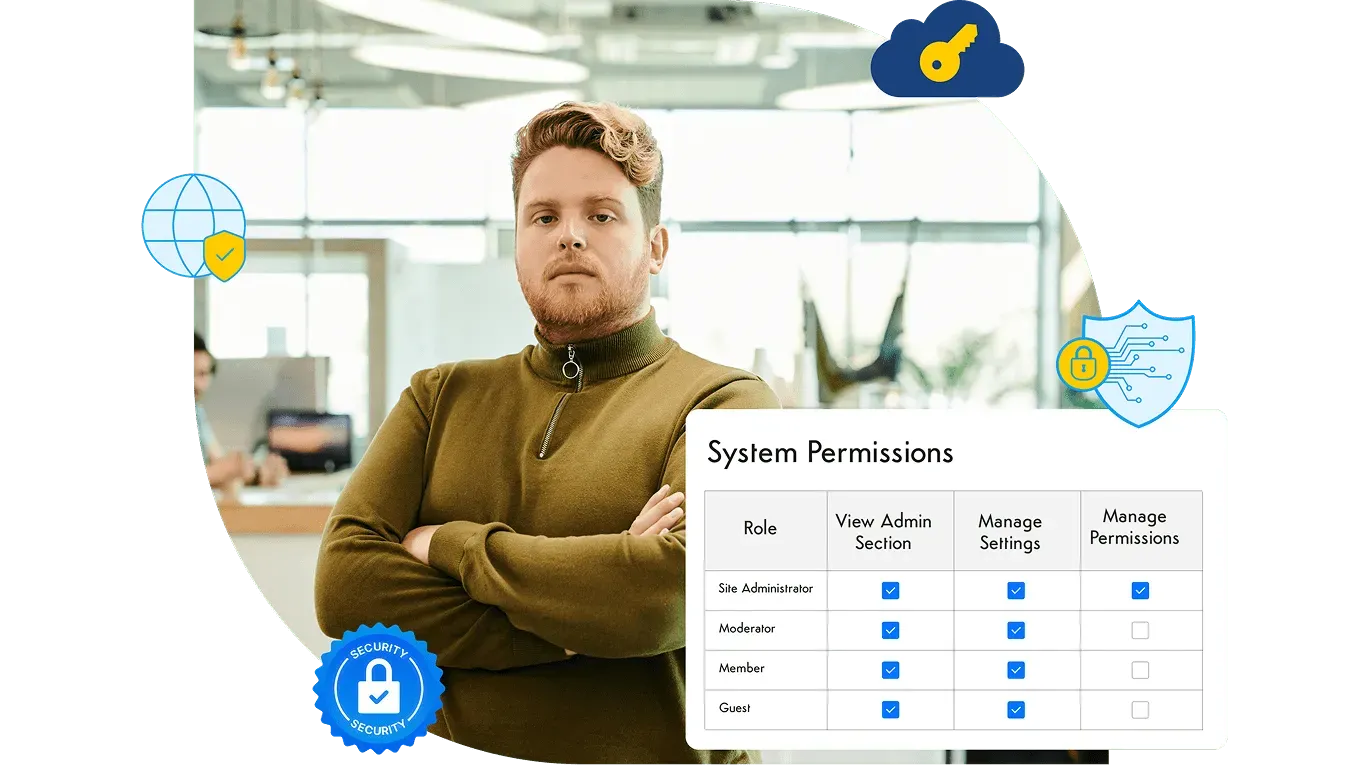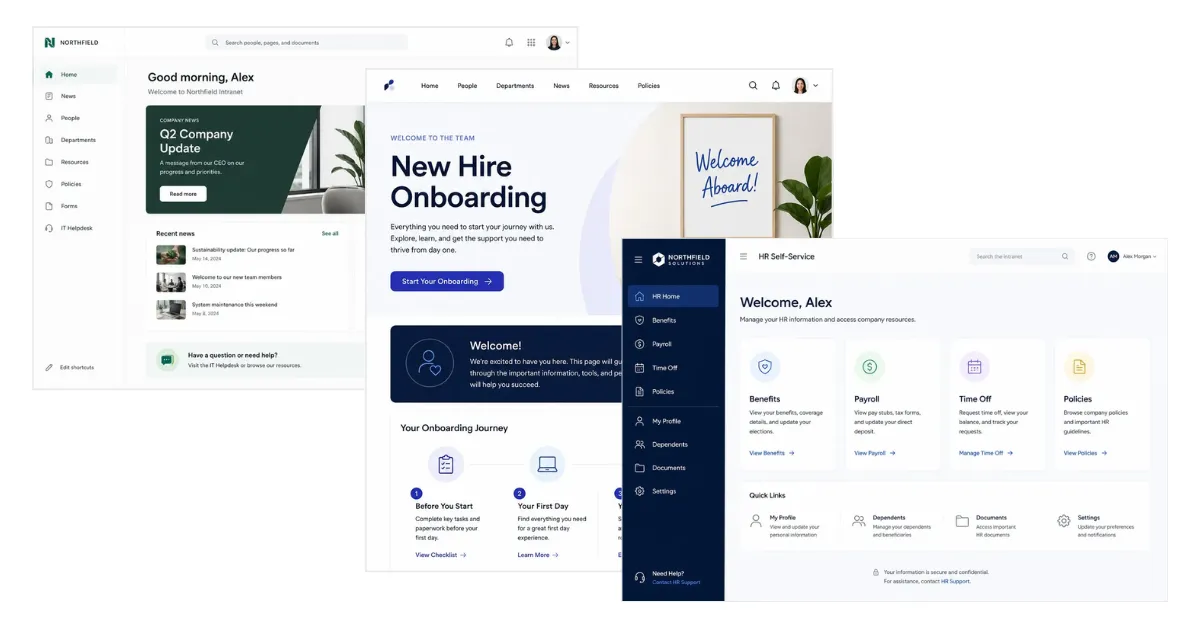
If you’re researching intranet software, someone on your team has probably asked: what does an intranet actually look like? The honest answer is that there’s no single answer. An intranet, especially one with strong customization, takes the shape your organization needs — a company homepage, a knowledge base, an HR portal, a team collaboration hub, or all of the above in one platform.
This guide explains what an example of an intranet is, the use cases companies rely on the most, and the main types you’ll come across in your research.
Want to see the designs rather than read about them? Our Intranet Examples Visual Gallery has annotated screenshots, homepage layouts, department hub mockups, and templates you can start from.
What is an example of an intranet?
An intranet is a private, secure digital workspace where employees find company news, HR documents, internal tools, and each other. So when someone asks for “an example of an intranet,” they’re really asking what one of those jobs looks like in practice.
Here are a few examples:
- A banking company uses it as a compliance and document repository — loan officers across hundreds of branches access state-specific policy updates the same day they’re published.
- A tech company uses it as a communications hub — teams turn to the intranet for product updates, org announcements, and team news instead of relying on email or Slack channels.
- A real estate firm uses it as a team collaboration platform — each regional office has its own hub with listing resources, agent marketing materials, transaction checklists, and deal-stage discussions.
- A community bank uses it as a culture platform — employee spotlights, branch news, and peer recognition that strengthen culture for staff across 20 locations.
The same platform can serve all of these purposes. As we cover in what a corporate intranet is, some companies lean on it for culture and engagement, while others treat it as the knowledge repository everyone adds to and refers to. The right intranet takes whatever shape your organization needs.
What can an intranet do?
Here are the four use cases companies rely on most, each with a real Axero customer example.
1. Knowledge management and compliance
As organizations grow, knowledge gets fragmented. Policies live in email threads, documents get saved in personal drives, and new hires can’t find anything. An intranet fixes that by creating one governed place for documentation — searchable, access-controlled, and always current.
Mariner Finance uses Axero to connect loan officers across 500 regional branches with state-specific compliance updates that change monthly — without creating an administrative bottleneck at headquarters.
2. Internal communications
When company news lives in email, it competes with everything else in an inbox. An intranet gives communications teams a dedicated channel: one place to post announcements, send newsletters, and know that critical updates actually reach people.
Movement Mortgage moved company updates off email threads and onto Axero, connecting more than 4,000 employees across hundreds of branches and cutting email traffic by 75%.
3. Team collaboration
Chat tools are good for quick conversations. They’re not great for keeping a team aligned across projects, documents, and decisions over time. A company intranet gives each team its own hub — shared files, discussion threads, integrated tools — without the noise of company-wide channels.
Real estate and construction firm ARCO wanted a people-centric platform where every team had its own space. With Axero, regional teams stay aligned without everything running through a central communications bottleneck.
4. Workplace culture and employee engagement
With remote and hybrid teams now the standard, the informal connections that used to happen in an office don’t happen on their own. An intranet homepage that mixes company news with colleague spotlights, peer recognition, and social updates helps distributed teams feel like they’re part of the same organization.
Ohio Valley Bank connected 300+ employees across 18 branches by building a community-first digital workspace with Axero — company resources alongside internal social features and employee spotlights that make people want to check in.
The main types of intranet examples
Most company intranets are built from the same core building blocks. Here are the seven you’ll come across most often:
- Homepage — the digital front door. Featured news, quick links, access to the employee directory, and a live pulse of company activity personalized to each employee.
- Department and team hubs — a dedicated space for each team’s files, discussions, tasks, and tool integrations.
- HR and employee self-service portal — benefits, payroll, time off requests, and policy documents, all accessible without going through HR directly.
- Knowledge base — a searchable, organized home for how-to articles, process documentation, and reference material.
- Internal comms and newsroom — a single source of truth for company-wide announcements, with tools for newsletters, broadcast messages, and read receipts.
- Onboarding hub — a guided checklist, welcome resources, and training materials for new hires from day one.
- Culture and recognition — peer shout-outs, employee spotlights, milestone celebrations, and shared moments that travel across a distributed workforce.
These aren’t seven separate products to buy. They’re patterns you build on one intranet platform, which is why most organizations end up with several of them in the same place.
Which one should you build first?
Almost nobody needs all seven on day one, and trying to launch them together is a reliable way to launch none of them well. Start from the problem that’s costing you the most right now:
- Policies scattered across drives and inboxes, or a compliance question you can’t answer quickly → knowledge base.
- Important announcements getting lost in email → internal comms and newsroom.
- HR answering the same handful of questions every week → employee self-service portal.
- Teams working in parallel with no shared view of files, decisions, or progress → department and team hubs.
- A distributed workforce that doesn’t feel like one organization → culture and recognition.
- New hires taking months to get productive → onboarding hub.
Whichever you pick, one thing decides whether it stays useful: someone has to own it. Each area needs a named owner, permissions that match how sensitive the content is, and a review cadence — otherwise the space you launch this quarter becomes the stale intranet you complain about next year.
Build your own intranet
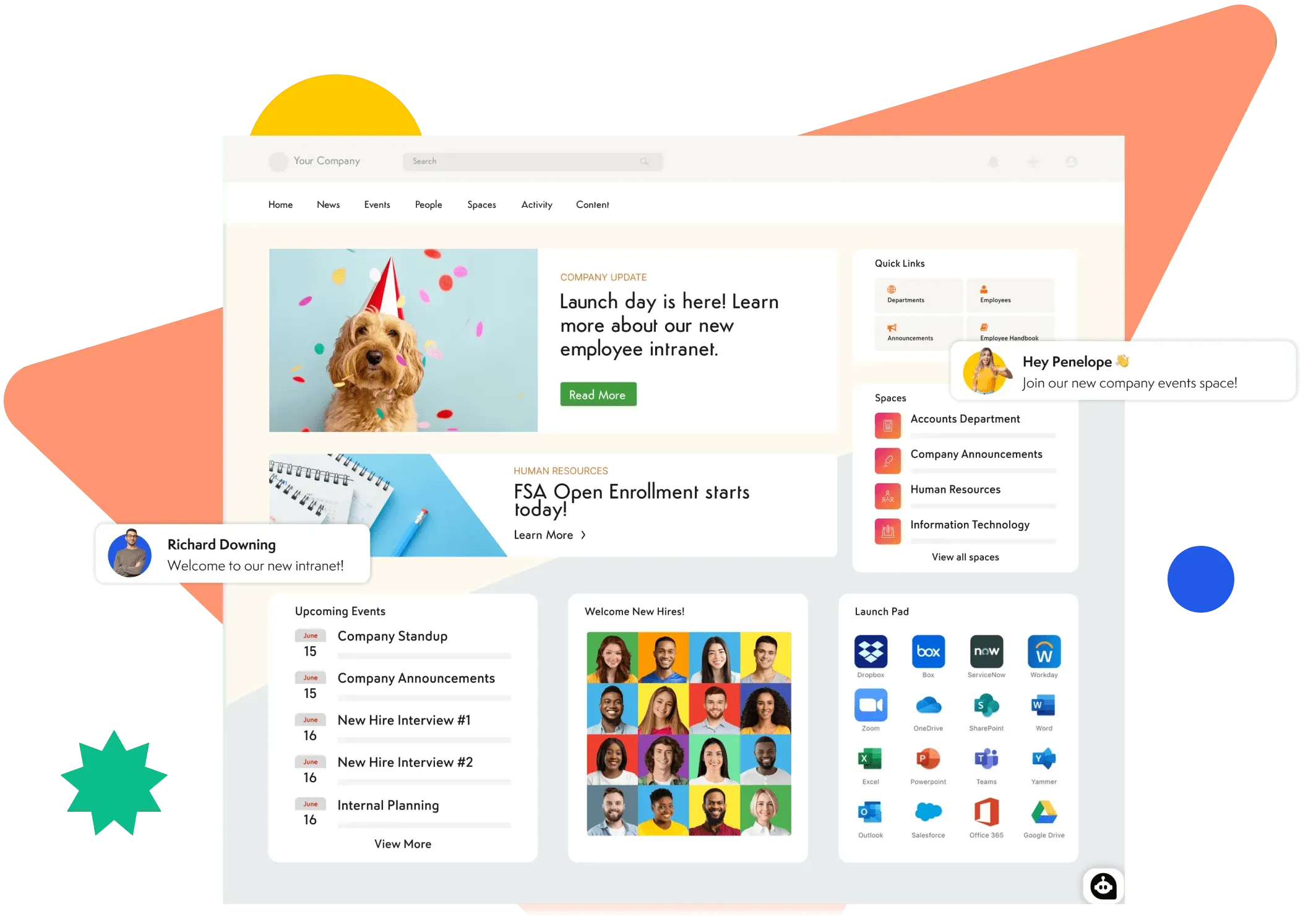
An intranet can be as focused or as full-featured as your organization needs. The examples above are the starting point — not the ceiling. Learn more about Axero’s intranet platform, or book a demo and we’ll show you what it looks like with your own content and structure.