











Axero Solutions

Intranet Examples

See what a great company intranet looks like

A visual guide to real intranet examples — homepage layouts, department hubs, HR portals, knowledge bases, comms and onboarding — with the design principles and templates to plan your own.

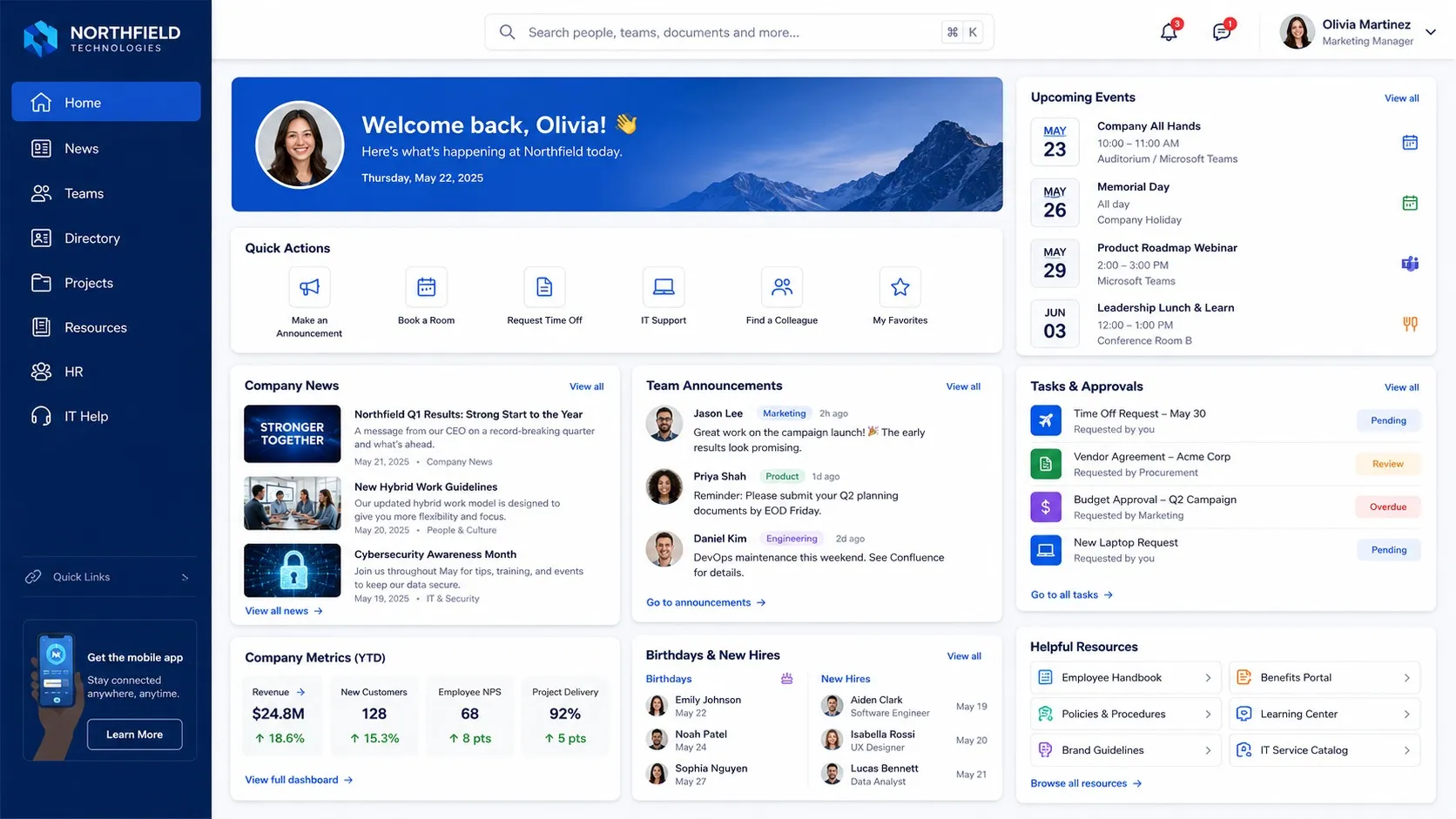
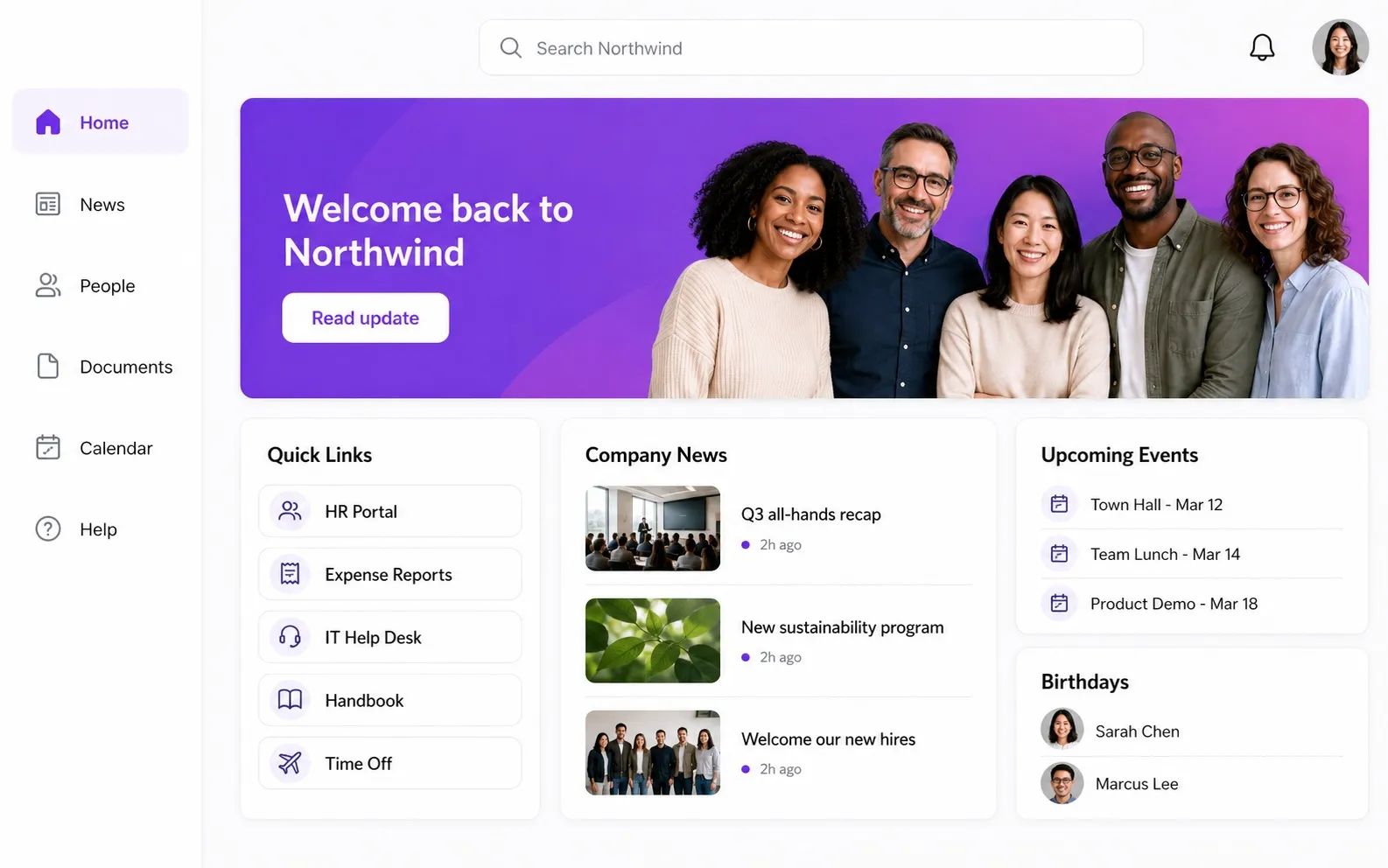
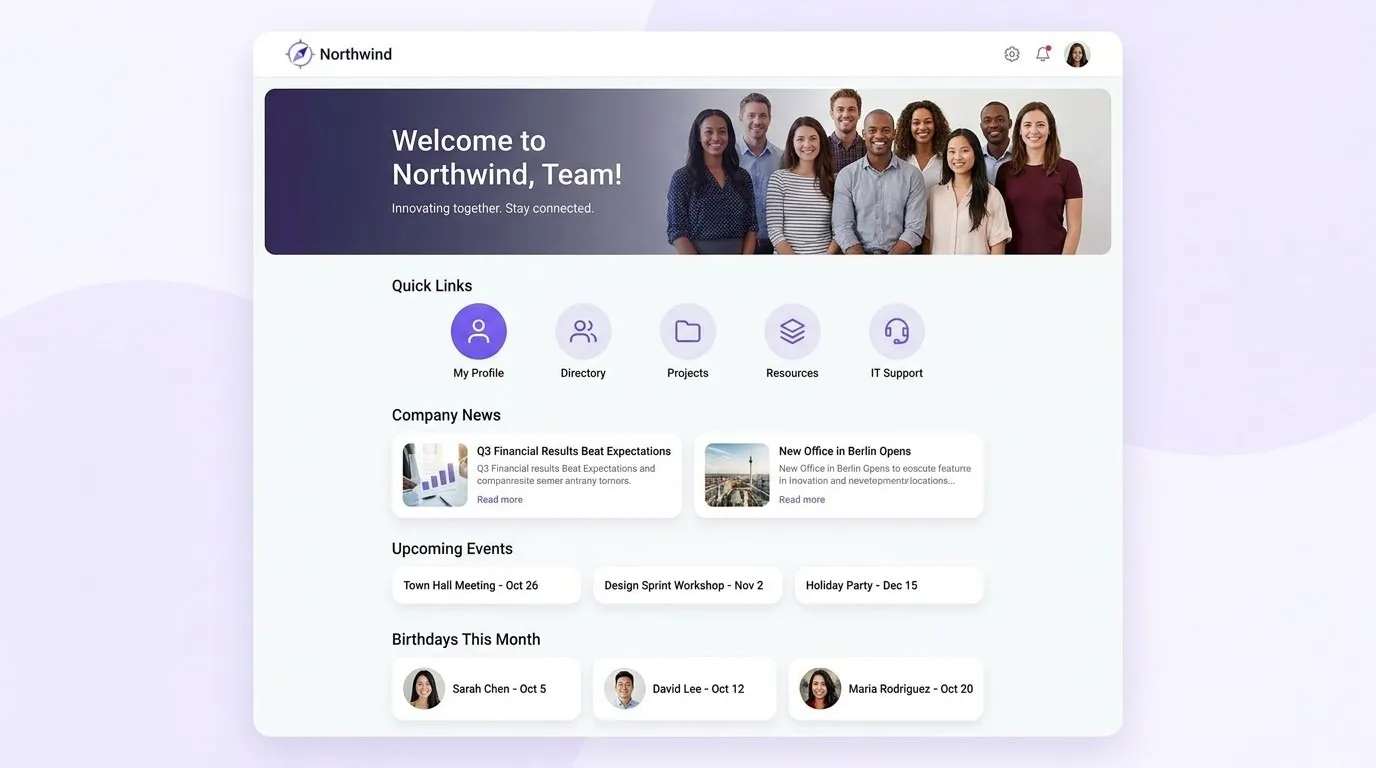
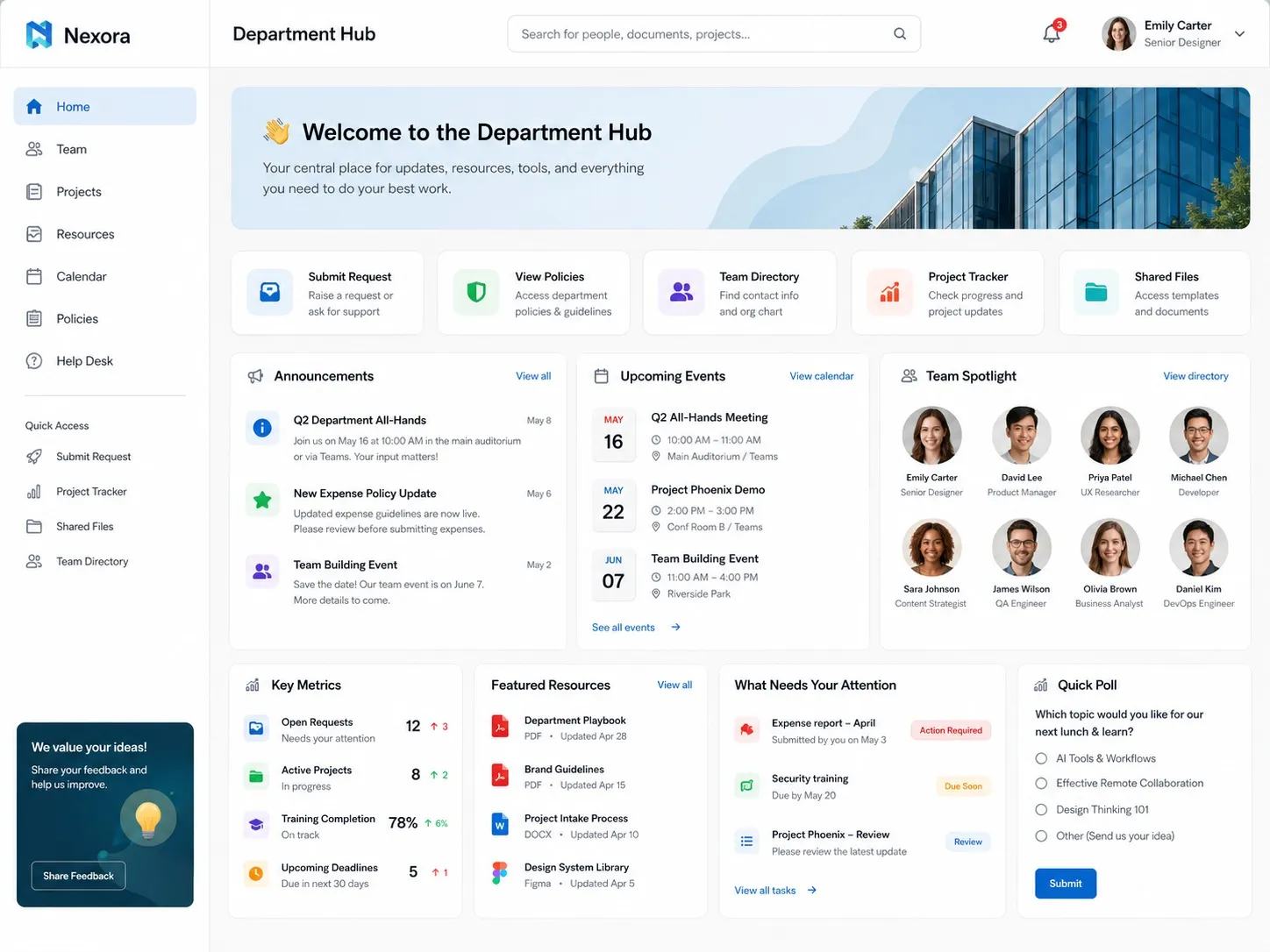
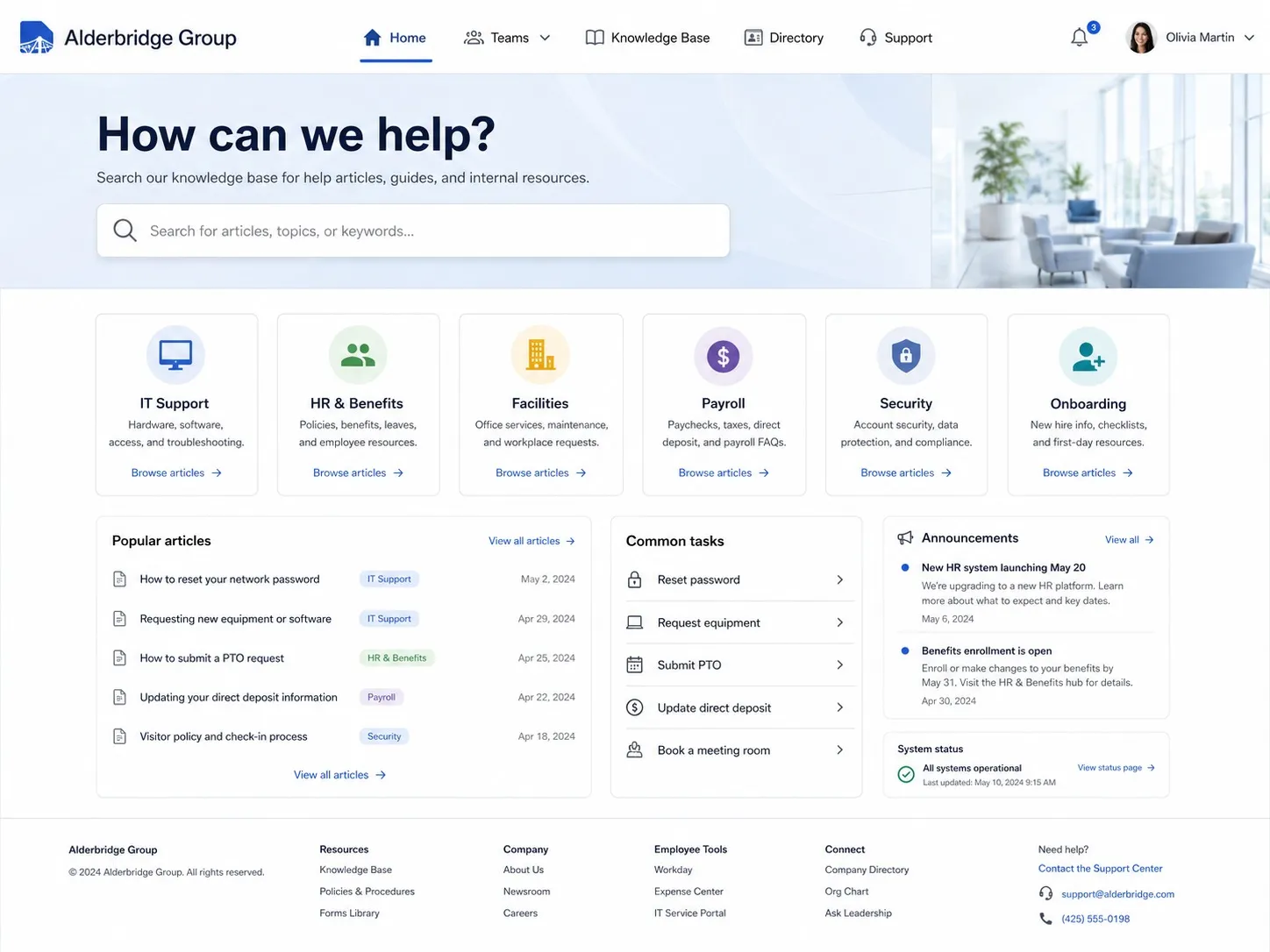
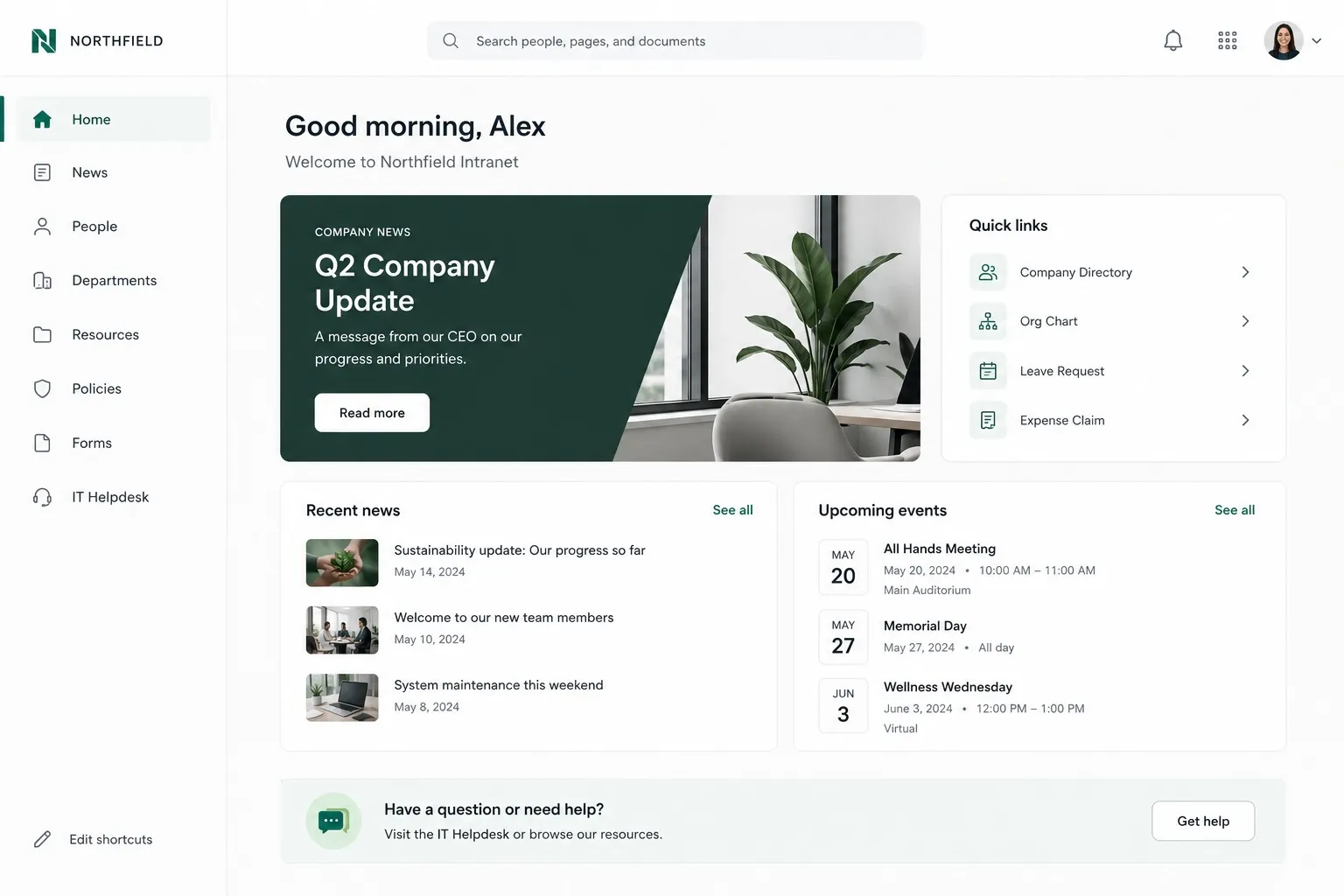
Example of a modern company intranet homepage built on Axero.

The intranet behind teams at organizations worldwide

AmazonToyotaJohns HopkinsBenjamin MooreWileyCognexEdwards LifesciencesSchneider ElectricBuseyCredit AgricolePLACEStanfordArco ConstructionSeneca College

Intranet on the go

Every example works in your pocket

A modern intranet can't be desk-bound. The same homepage, news, directory and search your employees use on a laptop should travel with them on a native mobile app.

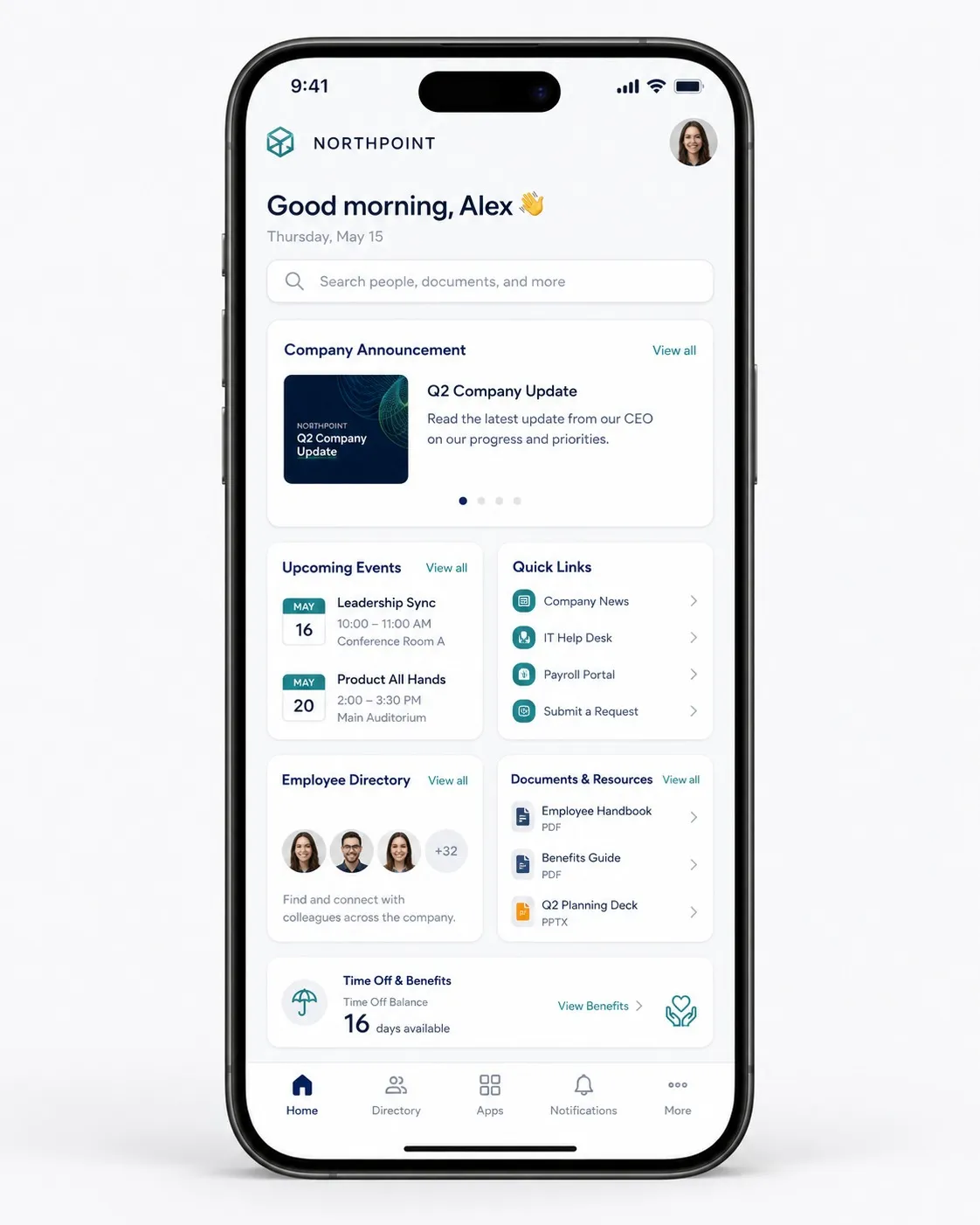
Company intranet mobile app home feed example.
A clean mobile home feed
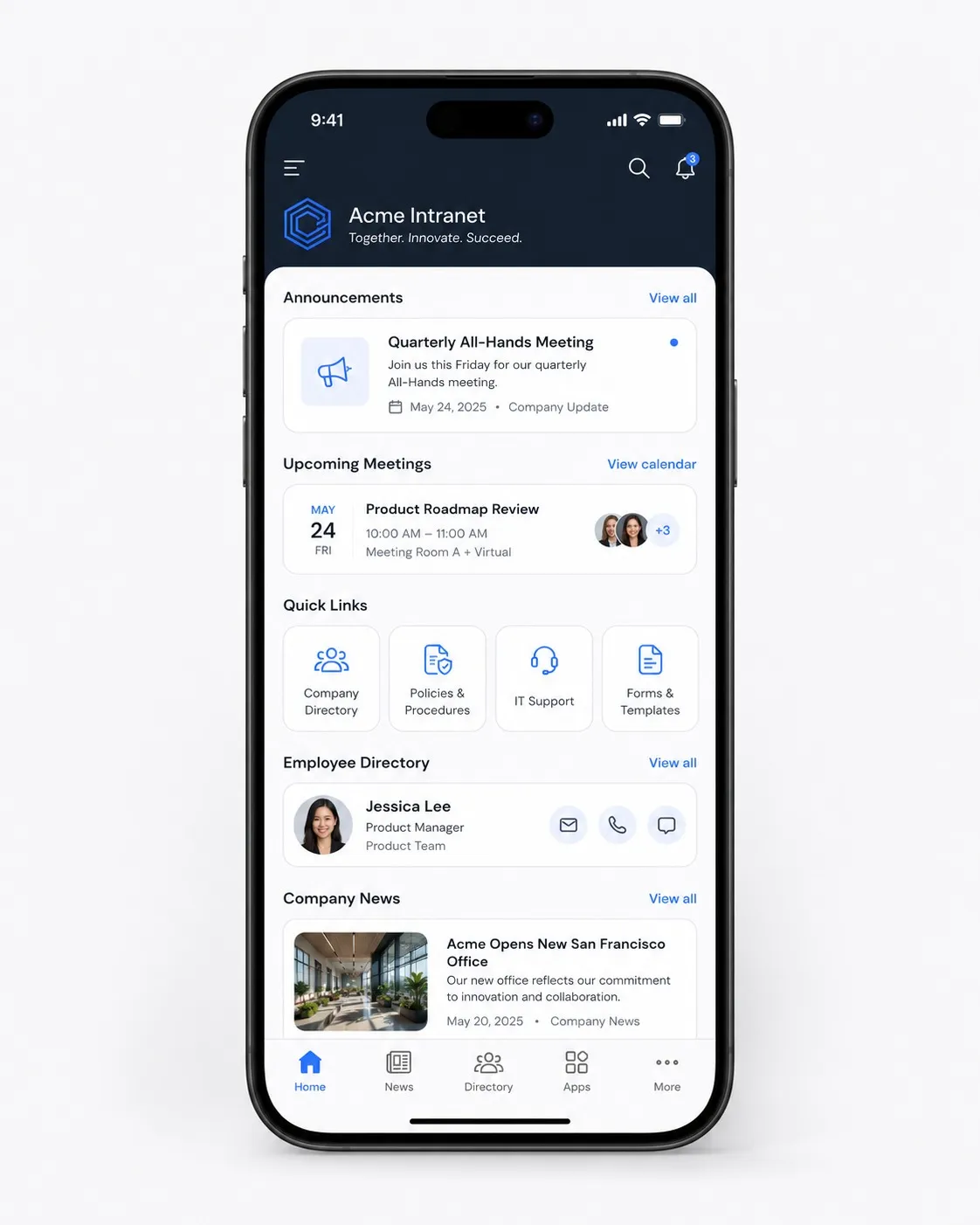
Company intranet mobile app with announcements and directory.
Announcements, meetings & directory

Intranet templates

Start from a template, or bring your own

Axero comes with dozens of ready-made intranet templates to choose from — or bring your own design and we'll bring it to life for you.

Essential homepage

A balanced homepage with featured news, quick links and spaces — the foundation every intranet needs.

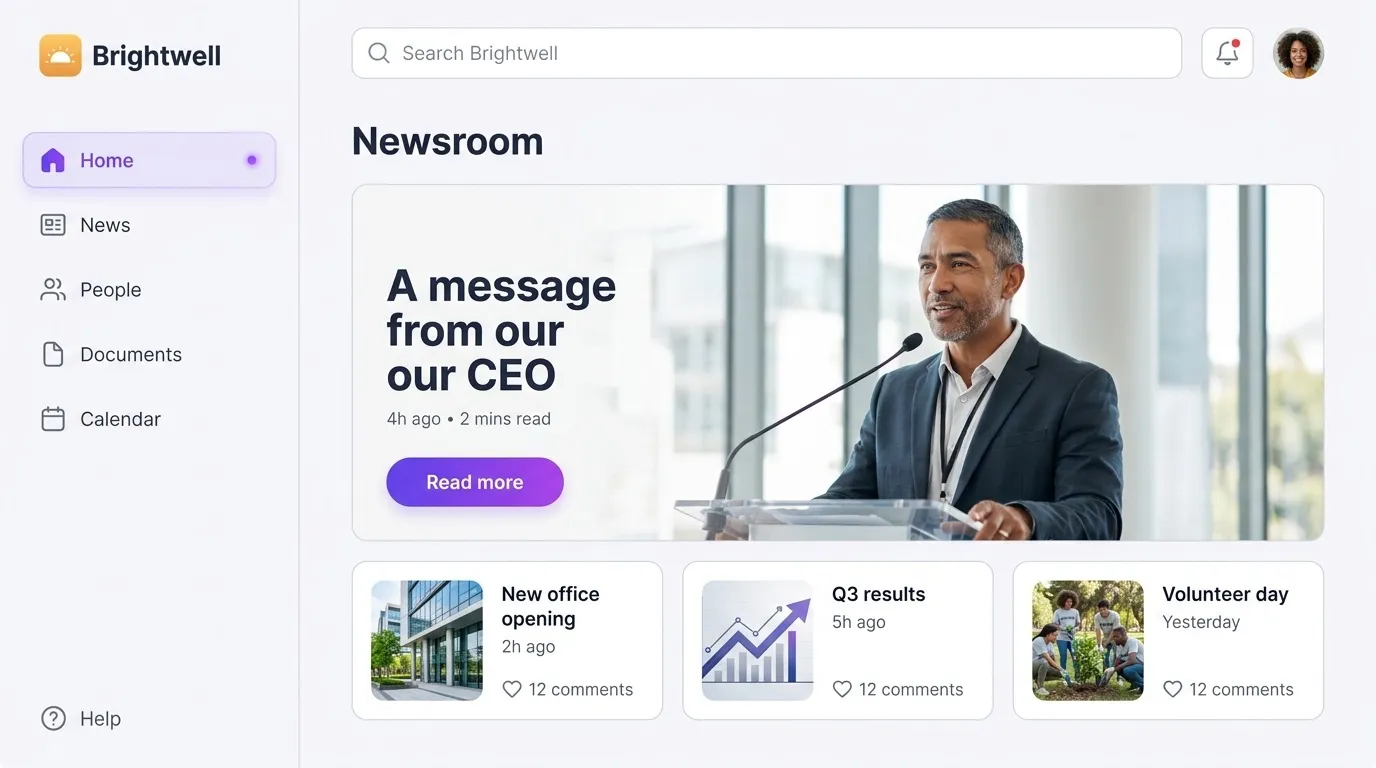
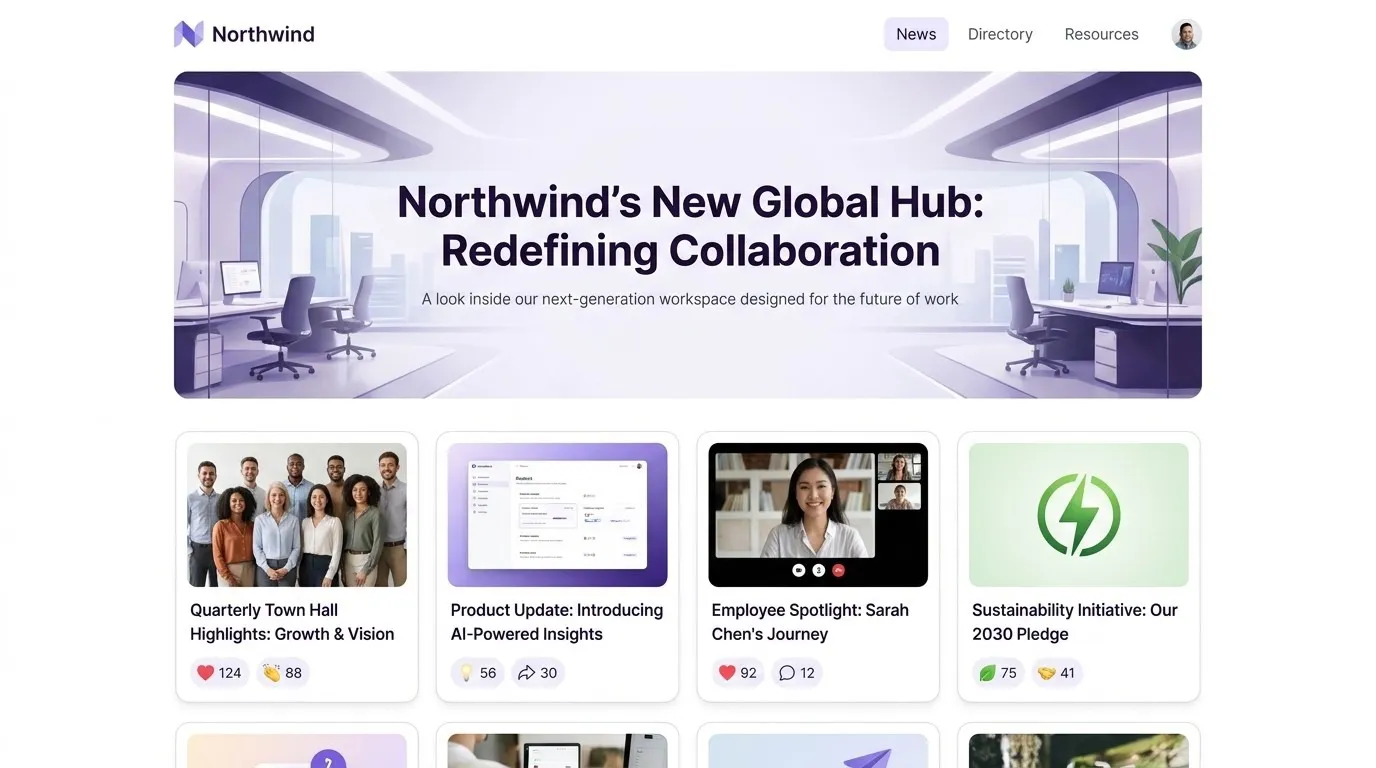
Newsroom & announcements

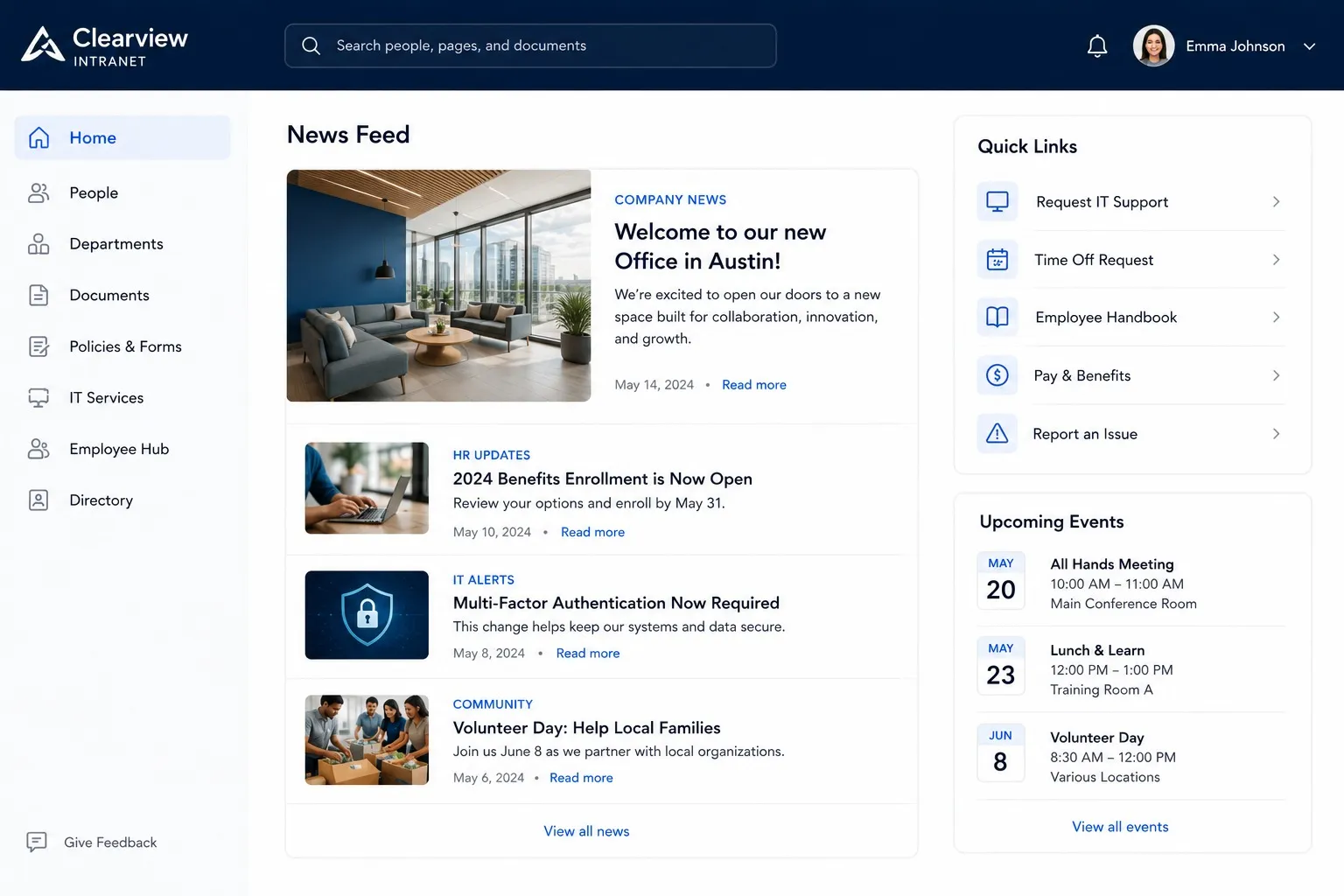
Lead with the latest content and customizable sidebars for company-wide comms.

Event center

Event imagery, summaries and a community calendar that syncs with Microsoft and Google.

Employee handbook

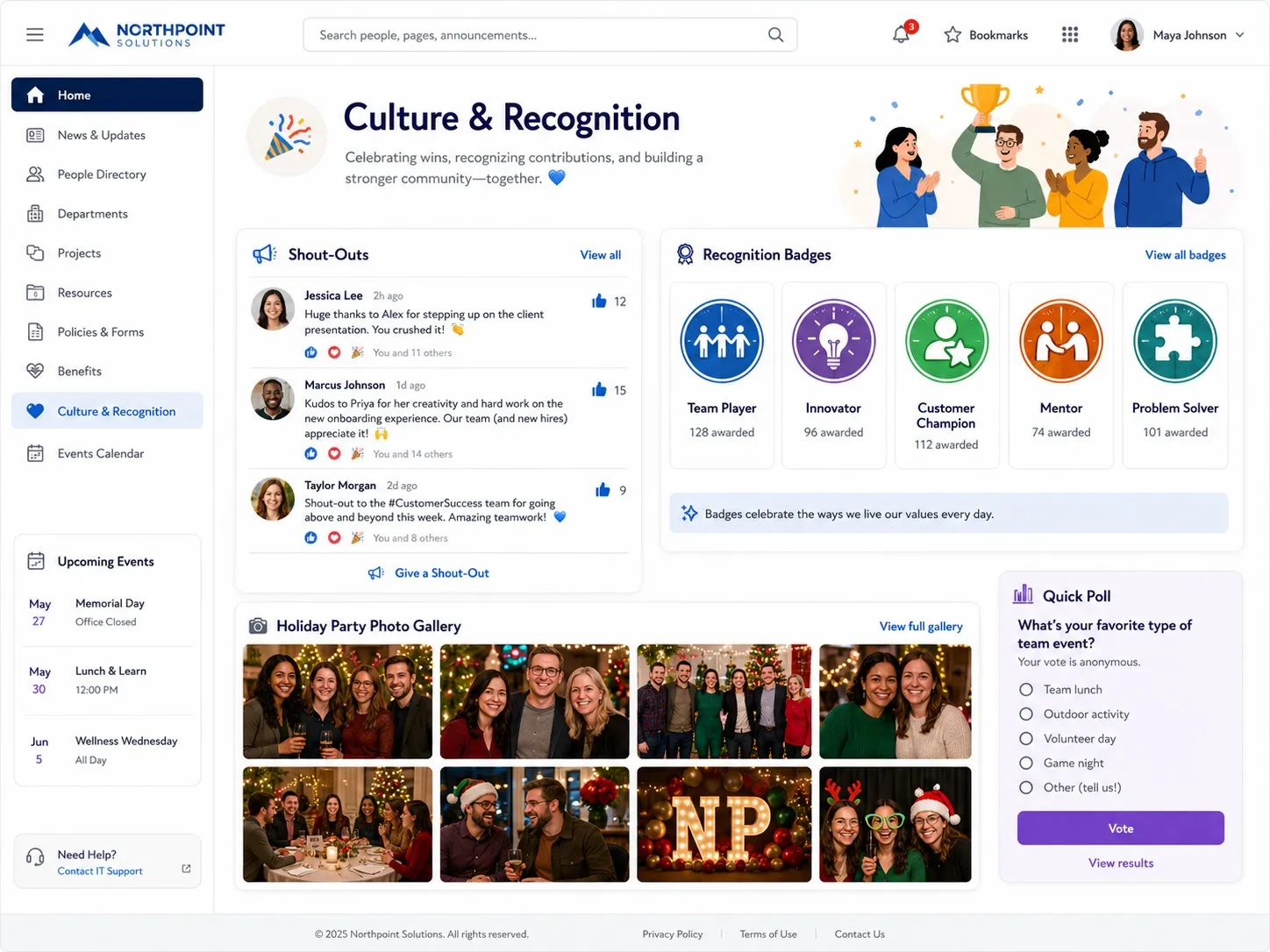
Tabbed document sections with version control, company values and recognition built in.

About us / company hub

People resources, team highlights and company-wide spaces to connect your workforce.

Campaigns & initiatives

A single-topic page with sign-up forms, polls and a personalized header to rally people behind an initiative.

File & document center

Files from across workspaces, sorted by most-viewed, with a cloud-storage launchpad.

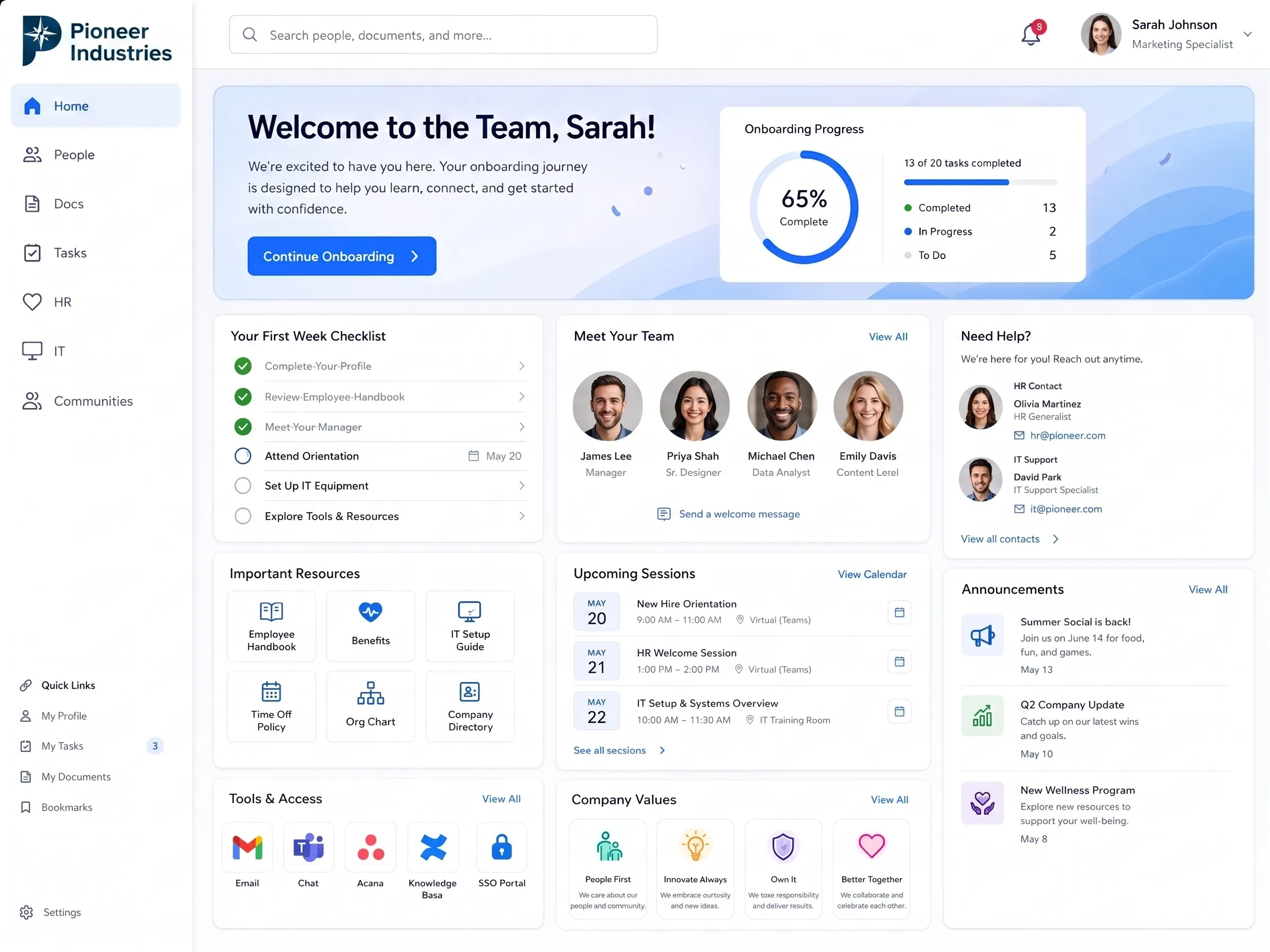
Training & onboarding

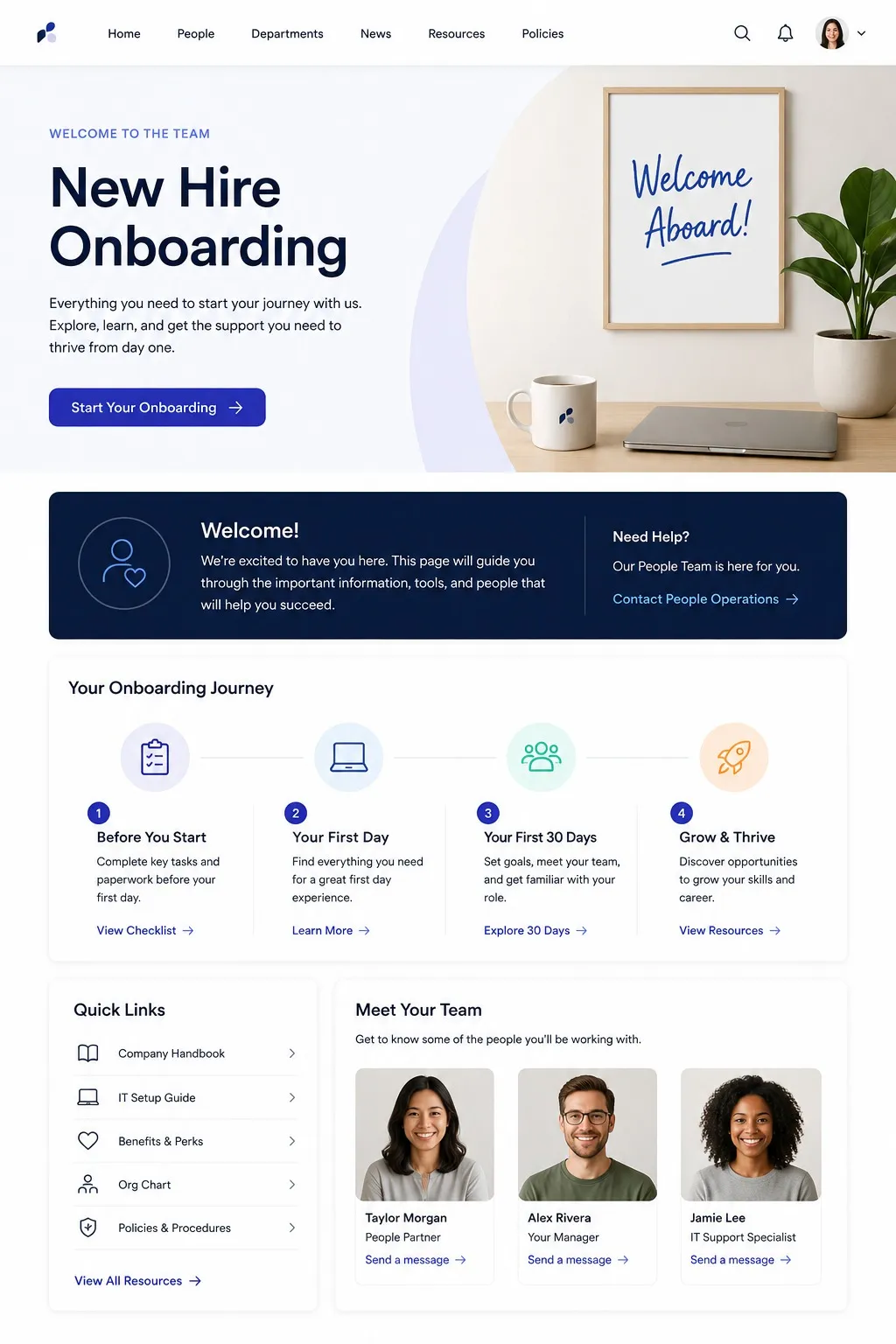
A guided new-hire hub with a welcome banner, onboarding checklist, training courses and team intros to ramp people from day one.

Design best practices

What makes a great intranet design

The best intranet examples above all share the same design principles. Keep these in mind whichever layout you start from.

Keep it simple

A clean, uncluttered layout beats a busy one. Every element on the page should earn its place.

Prioritize what matters

Put the most important news, links and tools at the top where people see them first.

Make search effortless

A fast, prominent search bar — ideally AI-powered — is the backbone of a usable intranet.

Aggregate with widgets

Group related content into widgets and columns instead of one long, scrolling list.

Keep content fresh

Stale content kills adoption. Use expiry dates and owners so information stays accurate.

Balance and color

Use symmetry and a vibrant but on-brand palette so no single element overwhelms the page.

Enable self-service

Let people update profiles, find documents and complete tasks without asking anyone.

Design for mobile

Assume the smallest screen first so deskless and remote employees get the full experience.

Plan your intranet

How to plan an intranet in 5 steps

Use the examples above as a starting point, then follow this sequence to design an intranet your team will actually use.

  1. 01

    Define your objectives

    Decide what the intranet is for and who it serves — comms, knowledge, culture, or all three.

  2. 02

    Map your structure

    Plan your information architecture: the homepage, the spaces, and how people navigate between them.

  3. 03

    Choose your core sections

    Pick the pages to build first from the examples above — homepage, HR, knowledge base, team hubs.

  4. 04

    Brand & design it

    Apply your colors, logo and voice to a template so the intranet feels unmistakably yours.

  5. 05

    Launch, train & iterate

    Roll out with a launch plan, train early adopters, then keep improving from real feedback.

Make it yours

Bring your intranet design to life with Axero

Templates are a starting point — Axero is what makes them yours. However hands-on you want to be, there's a way to shape every page to your brand, your structure and your workflows.

For everyone

Drag-and-drop Page Builder

Build and rearrange any page visually with Page Builder. Drag in widgets — news, quick links, calendars, people, files, feeds — drop them into rows and columns, and style it all with no code required. What you design is what your team sees.

Explore Page Builder & content management
For technical teams

Go further with code

Tech-savvy organizations can push further: add your own CSS overrides right in the admin interface to fine-tune every detail, and use Axero's 500+ REST APIs to connect external systems and build custom experiences on top of your intranet.

View the REST API guide
Done for you

Let our team design it

Don't want to build it yourself? Bring your vision and our highly rated Client Success team will bring it to life — offering design services to craft a custom intranet that looks and works exactly the way you want.

Meet the Client Success team

What customers say about their intranet

“The best information sharing and collaboration solution. Highly customizable, well-thought-out, and deployment of new features is second to none. The support is amazing.”
Matt R.
Matt R.
Chief Operating Officer, Clear Lake Bank & Trust
“Axero is being used for our entire community of 1500 plus. Pros: Flexibility and ease of use. Support. Support. Support. Did I say excellent support?”
Art A.
Art A.
FDN Practitioner/ IT Support, Detecting Health, LLC
“So far, we are loving the Axero platform. It has so much power and flexibility. Our team is happy with the employee engagement features we can provide through our intranet site.”
Susanne D.
Susanne D.
UCOR

Intranet examples — frequently asked questions

What is an example of an intranet?
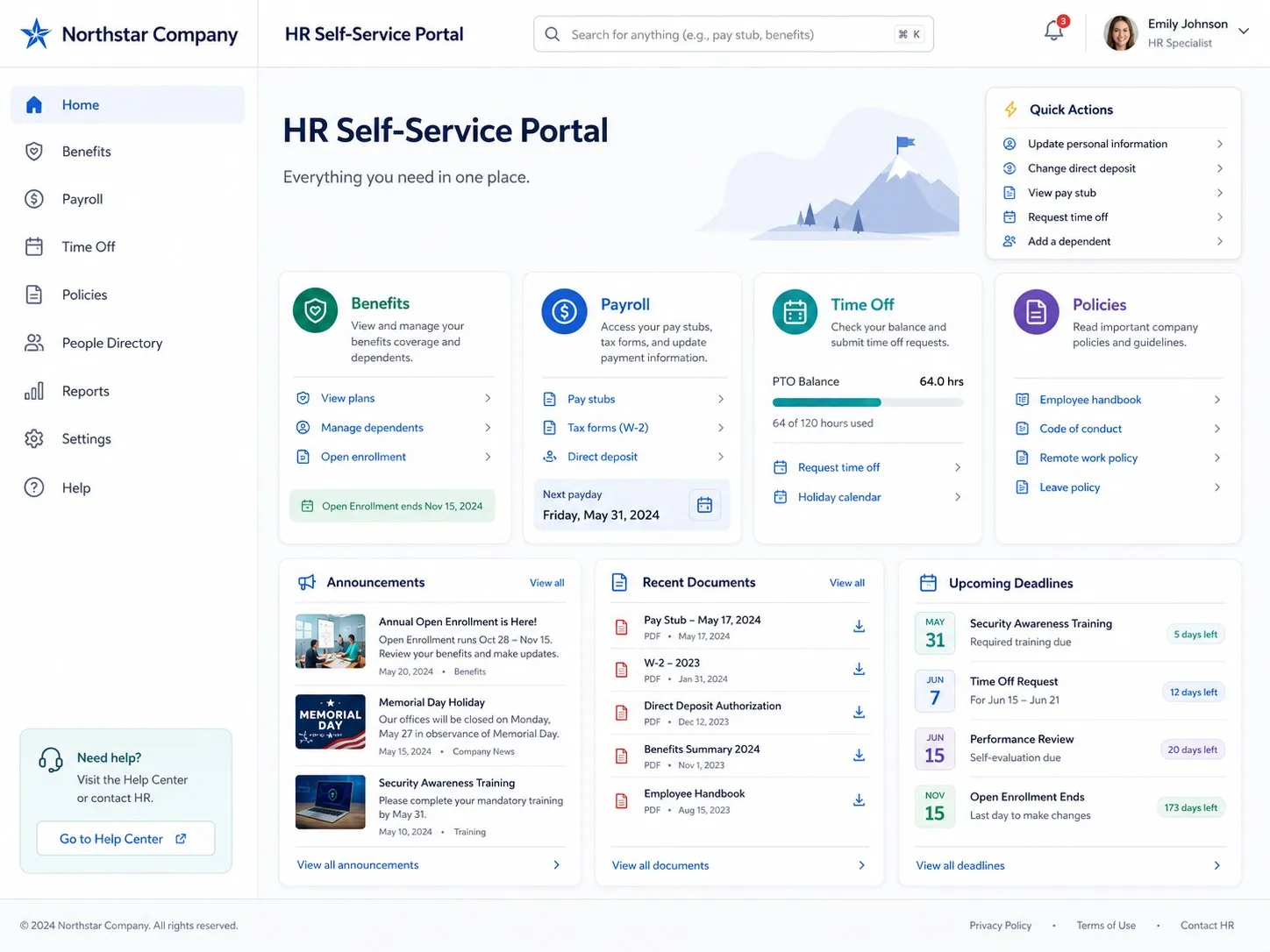
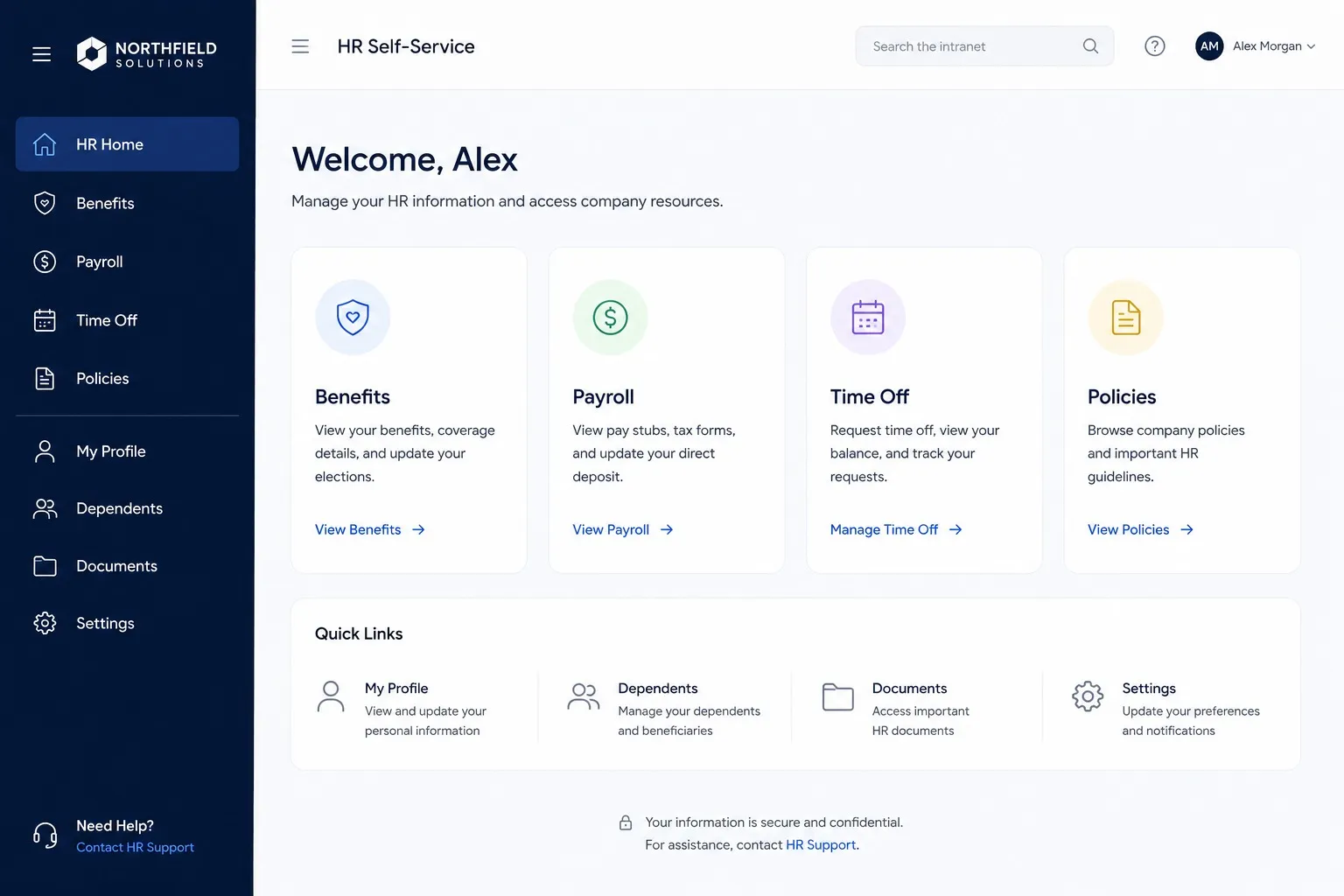
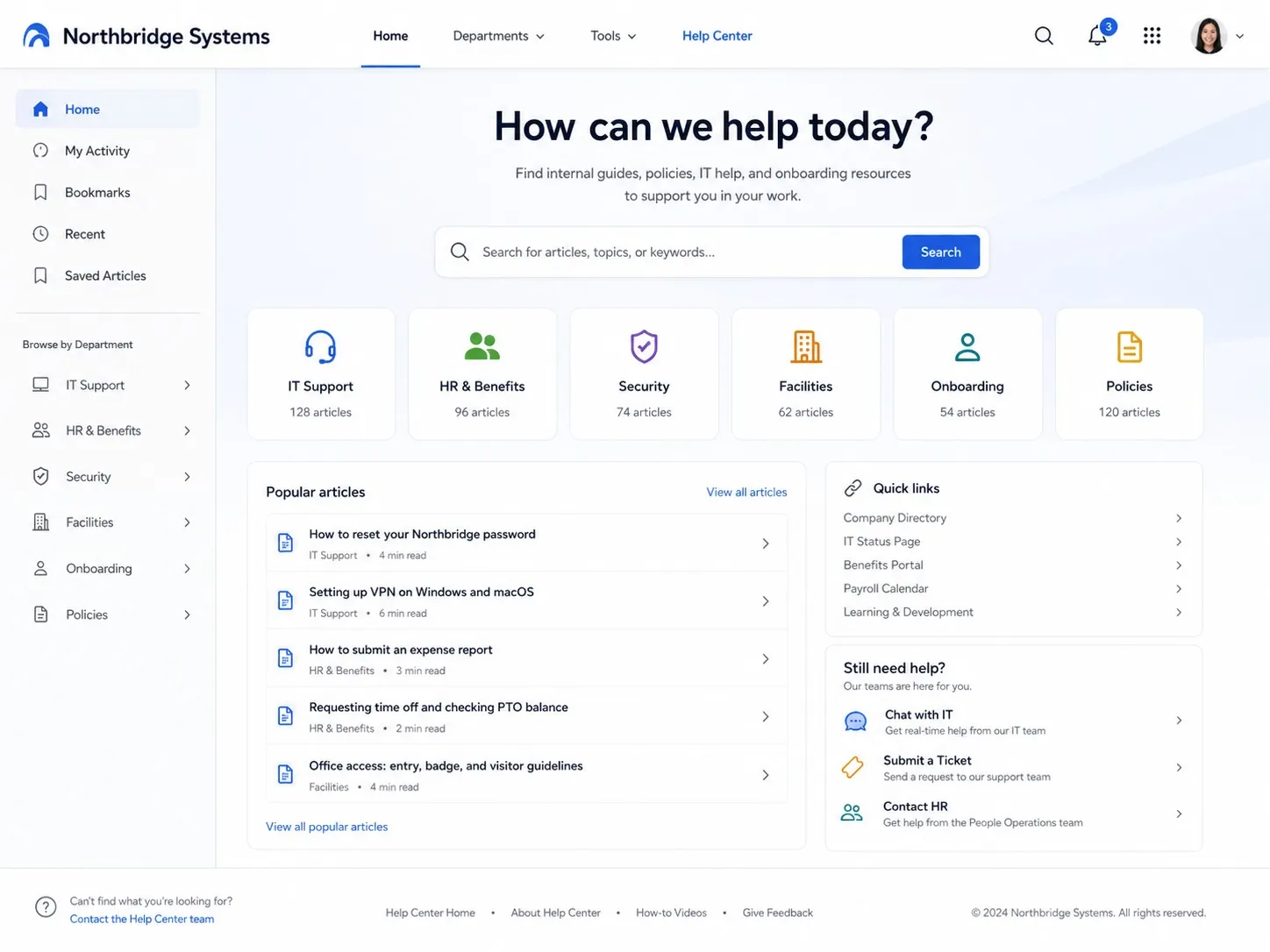
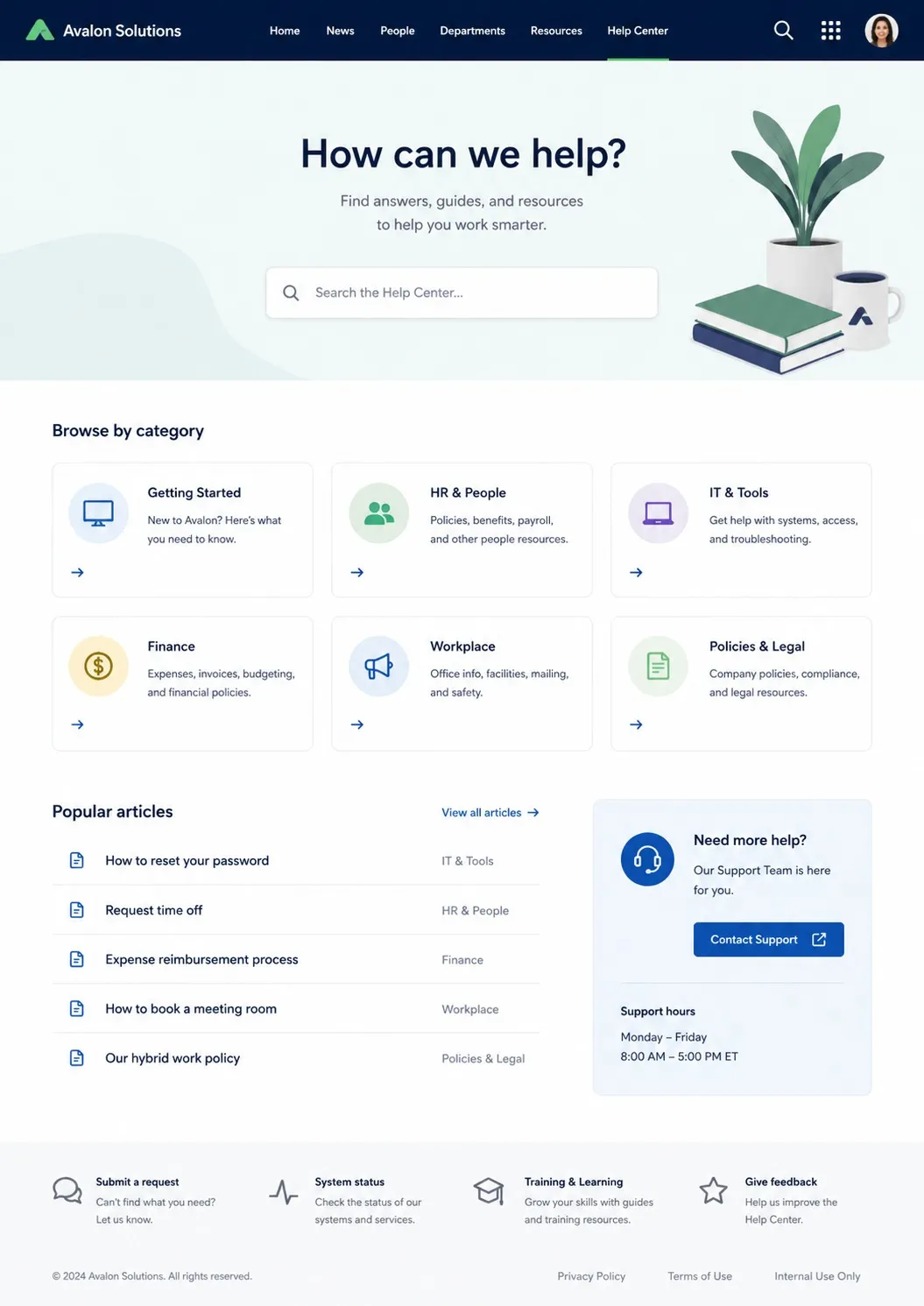
An intranet is a private, secure platform where employees find news, documents, tools and each other. Common examples include a company homepage, department hubs, an HR self-service portal, a knowledge base, an internal newsroom and an onboarding hub. See our explainer on intranet examples for more.
What should an intranet homepage include?
The best intranet homepages lead with featured news, surface the quick links people use most, show a live activity stream, and keep global search one click away — all in a clean, uncluttered layout that prioritizes the most important content first.
What are intranet design best practices?
Keep it simple, prioritize what matters at the top, make search effortless, aggregate content into widgets, keep content fresh with owners and expiry dates, use symmetry and on-brand color, enable employee self-service, and design mobile-first.
Are there intranet templates I can use?
Yes. Rather than starting from a blank page, you can begin from a proven layout — an essential homepage, a newsroom, an event center, an employee handbook, an about-us hub, a campaigns page or a file center — and adapt it to your brand and content.
What makes a good company intranet?
A good intranet is one employees actually use. That means content people care about (recognition, news, user-generated posts), fast search, a clean design, mobile access, and a clear structure so anyone can find what they need quickly.
How do I plan and build an intranet?
Define your objectives, map your information architecture, choose the core sections to build first, brand and design them, then launch with a training plan and iterate from feedback. Our 8-step launch guide walks through it.

See these intranet examples in real life

See these examples come to life on your own content. Book a personalized demo and we'll show you how Axero fits the way your company works.