Axero Solutions

Resource Guide

Why Your Company Needs an Intranet Software Platform.

A Guide to Achieving Greater Freedom in the Way You Work.

In recent years, workplace culture and technology have become practically inseparable. Any decision affecting the one affects the other. Research shows that social can significantly improve employee engagement, productivity, and internal communication. When this happens, businesses save money and thrive culturally. In this eBook, I invite you to actively participate while exploring how to achieve greater freedom in the way you work.

Pick up the free PDF version so you can read it later.

The box.

"Space that has been seized upon by the imagination cannot remain indifferent space..." — G. Bachelard

This is a box.

The size of the box is not important. The box's lines are of secondary importance. More important, the box, by virtue of its existence, distinguishes between two spaces:

  • everything inside the box, and
  • everything that is outside.

For a moment, ignore the space outside of the box. Focus instead on the space inside.

Now think about your business, your career, your goals, and the tasks you must perform to achieve them. How much of your success depends upon communication, interaction, collaboration, and engagement? A little? A lot? Even most?

Now suppose that you could fill the space inside the box with any technology that would help you to more easily, efficiently, and effectively achieve your goals.

Which tools would you select? Go ahead: List them.

  • A way to efficiently communicate with your colleagues?
  • A platform to inspire your team and to support your customers?
  • A medium to compellingly convey your mission and vision?

What else?

  • A streamlined flow of updates, questions, and ideas from your teammates?
  • A method for sharing information and collaborating on documents?
  • How about the ability to interact with your coworkers in real time?

What else would help you to better communicate, interact, collaborate, and engage? Imagine that all of the tools you need are in one place, this distinct location, inside a single space. How would you arrange your space?

Now imagine that you could take everything you need and nothing you don't, and organize it in a way that is intuitive and makes sense to you. Everything is in its proper place now. It feels natural. It looks good. You sense this organization will simplify how you perform your tasks and make you more productive.

Think about what you use today to complete the tasks that enable your goals — tasks that are dependent upon communication, interaction, collaboration, and engagement. Is the experience anything like the single, simple, perfect space you just imagined? If not, then keep reading. We wrote this eBook for you.

The cases of Fred and Judy.

Consider Fred and Judy — two employees, undertaking similar tasks, in two very different organizations.

Fred works for a company that uses traditional office productivity tools, like email, shared network drives, and USB sticks.

Fred works for a company that uses traditional office productivity tools, like email, shared network drives, and USB sticks.

Judy works for a modern, visionary company that uses a newer and more hip technology called social intranet software.

Judy works for a modern, visionary company that uses a newer and more hip technology called social intranet software.

Let's follow Fred and Judy through a slice of their workday, one with and one without intranet software.

Fred's experience

Fred arrives at work at 6 a.m. on Tuesday to complete a few pressing tasks. He fell behind on Monday because, like many workers, he spent about 28% of his time managing email and another 37% in meetings. Normally, he would have worked Monday evening to make up for lost productivity, but his son had a sporting event.

Before beginning productive work, he checks email. Many of the emails in his inbox are teammates' responses to one message, but Fred must open and read each one. He spends several minutes reading the same email several times. He sees a note from a teammate, Barney, which requires a quick response. It is 6:15 a.m. now, and with email done, Fred begins productive work.

He opens several documents located across his laptop's hard drive, shared network drives, and email attachments. About five minutes in, his computer 'dings.' A window fades in announcing Barney's reply. Like 70% of workers, Fred usually reacts to receiving an email within six seconds. Rather than confirmation, Barney has asked for clarification. This process is part of the 17 hours each week on average that workers spend clarifying communications. For companies with 100 employees, this translates into an annual cost of $528,443 in lost productivity.

By the time Fred responds to Barney, he has lost focus. He tries to refocus on productive work, a process that takes him, like the average worker, about 64 seconds. On the way to the break room, he encounters Patti. Clearly, like 71% of workers, Patti feels that management has not adequately communicated and explained the reasons, plans, and directions for organizational decisions. Fred then encounters Wade, who, like 70% of workers, is a disengaged employee — disengagement costs employers an estimated $450 billion to $550 billion in lost productivity every year.

Back at his desk, Fred notices a column of numbers that appears incorrect. He should find Jim's contact information, but Fred's company has no efficient way to do this. There is no company directory. Defeated, Fred walks to the finance department on the second floor. He finds Jim, gets the information he needs, and returns to his desk to find a voicemail. Just as he opens Jim's reference spreadsheet — spending 30 minutes locating it — his computer 'dings.' A pop-up reminds him that the team meeting about the timesheet process will begin in 15 minutes.

Judy's experience

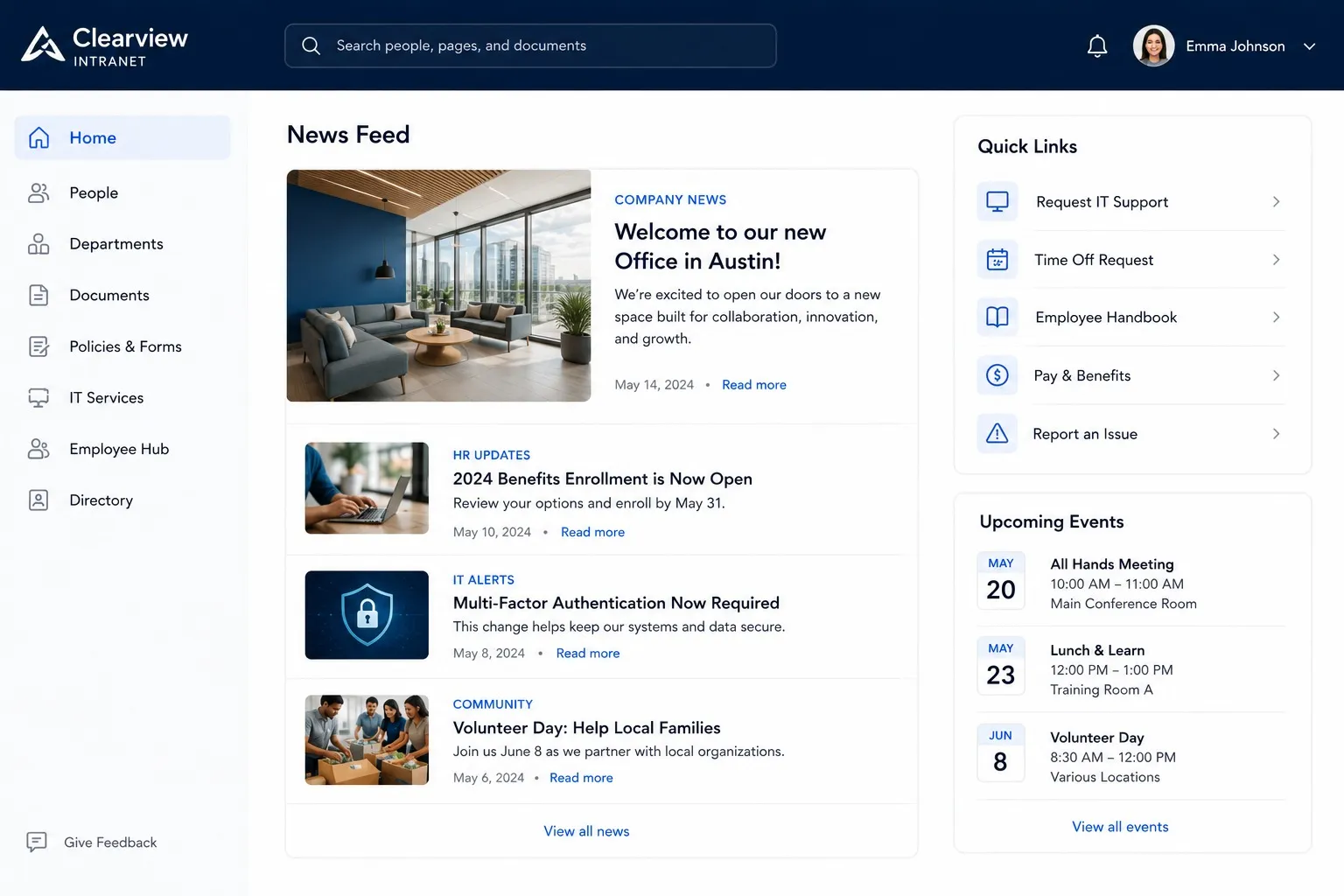
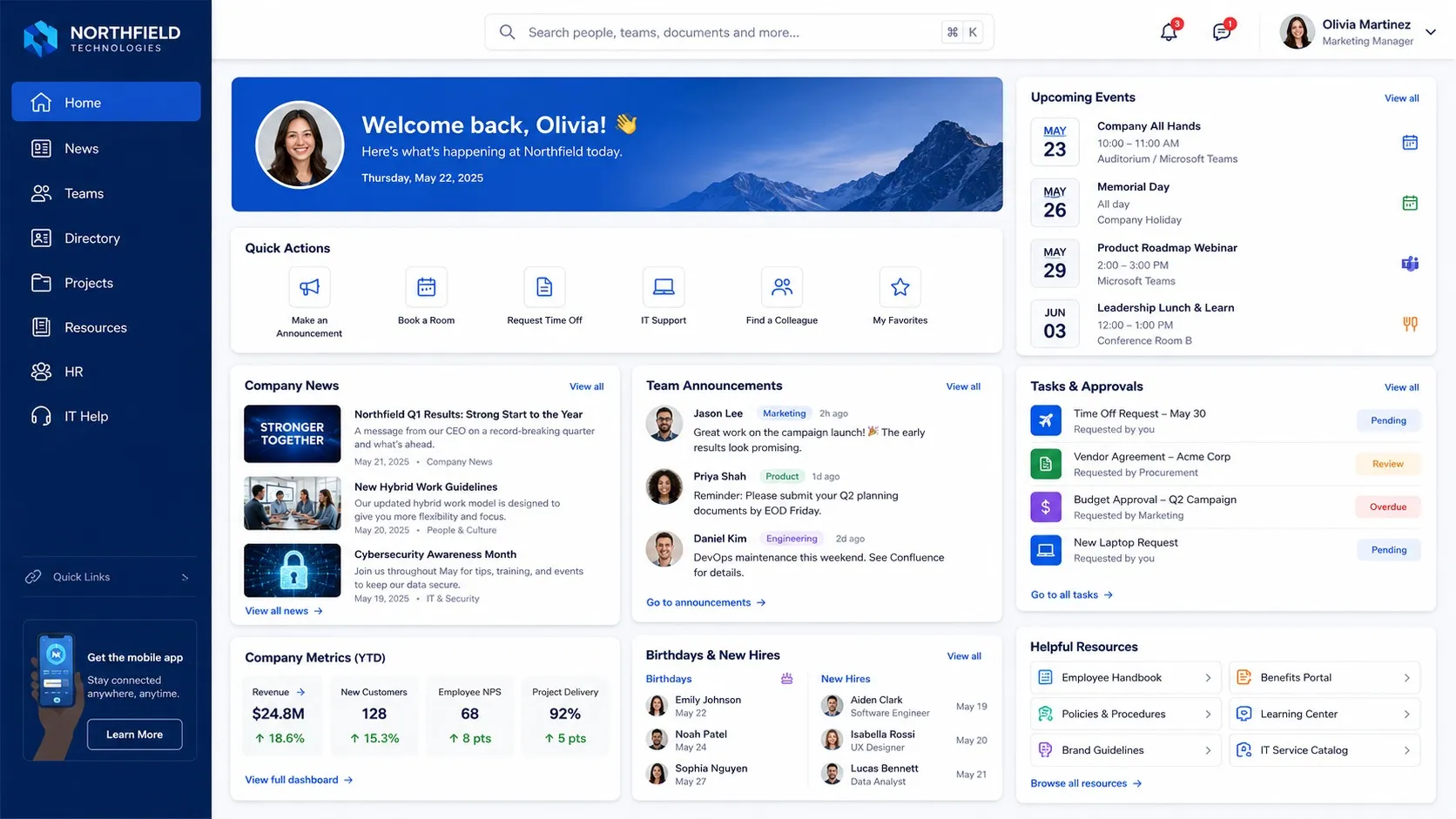
Judy arrives at work at 9 a.m. Her company eliminated email a year ago and replaced it with social intranet software. She boots her laptop and her first task is to review the day's agenda and check on updates to each of her three projects. Rather than opening two or three different applications, she simply signs in to one via a web browser.

Judy's home page on the intranet is customized to her preferences. She knows she has not missed any critical information around updates. All updates from each of her three workgroups are displayed on a single page. Rather than seeing five emails on a schedule change for one group, she sees a top-level post and responses nested neatly beneath it. In just a few minutes and using only one application, Judy is fully updated on each workgroup, informed about the timesheet change, and ready to start productive work.

She notices that numbers in one column are incorrect due to an incorrect formula. The old project site is easy for her to find, as are all 17 versions of the spreadsheet associated with it. She cannot remember which version was correct, but she identifies all teammates from finance using the workgroup's team member list. She calls James, who navigates to the workgroup site and finds the correct version. He knows he can find the answer quickly. She corrects the formula and posts an updated version. Immediately, every other team member in the workgroup can see that Judy has completed the task.

After Judy finishes and posts the tutorial to the new hire site, she returns to her home page. She sees that a new customer posted a question while she was working. The customer signed in to the company's intranet from outside of the organization and posted the question in a customer portal. One of Judy's teammates saw the question while checking his activity feed and posted an answer. It is 10:30 a.m., and Judy is on to her fourth task of the day.

How intranet software fits within your organization.

Prior to 2008, many organizations were still adapting to a set of newer workplace trends, such as increasingly global teams, remote work, and mobile devices. As highlighted in the narratives above, there are several challenges in your organization. There have been many new challenges to arise for internal communication. What has become clear in recent years is that workplace technology and culture are practically inseparable.

As shown, there are several advantages to intranet software, many which derive from specific applications. This section explores a couple of these internal use cases and external use cases.

Internal Use Cases

Use Case 1: Executive to Employee Communications

Challenges

Executives face many challenges in effectively communicating within their organizations. Some of these challenges are perennial, while others have emerged more recently:

  • Conveying mission and vision — This is perhaps the quintessential goal of executive communication. Yet too often executives fail to convey mission and vision effectively.
  • Communicating plans and goals — The 1990s and first decade of the 2000s saw the pace of organizational change accelerate, driven by new technologies. Today, technology and medium cannot be separated from message.
  • Understanding and connecting with audience — With diverse perspectives stemming from factors such as international and multigenerational workforces, understanding and connecting with your audience has never been more important.
Solution
  • Executives can connect with internal audiences via customized intranet sites, complete with a branded look and feel to reinforce the corporate culture.
  • Intranet solutions provide executives with a better platform for communicating timely messages than email, which can be immediately updated for the entire organization.
  • Intranets provide a more efficient, effective way to segment your audience and target your messaging, compared to other communication channels.
  • Intranet software can be used to facilitate open, two-way communication. Dialogue drives engagement.

Use Case 2: Manager to Employee and Employee to Employee Communications

Challenges

If the major challenges to executive communication can be summarized as primarily those of message and connection, then the challenges of front-line and peer-to-peer communication center around process. The greatest executive vision communicated flawlessly cannot become reality if resources are not in place to execute it.

  • Geographically dispersed teams — Most businesses, large or small, must complete projects in which teammates are separated by geographical distance. This requires special attention to communicating efficiently across time zones and locations.
  • Timely communication — Projects are affected by a myriad of factors and require constant communication. The ability of each team member to effectively communicate with others in a timely way is essential.
Solution
  • Intranet software can help to bridge geographical distance, foster cooperation, and facilitate teamwork by providing a central hub for all team communication.
  • Intranet software emphasizing social and collaboration functionality provides multiple ways to communicate with teammates quickly and efficiently.
  • Intranet software enables teams to organize and make accessible accurate, updated, version-controlled documentation in a way that email never could.
  • Intranet software provides a single platform for sharing and finding information, as well as collaborative development of project deliverables.

External Use Cases

As shown, there are several advantages to intranet software for internal use cases. The same collaboration, sharing, and communication features can be extended to external stakeholders — customers, partners, and vendors — through controlled-access extranets.

The overall benefits of intranet software.

As shown, there are several advantages to intranet software, many which derive from specific applications. There are also a set of overarching benefits, regardless of application, which include the following:

  • Enhanced communication
  • Enriched collaboration
  • Improved productivity
  • Increased transparency
  • Better employee engagement

These benefits reflect the findings of a 2012 study conducted by the McKinsey Global Institute. The McKinsey study concluded the following:

  • By adding intranet software, organizations can increase the productivity of knowledge workers by 20% to 25%.
  • Intranet software could reduce the time spent searching for information by 35%, in turn freeing 6% of the workweek for other tasks.
  • Removing email from the work environment would free between 7% and 8% of workers' time for more productive tasks.

Additional research suggests that replacing email alone has widespread benefits, ranging from periods of prolonged worker focus to less overall stress.

Planning for an intranet software solution.

Suppose at this point that the experiences of Fred and Judy, as well as the use cases, have sufficiently illustrated the advantages and potential uses of intranet software in your organization. There are many options that you can and should weigh while considering intranet solutions. The following list presents some questions to consider in evaluating solutions for your organization.

Who are the stakeholders, and what are their objectives?

Identify all stakeholders and their "pain points." Make their solution part of the core objectives during evaluation. Consider all viewpoints — IT, HR, communications, frontline workers.

What are your context requirements?

Context requirements add who and why dimensions to technical specifications. This approach helps to ensure an optimal solution from both cultural and technological perspectives.

Who should be on the team to evaluate intranet solutions?

The team may or may not consist of all stakeholders, but each one's views should be represented. In addition, the team should include end-user advocates.

What are your business constraints?

These generally fall into three categories: scope, cost, and schedule. Each influences feasibility.

Should your organization build or buy?

The core issue underlying this question is customization. Will a purchased solution provide the flexibility needed to satisfy stakeholder objectives, context requirements, and business constraints?

Should you host or contract someone else to host?

The core issue underlying this question is control. How much control does your organization want for ongoing security, maintenance, etc.?

Should you go with an open or closed source intranet solution?

On the surface, the core issue here probably appears to be cost. That is not necessarily the case. The more critical issue underlying this question is support. How much support will your organization want after purchase, on issues ranging from training and deployment to patching security vulnerabilities?

Once your decision has been narrowed to a few choices, ask for a free demo. Request enough time for both stakeholders and end-user advocates to use the product. Ask evaluators to consider how features such as design, ease of use, degree of customization, and other factors will influence stakeholder pain points, business requirements, and organizational culture. See also our guide on How to Define Your Intranet Objectives and Requirements.

This space is yours.

Think back now to the box at the beginning of this eBook. We asked you to imagine placing every tool you need for work into the empty space inside of that box. We then asked you to organize those tools in a way that felt most natural to you.

Rethinking now the use cases and planning questions: How important are factors such as timely communication, efficient information sharing, realtime collaboration, and team building?

If these are important or even primary factors for you and your team, then you should learn more about social intranet software. In many ways, social intranet software is a box, metaphorically — a space that provides everything you need, in a single location, arranged just the way you want it.


Citations

  1. Chui, Michael et al., "The social economy: Unlocking value and productivity through social technologies," McKinsey Global Institute, 2012.
  2. Verizon Conferencing. "Meetings in America." 2009.
  3. International Journal of Information Management. Jackson, T., Dawson, R., & Wilson, D. 2003.
  4. People Driven Performance. Dickmeyer, L. "Cost of Poor Internal Communications." 2012.
  5. Gallup. "State of the American Workplace." 2013.
  6. Journal of Communication. Dabbish, L. and Kraut, R. "Email Overload at Work." 2004.

Your intranet should help support your company's growth, not slow it down.