Secure access to internal files underpins how modern organizations operate. Employees need fast, reliable access to documents to do their jobs well. Leaders need confidence that sensitive information stays protected. IT teams need control without becoming bottlenecks. When file access feels risky or fragmented, productivity drops and trust erodes.
Many organizations still rely on shared drives, email attachments, or loosely connected tools to manage internal files. These approaches introduce version control issues, unclear ownership, and unnecessary security exposure. They also struggle to support distributed teams, external collaborators, and compliance requirements. As workplaces become more flexible, secure file access must follow employees wherever they work, without compromising governance.
Secure internal file access software solves this by centralizing documents, applying permissions, and enforcing consistent security policies. Employees get one trusted place to find what they need. Administrators gain visibility into who can access, edit, or share files. Organizations reduce risk while improving collaboration and speed.
The challenge lies in choosing a platform that balances security with usability. If a system feels restrictive or complex, employees will bypass it. If it lacks robust controls, it creates new vulnerabilities. The right solution supports secure access while fitting naturally into daily workflows. Below, we break down what secure internal file access software is, what to look for, and which platforms perform best for different organizational needs.
Top 10 secure internal file access software for 2026
What is secure internal file access software?
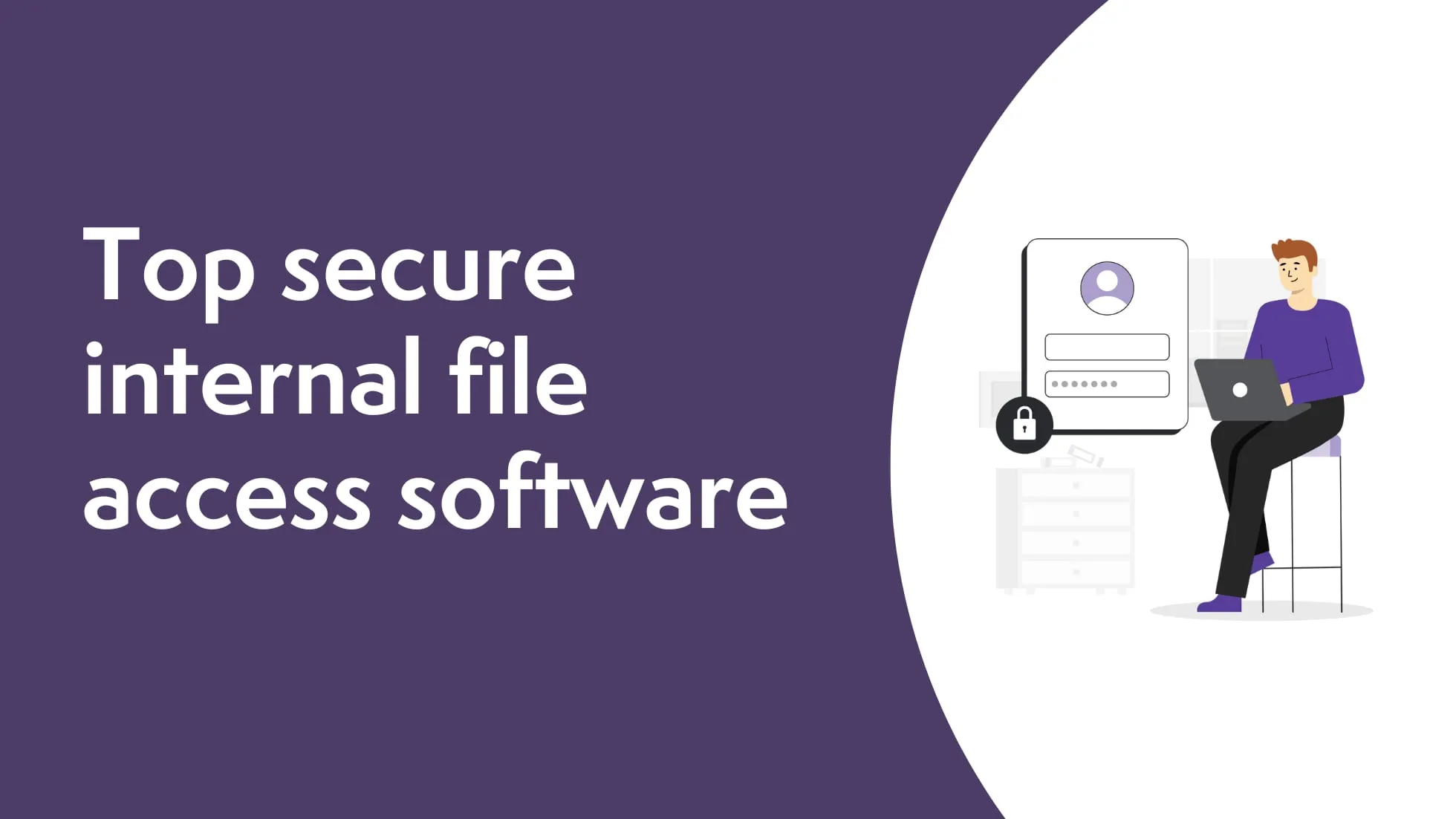
Secure internal file access software enables employees to store, access, share, and manage organizational files while maintaining strict security controls. These platforms protect sensitive information through permissions, authentication, encryption, and audit trails, ensuring only authorized users can access specific content.
Unlike basic cloud storage tools, secure file access solutions focus on governance and compliance. They allow organizations to define who can view, edit, download, or share files across teams and departments. Administrators can enforce policies consistently, even as employees work remotely or collaborate with external partners.
Most solutions also support version control, activity tracking, and integrations with existing tools. This keeps documents accurate, traceable, and easy to find. When implemented well, secure internal file access software reduces risk, improves collaboration, and gives employees confidence that they are always working with the right information.
What to consider when choosing the right secure internal file access software
Choosing the right platform starts with understanding how your organization works and what you need to protect.
Access control and permissions
Granular permissions let you control who can view, edit, or share files. This reduces accidental exposure and supports role-based access across teams.
Security and compliance
Look for encryption, secure authentication, and audit logs. These features help meet internal policies and external compliance requirements.
Ease of use
Employees should find files quickly without training or workarounds. A clear interface drives adoption and reduces shadow IT.
Integration with existing tools
Seamless integration with productivity tools, identity providers, and collaboration platforms keeps workflows efficient and centralized.
Scalability and governance
As your organization grows, the platform should support more users, content, and policies without added complexity.
10 best secure internal file access software
1. Axero
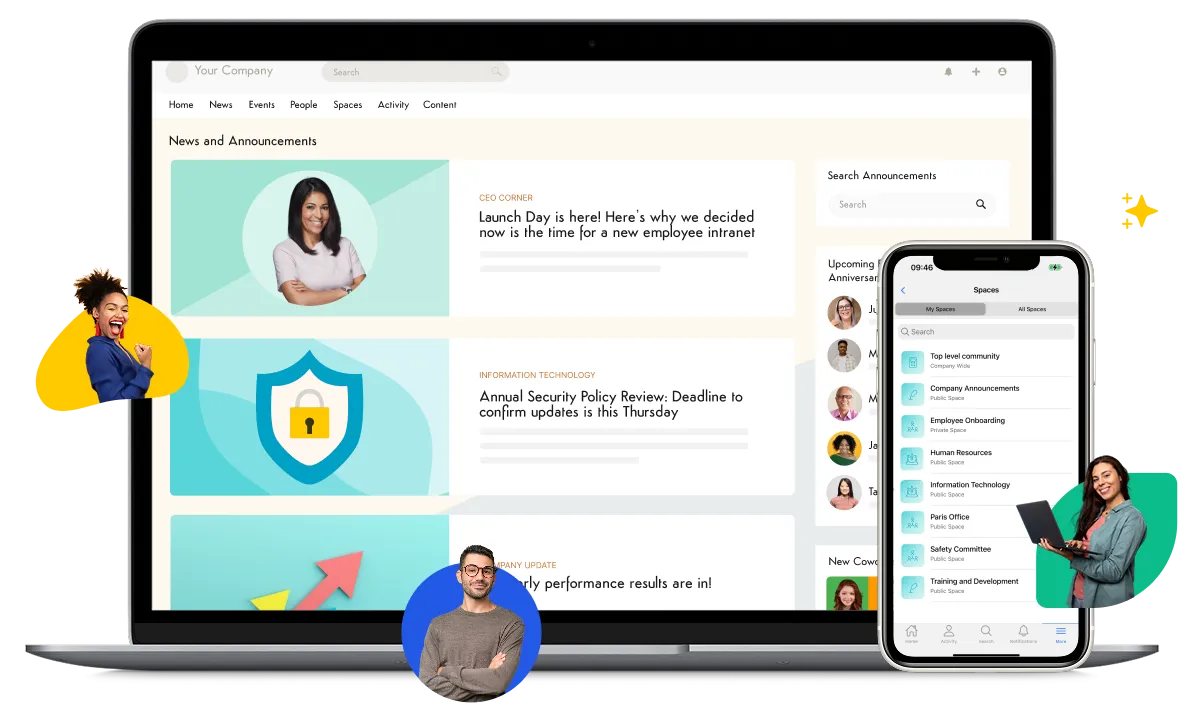
Axero provides secure internal file access within a centralized intranet experience designed for clarity, control, and adoption. Files live alongside news, resources, and team spaces, making access intuitive while maintaining strict security standards. Employees find what they need without switching tools or requesting access through email chains. Axero allows administrators to define permissions at a granular level. You can control access by role, department, or individual user. This ensures sensitive documents remain protected while still accessible to the right people. Built-in version control and activity tracking reduce confusion and support accountability.
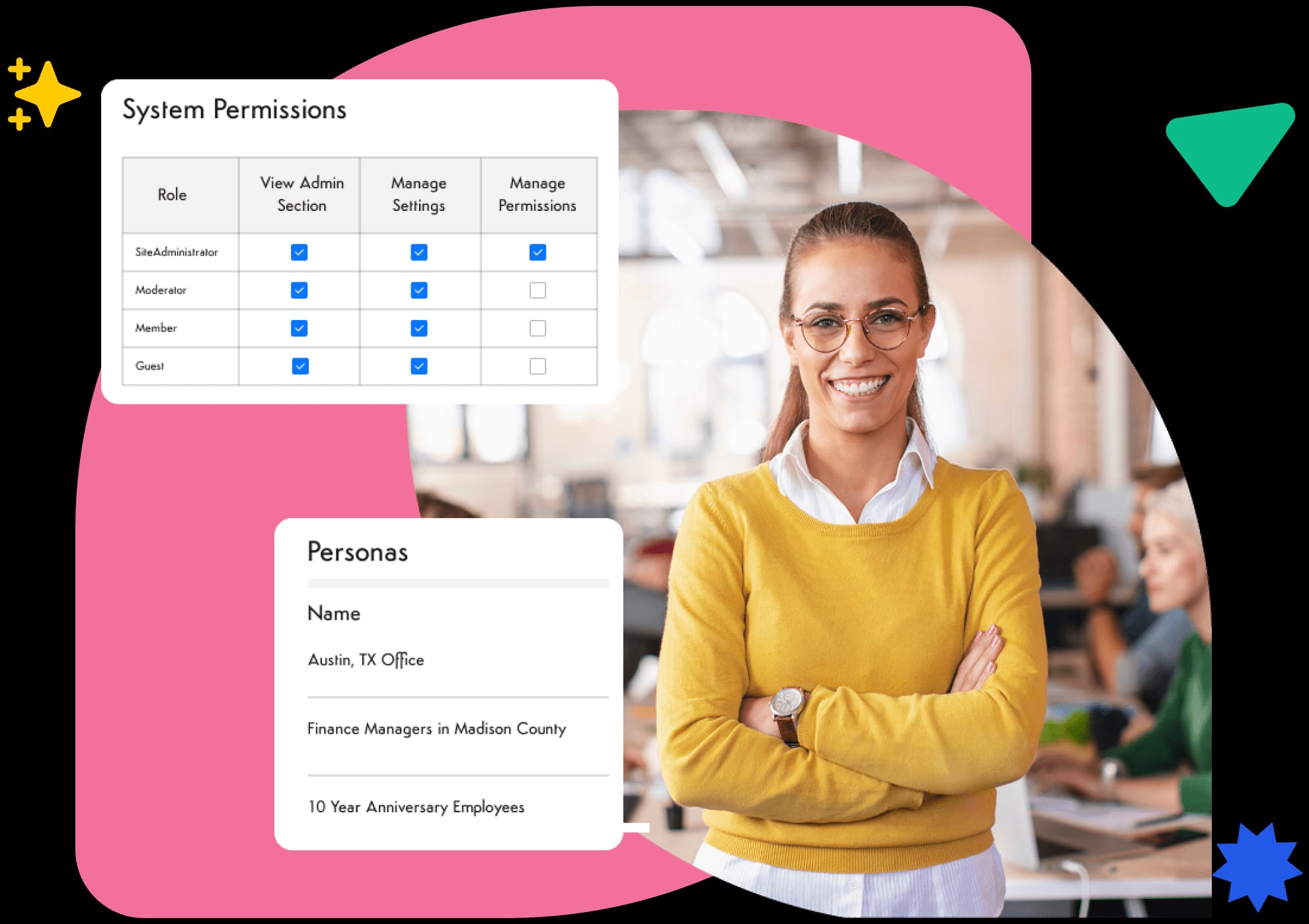
Security extends beyond storage. Axero integrates with identity providers and supports secure authentication, ensuring access aligns with organizational policies. Governance tools help IT and compliance teams manage content lifecycle, ownership, and visibility without heavy overhead. What sets Axero apart is how security supports engagement rather than restricting it. Employees work confidently in one trusted environment. Leaders maintain oversight. IT teams reduce risk while enabling productivity.
Key features of Axero
-
Granular permissions: Control access by role, team, or individual to protect sensitive files.
-
Version control and audit trails: Track changes and activity to maintain accuracy and accountability.
-
Centralized intranet access: Combine secure files with communication and collaboration in one platform.
Best for: Organizations seeking secure file access within a broader intranet and digital workplace strategy.
2. Microsoft SharePoint
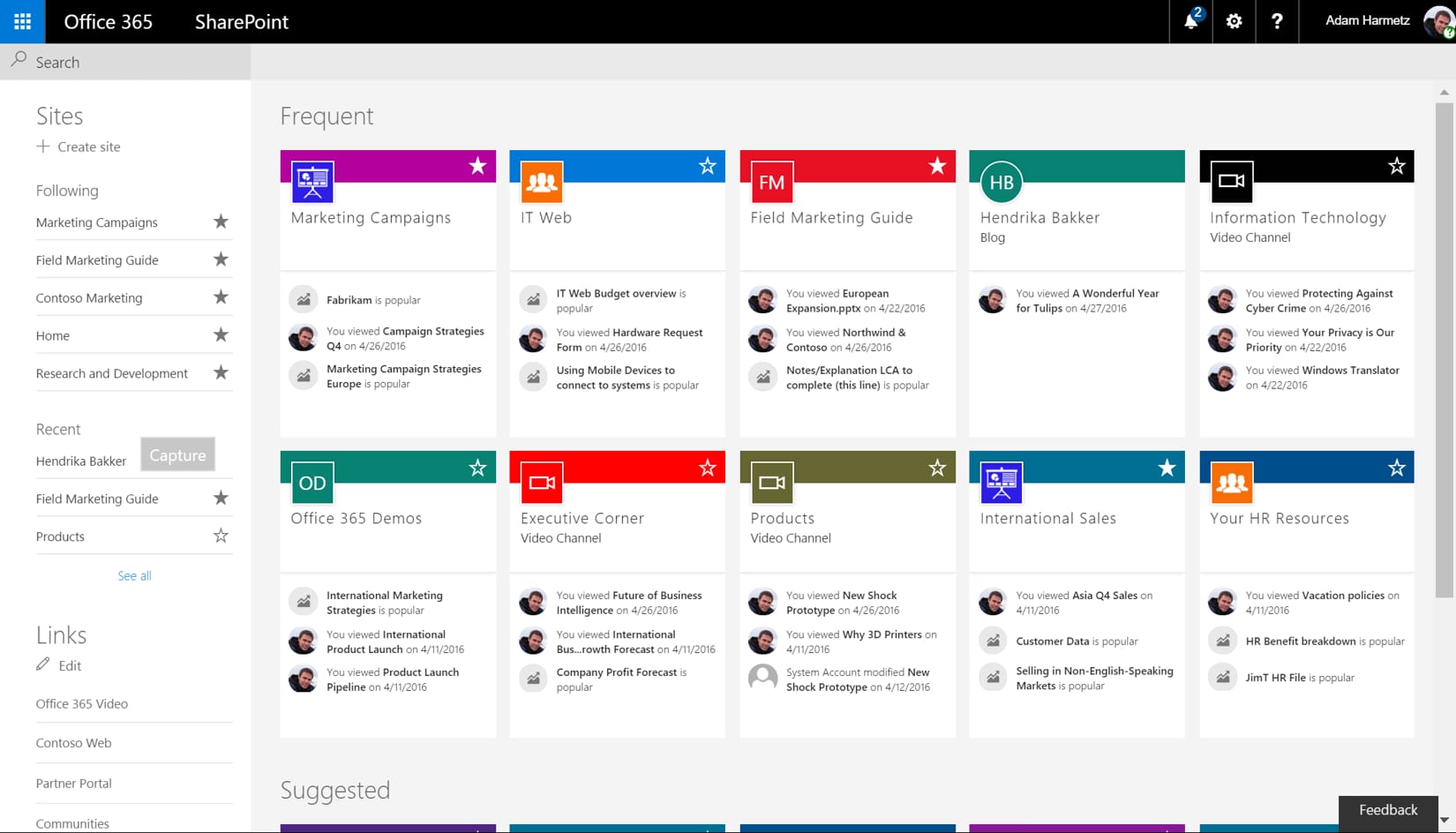
Microsoft SharePoint offers secure file access as part of the Microsoft 365 ecosystem. It allows teams to store, share, and collaborate on documents while applying permission controls tied to Microsoft identities. Files can live within sites, libraries, and team workspaces.
SharePoint supports encryption, access policies, and detailed permission settings. Administrators can manage who sees what across sites and folders. Integration with Microsoft Teams and OneDrive makes collaboration familiar for organizations already using Microsoft tools.
The platform provides version history, co-authoring, and audit logs. These features support compliance and reduce document sprawl. However, governance requires careful setup to avoid over-permissioned sites and content silos.
SharePoint works best when paired with clear governance and user training. Without structure, content can become fragmented. For Microsoft-centric environments, it delivers strong security with deep integration.
Key features of Microsoft SharePoint
-
Permission-based access: Control visibility and editing rights across sites and libraries.
-
Microsoft 365 integration: Connect files with Teams, OneDrive, and Office apps.
-
Version history: Track changes and restore previous document versions easily.
Best for: Organizations deeply invested in the Microsoft ecosystem.
3. Google Drive for Business
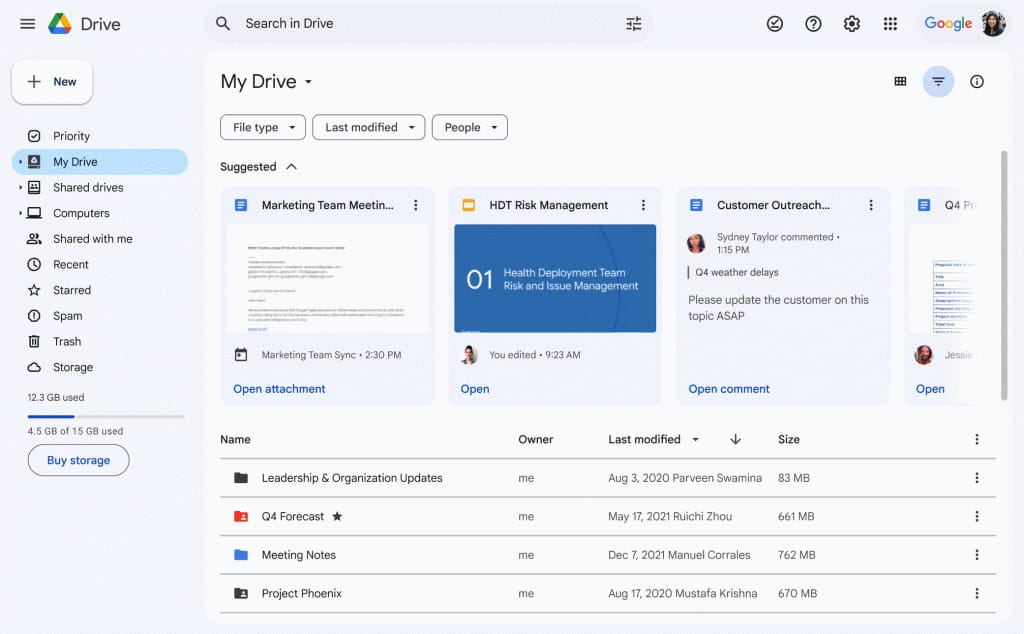
Google Drive for Business provides cloud-based file storage with built-in security and sharing controls. Files live in a centralized environment tied to Google Workspace accounts, making access management straightforward for administrators.
Administrators can define sharing rules, restrict downloads, and monitor activity through audit logs. Google Drive also supports encryption and secure authentication. Version history allows teams to track changes and restore files when needed.
Collaboration feels seamless due to real-time editing and commenting. However, managing permissions across large organizations can become complex without consistent folder structures and policies.
Google Drive suits teams that value speed and familiarity. It offers reliable security when configured correctly, especially for organizations already using Google Workspace tools.
Key features of Google Drive for Business
-
Secure sharing controls: Define who can view, edit, or share files internally.
-
Real-time collaboration: Edit documents together while maintaining version history.
-
Administrative visibility: Monitor file access and activity through audit logs.
Best for: Teams using Google Workspace that prioritize fast collaboration with secure access.
4. Box
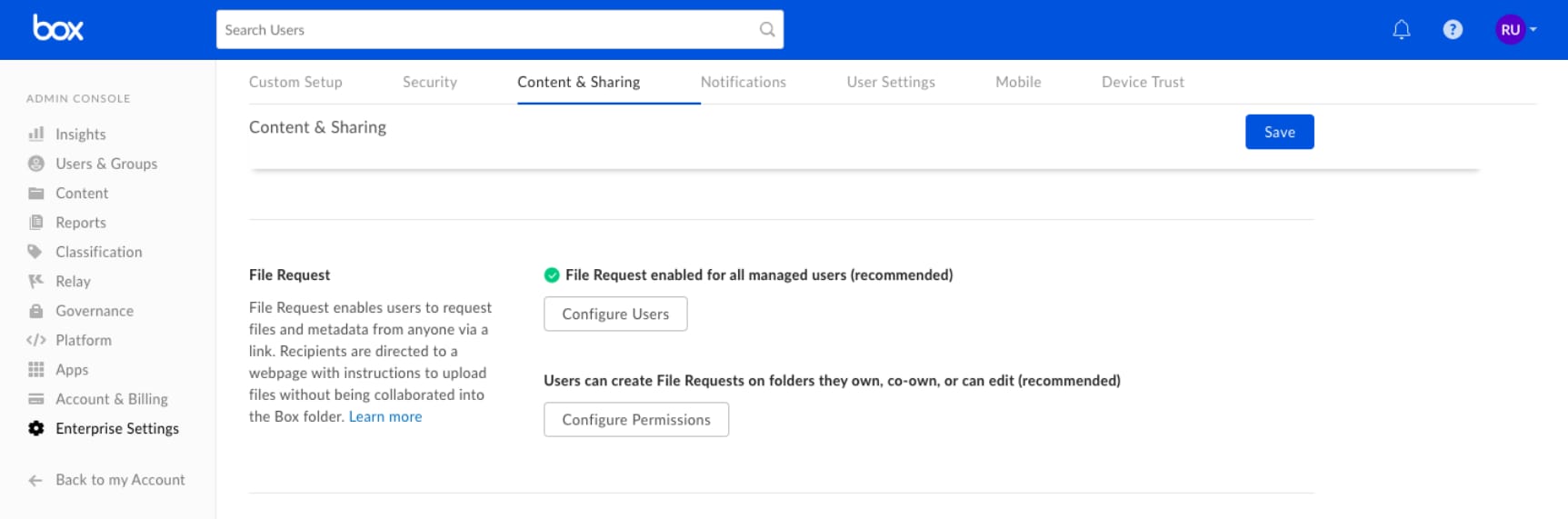
Box is a cloud content management platform built around secure internal file access and controlled collaboration. It focuses heavily on governance, making it a strong option for organizations handling sensitive or regulated information. Files are stored centrally, with detailed permission settings that allow administrators to manage access at every level.
Box supports role-based access, link expiration, and download restrictions. These controls help prevent data leakage while still enabling teams to collaborate efficiently. Activity tracking and audit logs provide visibility into who accessed or modified files, which supports internal oversight and compliance needs.
The platform integrates with productivity tools like Microsoft 365 and Google Workspace, allowing users to work within familiar applications while maintaining security standards. Box also offers content lifecycle management, helping teams manage retention and ownership over time.
While Box excels in security, it may require more configuration to align with everyday workflows. With the right governance, it delivers reliable internal file protection at scale.
Key features of Box
-
Advanced access controls: Apply role-based permissions and sharing restrictions.
-
Audit trails and reporting: Track file activity for compliance and oversight.
-
Enterprise integrations: Connect securely with Microsoft and Google tools.
Best for: Organizations with strong compliance and governance requirements.
5. Egnyte
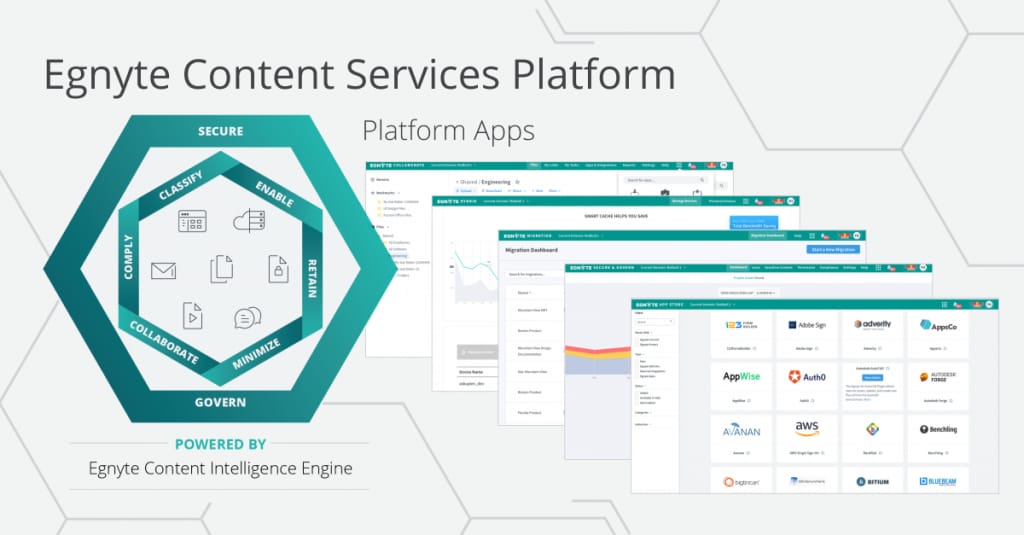
Egnyte combines secure file access with flexible deployment options, including cloud, hybrid, and on-premises environments. This makes it suitable for organizations that need tighter control over where data lives while still enabling remote access.
Egnyte offers granular permissions, encryption, and secure authentication. Administrators can define policies for internal access, external sharing, and device-level security. File auditing and reporting help monitor usage and detect potential risks.
The platform supports large file transfers and structured folder management, which appeals to teams working with complex or regulated content. Integrations with productivity and security tools help keep workflows connected without compromising protection.
Egnyte requires thoughtful setup to balance flexibility and simplicity. When configured well, it provides strong internal file access controls across distributed environments.
Key features of Egnyte
-
Hybrid deployment support: Manage files across cloud and on-premises systems.
-
Granular access policies: Control internal and external sharing securely.
-
File auditing: Monitor access and activity in real time.
Best for: Organizations needing hybrid file access with strong security controls.
6. Citrix ShareFile
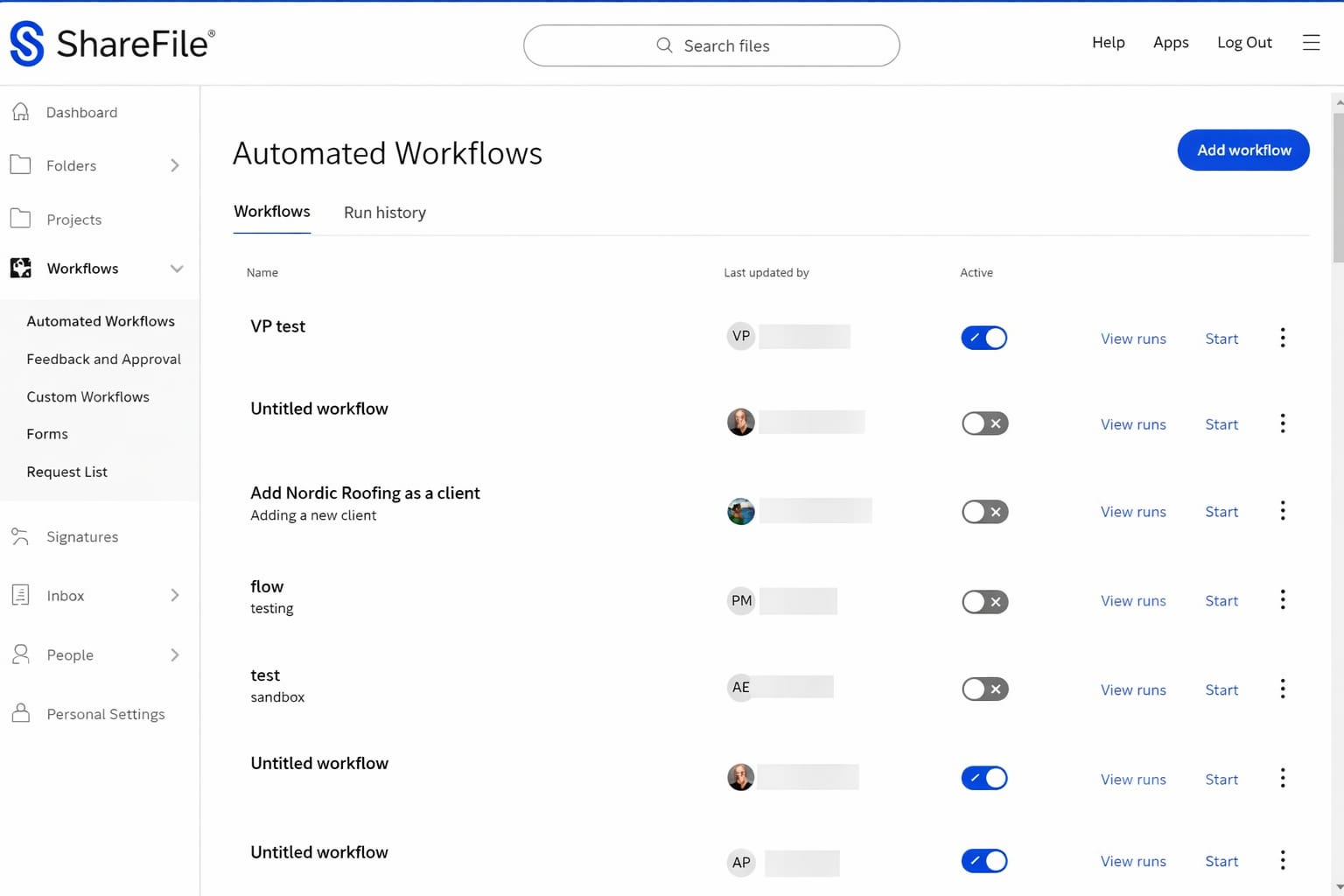
Citrix ShareFile is designed for secure file access and sharing, particularly in regulated industries. It emphasizes data protection, secure client collaboration, and controlled internal access.
ShareFile allows administrators to define permissions, restrict downloads, and apply expiration dates to shared content. Encryption and secure authentication help protect sensitive files throughout their lifecycle. Audit logs provide detailed insight into user activity.
The platform integrates with common productivity tools and supports secure workflows for document approval and sharing. It also includes features for requesting files securely from internal users or external parties.
While ShareFile excels in security, it may feel transactional compared to broader collaboration platforms. It works best when file protection and controlled sharing take priority.
Key features of Citrix ShareFile
-
Secure sharing controls: Apply download restrictions and link expiration.
-
Encryption and authentication: Protect files with strong security measures.
-
Audit reporting: Track access and changes for compliance needs.
Best for: Regulated teams prioritizing secure file exchange and access.
7. Dropbox Business
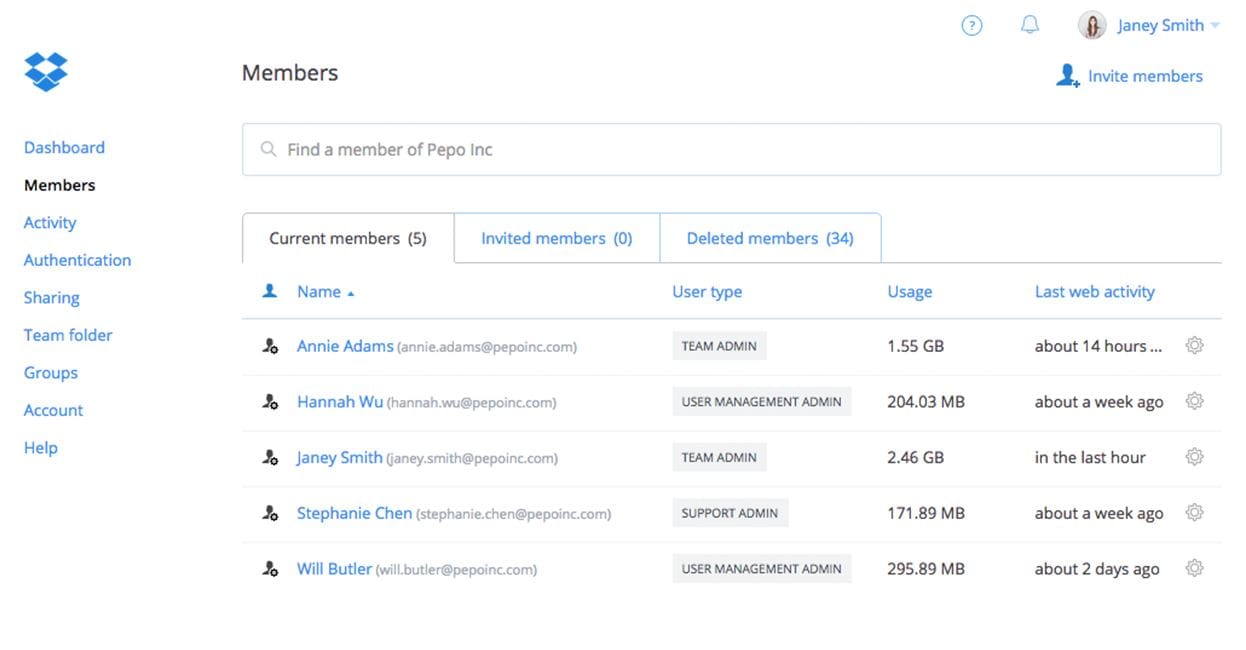
Dropbox Business provides secure internal file access with a strong focus on simplicity and speed. Files are stored centrally and synced across devices, allowing employees to access content easily while maintaining consistent security controls.
Administrators can manage permissions, restrict sharing, and monitor activity through detailed logs. Dropbox Business supports encryption and secure authentication, helping protect files at rest and in transit. Version history and file recovery reduce risk when changes happen accidentally.
The platform integrates with common productivity tools, making it easy to embed file access into daily workflows. However, governance can become challenging at scale without clear folder structures and policies.
Dropbox Business works best when ease of use and fast access matter most. With proper oversight, it delivers reliable internal file access without heavy complexity.
Key features of Dropbox Business
-
Permission controls: Manage internal access and sharing settings easily.
-
Version history Restore previous versions to avoid data loss.
-
Device syncing: Keep files accessible across desktops and mobile devices.
Best for: Teams prioritizing simple, secure access with minimal friction.
8. Confluence
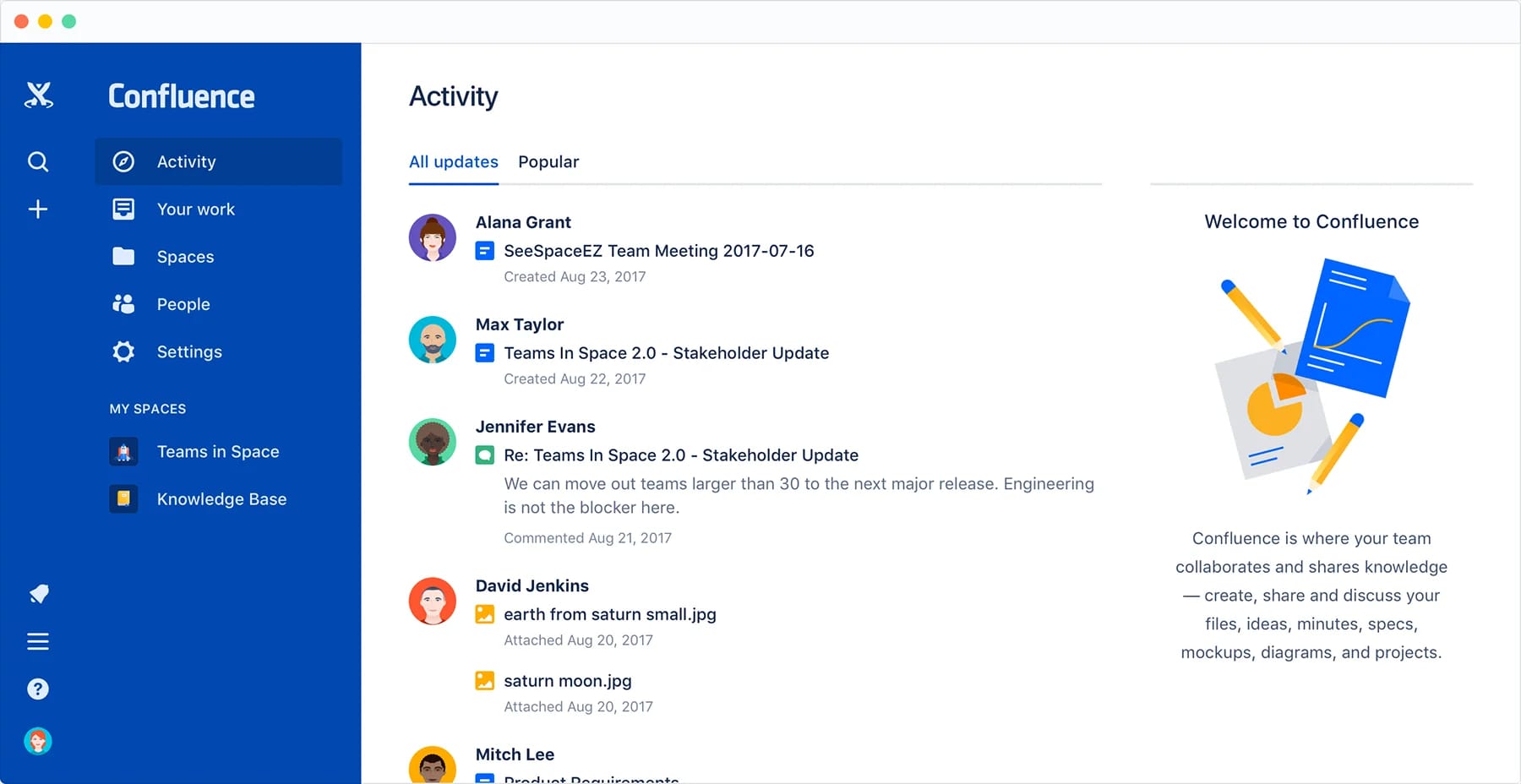
Confluence is primarily a knowledge collaboration platform, but it also supports secure internal file access through structured spaces and permissions. Files are attached to pages and organized within team or departmental spaces.
Administrators can control access at the space and page level. This ensures files remain visible only to authorized users. Integration with identity management tools supports secure authentication and access policies.
Confluence excels when files need context. Documents live alongside explanations, updates, and collaboration history. However, it is not designed for large-scale file storage or complex governance.
For teams focused on documentation and shared knowledge, Confluence provides secure access within collaborative workflows.
Key features of Confluence
-
Space-level permissions: Restrict file access by team or department.
-
Contextual file storage: Keep documents tied to relevant content.
-
Integration support: Connect with identity and collaboration tools.
Best for: Teams managing files alongside internal documentation.
9. OpenText Content Suite
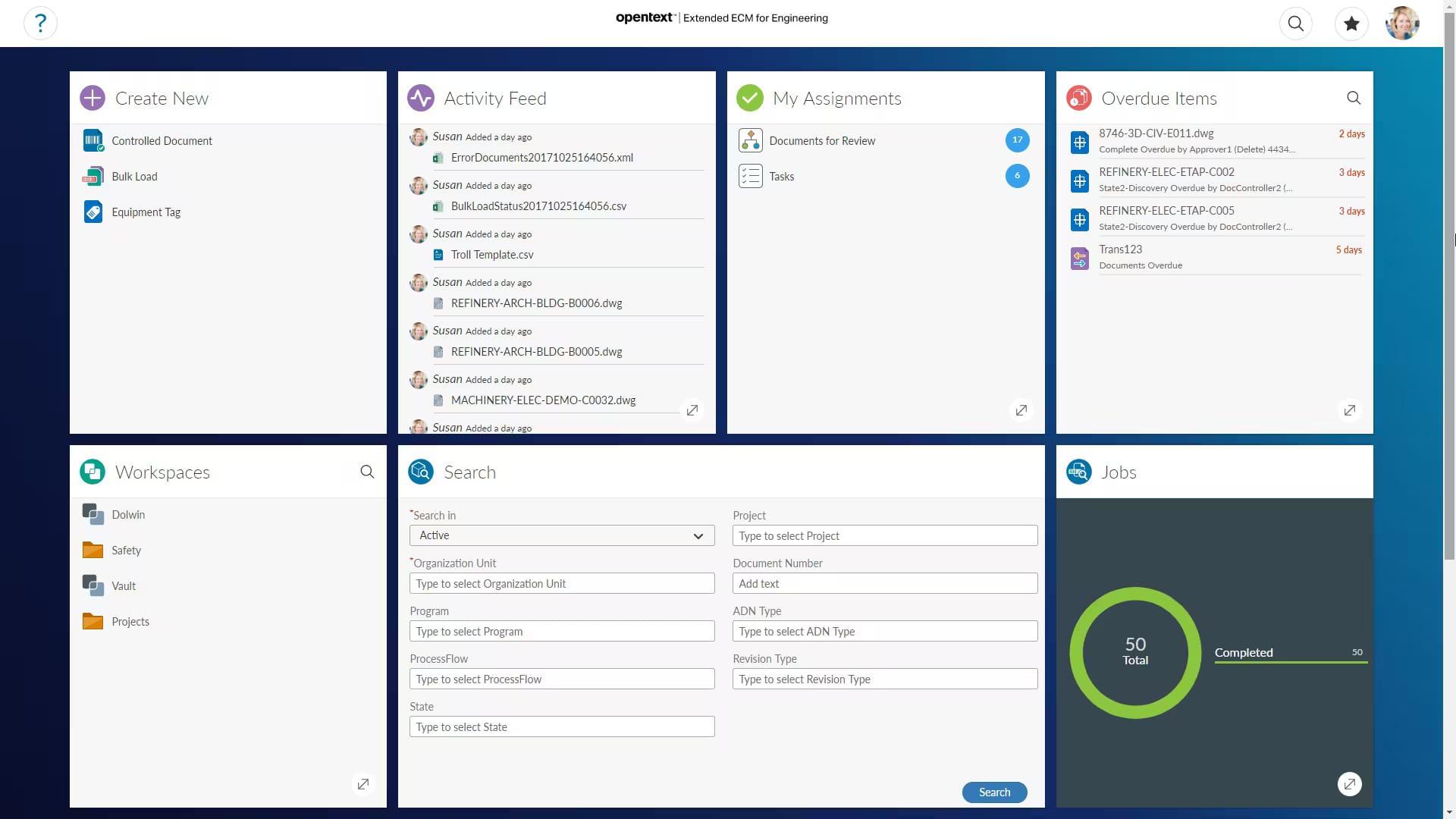
OpenText Content Suite is an enterprise content management platform built for secure internal file access at scale. It supports strict governance, advanced security controls, and compliance-driven workflows.
Administrators can define detailed access rules, retention policies, and audit requirements. Encryption, authentication, and activity tracking help protect sensitive information across large organizations.
The platform supports complex document lifecycles and integrates with business systems. This makes it suitable for organizations with formal content governance needs. However, implementation often requires dedicated resources and planning.
OpenText Content Suite delivers strong control and oversight when compliance and scale drive requirements.
Key features of OpenText Content Suite
-
Enterprise-grade security: Enforce strict access and compliance policies.
-
Content lifecycle management: Control retention and ownership over time.
-
Audit and reporting: Maintain visibility across large content repositories.
Best for: Large enterprises with advanced governance requirements.
10. M-Files
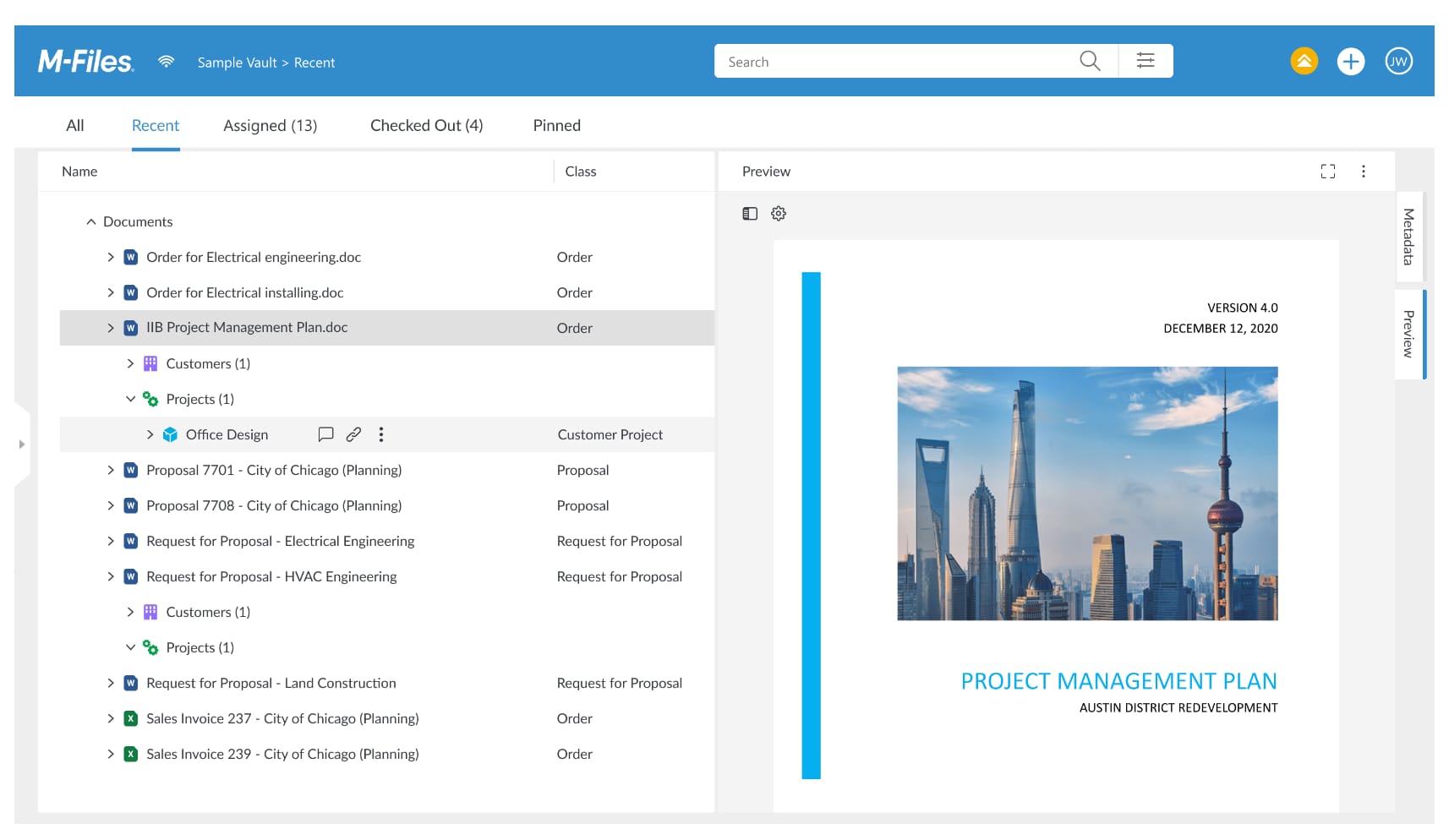
M-Files takes a metadata-driven approach to secure internal file access, focusing on control, traceability, and compliance. Instead of relying solely on folder structures, files are organized by what they are, such as document type, owner, or status. This makes it easier to apply consistent access rules and security policies.
Administrators can define permissions based on metadata, roles, and workflows. This ensures sensitive files are accessible only to authorized users, regardless of where they are stored. Encryption, audit trails, and version control support secure access throughout the document lifecycle.
M-Files integrates with common business systems and supports automated workflows for approvals and document handling. While the interface requires onboarding, it delivers strong governance once users adapt to the model.
M-Files works best for organizations that value structured control and compliance over traditional file navigation.
Key features of M-Files
-
Metadata-based permissions: Secure access driven by document context, not folders.
-
Audit trails: Track access, changes, and approvals clearly.
-
Workflow automation: Enforce secure document processes consistently.
Best for: Organizations needing structured, compliance-focused file access.
Choosing secure internal file access that works for your organization
Secure internal file access affects far more than document storage. It shapes how employees collaborate, how leaders manage risk, and how IT enforces governance without slowing work down. The right platform supports daily productivity while keeping sensitive information protected.
Some tools prioritize simplicity. Others focus on compliance or large-scale control. What matters is alignment with how your teams actually work. Security should feel embedded, not imposed. Employees should trust the system enough to use it consistently.
Axero brings secure internal file access into a broader intranet experience. Files live where communication, resources, and collaboration already happen. Permissions stay clear. Governance stays manageable. Employees stay productive.
If you are ready to give your organization secure access without friction, we can help. Book a demo and see how Axero supports secure file access across your digital workplace.