
Every organization runs on policies. From employee conduct and data protection to compliance and risk mitigation, policies shape how work gets done and how decisions are made. Yet many organizations still manage policies through shared drives, email attachments, or static PDFs that employees rarely revisit. This approach creates confusion, version control issues, and unnecessary risk.
As organizations grow, policies become harder to manage. Updates take longer to roll out. Employees struggle to find the latest version. Leaders lack visibility into who has read, acknowledged, or complied with required policies. For regulated industries, this gap can lead to audit findings, fines, or reputational damage.
Policy management software solves these challenges by centralizing policies, streamlining approvals, and tracking acknowledgments in one secure platform. It gives teams a reliable way to publish updates, notify employees, and demonstrate compliance without manual follow-up. When connected to a broader intranet or digital workplace, policy management becomes part of everyday work rather than a one-off task.
In this guide, we review the top policy management software options. We focus on usability, governance, and real-world fit for growing organizations. We also highlight how policy management works best when it lives within a wider employee experience platform like Axero.
Top 10 policy management software for 2026
- Axero
- ConvergePoint
- PowerDMS
- PolicyTech
- NAVEX One
- MetaCompliance
- LogicGate
- SimpleRisk
- SAI360
- Hyperproof
What is policy management software?
Policy management software helps organizations create, manage, distribute, and track internal policies in a structured and auditable way. It replaces disconnected documents and email workflows with a centralized system of record.
At its core, policy management software supports the full policy lifecycle. This includes drafting and editing policies, routing them for review and approval, publishing them to employees, and tracking acknowledgments. Many platforms also support version control, automated reminders, and reporting for audits.
Unlike basic document storage tools, policy management software adds governance. You can control who edits policies, who approves them, and who must read them. You can also segment policies by role, department, or location, ensuring employees only see what applies to them.
When embedded into an intranet, policy management software becomes easier to adopt. Employees access policies alongside news, resources, and tools they already use. Leaders gain confidence that policies are visible, understood, and consistently applied.
What to consider when choosing the right policy management software
Selecting policy management software requires more than a compliance checklist. The right platform should support adoption, governance, and long-term growth.
Ease of access and adoption
Employees should find policies quickly without training. Look for clean navigation, strong search, and mobile access. If policies feel hard to find, acknowledgment rates will suffer.
Approval workflows and governance
Policy reviews often involve legal, HR, and leadership. Choose software with configurable approval workflows, role-based permissions, and clear audit trails to support accountability.
Acknowledgment and reporting
Tracking who has read and accepted policies matters. The platform should automate acknowledgments, reminders, and reporting so audits do not rely on spreadsheets.
Integration with your intranet and tools
Policy management works best when it connects to your intranet, identity provider, and collaboration tools. Integrations reduce duplication and keep policies visible in daily workflows.
Scalability and flexibility
Policies evolve as organizations grow. The software should support new departments, locations, and compliance needs without forcing a platform change later.
10 best policy management software
1. Axero
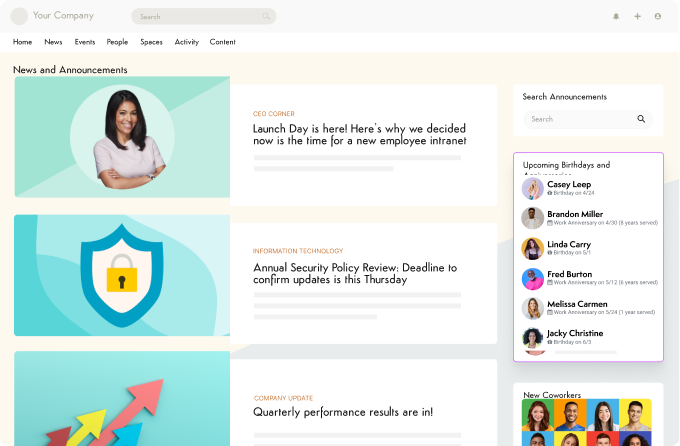
Axero offers policy management as part of a comprehensive intranet platform designed for real employee adoption. Instead of treating policies as isolated documents, Axero embeds them directly into the digital workplace employees already use every day. Policies live in a centralized, searchable environment with clear version control. Admins can create structured policy pages, route them through approvals, and publish updates with confidence. Employees always access the most current version, reducing confusion and outdated references.
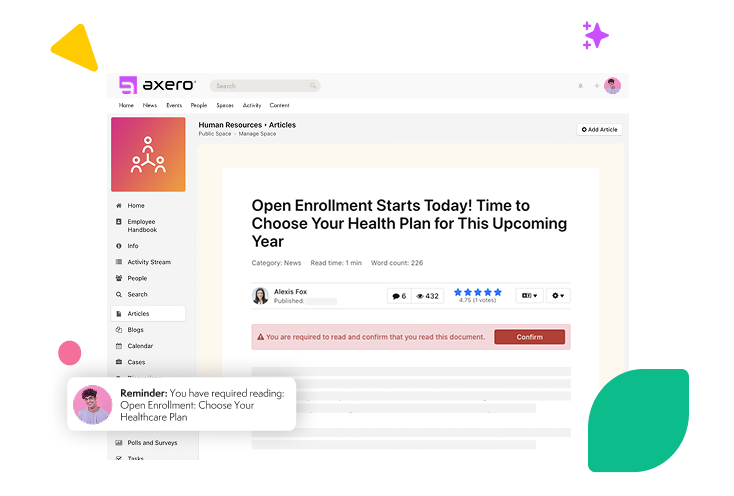
Axero makes policy acknowledgment simple. You can require read confirmations, automate reminders, and track completion in real time. Reporting gives HR, compliance, and leadership teams visibility into who has acknowledged required policies and where follow-up is needed. Because Axero is a full intranet, policies sit alongside news, resources, forms, and collaboration tools. This context drives higher engagement and reinforces policies as part of how work gets done. For organizations seeking policy management without adding another standalone system, Axero provides a unified and practical approach.
Key features of Axero
- Centralized policy hub: Store and organize policies in one searchable location employees trust.
- Approval workflows: Route policies through structured reviews with clear ownership and audit trails.
- Acknowledgment tracking: Require confirmations and monitor compliance with built-in reporting.
Best for: Organizations that want policy management embedded into a modern intranet experience.

2. ConvergePoint
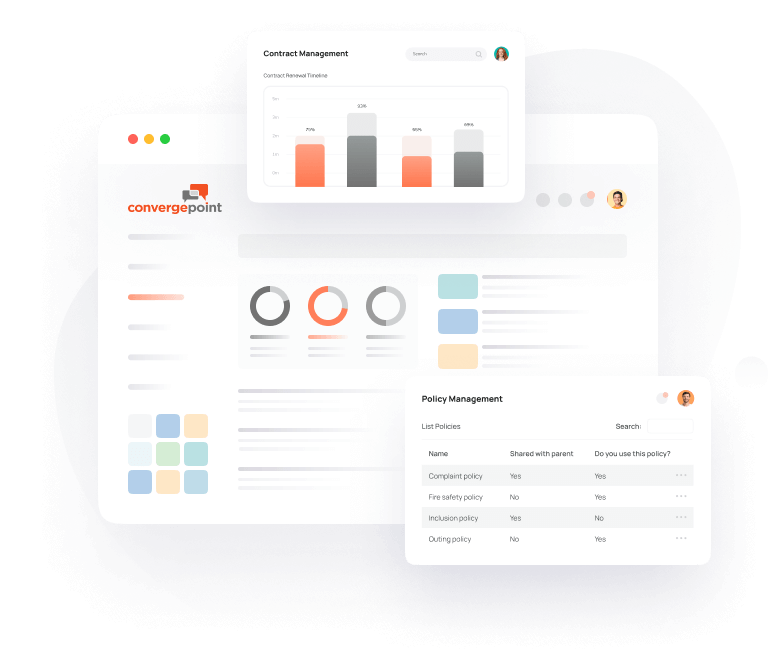
ConvergePoint is a policy management solution built on Microsoft SharePoint, making it a natural fit for organizations already invested in the Microsoft ecosystem. It focuses heavily on structured governance and compliance workflows.
The platform supports policy creation, versioning, and approval processes with strong audit capabilities. Users can configure workflows to match internal review requirements, including legal and compliance sign-off. Automated reminders help ensure reviews and acknowledgments stay on schedule.
Because ConvergePoint relies on SharePoint, the user experience depends on how well SharePoint is configured. For organizations with mature SharePoint governance, this can be a strength. For others, it may increase complexity and reliance on IT resources.
Reporting and compliance tracking are robust, especially for regulated industries. ConvergePoint suits teams that prioritize governance depth and already use Microsoft tools extensively.
Key features of ConvergePoint
- SharePoint integration: Leverages existing Microsoft infrastructure and permissions.
- Workflow automation: Supports complex approval and review processes.
- Compliance reporting: Provides detailed audit trails and acknowledgment reports.
Best for: Microsoft-centric organizations with formal compliance requirements.
3. PowerDMS
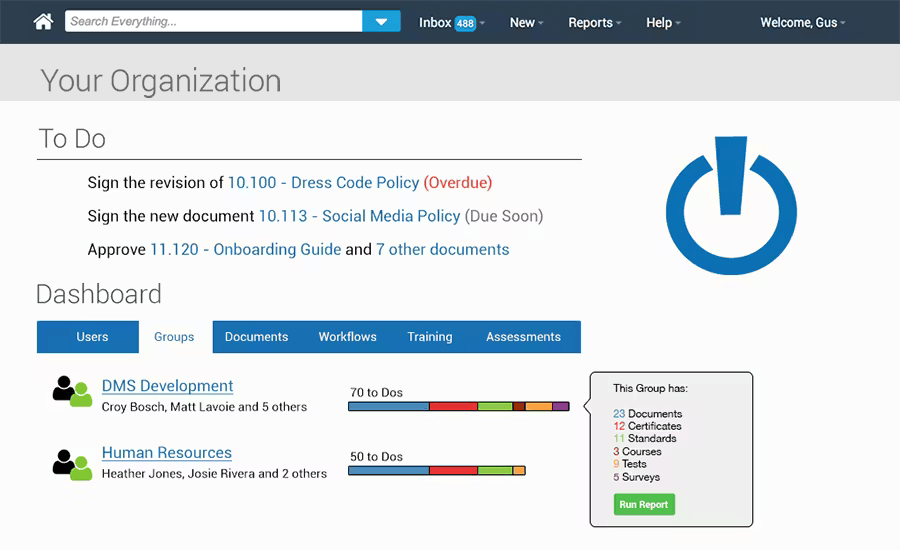
PowerDMS focuses on policy management for regulated and public-sector organizations, including healthcare, law enforcement, and government agencies. Its design prioritizes compliance, accountability, and audit readiness.
The platform centralizes policies and procedures with strict version control. Approval workflows support multi-step reviews, and acknowledgment tracking ensures employees confirm they have read required policies. Automated notifications help reduce manual follow-up.
PowerDMS also includes training and accreditation features, which can be valuable for organizations with certification requirements. This breadth makes it more than a pure policy tool, though it can increase complexity for teams seeking simplicity.
The user interface emphasizes structure and compliance over flexibility. For highly regulated environments, this aligns well with operational needs.
Key features of PowerDMS
- Policy lifecycle management: Covers drafting, approval, publishing, and archiving.
- Acknowledgment enforcement: Tracks read confirmations with automated reminders.
- Audit support: Maintains detailed records for inspections and reviews.
Best for: Regulated organizations that need strict compliance controls.
4. PolicyTech
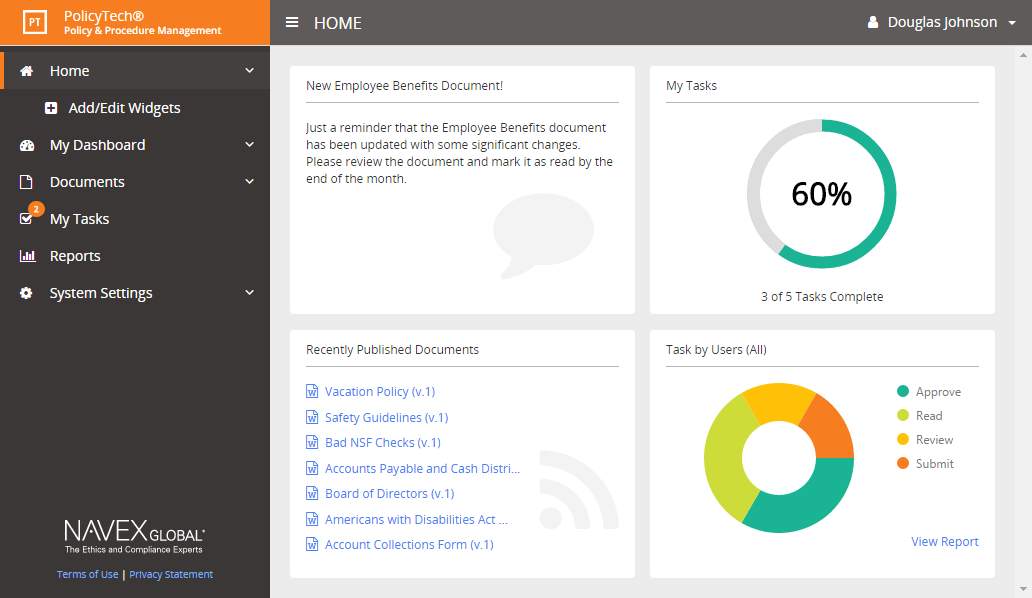
PolicyTech is a dedicated policy and procedure management platform designed to help organizations standardize governance and reduce compliance risk. It focuses on structured documentation, formal reviews, and audit readiness.
The platform allows teams to centralize policies, define ownership, and manage version history with clarity. Review cycles can be scheduled in advance, helping organizations avoid outdated or expired policies. Automated notifications prompt reviewers and policy owners when action is required.
PolicyTech includes acknowledgment tracking and reporting tools that support compliance audits. Administrators can see which employees have reviewed specific policies and export reports when needed. The interface prioritizes structure and control, which supports consistency but can feel rigid for teams seeking flexibility.
PolicyTech works well for organizations with established compliance programs and formal documentation standards.
Key features of PolicyTech
- Policy lifecycle controls: Manage drafting, review, approval, and retirement in one system.
- Scheduled reviews: Automate reminders to keep policies current and accurate.
- Audit reporting: Generate acknowledgment and compliance reports with ease.
Best for: Organizations with mature policy governance and audit requirements.
5. NAVEX One
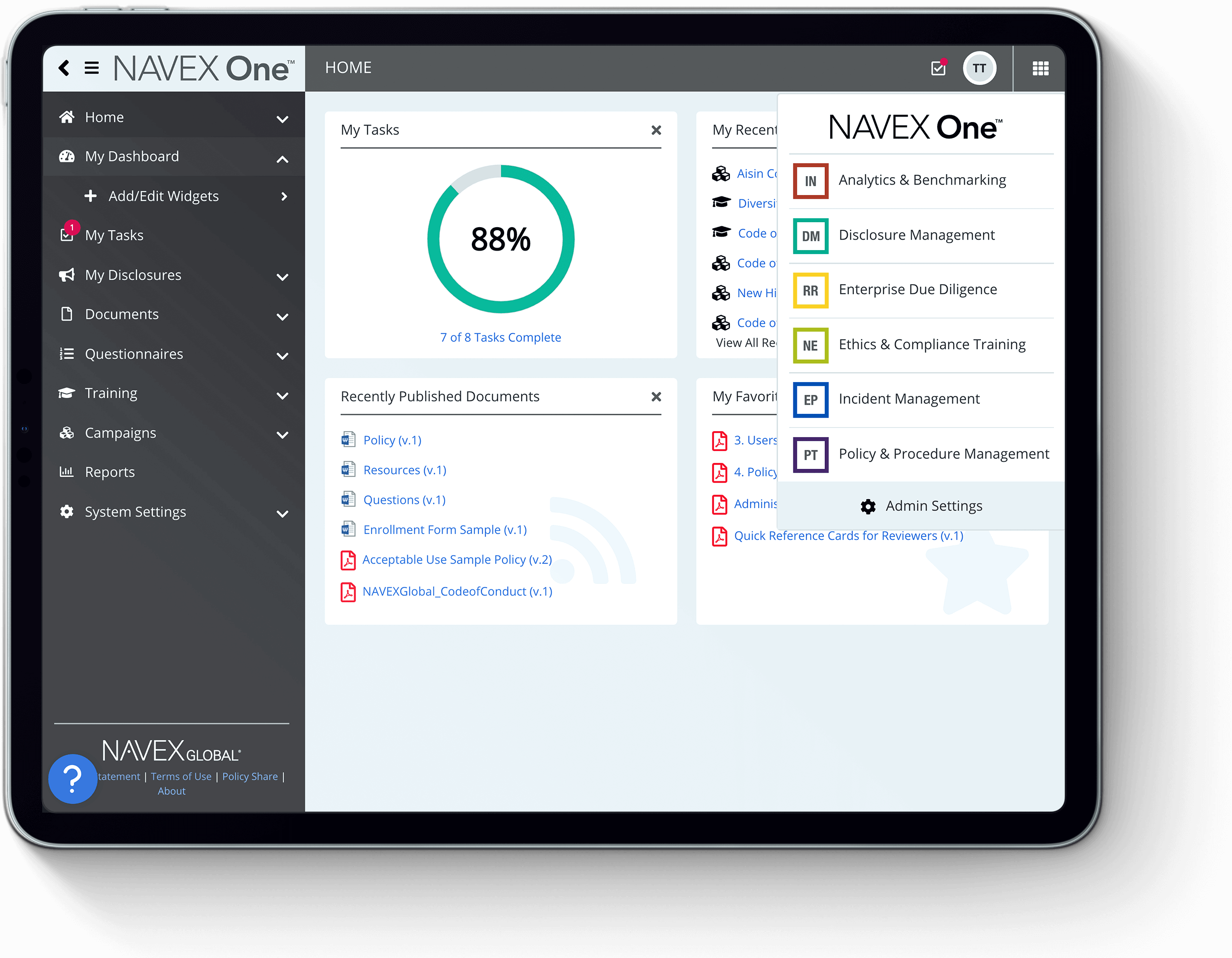
NAVEX One is part of a broader governance, risk, and compliance platform. Its policy management capabilities integrate closely with risk assessments, training, and incident reporting.
The platform supports policy creation, approval workflows, and distribution across the organization. Employees receive notifications for new or updated policies, and acknowledgment tracking ensures accountability. Centralized reporting supports regulatory audits and internal reviews.
Because NAVEX One covers multiple GRC functions, it suits organizations that want policies connected to broader compliance efforts. However, this breadth can make implementation heavier than standalone tools, especially for smaller teams.
NAVEX One emphasizes risk alignment and regulatory oversight, making it a strong option for compliance-driven environments.
Key features of NAVEX One
- Integrated GRC platform: Connects policies with risk and compliance programs.
- Acknowledgment tracking: Confirms employee understanding and acceptance.
- Centralized reporting: Supports audits and regulatory reviews.
Best for: Organizations seeking policy management within a full GRC ecosystem.
6. MetaCompliance
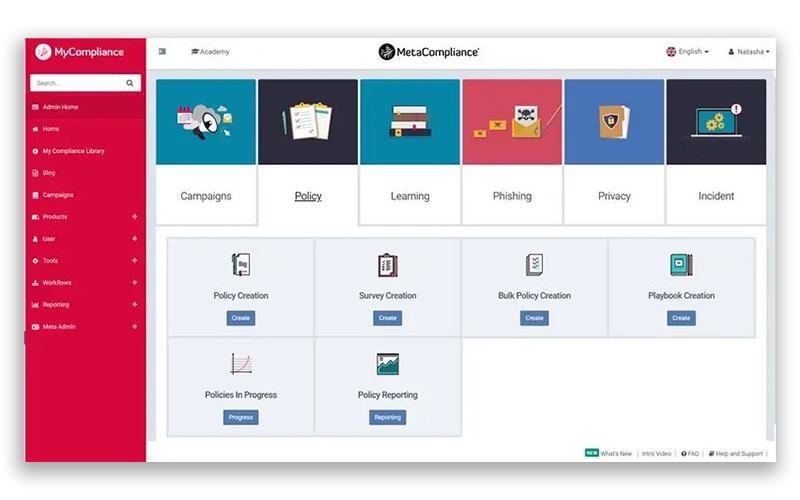
MetaCompliance focuses on policy management and employee compliance engagement, particularly around regulatory and security-related policies. It combines policy distribution with awareness tools.
The platform enables organizations to publish policies, manage approvals, and track acknowledgments across departments. Automated reminders help drive completion without manual follow-up. MetaCompliance also supports policy attestations, which can strengthen audit evidence.
A key differentiator is its focus on employee engagement through targeted communications. This approach can improve visibility and completion rates, especially for mandatory policies. The interface balances compliance needs with accessibility.
MetaCompliance fits organizations that want to reinforce policy awareness alongside compliance tracking.
Key features of MetaCompliance
- Policy distribution tools: Publish and update policies with automated alerts.
- Attestation tracking: Record confirmations for compliance reporting.
- Engagement support: Reinforce policies through targeted communications.
Best for: Compliance-focused teams prioritizing policy awareness and accountability.
7. LogicGate
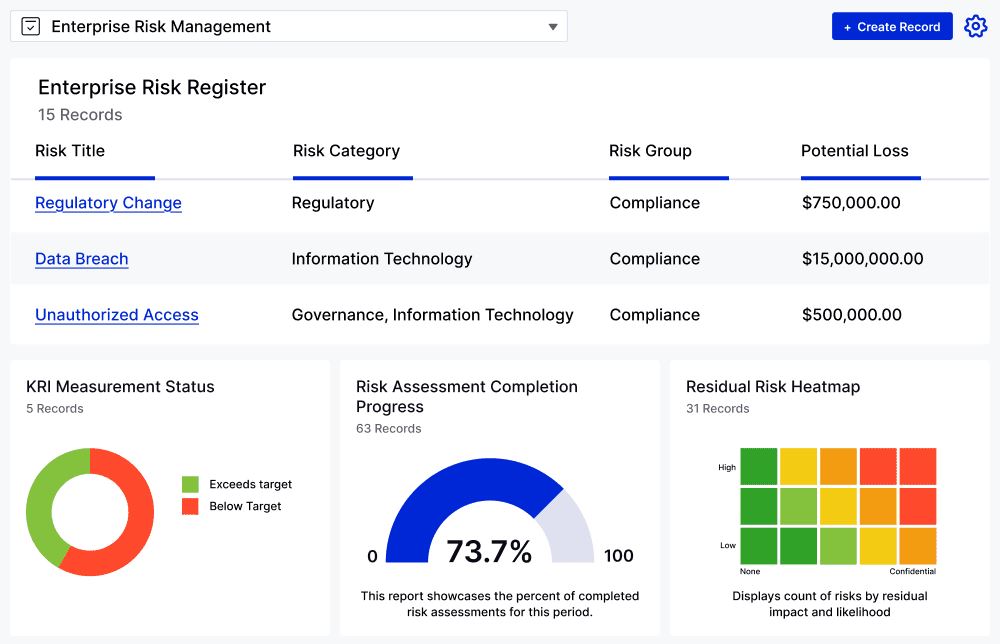
LogicGate offers policy management as part of a customizable risk and compliance automation platform. It emphasizes flexibility and configurability for complex governance needs.
Organizations can design workflows for policy creation, review, and approval using LogicGate’s no-code configuration tools. This allows teams to tailor processes to internal requirements rather than adapt to rigid templates. Version control and acknowledgment tracking support compliance documentation.
LogicGate integrates policy management with risk registers and controls, providing broader context for governance efforts. This depth suits organizations with sophisticated compliance programs but may require more setup and administrative oversight.
LogicGate appeals to teams that want control over how policies fit into larger risk frameworks.
Key features of LogicGate
- Configurable workflows: Customize policy processes without heavy development.
- Risk integration: Connect policies to controls and compliance initiatives.
- Audit-ready reporting: Maintain records for internal and external reviews.
Best for: Organizations with complex governance and risk management needs.
8. SimpleRisk
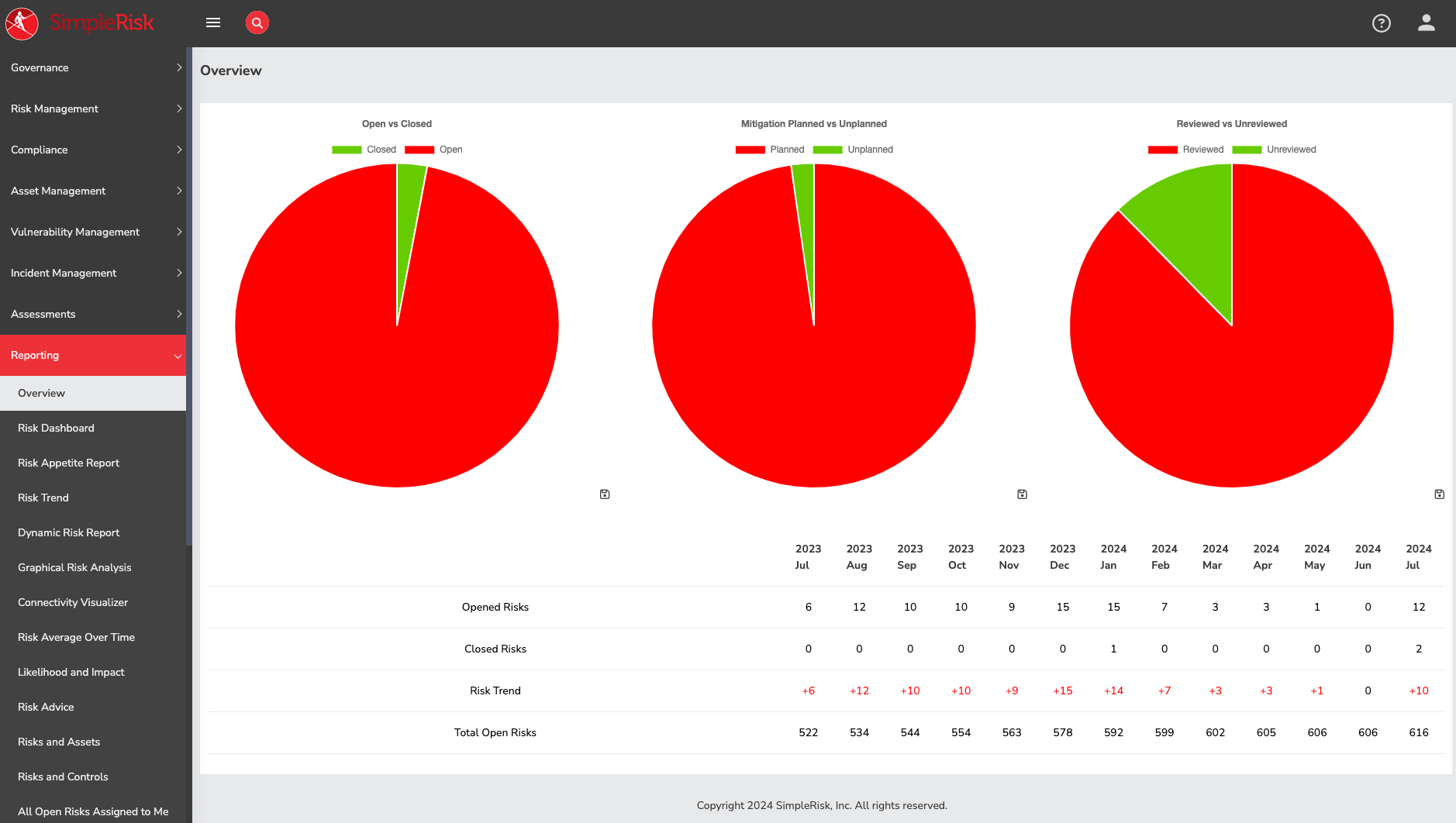
SimpleRisk is an open-source risk management platform that includes policy management as part of its broader governance capabilities. It appeals to organizations that want transparency, flexibility, and control over their compliance tooling.
Policies can be stored centrally, linked to risks and controls, and versioned over time. Approval workflows and acknowledgments support accountability, while reporting helps demonstrate compliance during audits. Because it is open source, SimpleRisk allows deeper customization than many commercial platforms.
The tradeoff is usability. SimpleRisk requires more setup and technical oversight, and the interface prioritizes function over design. Teams without dedicated compliance or IT resources may find it challenging to manage long term.
SimpleRisk works best when policy management needs to align closely with risk documentation and internal controls.
Key features of SimpleRisk
- Open-source flexibility: Customize policy workflows and structures as needed.
- Risk linkage: Connect policies directly to risks and mitigation efforts.
- Compliance reporting: Support audits with documented approvals and acknowledgments.
Best for: Organizations with technical resources and integrated risk programs.
9. SAI360
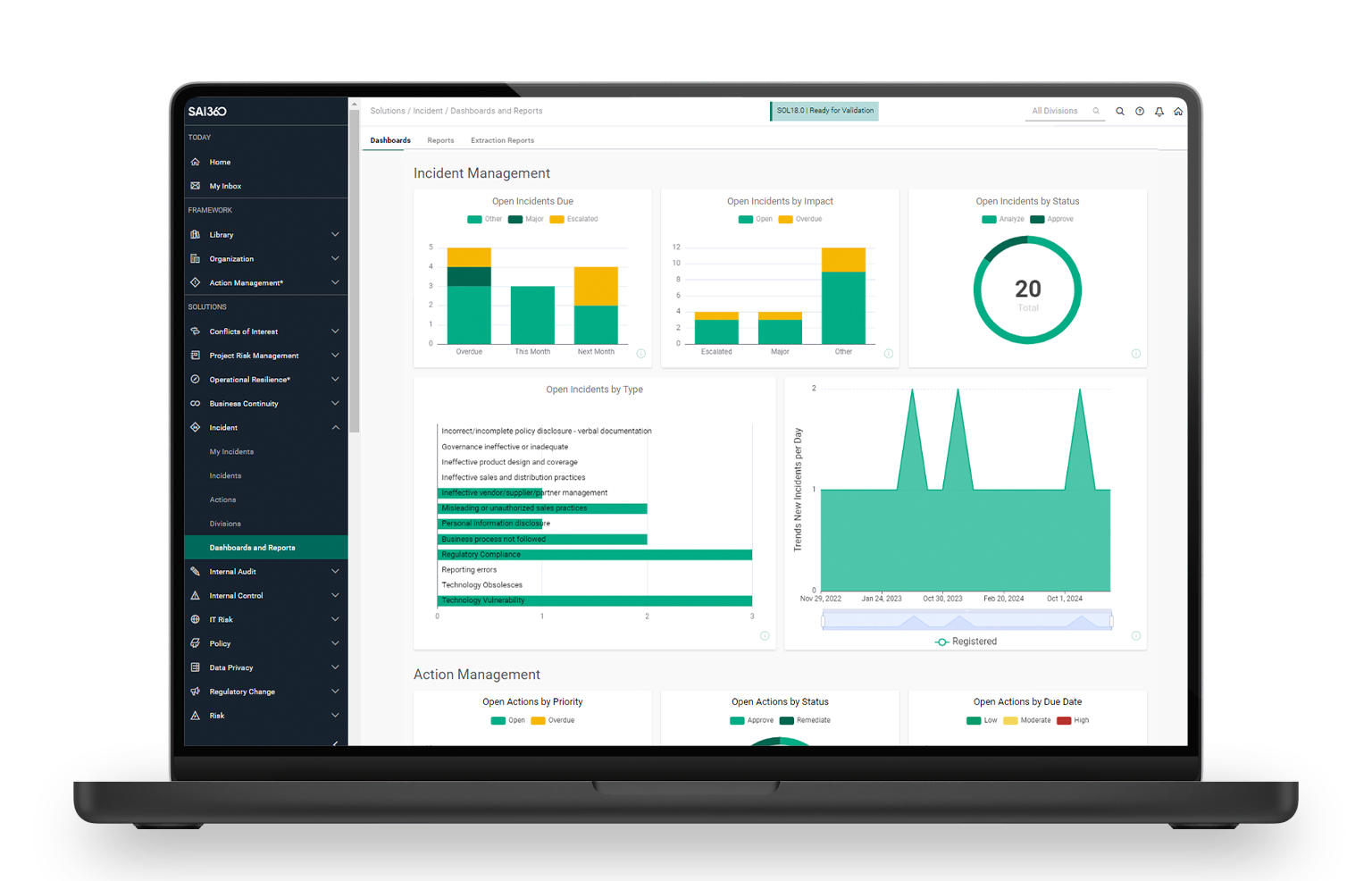
SAI360 provides policy management as part of a comprehensive risk and compliance suite aimed at enterprise organizations. It focuses on formal governance, regulatory oversight, and consistency across large teams.
The platform supports policy authoring, review workflows, and version control with detailed audit trails. Automated notifications help keep reviews and acknowledgments on schedule. Reporting tools give compliance teams visibility into policy status across the organization.
SAI360 integrates policy management with risk, audit, and training modules. This creates strong alignment but increases complexity. Implementation often requires planning and stakeholder coordination.
SAI360 suits enterprises that need policy management tightly integrated into broader governance programs.
Key features of SAI360
- Enterprise-grade governance: Manage policies at scale across regions and teams.
- Automated workflows: Enforce reviews and approvals with consistency.
- Audit alignment: Maintain defensible records for regulatory scrutiny.
Best for: Large organizations with enterprise compliance requirements.
10. Hyperproof
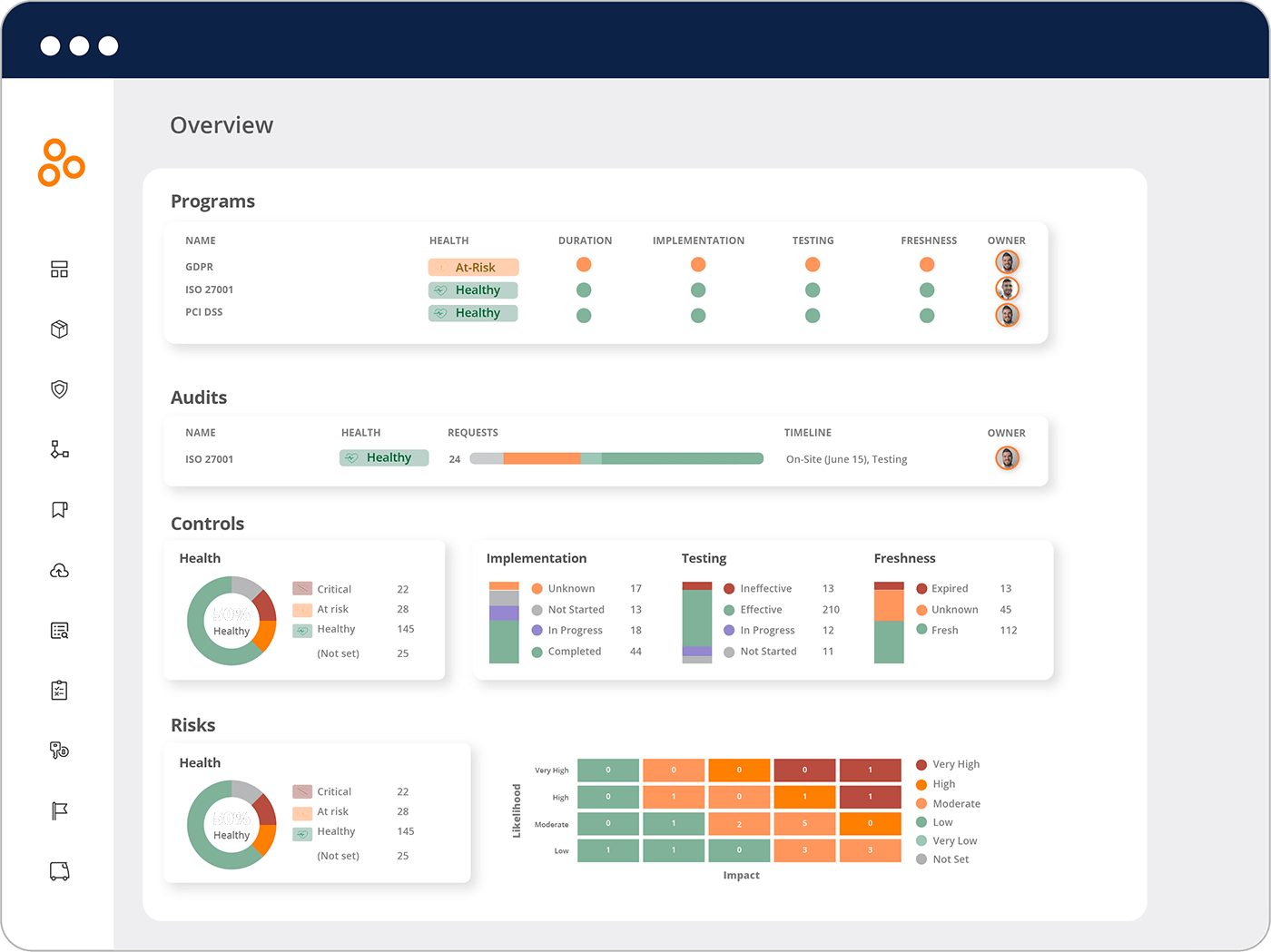
Hyperproof focuses on compliance operations and evidence management, with policy management supporting audit readiness. It is designed to help teams prepare for and maintain certifications.
Policies can be centralized, mapped to compliance frameworks, and versioned over time. Approval workflows and acknowledgment tracking support accountability. Hyperproof’s strength lies in linking policies to controls and audit evidence.
The platform works well for organizations undergoing frequent audits. However, it emphasizes compliance teams rather than broad employee engagement. As a result, it is often paired with other platforms for daily communication.
Hyperproof is best viewed as a compliance operations tool with policy management as a supporting function.
Key features of Hyperproof
- Framework mapping: Align policies with compliance standards.
- Evidence tracking: Connect policies to audit documentation.
- Approval controls: Maintain version history and accountability.
Best for: Compliance teams preparing for audits and certifications.
Choosing the right policy management software
Policy management software should reduce risk while making policies easier to access and follow. The best platforms balance governance with usability, ensuring employees actually engage with required policies rather than ignore them.
Standalone policy tools can manage approvals and acknowledgments, but they often struggle with adoption. When policies live outside daily workflows, visibility drops. This is why many organizations now embed policy management into their intranet.
Axero takes this approach by making policies part of the digital workplace. Employees find policies where they already work. Leaders track compliance without chasing updates. Governance improves without adding friction.
If you want policy management that supports real adoption and long-term growth, book a demo with Axero and see how it fits into your intranet strategy.












 info@axerosolutions.com
 1-855-AXERO-55