Modern teams rely on collaboration tools to share information, manage work, and stay aligned. As organizations grow and communication becomes more distributed, the need for a unified and reliable digital space becomes more important. People need quick access to documents, project updates, and conversations that help them make decisions. Leaders need visibility into workflows and progress. Everyone needs a place to communicate without switching between multiple disconnected apps.
The right collaboration platform supports all of this. It brings communication, knowledge, and teamwork into one hub, so employees can focus on meaningful work instead of searching for files or toggling between tools. Many businesses also use collaboration software to connect frontline teams, contractors, and remote employees who rarely work from the same location. When done well, this creates a shared environment where everyone can contribute and stay informed.
With so many options available, choosing a platform that fits your organization’s needs can feel overwhelming. This guide breaks down the top collaboration tools for business, what they offer, and what to look for when selecting one.
Top 12 collaboration tools for business for 2026
What is collaboration software for business?
Collaboration software for business refers to digital platforms that help employees communicate, share information, coordinate work, and solve problems together. These tools create a centralized space where teams can message, store documents, manage tasks, and connect across locations and departments.
Instead of relying on email chains or scattered apps, collaboration software organizes communication into structured spaces. Employees can access shared documents, join group conversations, and work on projects in real time. This reduces confusion and helps teams stay aligned.
What to consider when choosing the right collaboration tools for business
Finding the right collaboration platform starts with understanding how your teams work and where communication gaps appear. Look for tools that support both day-to-day conversations and larger organizational workflows. The best options are easy to use, integrate well with your current systems, and adapt as your organization evolves.
Communication features
Strong communication tools keep employees informed and reduce scattered conversations across different channels. Features such as chat, forums, and announcements help teams share updates and stay aligned.
Document and knowledge management
Teams need a place to create, store, and organize documents. Look for tools that offer structured spaces, version control, and search capabilities that make information accessible.
Project and task coordination
Task tracking and project visibility help teams stay organized. Platforms that include workspaces, timelines, and assignments keep everyone moving in the same direction.
Integration capabilities
Your collaboration tool should connect with the systems you already use. Integrations reduce friction and prevent duplicate work across platforms.
Ease of use
A simple interface encourages adoption. If the tool is intuitive, employees can start using it quickly and consistently.
12 best collaboration tools for business
1. Axero
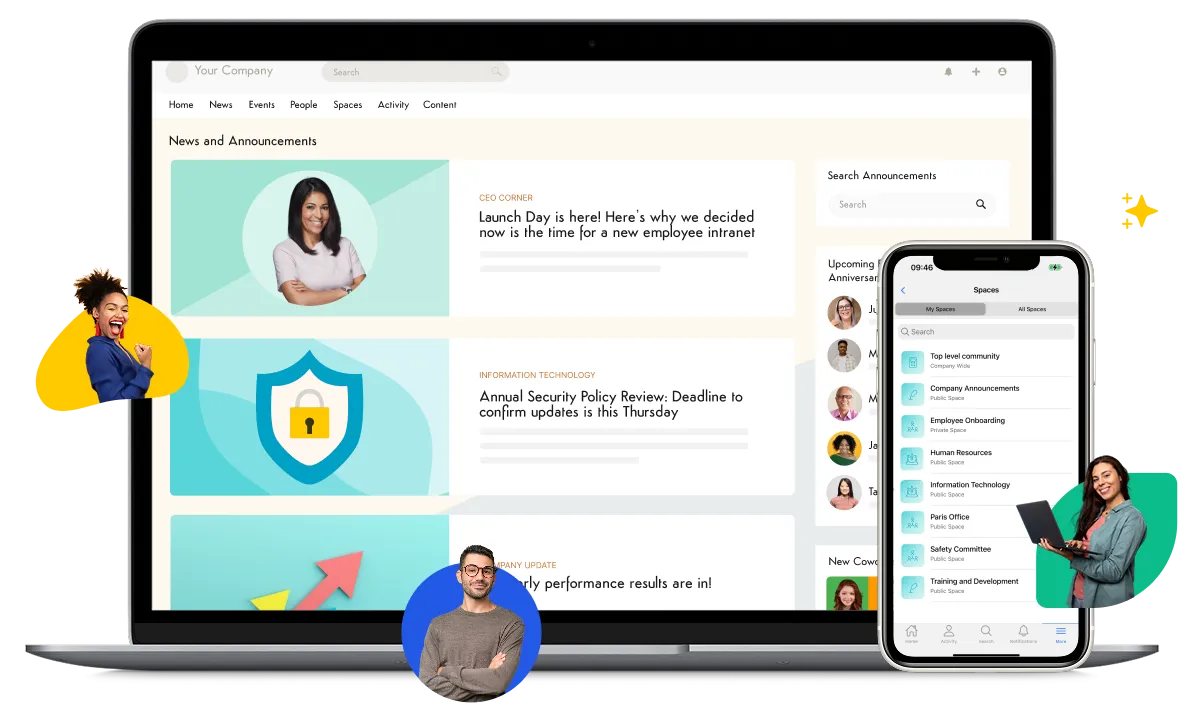
Axero is a comprehensive digital workplace that brings communication, collaboration, and knowledge into one centralized hub. It gives employees a unified space to connect with one another, access shared content, and manage projects without juggling multiple tools. Teams can create dedicated workspaces, share updates, organize documents, and collaborate in real time. Leaders gain visibility into activities and can distribute information to the right audiences.

Axero also offers a customizable interface, allowing organizations to align the platform with their structure and branding. Built-in search helps employees find what they need quickly, and robust permissions ensure information stays secure. With features that support communication and teamwork, Axero helps organizations build a consistent workplace experience and improve productivity across departments.
Key features of Axero
-
Team workspaces: Create structured areas for teams to collaborate, share files, and coordinate projects.
-
Document management: Store, organize, and maintain version control for important content.
-
Company-wide communication: Share announcements and updates with targeted or organization-wide audiences.
Best for: Organizations that want one platform to centralize communication, collaboration, and knowledge.
2. Slack
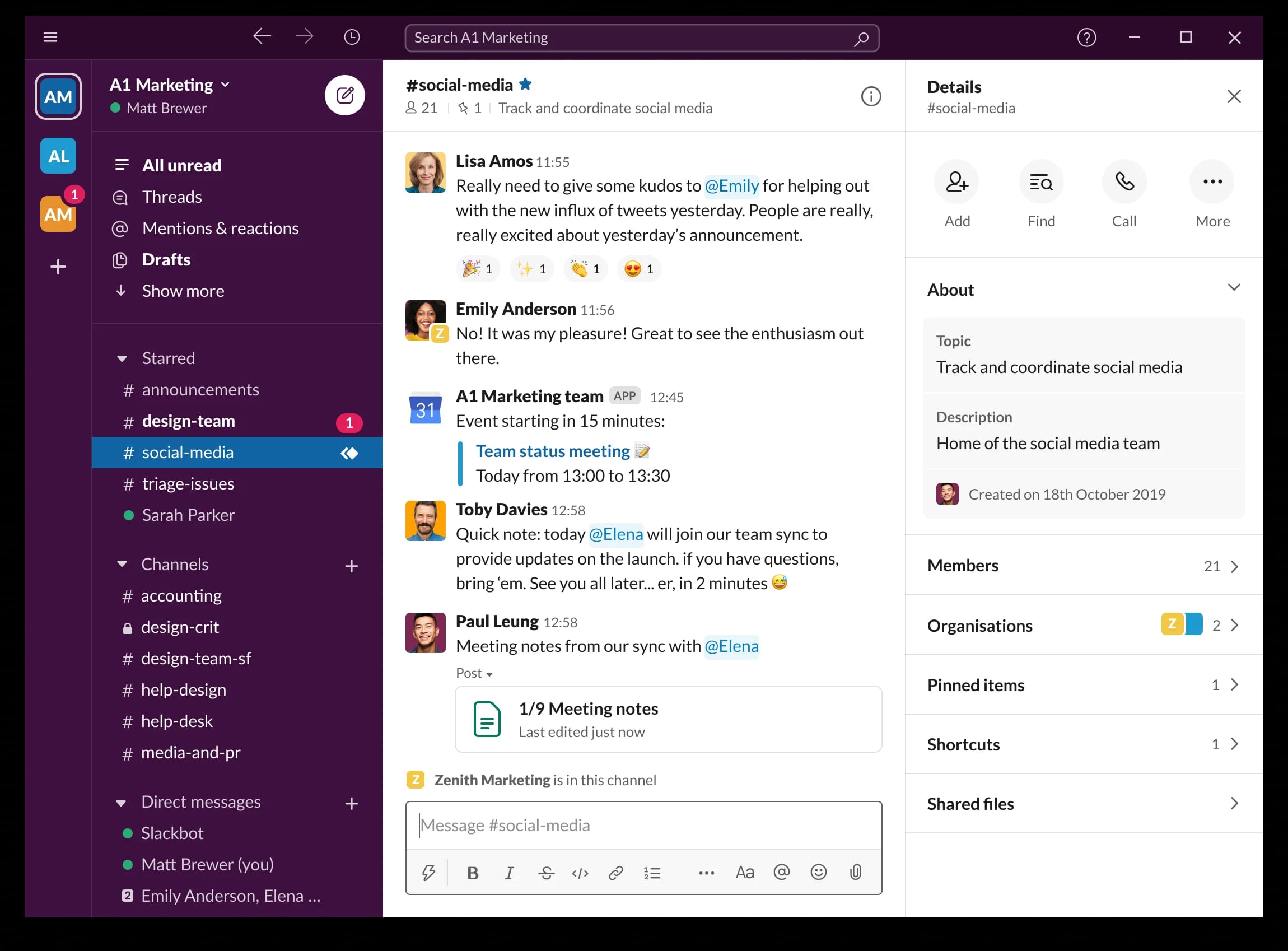
Slack is a messaging platform designed for quick communication. Teams organize conversations into channels, making it easier to find information related to specific topics or projects. Direct messages support one-on-one conversations, while group chats help teams share updates and coordinate tasks. Slack connects with many business tools, allowing notifications and workflows to run through one place. It supports voice and video calls, which help teams communicate when text is not enough. Because it organizes conversations and integrates with popular software, Slack is widely used by teams that depend on rapid communication and flexibility.
Key features of Slack
-
Channels: Organize conversations by project, department, or topic.
-
Integrations: Connect with tools like task managers and file storage apps.
-
Searchable messages: Retrieve past discussions and shared documents quickly.
Best for: Teams that depend on fast communication and need flexible messaging.
3. Microsoft Teams
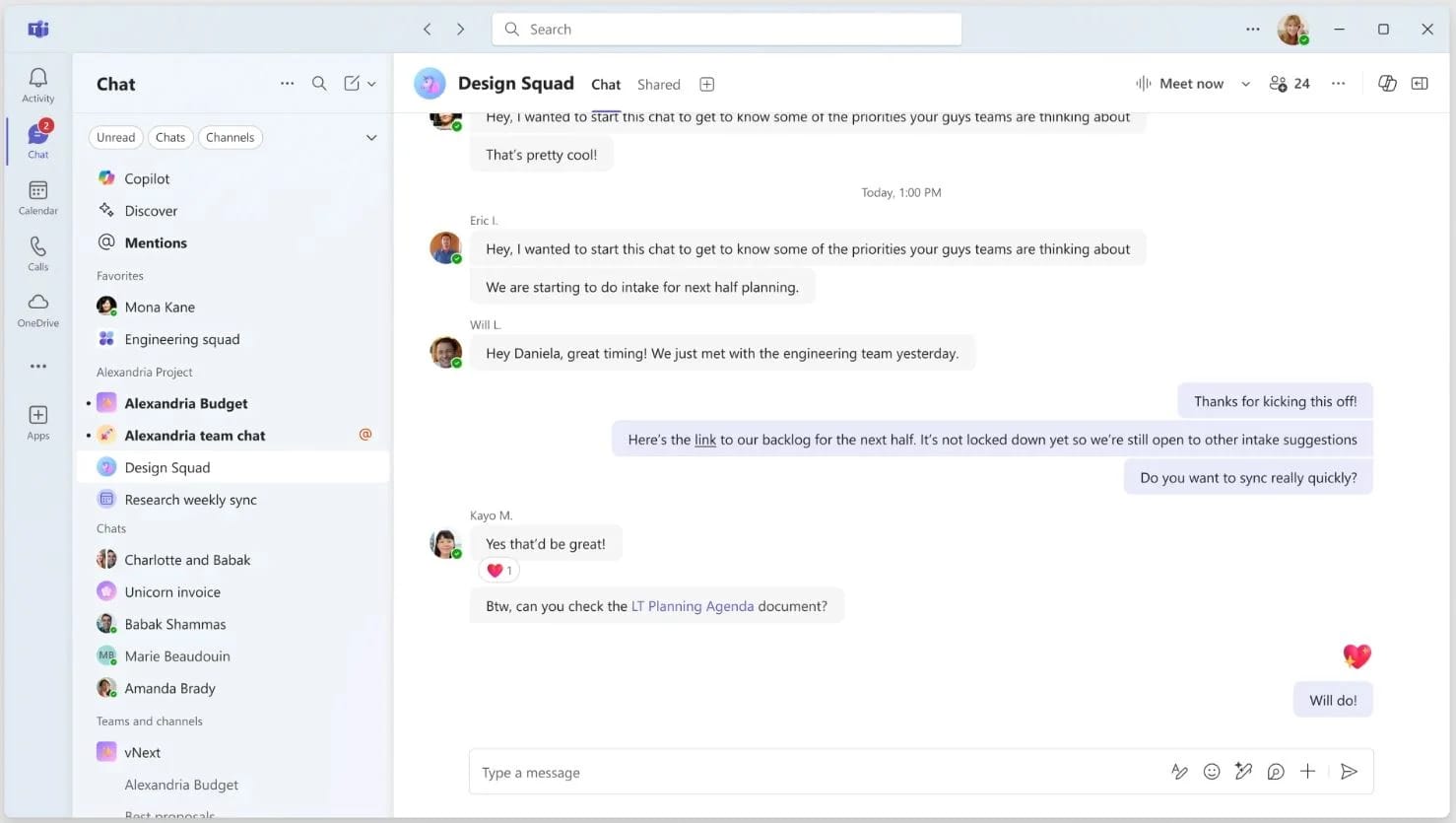
Microsoft Teams provides chat, video meetings, and document collaboration in one environment. It works closely with Microsoft 365 tools, which makes it a strong choice for organizations already using Outlook, Word, Excel, or SharePoint. Teams supports communication through channels for group collaboration and direct chat for individual conversations. Employees can hold virtual meetings, share screens, and work together on documents in real time. With integration across Microsoft’s ecosystem, Teams helps organizations streamline communication and coordinate work without switching platforms.
Key features of Microsoft Teams
-
Video meetings: Host virtual meetings with screen sharing and chat.
-
Document collaboration: Edit files in real time using Microsoft 365 apps.
-
Channels: Organize communication across teams and projects.
Best for: Organizations that use Microsoft 365 and need integrated communication and collaboration.
4. Google Workspace
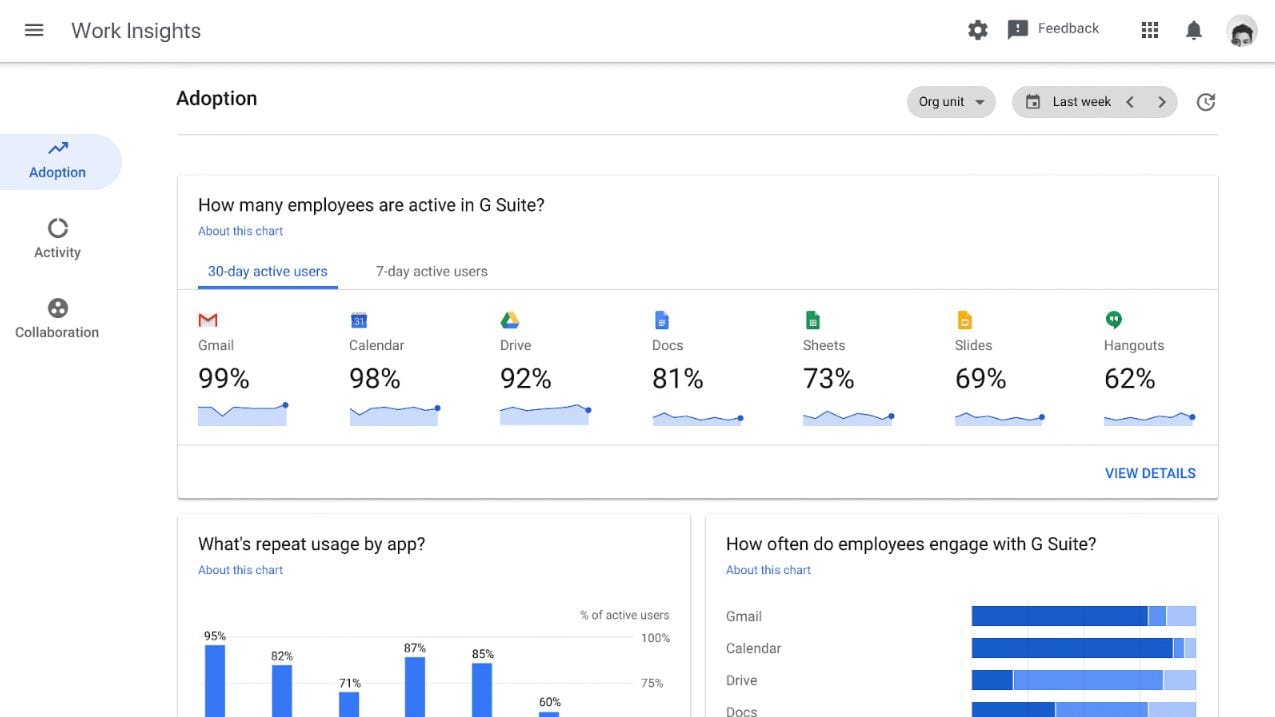
Google Workspace provides a suite of communication and productivity tools in a single ecosystem. Teams use Gmail, Drive, Docs, Sheets, and Meet to manage daily work and collaborate from any device. Shared Drives help departments store and organize information, while Docs and Sheets allow multiple people to edit files in real time. Meet supports video calls for remote and hybrid teams. Each tool is connected through the Google platform, helping teams move between email, files, and meetings seamlessly. Its cloud-based approach makes Google Workspace accessible and adaptable for organizations of different sizes.
Key features of Google Workspace
-
Real-time document editing: Collaborate simultaneously in Docs, Sheets, and Slides.
-
Centralized Drive storage: Organize and access files from any device.
-
Integrated communication: Use Gmail, Chat, and Meet in one environment.
Best for: Organizations that want a cloud-first system for communication and document collaboration.
5. Asana
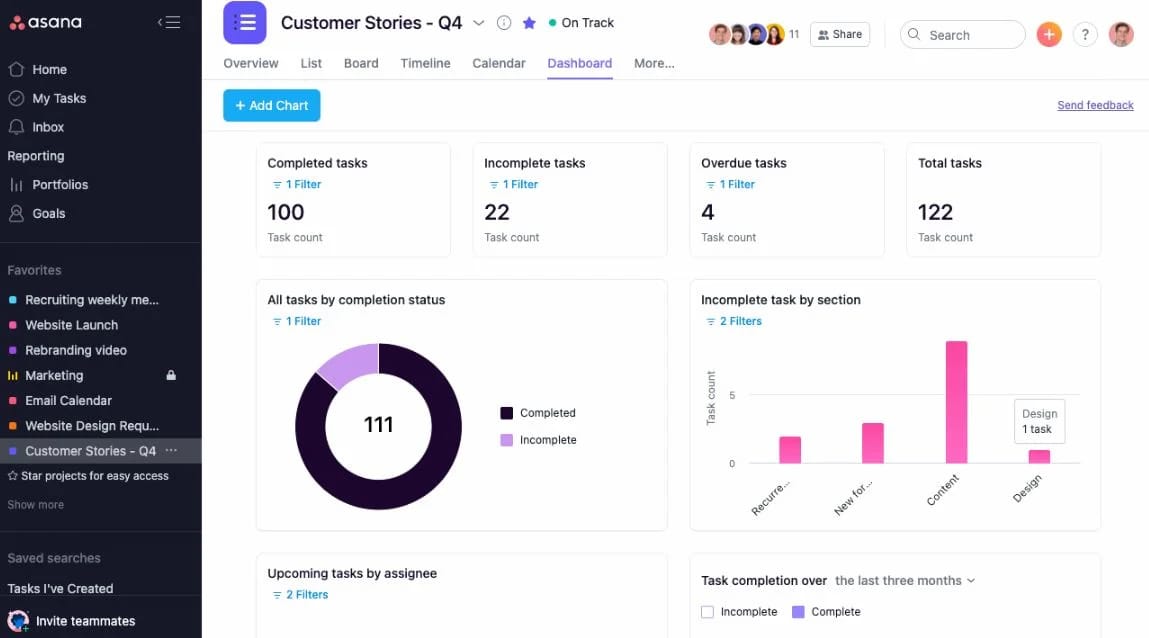
Asana is a project and task management platform that helps teams plan work, track progress, and coordinate responsibilities. Projects can be organized into lists, boards, or timelines, giving teams visibility into what needs to be done and who is responsible. Asana supports recurring tasks, templates, and automation features that reduce manual work. Teams can comment on tasks, attach files, and track deadlines in one place. As a collaboration tool, Asana brings clarity to project workflows and helps teams stay aligned as work moves forward.
Key features of Asana
-
Customizable project views: Choose lists, boards, or timelines depending on workflow needs.
-
Task assignments: Assign responsibilities and track deadlines clearly.
-
Automations: Reduce manual steps for recurring processes.
Best for: Teams that need structured task and project management.
6. Monday.com
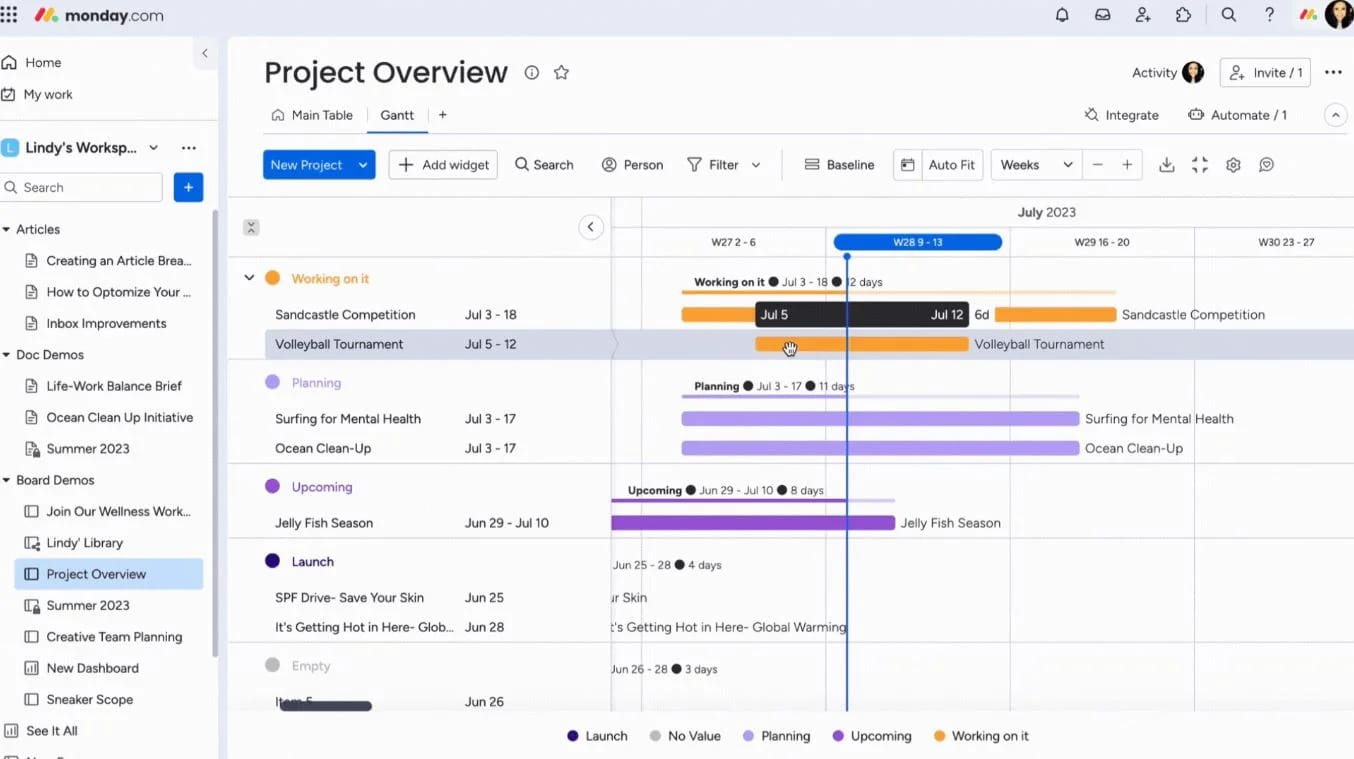
Monday.com is a work management platform that uses customizable boards to track tasks, projects, and workflows. Teams set up boards with columns for status, owners, timelines, and other details. The platform offers templates that help teams launch new projects quickly, plus automation options that streamline notifications and updates. Monday.com integrates with email, communication tools, and file storage platforms to keep everything aligned. Its visual layout helps teams understand progress at a glance, making it easier to coordinate across departments.
Key features of Monday.com
-
Custom boards: Build layouts that match team workflows.
-
Automations: Trigger updates and notifications automatically.
-
Integrations: Connect with communication and storage apps to sync information.
Best for: Teams that want visual, customizable project tracking.
7. Notion
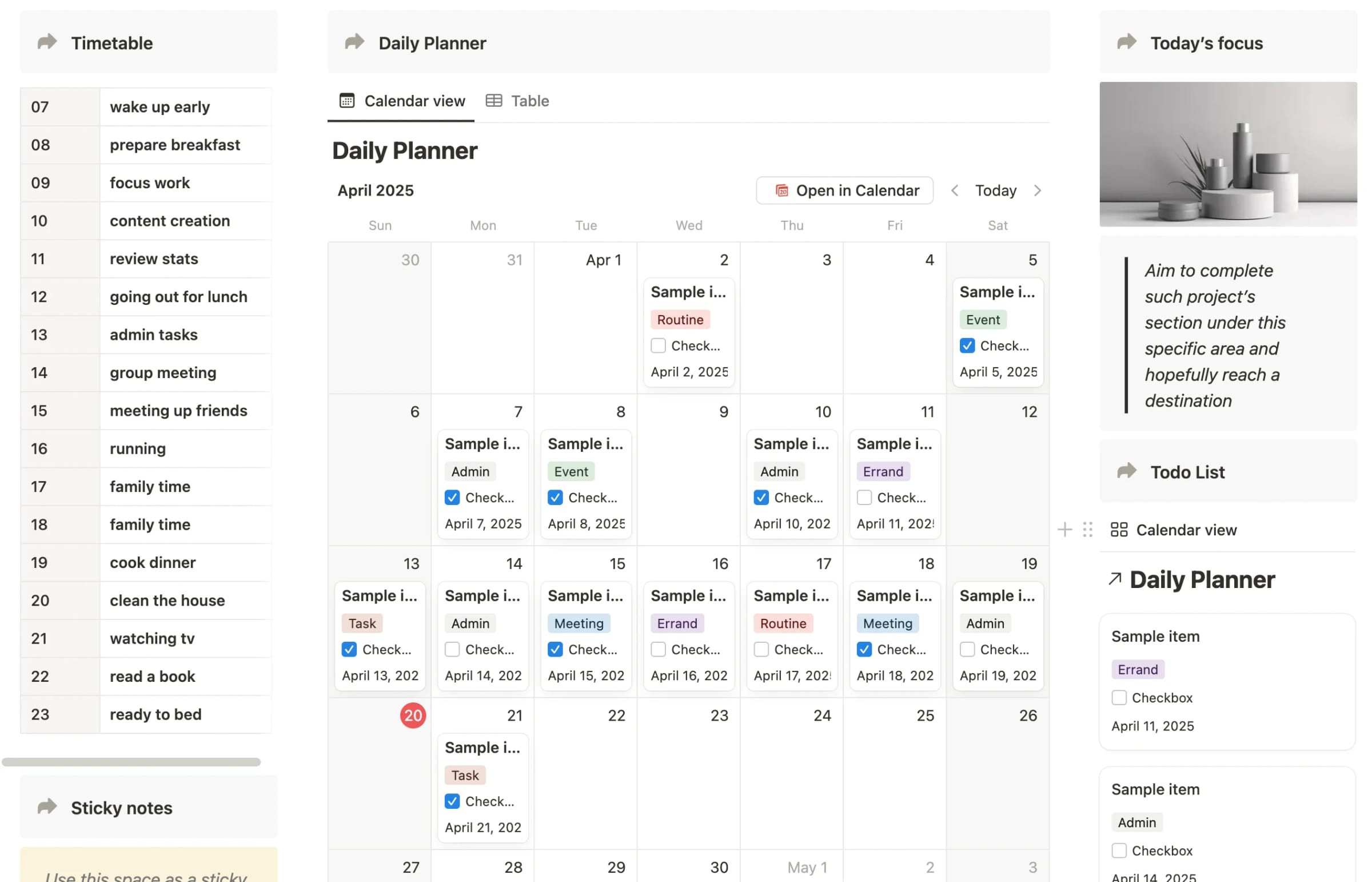
Notion combines notes, documents, project tracking, and databases in a customizable workspace. Teams use it to create shared pages for meeting notes, project plans, and documentation. Databases help organize tasks, knowledge, and resources. Notion’s flexible structure supports simple collaboration or complex workspace setups, depending on team needs. Real-time editing allows multiple people to contribute at once. Because everything lives in a single workspace, Notion works well for teams that want to centralize information without switching between separate apps.
Key features of Notion
-
Custom pages and databases: Build wikis, project plans, and documentation.
-
Real-time editing: Collaborate on pages together from any location.
-
Flexible structure: Design layouts tailored to team workflows.
Best for: Teams that want a customizable knowledge and project workspace.
8. Trello
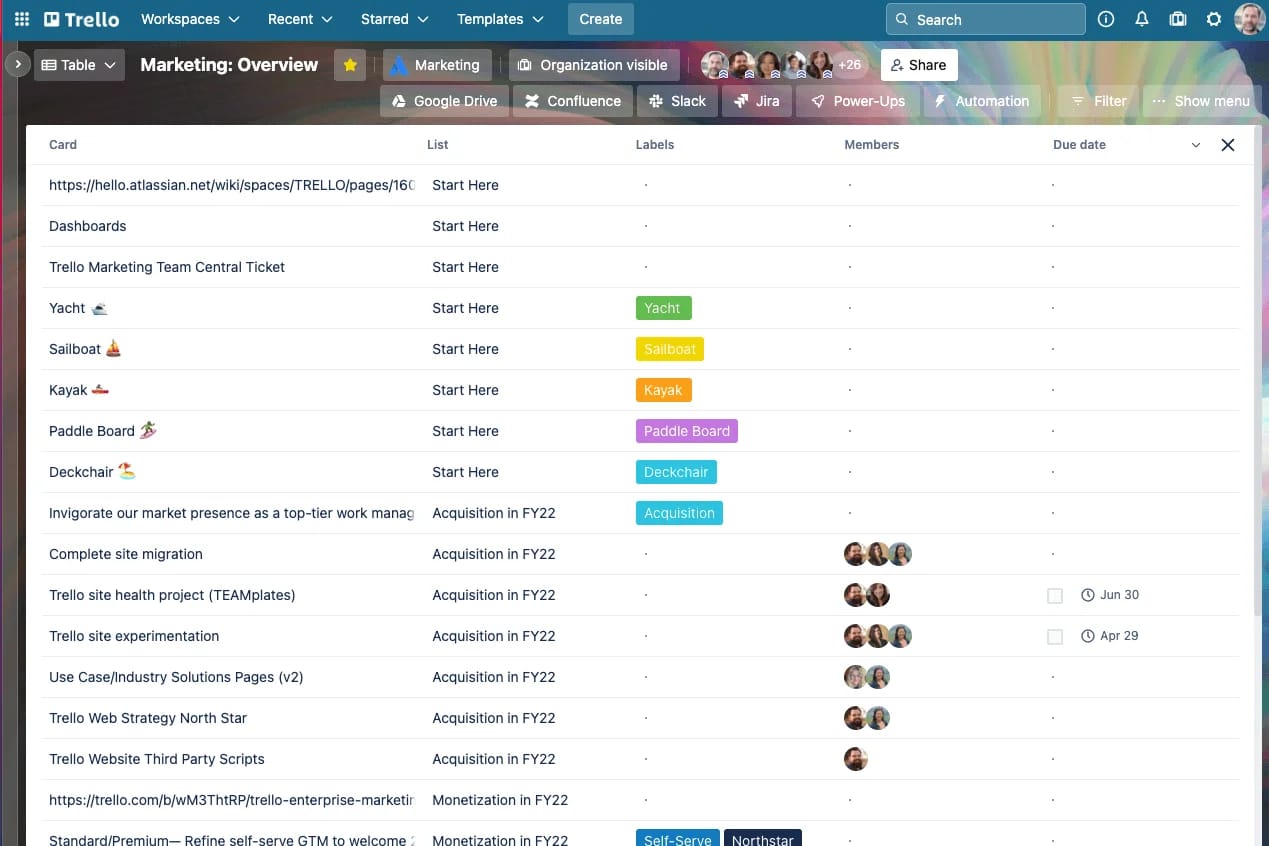
Trello uses boards, lists, and cards to help teams organize tasks visually. Each board represents a project, with lists that show stages of work and cards that outline individual tasks. Teams can add comments, attachments, and checklists to each card. Trello’s drag-and-drop interface makes it simple to move tasks as work progresses. It also offers automations that trigger updates or assignments. Trello is easy to use, which makes it a strong choice for teams that want straightforward task tracking without complex setup.
Key features of Trello
-
Visual boards: Organize projects using lists and cards.
-
Task-level detail: Add files, comments, and checklists to cards.
-
Automations: Reduce repetitive actions with rule-based triggers.
Best for: Teams that prefer visual, lightweight task management.
9. ClickUp
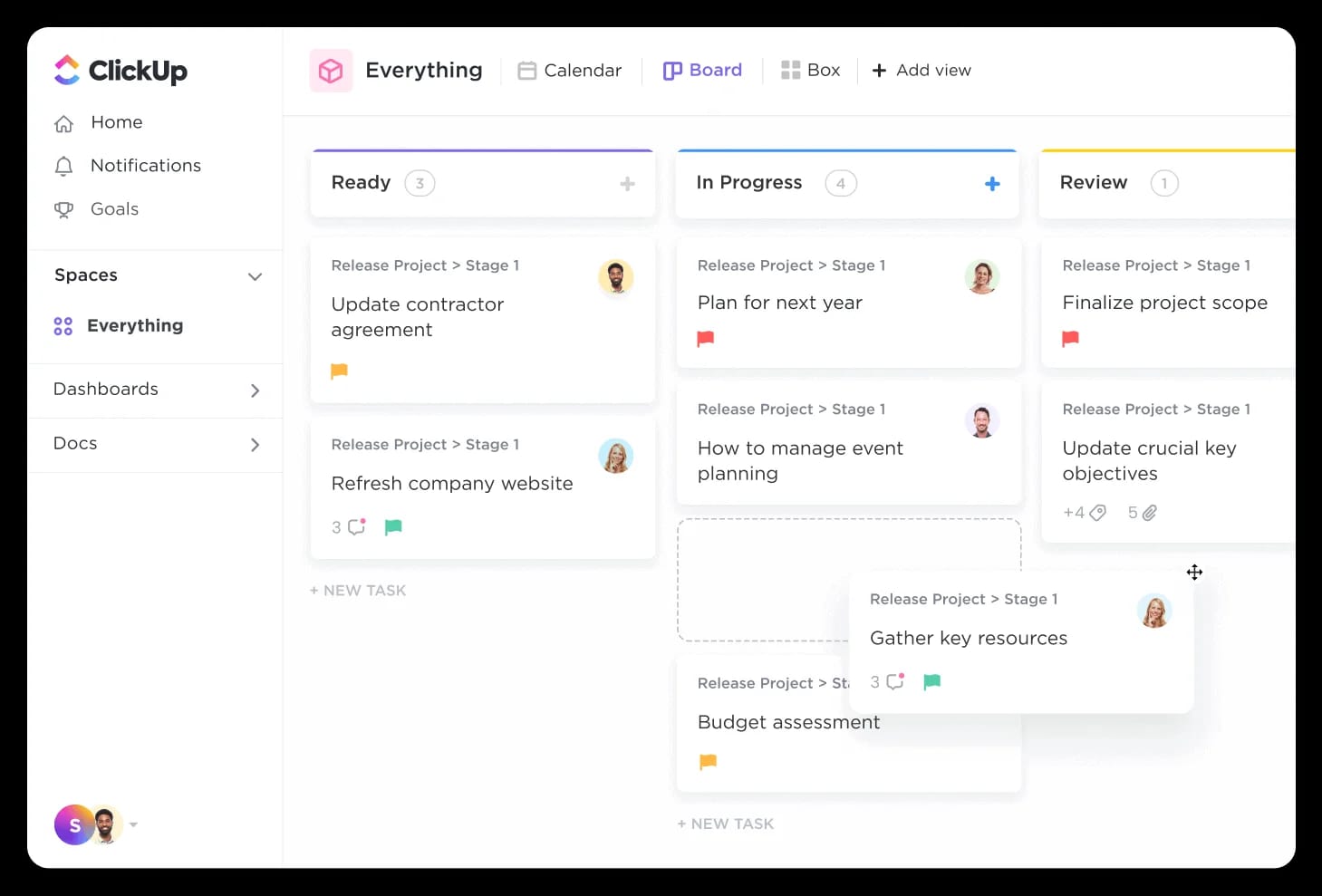
ClickUp brings tasks, documents, chat, and workflow tools into one platform. Teams can set up spaces for departments and use lists, boards, or Gantt charts to track work. Built-in docs help teams capture notes and project information. ClickUp also includes goals, dashboards, and automations that help teams monitor progress and streamline processes. With many customizable features, it supports organizations that want flexibility in how they structure tasks and collaboration.
Key features of ClickUp
-
Multiple task views: Use lists, boards, calendars, and Gantt charts.
-
Docs and wikis: Store knowledge alongside project tasks.
-
Automations: Build workflows to handle routine updates.
Best for: Teams seeking an all-in-one task and knowledge workspace.
10. Zoom
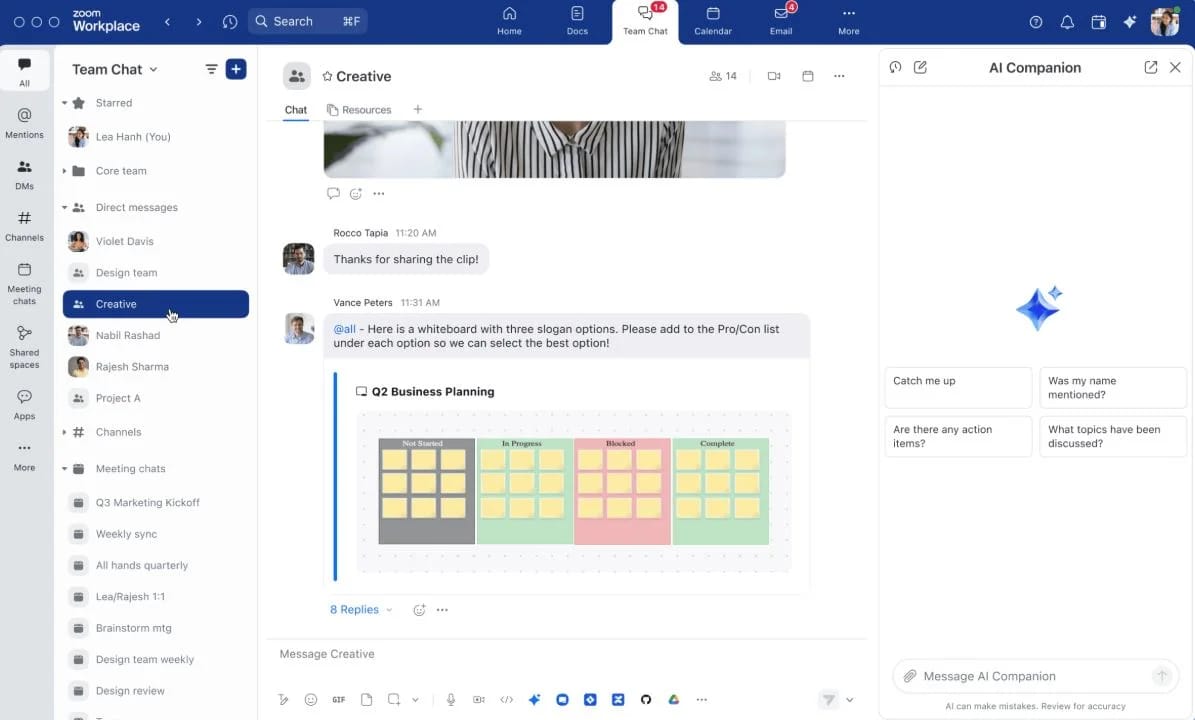
Zoom provides video conferencing and communication tools that help teams meet virtually. It supports meetings, webinars, and screen sharing, making it easier for distributed teams to connect. Breakout rooms help facilitate group discussions, and chat features allow participants to share information during meetings. Zoom integrates with calendars and collaboration platforms, helping teams schedule and join calls from within their existing tools. It’s widely used for synchronous communication in remote and hybrid workplaces.
Key features of Zoom
-
Video meetings: Host virtual sessions with screen sharing and chat.
-
Breakout rooms: Hold smaller group discussions during a meeting.
-
Integrations: Connect with calendar and collaboration apps.
Best for: Organizations that need reliable video communication.
11. Miro
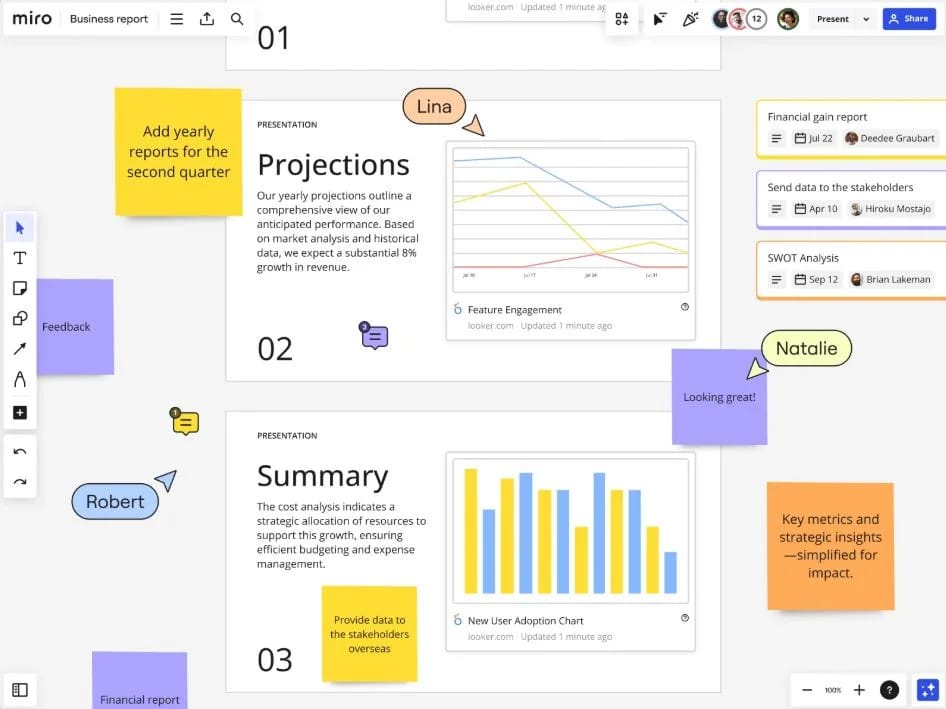
Miro is a digital whiteboard platform for brainstorming, planning, and visual collaboration. Teams use it to map processes, sketch ideas, and run workshops. Boards support sticky notes, diagrams, templates, and embeds. Miro helps cross-functional teams collaborate visually, even when working from different locations. Real-time editing allows participants to add ideas and shapes together, making it useful for workshops, ideation sessions, and strategy planning.
Key features of Miro
-
Visual boards: Create diagrams, workflows, and brainstorm sessions.
-
Templates: Start sessions quickly with pre-built layouts.
-
Real-time collaboration: Work together on the same board instantly.
Best for: Teams that rely on visual planning and brainstorming.
12. Confluence
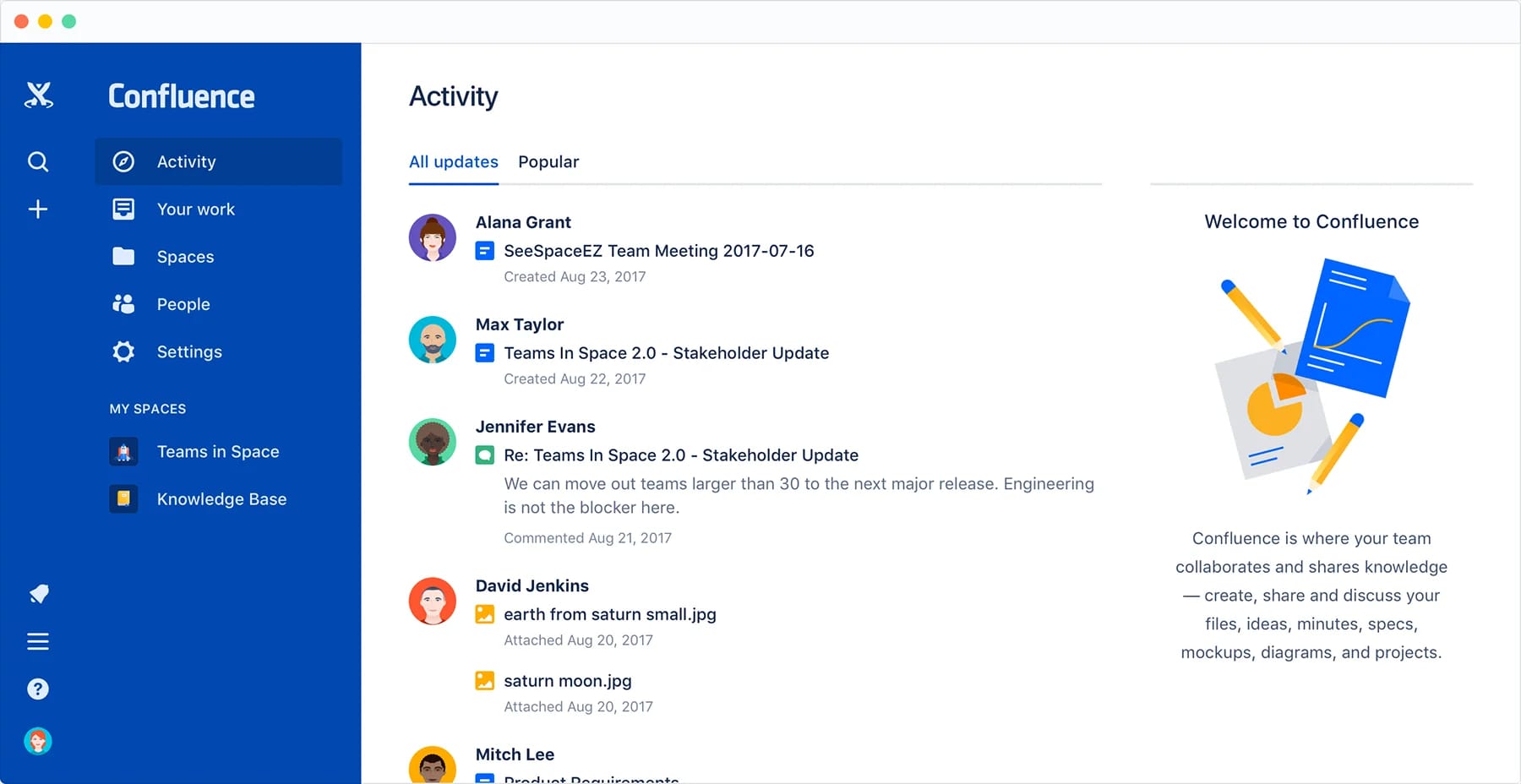
Confluence is a documentation and knowledge-sharing platform that helps teams create and organize content. It supports structured pages for project plans, meeting notes, and internal documentation. Teams can group related content into spaces, making it easier to navigate large collections of information. Real-time editing allows teams to contribute together, and comment features help clarify details directly on the page. Confluence integrates with Jira and other Atlassian tools, which strengthens collaboration for teams that already depend on this ecosystem.
Key features of Confluence
-
Structured spaces: Organize projects and documentation in dedicated areas.
-
Real-time page editing: Collaborate on content together.
-
Integrations: Connect with Jira and other Atlassian tools.
Best for: Teams that need structured documentation and knowledge management.
Bringing the right collaboration tool into your organization
Collaboration tools help employees communicate, share information, and work together efficiently. Choosing the right platform depends on your workflows, the tools you already use, and the type of environment you want to create. Look for software that supports communication, centralizes knowledge, and helps employees access what they need. When these elements come together, teams stay aligned and productive, no matter where they work.
If you want a single platform that brings all of this into one place, Axero can help you build a digital workplace that supports communication, document management, and everyday teamwork. Book a demo today and explore how you can simplify collaboration across your organization.