Every page currently ranking for “online collaboration tools” is a flat ranked list: 15 tools, numbered one through fifteen, as if a whiteboard app and a document suite were competing for the same slot. They aren’t. Ranking them against each other produces a list that’s fun to read and useless to buy from.
This guide groups the best online collaboration tools for 2026 into six categories, tells you what each tool is honestly good and bad at, and then covers the part the other lists skip — how to combine them, and why the number of tools in your stack matters less than whether any two of them are doing the same job.
Best online collaboration tools by category, at a glance
| Category | Best pick | Best for |
|---|---|---|
| Communication & messaging | Slack | Fast, searchable team conversation with the deepest app ecosystem |
| Document & file collaboration | Google Workspace | Real-time co-authoring with the lowest friction for non-technical users |
| Project & task management | Asana | Cross-team work tracking that non-PM staff will actually keep updated |
| Visual collaboration & whiteboarding | Miro | Workshops, mapping, and diagramming with a large template library |
| Video conferencing | Zoom | Reliable large meetings and webinars, minimal client-side friction |
| Knowledge management & intranet | Axero | One durable place for policies, company news, and searchable knowledge |
Full picks and methodology below ↓
If you only read one section past this table, make it the one on tool sprawl below — that’s the part that changes what you buy.
How we evaluated these tools
Rather than scoring every product in a crowded market, we started from the tools that actually turn up in real evaluations — the ones prospects tell us they’re comparing, the ones leading their G2 and Capterra categories, and the ones already installed at companies we work with. Then we cut to the tools that lead a category rather than merely appear in it: 13 tools across six categories.
What we looked at, in order of weight:
- Depth in one category over breadth across many. A tool that does chat superbly and documents adequately belongs in the chat category, not both. Suites that genuinely lead in two categories (Google Workspace, Microsoft 365) are listed once, in their strongest.
- Integrations and ecosystem. Whether the tool connects to the systems you already run, and whether that connection is a real integration or a webhook and some hope.
- Security and admin controls. SSO, granular permissions, audit logging, and data residency options. This is where the gap between a team-scale tool and an enterprise-scale one is widest.
- Adoption and rollout cost. How much training and change management the tool needs before it’s used by the people it was bought for — the most commonly underestimated line item in any collaboration purchase.
- Pricing transparency. Whether list pricing is published, and whether the published number is what a company of your size actually pays.
- Company stability. Longevity, funding position, and acquisition risk. Migrating a knowledge base is a project nobody wants twice.
Sources: vendor pricing and documentation pages checked directly in August 2026; G2 and Capterra rating and sub-score cross-checks; hands-on use of most of these tools; and conversations with buyers evaluating them. Every price below is the vendor’s own published figure at the time of writing — pricing moves, so confirm against the vendor before you commit budget.
Why a single ranked list isn’t the real answer
Here’s the thing the ranked lists imply and never state: that your collaboration problem is a selection problem, and picking the right tool fixes it.
It usually isn’t. Teams rarely fail because they chose the second-best chat app. They fail because they’re running too many overlapping tools with no agreement about which one is authoritative for what.
The scale of that is measurable. Okta’s Businesses at Work 2025 report found that “the average number of apps each company uses reached 101 this year, cracking the major milestone of 100 after years of flat growth.” At the individual level, Asana’s 2022 Anatomy of Work Index found the average worker switching between around nine apps a day, with 56% saying they feel they must respond to notifications immediately.
Neither number is a problem on its own. A 4,000-person company running 101 apps across finance, HR, engineering, and sales is normal. The problem is narrower and more specific: when two tools do the same job, employees have to guess which one is real.
That’s what produces the failure everyone recognizes. The policy is in SharePoint and also in a Google Doc, and they disagree. The project status is in Asana and also in a spreadsheet, and the spreadsheet is newer. The decision was made in a Slack thread that nobody can find, so it gets made again. None of that gets fixed by switching chat vendors.
So the useful question isn’t “which tool is best?” It’s “what job does each tool own, and is any job owned by two tools?” Answer that and the stack usually gets smaller without anyone losing a tool they needed.
This is also where a knowledge hub earns its place, and it’s worth being precise about why. Chat is where work gets coordinated; it’s a poor place to store anything, because search in a chat archive returns the conversation rather than the answer. Document suites are where files live, but a folder tree doesn’t tell you which document is current or who owns it. The gap between them — durable, owned, findable, company-wide — is the job an intranet or knowledge platform does, and it’s the job most stacks leave unassigned.
Which job is your stack leaving unassigned?
Axero holds the sixth category — policies, company news, and searchable knowledge in one place, alongside the chat, document, and project tools you already run.
The six categories that matter
Before the tools, the categories. Most organizations need one clear pick in each of these, and most already have two in at least one:
- Communication & messaging — real-time and asynchronous conversation between people.
- Document & file collaboration — creating, co-editing, and storing files.
- Project & task management — tracking who owes what by when.
- Visual collaboration & whiteboarding — thinking together in a spatial format.
- Video conferencing — synchronous face-to-face at distance.
- Knowledge management & intranet — durable company knowledge, policy, and internal communication.
Categories 1 through 5 are where most collaboration budget goes. Category 6 is where most collaboration problems live, because it’s the one companies assume they’ve covered with a shared drive.
The best online collaboration tools for 2026
Communication & messaging
Slack
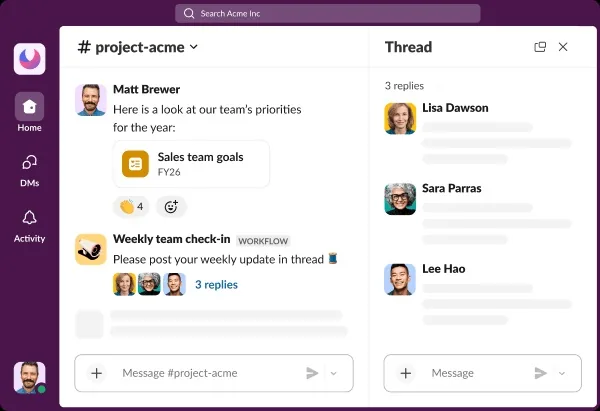
- Best for: organizations that want fast, searchable conversation and one of the broadest third-party app ecosystems available.
- Standout feature: the integration depth. Slack Connect for working with external partners in shared channels is still one of the most mature implementations of cross-company messaging on the market.
- Honest limitation: it’s a conversation tool that gets used as a filing system. Message history on the Free plan is capped at 90 days, and even on paid plans, searching a busy workspace returns discussions rather than answers. Anything you need in six months needs to live somewhere else.
- Pricing: Free plan with 90 days of message history; Pro at $7.25/user/month billed annually ($8.75 monthly); Business+ at $15/user/month annually ($18 monthly); Enterprise+ requires contacting sales.
Microsoft Teams
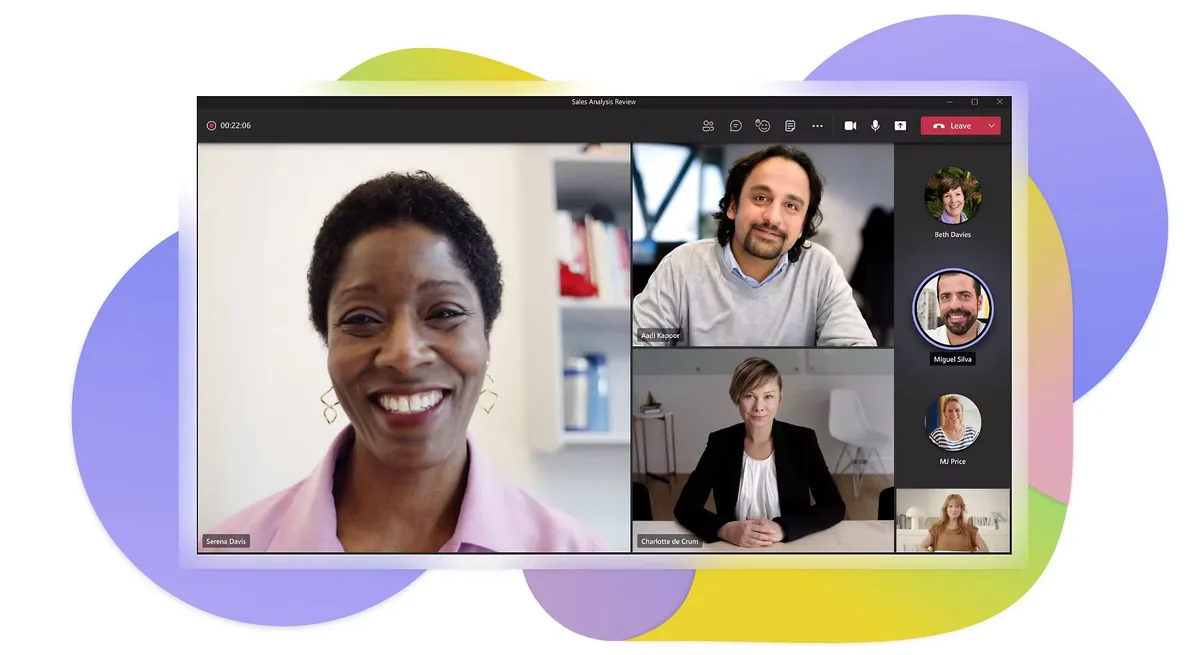
- Best for: companies already committed to Microsoft 365, where Teams arrives bundled and the incremental cost is effectively zero.
- Standout feature: the depth of the Microsoft integration — Office file co-editing, Outlook calendar, and SharePoint document libraries all inside the same client.
- Honest limitation: the channel-and-tab structure gets confusing at scale, and the line between a Team, a channel, a chat, and a SharePoint site is unclear to most end users. Teams sprawl is as real as tool sprawl.
- Pricing: a free tier exists; Microsoft Teams Essentials at $4.00/user/month paid yearly; otherwise bundled into Microsoft 365 Business Basic at $7.00/user/month paid yearly and up.
Document & file collaboration
Google Workspace
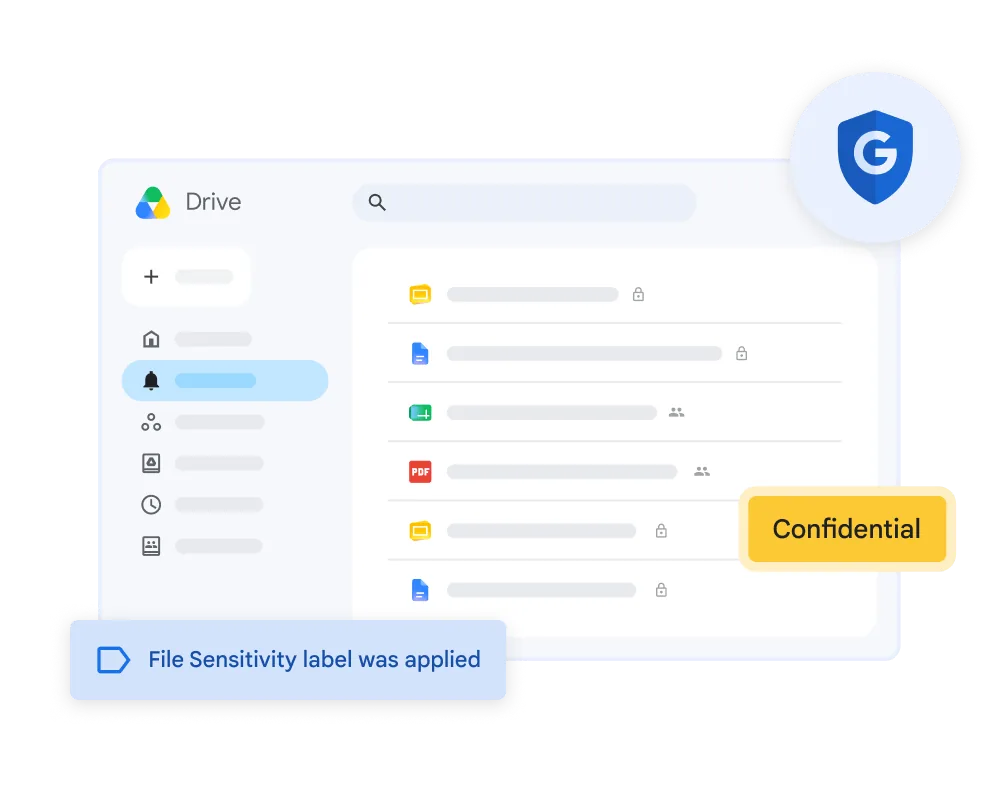
- Best for: teams that value frictionless real-time co-authoring over document formatting fidelity.
- Standout feature: multi-user simultaneous editing that still, after fifteen years, has the fewest sharp edges of any implementation.
- Honest limitation: Google Drive’s organizational model is weak at enterprise scale. Ownership tied to individual accounts, files scattered across My Drive and Shared Drives, and no meaningful concept of a document’s lifecycle or review date.
- Pricing: Business Starter at $7.00/user/month with 30 GB pooled storage per person; Business Standard at $14.00 with 2 TB; Business Plus at $22.00 with 5 TB; Enterprise requires contacting sales. Annual commitment saves 16%.
Microsoft 365
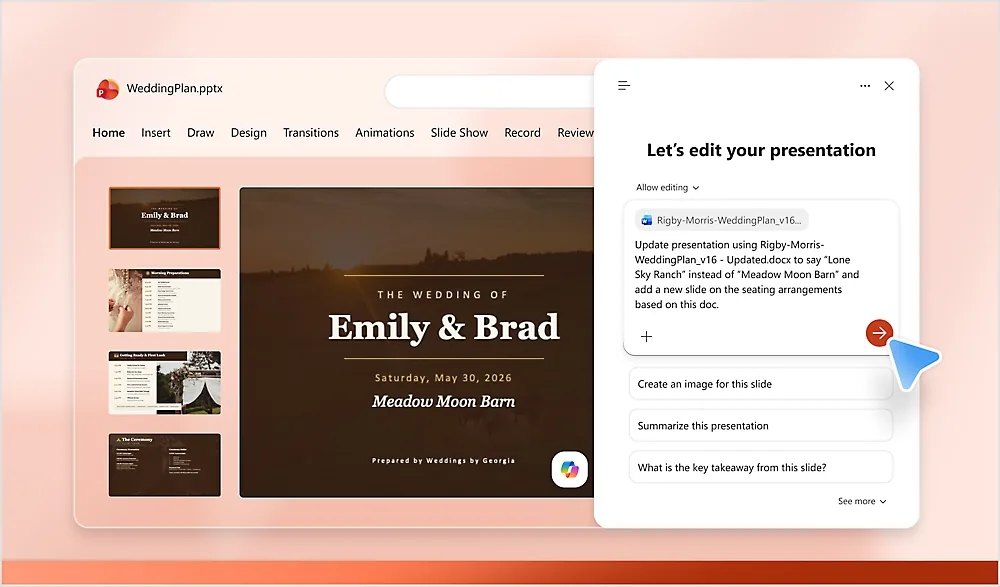
- Best for: organizations with heavy document formatting, compliance, and desktop-application requirements.
- Standout feature: the desktop Office apps remain the most capable document tools available, and the compliance and information-protection tooling around them is genuinely enterprise-grade.
- Honest limitation: capability comes with administrative complexity. The licensing matrix alone is a project, and getting the governance right across SharePoint, OneDrive, and Teams typically needs dedicated IT ownership.
- Pricing: Business Basic at $7.00/user/month paid yearly; Business Standard with Copilot at $23.50; Business Premium with Copilot at $32.00. Versions without Teams are priced slightly lower.
Project & task management
Asana
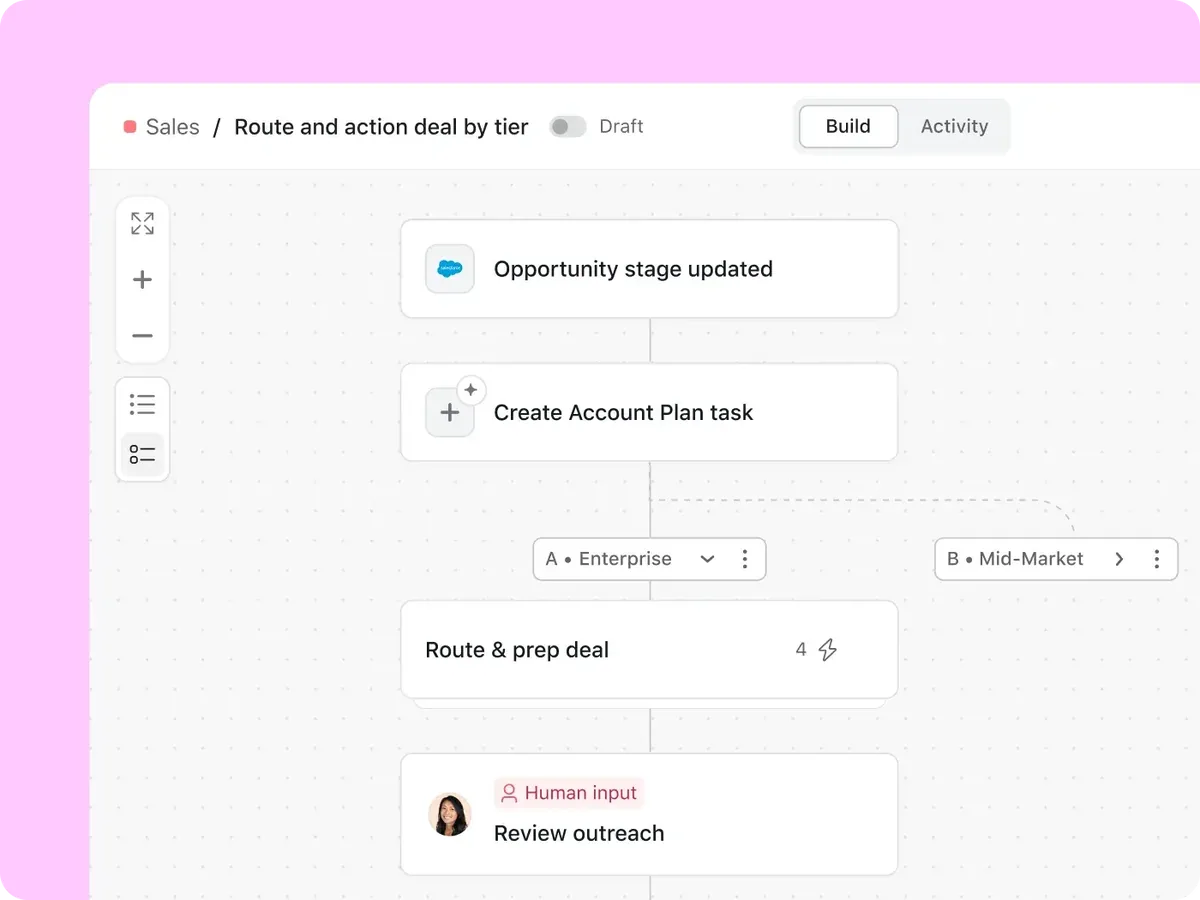
- Best for: cross-functional work tracking where the people updating tasks aren’t project managers by trade.
- Standout feature: the clarity of the task model. One task, one owner, one due date, visible in list, board, timeline, or calendar view without reconfiguring anything.
- Honest limitation: it thins out for genuinely complex project management — resource levelling, dependencies at scale, and portfolio financials are not its strengths. And the free tier caps at two collaborators, which makes trialling it with a real team awkward.
- Pricing: free Personal plan for up to 2 users; Starter at $10.99/user/month billed annually ($13.49 monthly); Advanced at $24.99 annually ($30.49 monthly); Enterprise on request.
monday.com
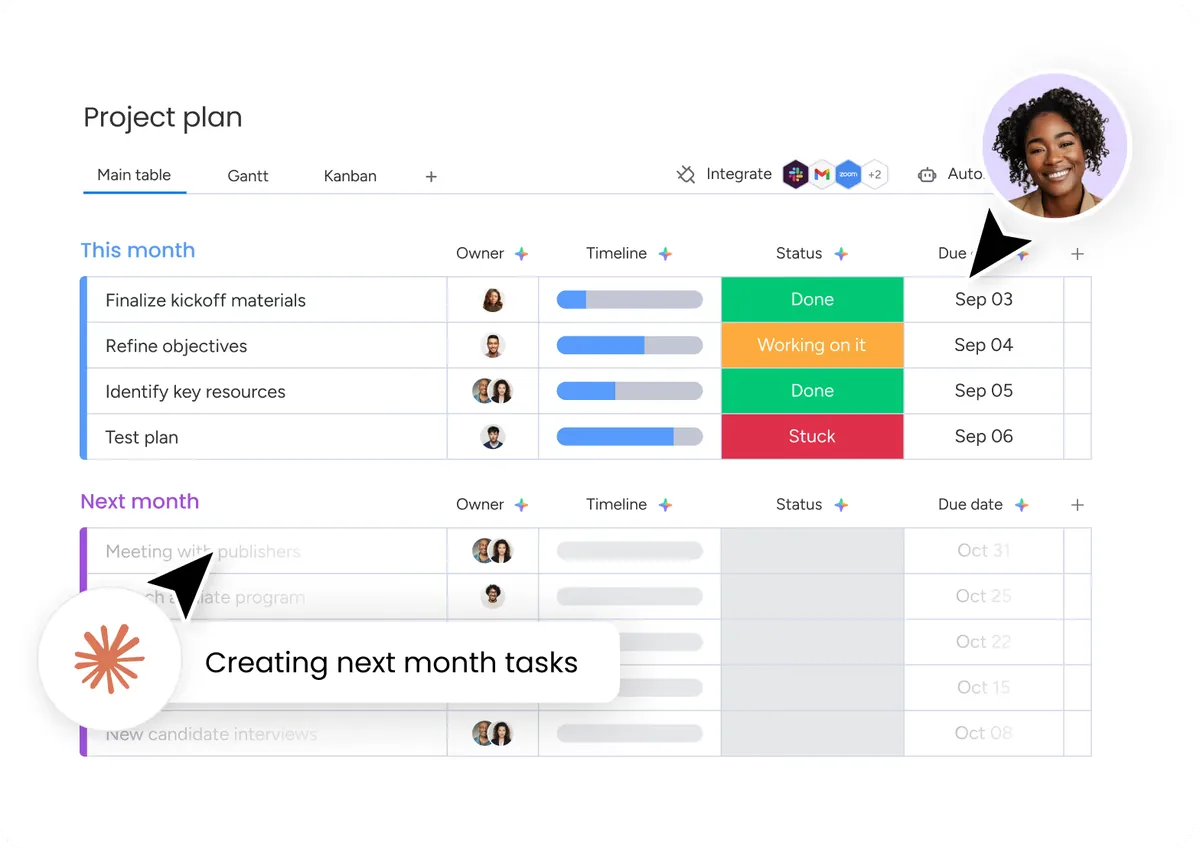
- Best for: teams that want to shape the tool around an existing process rather than adopt someone else’s.
- Standout feature: the flexibility of the board and automation model — it will bend to almost any workflow, including ones it wasn’t designed for.
- Honest limitation: that flexibility is also the risk. Without someone owning conventions, every department builds a differently-shaped board and cross-team reporting stops being possible. Also note that most plans carry a three-seat minimum.
- Pricing: free plan for up to 2 seats; Work Management Basic at $9/seat/month billed annually, Standard at $12, Pro at $19; Enterprise custom. Annual billing saves 18%.
Wrike
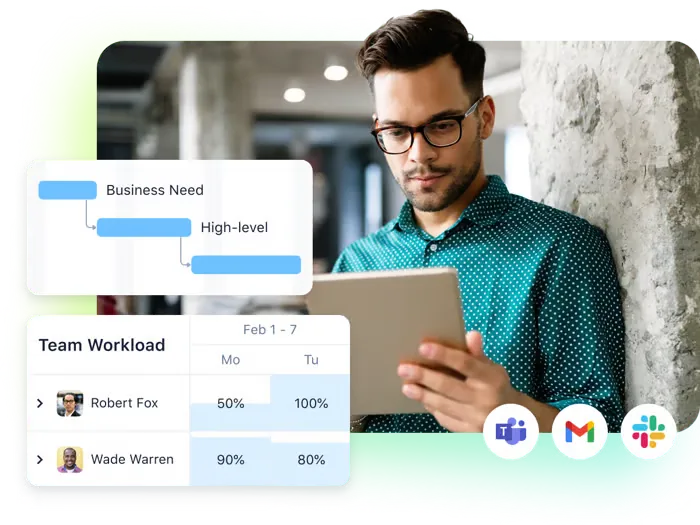
- Best for: structured project and portfolio management in operations, marketing ops, and professional services teams.
- Standout feature: depth in the traditional PM disciplines — request forms, approval workflows, resource management, and cross-project reporting.
- Honest limitation: it’s heavier than the alternatives, and it feels heavier. Rollout to casual users takes real change management. The plan structure also has hard user bands to watch: Team covers 2–15 users, Business 5–200.
- Pricing: free plan available; Team at $10/user/month; Business at $25/user/month; Pinnacle and Apex require contacting sales.
Visual collaboration & whiteboarding
Miro
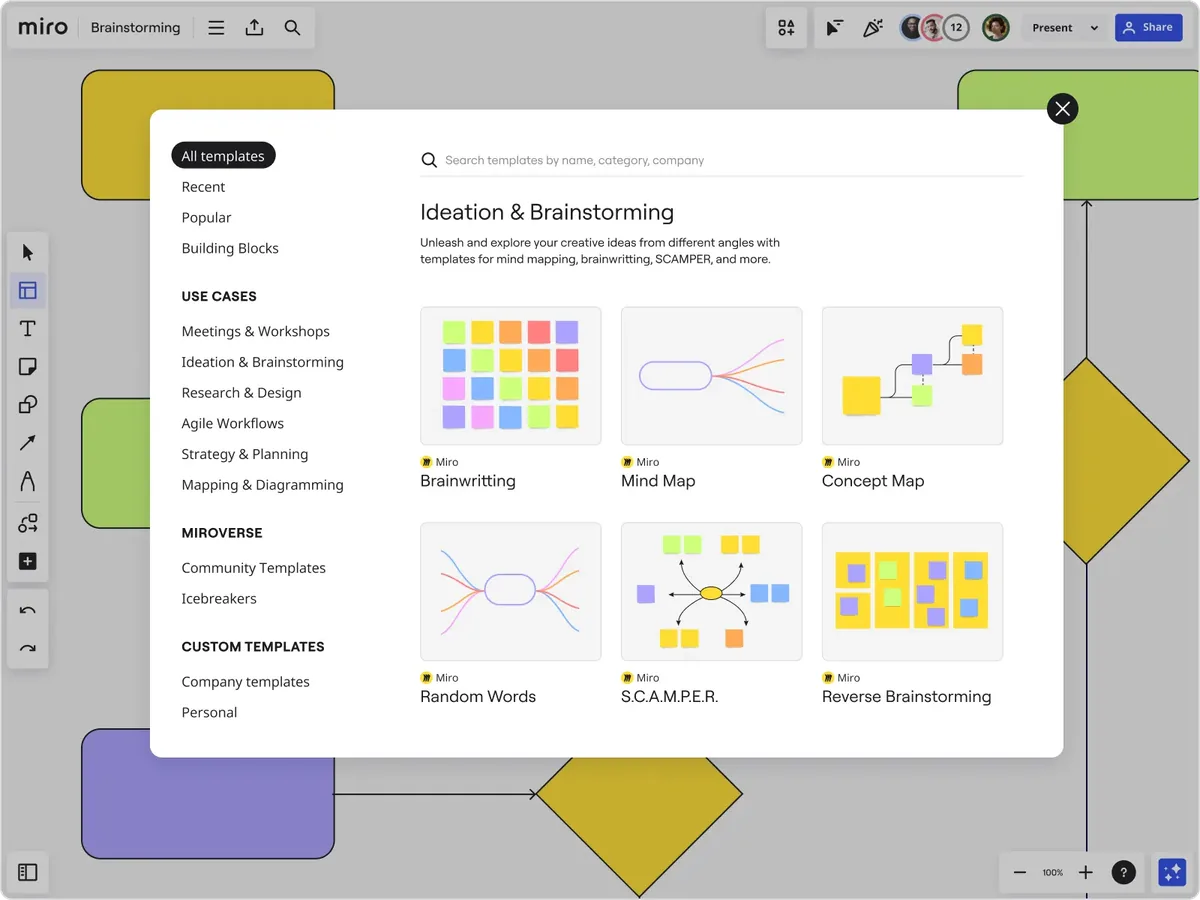
- Best for: workshops, journey mapping, retrospectives, and any session where the artifact needs to outlive the meeting.
- Standout feature: the template and framework library, plus the fact that non-designers reliably manage to use it without training.
- Honest limitation: boards accumulate. Without a naming and archiving convention, a Miro account becomes an unsearchable graveyard of two-year-old workshops faster than almost any other tool on this list.
- Pricing: free plan with 3 editable boards; Starter at $8/member/month billed yearly; Business at $20/member/month billed yearly; Enterprise custom pricing from 30 members.
FigJam
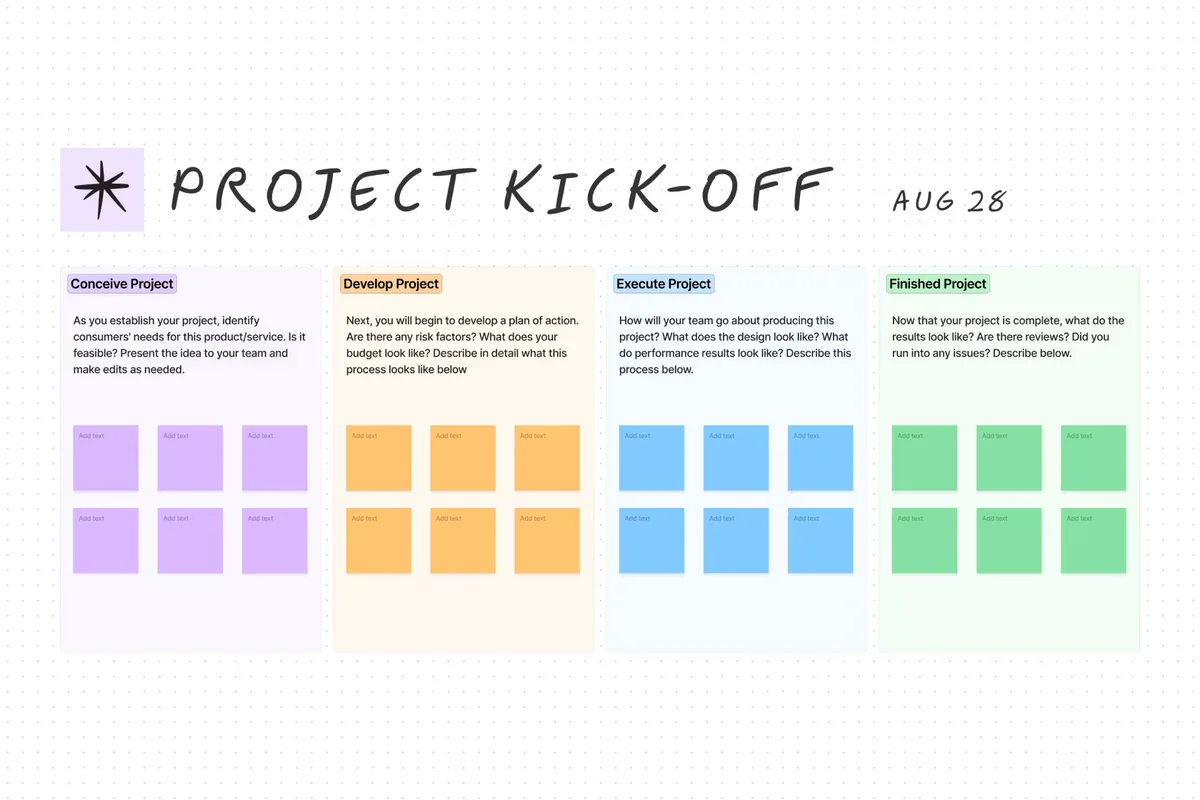
- Best for: teams already in Figma who want whiteboarding next to their design work rather than in a separate tool.
- Standout feature: proximity to Figma files. Moving from a rough FigJam sketch into an actual design file is a single step, which is a real advantage if product and design are the primary users.
- Honest limitation: it’s part of the Figma ecosystem rather than a standalone whiteboard, and it isn’t included on Figma’s free Starter plan. If your primary whiteboard users are outside product and design, Miro is the more natural fit.
- Pricing: included with Figma paid plans. On Professional, Collab seats — which include full FigJam access — are $3/month, with Dev seats at $12 and Full seats at $16.
Video conferencing
Zoom
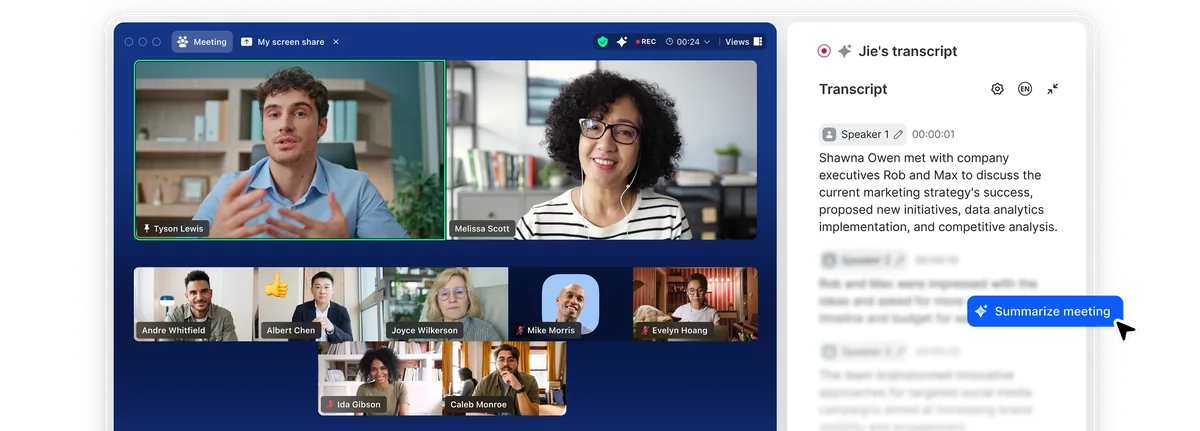
- Best for: large meetings, webinars, and any situation where external attendees need to join without friction.
- Standout feature: reliability under poor network conditions, and the lowest join friction for people who don’t have your software installed.
- Honest limitation: it’s a meetings tool, and the surrounding Zoom Workplace products (chat, docs, whiteboard) are not competitive with the category leaders above. Buying Zoom for video is sensible; buying Zoom as your collaboration suite is not.
- Pricing: free Basic plan hosts up to 40 minutes per meeting; Zoom Workplace Pro is $15.99/user/month billed monthly, roughly $13.33/user/month billed annually. Business and Enterprise tiers scale from there.
Already paying for video? If you run Google Workspace or Microsoft 365, Meet and Teams meetings are included in what you already buy. For a lot of organizations, the honest answer in this category is “use the one you’re already licensed for” — and spend the video budget on category six instead.
Knowledge management & intranet
This is the category most stacks under-serve, and the three options below solve it in genuinely different ways.
Axero
- Best for: organizations that need company-wide internal communication and searchable knowledge in the same place, with non-IT staff able to publish.
- Standout feature: the combination of a drag-and-drop page builder with full HTML/CSS/JS control, so department admins maintain their own areas while IT keeps the permission model. AI-powered search through Axero Copilot answers from your own content rather than the open web.
- Honest limitation: it isn’t a replacement for a dedicated project management tool or a document suite — Axero integrates with those rather than replacing them. It also requires an implementation project rather than a self-serve signup, which is the right call for a company-wide rollout and the wrong one if you want something running by Thursday.
- Pricing: not published as a list price. Plans are quoted against seat count and deployment model (cloud or self-hosted), including add-on modules. See pricing or request a quote.
SharePoint
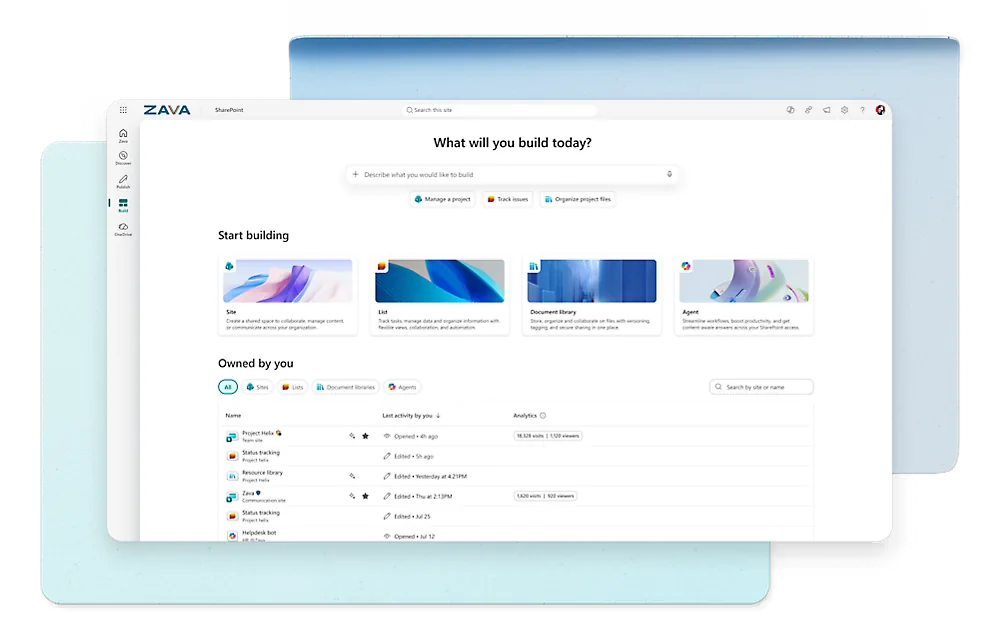
- Best for: Microsoft-committed organizations that need document management first and an intranet second.
- Standout feature: document library depth — versioning, retention, metadata, and compliance controls that few competitors match.
- Honest limitation: it is a document platform that can be built into an intranet, not an intranet out of the box. Getting to something employees actually use generally requires either significant internal development or a third-party layer on top, and the ongoing maintenance burden lands on IT.
- Pricing: included in Microsoft 365 Business Basic at $7.00/user/month paid yearly and every tier above it.
Confluence
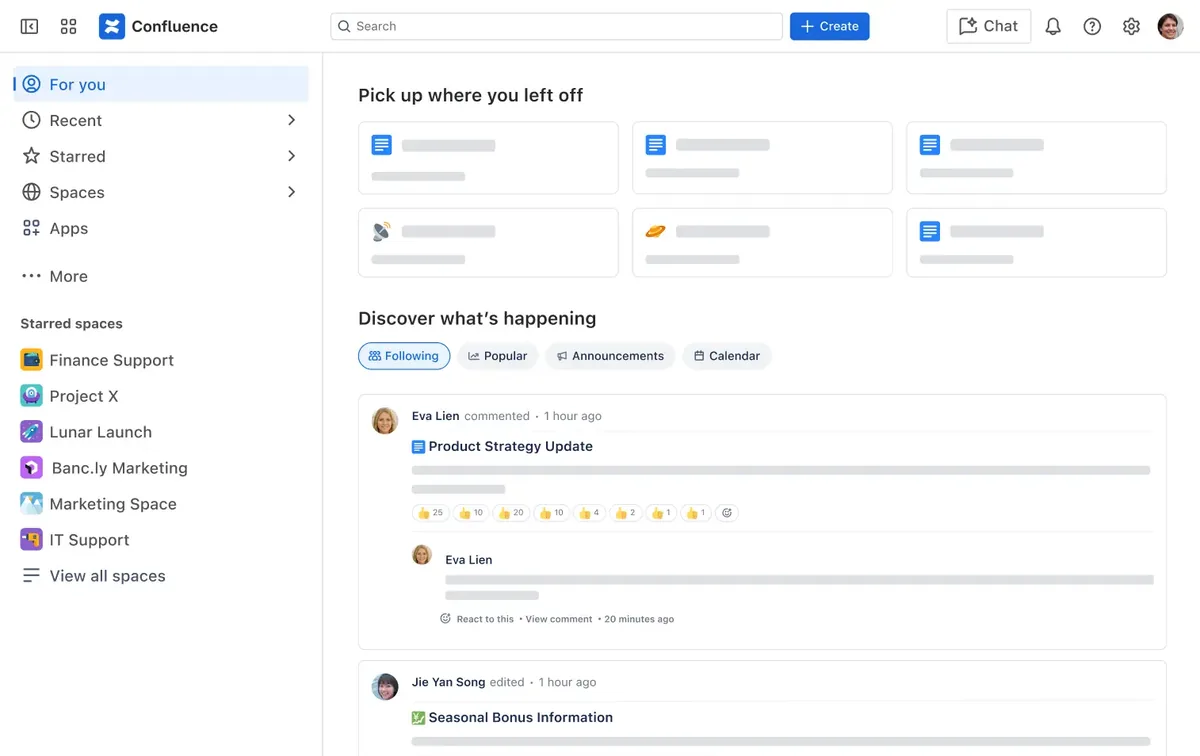
- Best for: engineering-led organizations, especially those already running Jira.
- Standout feature: the Jira integration, and a page model that technical teams take to naturally.
- Honest limitation: it’s documentation software rather than an internal communications platform. Company news, targeted announcements, employee directory, and recognition aren’t what it’s for, and non-technical departments generally need more hand-holding to adopt it than they do with a purpose-built intranet.
- Pricing: free for up to 10 users. Standard and Premium are volume-tiered rather than flat — Atlassian states that “monthly pricing is progressive: we offer volume discounts as you add more seats” — so quote it against your own seat count rather than a headline rate.
Signs your team has outgrown its current collaboration stack
The question isn’t whether you have collaboration tools. You do. The question is whether the set you have is still the right shape. Four signals that it isn’t:
The same information exists in three places and they disagree. Someone asks where the current version of a document is and gets three answers. This is the clearest sign of an unassigned job: no tool owns “authoritative,” so all of them half-do it. Consolidation here isn’t about cost, it’s about being able to trust an answer.
Institutional knowledge only exists in conversation history. If the reasoning behind a decision lives in a chat thread, it’s effectively gone — searchable in theory, findable in practice by nobody. Teams in this state re-litigate settled questions and re-solve solved problems, and the cost shows up as slowness that nobody can attribute to anything.
New hires take weeks to become useful, and it’s nobody’s fault. When onboarding depends on which colleague a new hire happens to ask, you don’t have an onboarding problem, you have a knowledge-access problem. The information exists; it just isn’t reachable by someone who doesn’t already know where to look. Knowledge management tools are the category that addresses this, and it’s the one most stacks skip.
Part of your workforce isn’t in the stack at all. Frontline, field, and shift staff frequently have no corporate account, no desk, and no way into any of the tools above. If a meaningful share of your people are reachable only by their manager relaying things verbally, adding a better chat app changes nothing for them.
Email is still doing the heavy lifting. If important announcements, approvals, and file handoffs still travel by email, the collaboration tools you bought are decoration. Reducing email load is a reasonable proxy metric for whether a collaboration stack is actually working.
How to choose the right combination for your team
Three things determine whether a collaboration stack works, and only one of them is the software.
People. Somebody has to own the conventions — where things go, what gets archived, who can publish. Not a committee: a named person per tool. The most common cause of a failed rollout isn’t a bad tool, it’s a tool with no owner, which drifts into disuse within two quarters.
Process. Write down which tool owns which job, in one page, and publish it. Then set expectations to match: chat gets a response in hours, the knowledge base is the record, project status lives in one place and only one place. A rule employees can state from memory is worth more than a governance document nobody opens.
Technology. Pick one tool per category, check that it integrates with the systems you already run, and — the step almost everyone skips — retire what it replaces. A new tool that doesn’t displace anything makes sprawl worse. Consolidation happens when the alternative is switched off, not when the replacement is switched on.
Two practical notes on rollout. Start with the category where the pain is loudest rather than the one that’s easiest to buy, because early credibility determines whether anyone shows up for phase two. And roll out to one department first: a real pilot with real content beats a company-wide launch with an empty platform, which is the single most reliable way to teach an organization that the new tool is not worth opening.
The category most stacks are missing
If you take one thing from this guide, take the shape of the problem rather than the rankings. Chat, documents, projects, whiteboards, and video are well-served categories, and most organizations already have a defensible pick in each. In our experience, the gap is usually category six — a durable, owned, searchable place for company knowledge and communication that isn’t a chat archive or a folder tree.
That’s the job Axero does: an intranet and collaboration platform that holds policies, company news, department pages, and institutional knowledge in one searchable place, integrates with the Microsoft, Google, and project tools you already run, and lets department admins maintain their own areas without an IT ticket.
Book a demo and we’ll show you where it fits alongside the tools you’re keeping.