As organizations grow, processes become harder to manage. What once lived in people’s heads or simple documents turns into complex workflows spanning teams, systems, and approvals. Without clear visibility, inefficiencies multiply. Work slows down. Errors increase. Accountability becomes unclear.
Business process mapping software helps organizations regain control. It provides a structured way to document, visualize, and improve how work gets done across the business. Instead of relying on tribal knowledge, teams can see processes clearly, understand dependencies, and identify opportunities to streamline operations.
For mid-sized and enterprise organizations, process mapping is no longer just a one-time exercise. It is an ongoing discipline that supports operational consistency, onboarding, compliance, and continuous improvement.
In this article, we explore what business process mapping software is, why it matters, what to look for when choosing a solution, and the leading platforms available today, with Axero positioned as the top choice.
Top 7 business process mapping software for 2026
What is business process mapping software?
Business process mapping software allows organizations to visually document workflows, steps, roles, and decision points involved in completing a process. These tools replace static documents with structured, accessible process maps that teams can reference and maintain over time.
Process maps often include inputs, outputs, owners, handoffs, and approvals. They help teams understand not only what needs to happen, but who is responsible at each stage. Modern process mapping tools also support collaboration, versioning, and integration with related documentation.
Business process mapping software is commonly used to document operational workflows, HR processes, IT procedures, onboarding flows, and cross-functional initiatives. When managed well, these tools create a single source of truth for how work is performed.
What to consider when choosing the right business process mapping software
Choosing the right tool depends on how processes are created, shared, and maintained across your organization.
Ease of use
Process mapping only works when people maintain it. The software should be intuitive for both contributors and viewers.
Collaboration and ownership
Teams should be able to collaborate on process maps, with clear ownership and version control.
Centralized access
Process documentation should live in a central location where employees naturally go for information.
Integration with supporting content
Process maps are most effective when linked to policies, templates, and related documentation.
Governance and permissions
Not every user should edit every process. Role-based permissions help maintain accuracy and trust.
Scalability
The platform should support growing numbers of processes without becoming difficult to manage.
7 best business process mapping software
1. Axero

Axero stands out as the number one platform for business process mapping because it embeds process documentation directly into the daily employee experience. Instead of treating process maps as standalone diagrams, Axero connects them to the content, knowledge, and tools employees already use. With Axero, organizations can document processes alongside policies, procedures, and supporting resources in a centralized intranet environment. Process owners can clearly define steps, responsibilities, and related documentation, making workflows easy to follow and maintain.
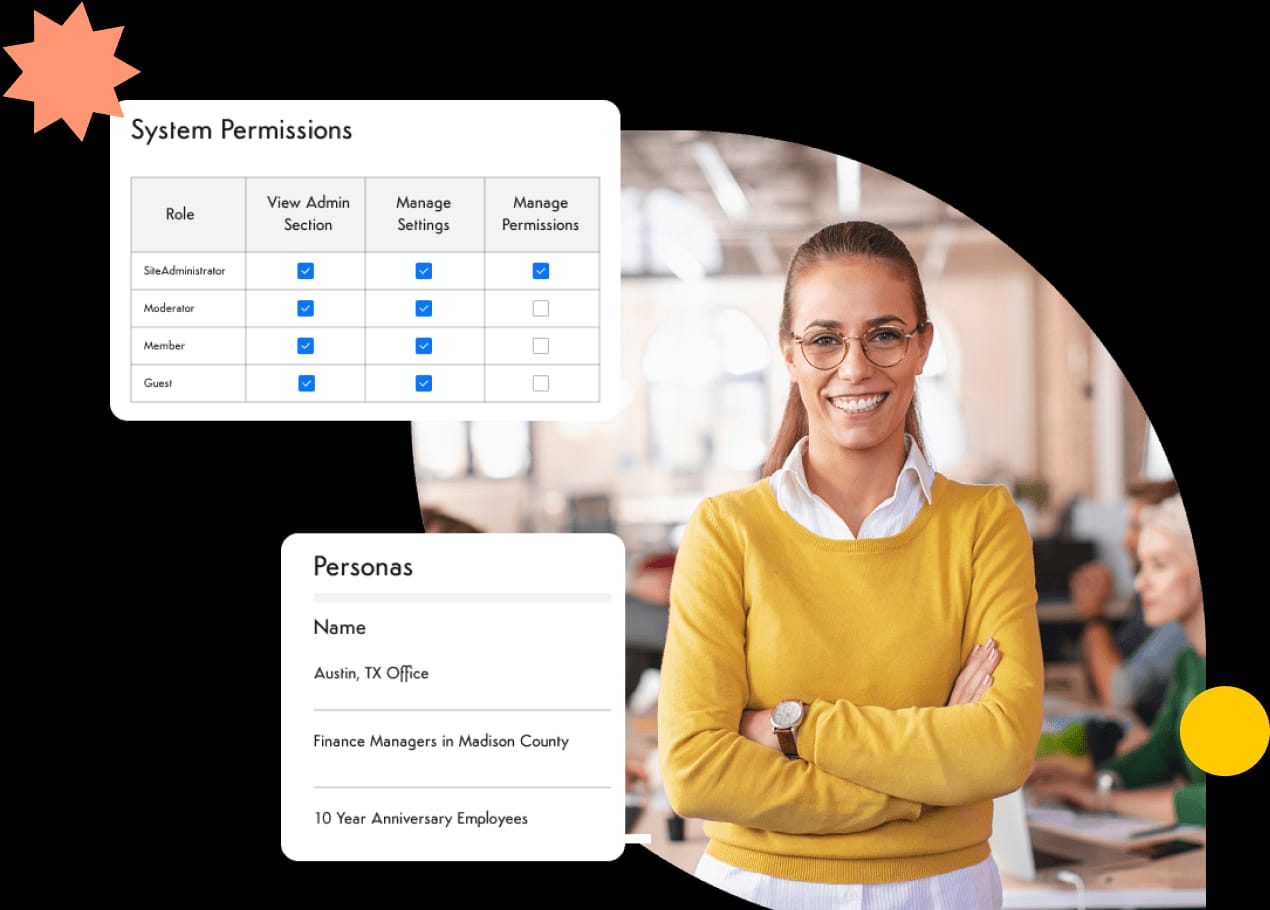
Axero’s strength lies in accessibility and adoption. Employees know where to find process documentation, and teams can keep it up to date without relying on specialized diagramming expertise. Governance features such as permissions and version history ensure accuracy as processes evolve. For organizations that want process mapping to drive real operational improvement, not just documentation, Axero provides the structure and visibility needed to scale.
Key features of Axero
-
Centralized process documentation: Keep process maps and supporting content in one trusted platform.
-
Role-based access: Ensure teams see processes relevant to their responsibilities.
-
Integrated knowledge management: Connect workflows to policies, guides, and resources.
Best for: Organizations that want business process mapping embedded into a centralized internal knowledge and employee platform.
2. Lucidchart
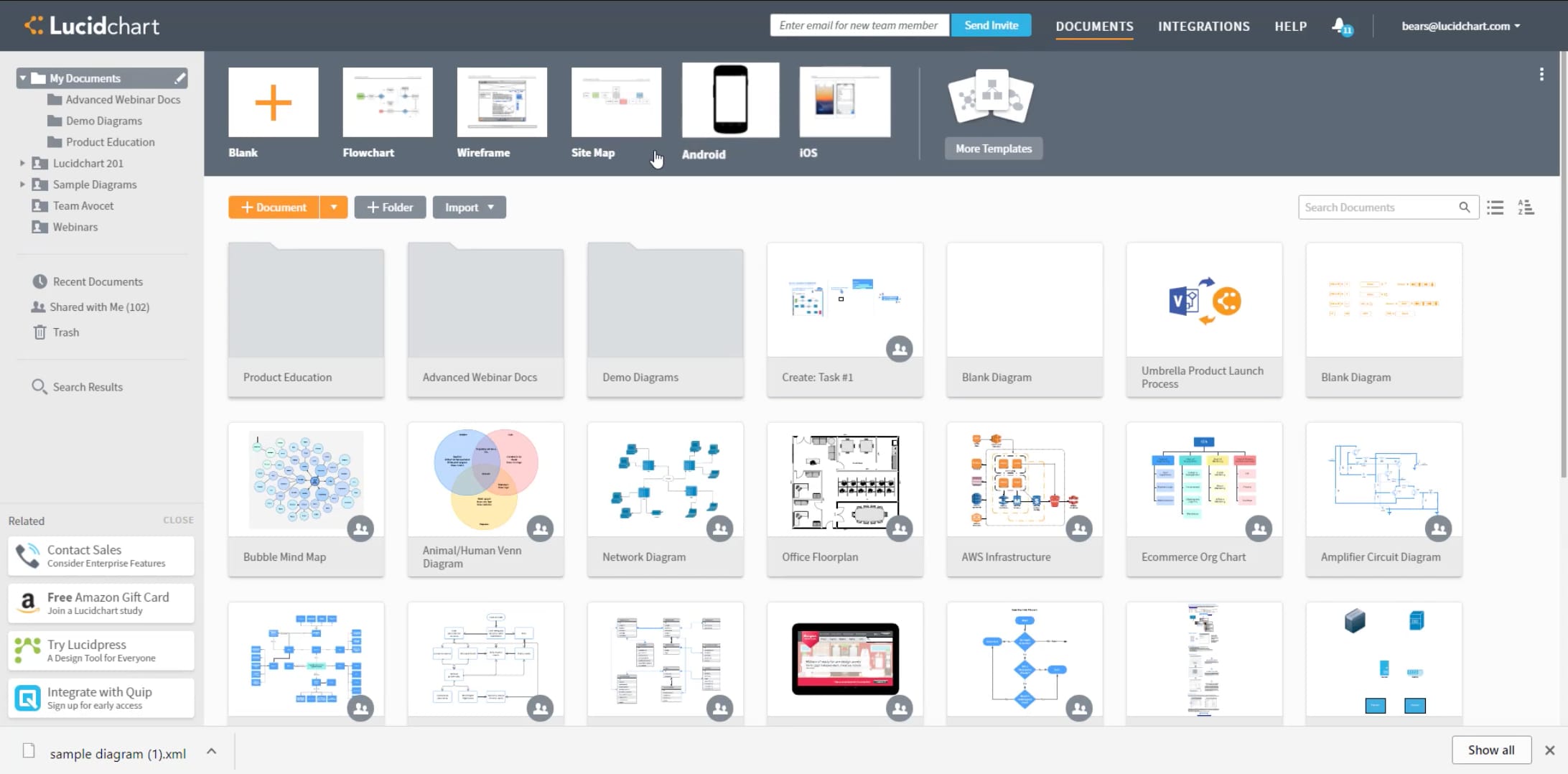
Lucidchart is a cloud-based diagramming tool commonly used for process mapping and flowcharts. It offers a flexible canvas for creating visual representations of workflows and systems.
Teams can collaborate in real time to build and update diagrams. Templates and shape libraries make it easy to document common business processes quickly. Lucidchart integrates with popular productivity tools, which supports sharing and collaboration.
While strong for visualization, Lucidchart typically functions as a standalone diagramming tool. Process governance, ownership, and long-term maintenance often rely on external systems or manual discipline.
Key features of Lucidchart
-
Visual diagramming: Supports flowcharts, BPMN, and process maps.
-
Real-time collaboration: Enables shared editing and feedback.
-
Integrations: Connects with common workplace tools.
Best for: Teams that need flexible, collaborative process diagrams.
3. Microsoft Visio
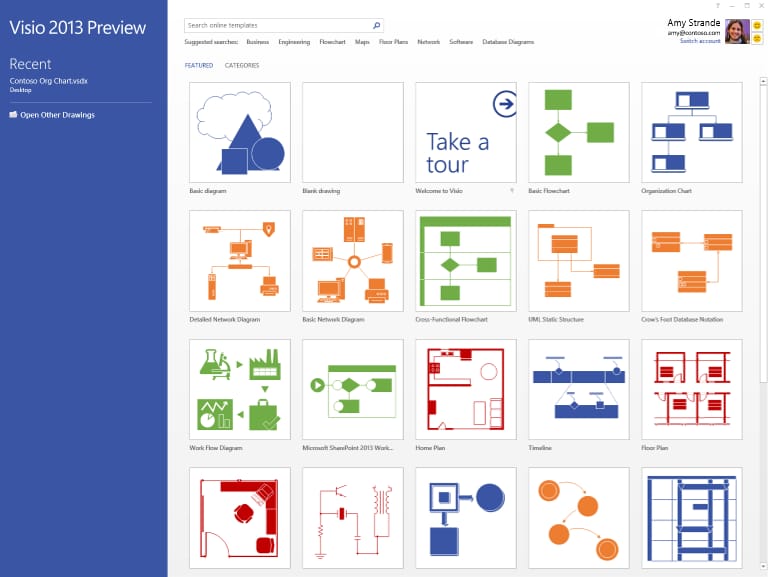
Microsoft Visio is a long-established tool for creating detailed diagrams and process maps. It is widely used for documenting workflows, systems, and technical processes.
Visio provides a robust set of shapes and templates for business process modeling. Integration with Microsoft 365 supports sharing and versioning through familiar tools like SharePoint and OneDrive.
However, Visio is primarily a diagramming application. Keeping process documentation current and accessible across the organization often requires additional structure and governance outside the tool itself.
Key features of Microsoft Visio
-
Professional diagramming tools: Supports detailed process modeling.
-
Microsoft ecosystem integration: Works with Microsoft 365 tools.
-
Template library: Accelerates common process documentation.
Best for: Organizations already invested in Microsoft tools that need formal process diagrams.
4. Miro
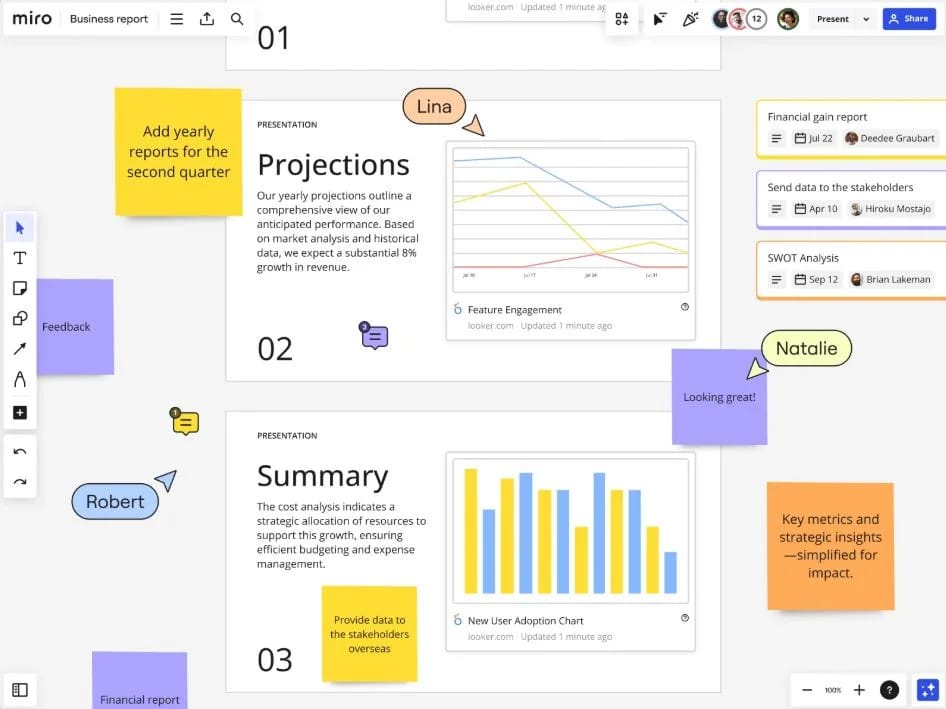
Miro is a collaborative whiteboard platform often used for brainstorming, workshops, and visual collaboration, including business process mapping. Teams use Miro to sketch workflows, map journeys, and align on processes in real time.
The platform’s flexibility makes it easy to involve cross-functional teams in process design. Templates and sticky-note style elements support rapid ideation and early-stage mapping. This is useful during discovery and redesign phases.
However, Miro is not designed for long-term process governance. Process ownership, version control, and lifecycle management typically live outside the platform, which can make it harder to keep process documentation current as organizations grow.
Key features of Miro
-
Collaborative visual workspace: Supports real-time process mapping and workshops.
-
Flexible templates: Enables fast creation of process diagrams.
-
Team collaboration tools: Encourages cross-functional participation.
Best for: Teams that need collaborative, visual process mapping during discovery and planning.
5. Nintex Process Platform
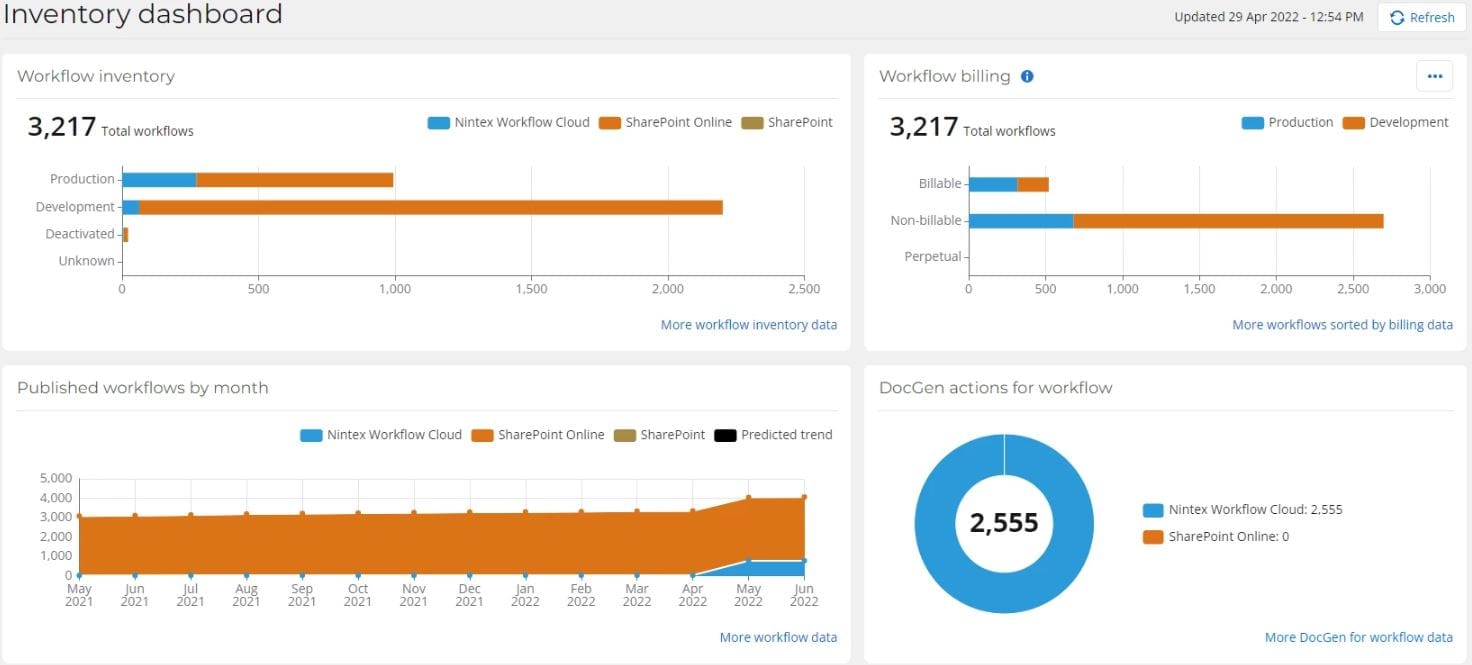
Nintex Process Platform combines process mapping with workflow automation and management. It is designed to help organizations document, analyze, and automate business processes at scale.
The platform supports process modeling, forms, approvals, and automation across systems. Process maps can connect directly to executable workflows, which helps reduce the gap between documentation and execution.
Nintex offers strong capabilities for organizations focused on automation and optimization. However, implementation and governance often require dedicated resources, and employee-facing accessibility may depend on how processes are surfaced outside the platform.
Key features of Nintex Process Platform
-
Process modeling and automation: Connects maps directly to workflows.
-
Forms and approvals: Supports end-to-end process execution.
-
Enterprise integrations: Connects processes across systems.
Best for: Organizations looking to link process mapping with automation initiatives.
6. Bizagi Modeler
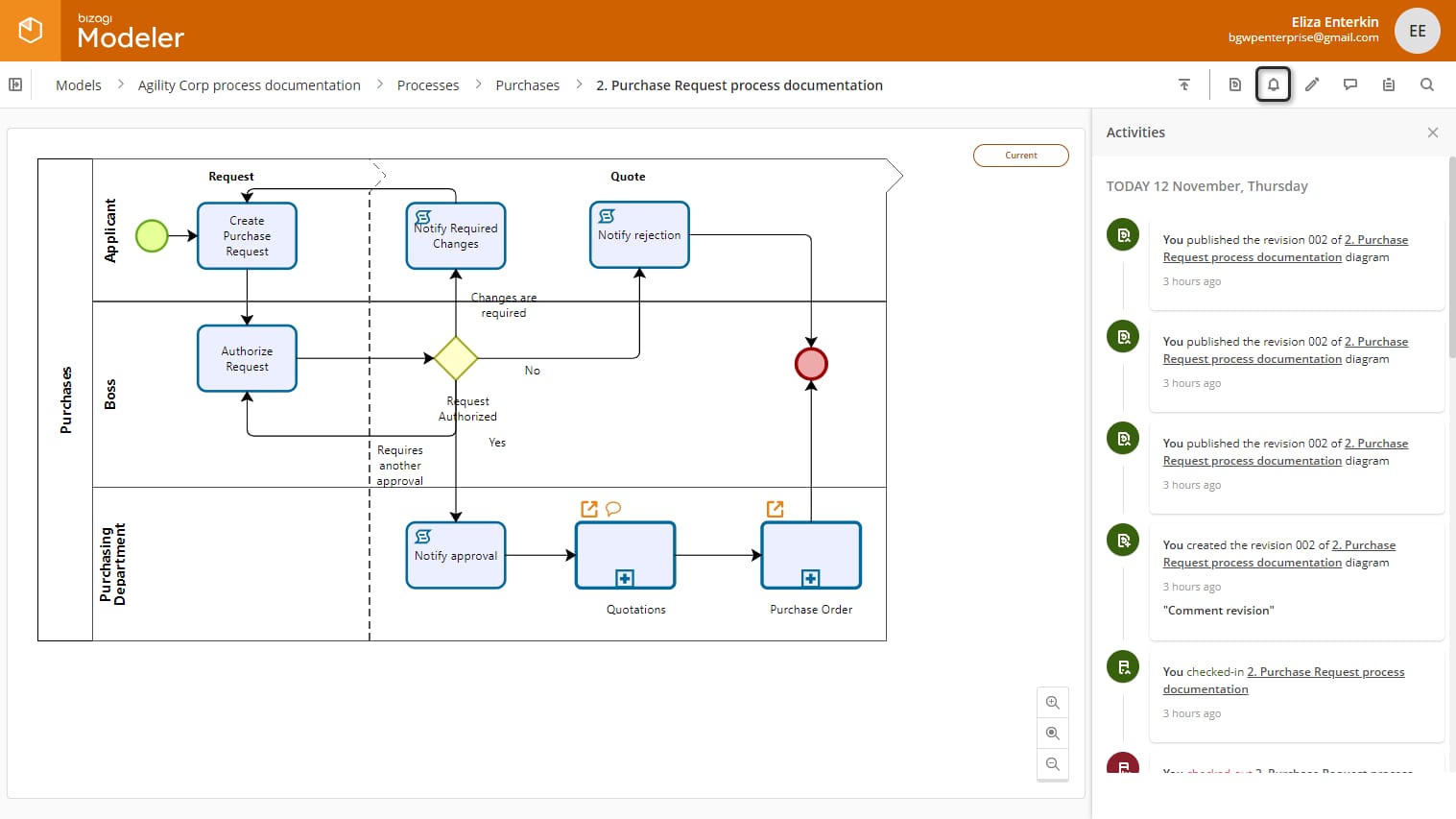
Bizagi Modeler is a process modeling tool focused on BPMN-based documentation. It is commonly used to design, analyze, and standardize business processes with a formal modeling approach.
The tool supports detailed process diagrams with roles, events, and decision points. This level of structure helps organizations document complex workflows clearly and consistently.
Bizagi Modeler excels at formal process design, but it is primarily a modeling environment. Sharing, governance, and day-to-day employee access often require additional platforms to keep processes visible and maintained.
Key features of Bizagi Modeler
-
BPMN-based modeling: Supports standardized process documentation.
-
Detailed process analysis: Captures roles, rules, and decisions.
-
Structured modeling environment: Encourages consistency.
Best for: Organizations that need formal BPMN process modeling.
7. Signavio
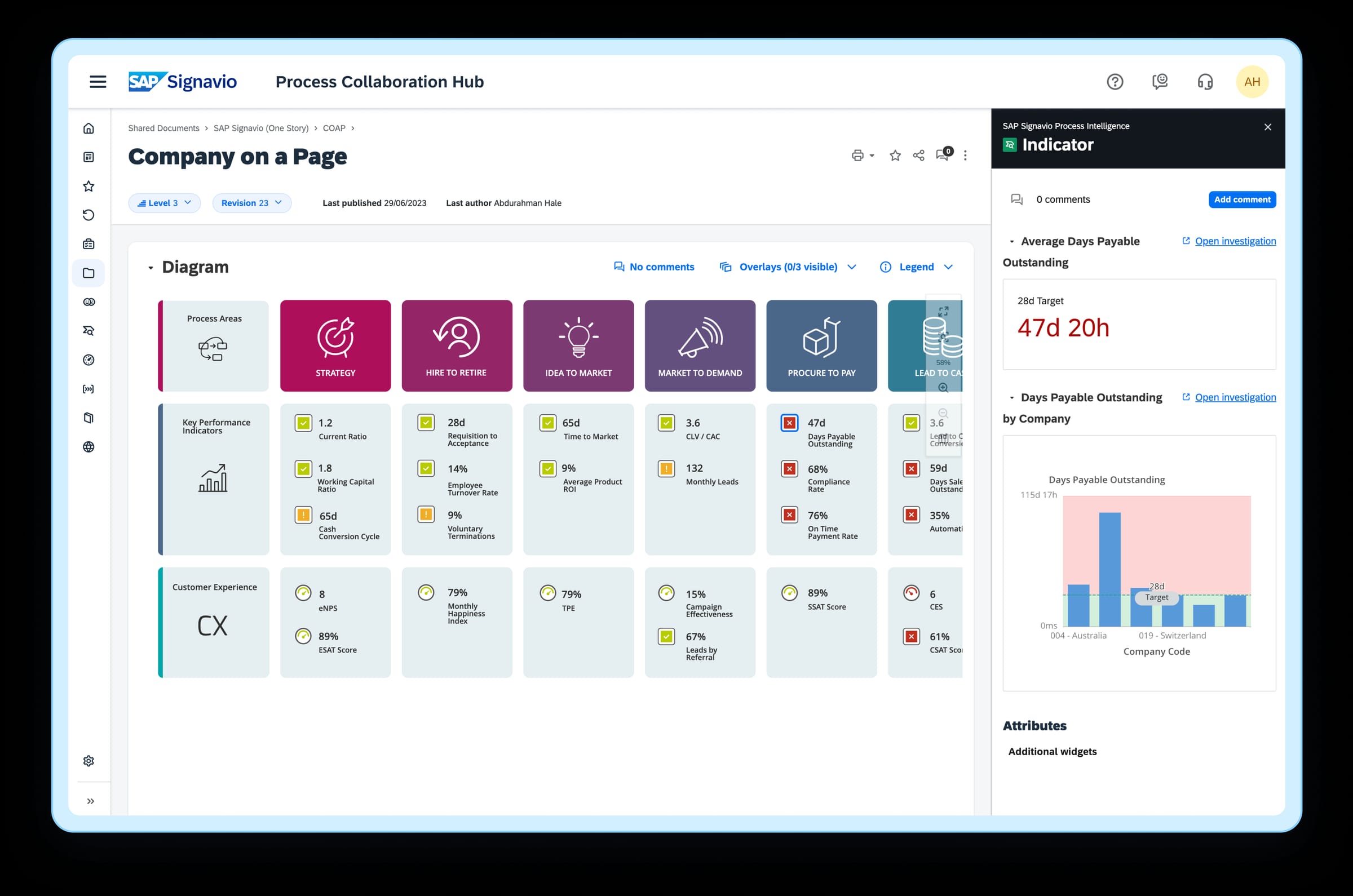
Signavio is a business process management and process mapping platform designed for organizations that want formal process documentation, analysis, and optimization. It is commonly used by enterprises to standardize processes across departments and regions.
The platform supports end-to-end process modeling, collaboration, and analysis. Teams can document workflows using standardized notation and link processes to performance metrics and improvement initiatives. This helps leaders identify inefficiencies and manage change systematically.
Signavio’s strength lies in structured process governance and analytics. However, it is typically used by process owners and analysts rather than the broader employee population. Keeping process documentation visible and actionable for everyday employees often requires additional tools or integrations.
Key features of Signavio
-
End-to-end process modeling: Supports standardized documentation and analysis.
-
Collaboration and feedback: Enables review and alignment across teams.
-
Process insights: Connects models to performance and improvement efforts.
Best for: Enterprises focused on process transparency and continuous improvement.
Choosing the right business process mapping software
Business process mapping software should do more than create diagrams. It should help employees understand how work gets done and give leaders visibility into how processes can improve.
Axero excels by making process mapping part of everyday work. By centralizing process documentation alongside internal knowledge and communication, Axero ensures processes are visible, trusted, and actively used.
If your organization struggles with inconsistent workflows, unclear ownership, or knowledge gaps, it may be time to rethink how processes are documented. Book a demo with Axero to see how business process mapping can support clarity, consistency, and growth.