
In today’s distributed workplaces, effective collaboration is more than convenience, it’s how work gets done. Remote teams need the right tools to stay connected, share updates, and collaborate in real-time. Whether you’re coordinating projects across time zones or keeping hybrid teams engaged, the right remote team collaboration software ensures that everyone stays aligned, productive, and informed.
From video conferencing to shared workspaces and task management tools, modern collaboration platforms now combine communication, file sharing, and workflow tracking in one place. This helps teams focus on outcomes rather than logistics. In this guide, we’ll explore the best tools available to support collaboration in remote and hybrid environments—and help you choose the right fit for your team.
Top 15 remote team collaboration software for 2026
- Axero
- Microsoft Teams
- Slack
- Zoom
- Asana
- Trello
- ClickUp
- Google Workspace
- Monday.com
- Miro
- Notion
- Basecamp
- Wrike
- Smartsheet
- Zoho Projects
What is remote team collaboration software?
Remote team collaboration software refers to digital platforms that enable employees to communicate, manage tasks, share files, and work together effectively, regardless of location. These tools often integrate chat, video conferencing, document sharing, and project management features into one centralized hub.
They are especially important for organizations with hybrid or fully remote setups, where maintaining visibility and accountability can be challenging. By consolidating communication and task tracking, these platforms foster transparency and trust—two critical ingredients for remote team success.
What to consider when choosing the right remote team collaboration software
The best remote team collaboration tools aren’t necessarily the ones with the longest feature lists—they’re the ones that suit how your people work. Keep these considerations in mind when evaluating your options.
Integration and compatibility
Look for software that connects with the tools you already use, such as CRM systems, email, or cloud storage. This minimizes context switching and keeps workflows efficient.
Real-time communication
Seamless communication—through chat, video, or audio—is the backbone of collaboration. Real-time channels keep everyone in sync, especially when teams span multiple time zones.
Project and task management
A built-in system to assign, track, and update tasks helps prevent miscommunication and missed deadlines.
File sharing and co-editing
Choose tools that make it easy to store, access, and co-edit documents. Cloud-based sharing ensures everyone always has the latest version.
Security and compliance
Your collaboration platform should protect sensitive company data with encryption, access controls, and compliance with privacy standards.
Ease of use and adoption
A user-friendly interface reduces training time and increases engagement. Teams are more likely to adopt tools that are intuitive and enjoyable to use.
15 best remote team collaboration software
1. Axero

Axero is an all-in-one digital workplace and intranet platform designed for modern organizations. It combines communication, collaboration, and knowledge management in one secure, customizable hub. Teams can connect via discussions, social feeds, and communities while managing projects and sharing documents—all within a centralized platform.
Key features of Axero:
- Unified workspace: Combines chat, project tracking, document storage, and social intranet features in one place.
- Customizable design: Tailor layouts, permissions, and workflows to match your organization’s structure.
- Advanced analytics: Gain insights into engagement, content performance, and employee activity to improve collaboration.
Best for: Organizations seeking an all-in-one intranet and collaboration hub to connect distributed teams.

2. Microsoft Teams
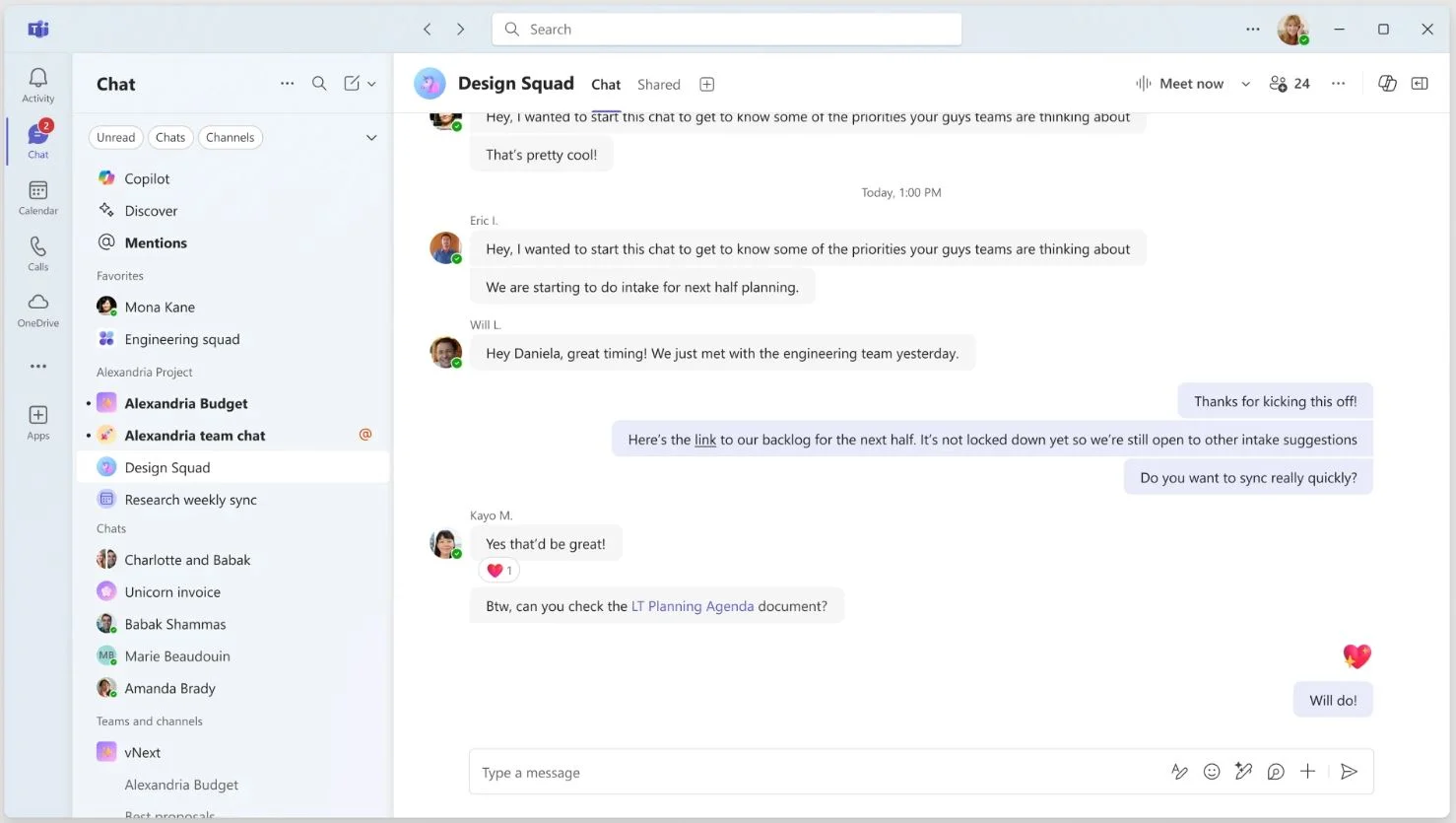
Microsoft Teams integrates chat, meetings, and file sharing within Microsoft 365. It’s ideal for organizations already using Microsoft apps like Word, Excel, and SharePoint.
Key features of Microsoft Teams:
- Seamless integration: Works natively with Microsoft 365 apps.
- Channels and threads: Organize communication by topic or department.
- Meetings and calls: Schedule and host secure video conferences with screen sharing.
Best for: Enterprises and hybrid teams using Microsoft 365.
3. Slack
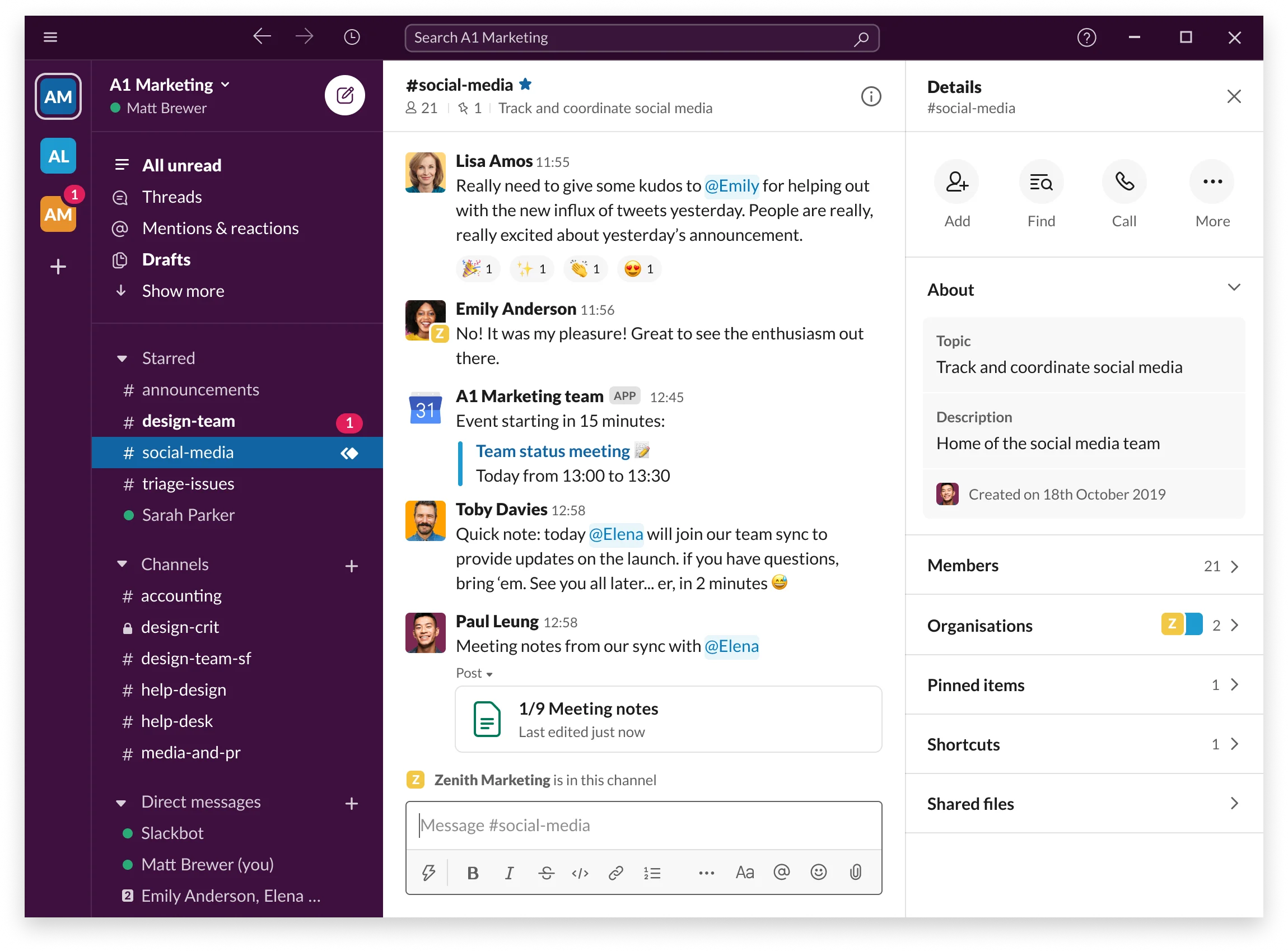
Slack is a real-time messaging platform that helps remote teams stay connected. Its simple interface and extensive integrations make it a favorite among startups and global enterprises alike.
Key features of Slack:
- Channels and threads: Keep discussions organized and searchable.
- Integrations: Connect with thousands of tools, from Google Drive to Jira.
- Huddles and clips: Lightweight audio and video features for quick collaboration.
Best for: Teams that prioritize flexible communication and app integrations.
4. Zoom
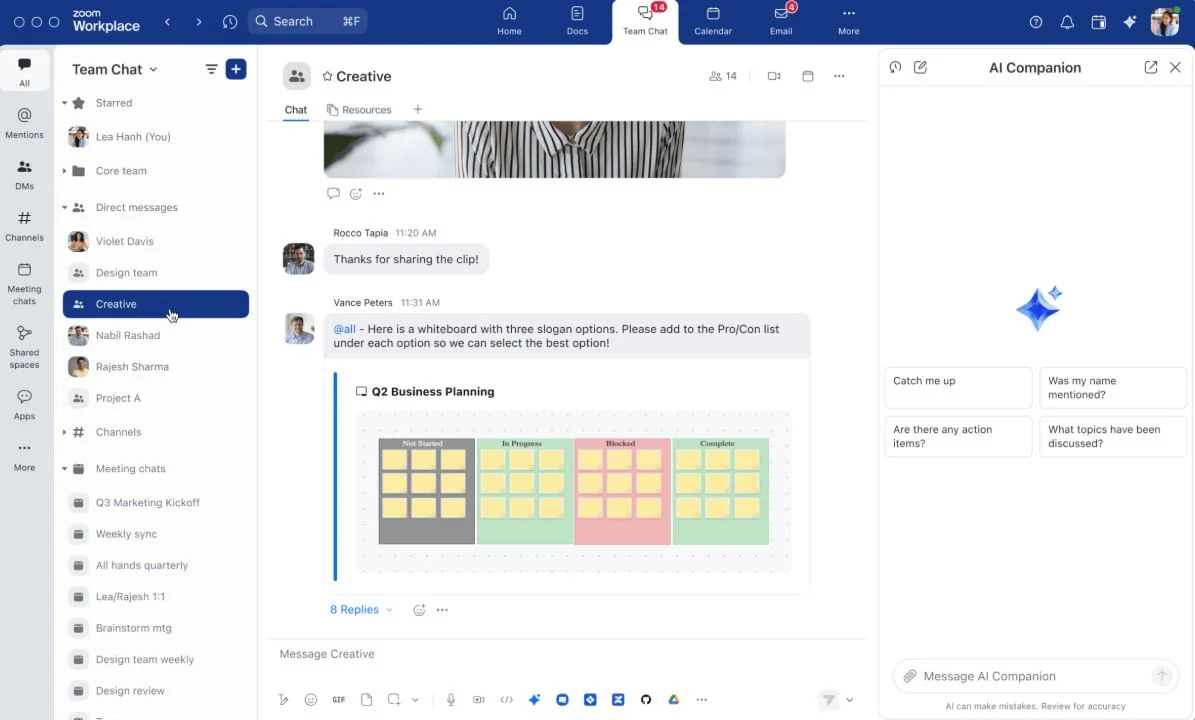
Zoom remains a leader in video conferencing, offering reliable audio, video, and screen sharing. It supports meetings, webinars, and breakout rooms for interactive collaboration.
Key features of Zoom:
- HD video and audio: Reliable quality even with low bandwidth.
- Breakout rooms: Facilitate smaller group discussions.
- Collaboration tools: Includes whiteboards and chat.
Best for: Teams needing dependable video conferencing and virtual meetings.
5. Asana
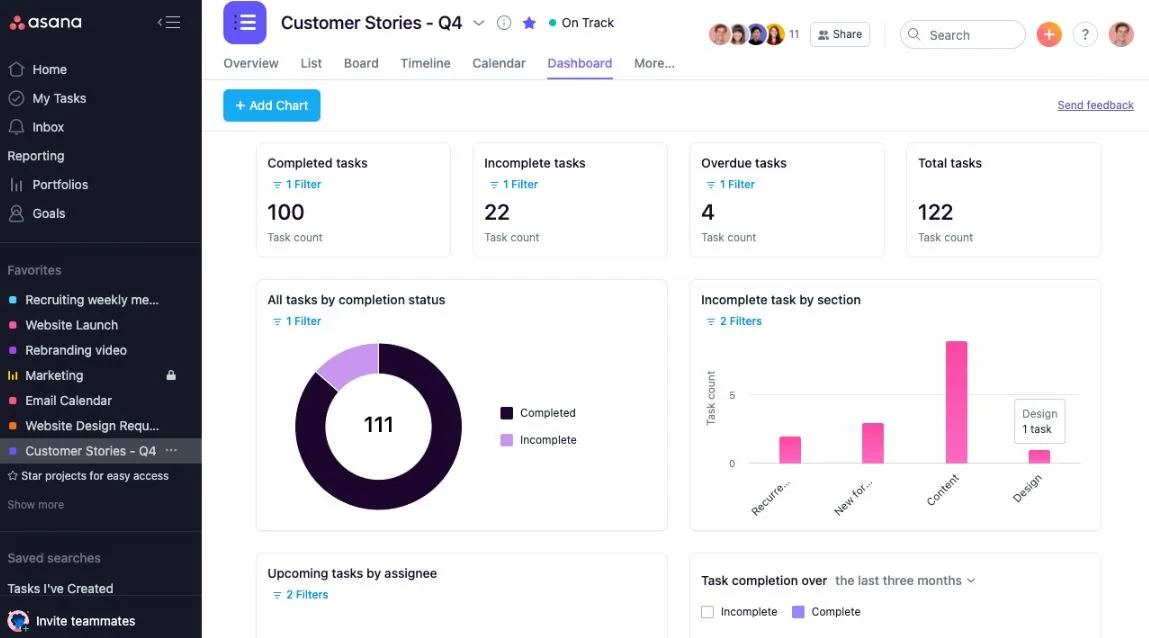
Asana is a project and task management platform that helps teams coordinate work across projects and departments.
Key features of Asana:
- Timeline view: Visualize project schedules and dependencies.
- Automation: Simplify repetitive workflows.
- Collaboration: Assign tasks and comment directly on work items.
Best for: Teams needing structured project management and task tracking.
6. Trello
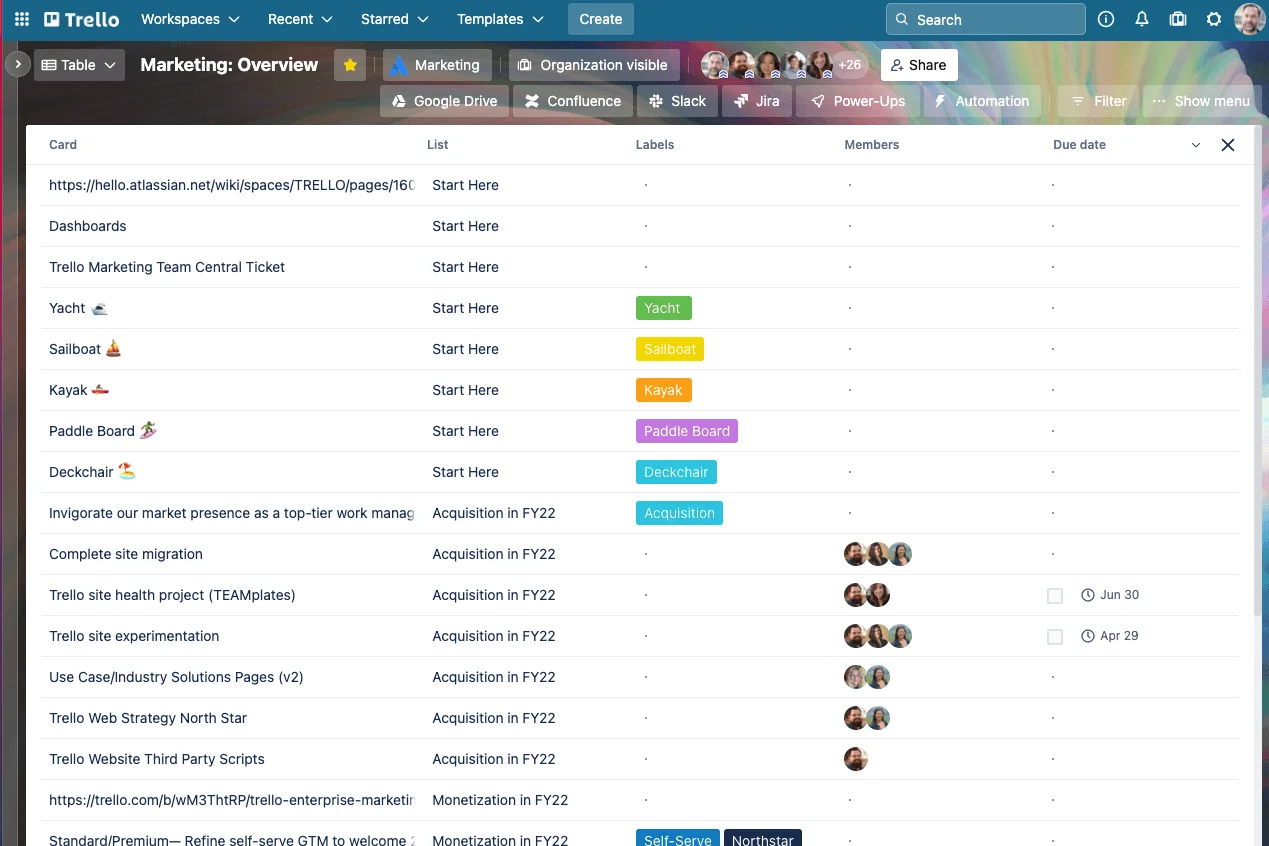
Trello uses a card-and-board system for visual task management, perfect for teams that prefer a simple, flexible interface.
Key features of Trello:
- Kanban boards: Visualize progress across stages.
- Automation: Built-in rules to streamline workflows.
- Collaboration tools: Add comments, attachments, and deadlines.
Best for: Small teams and visual project planners.
7. ClickUp
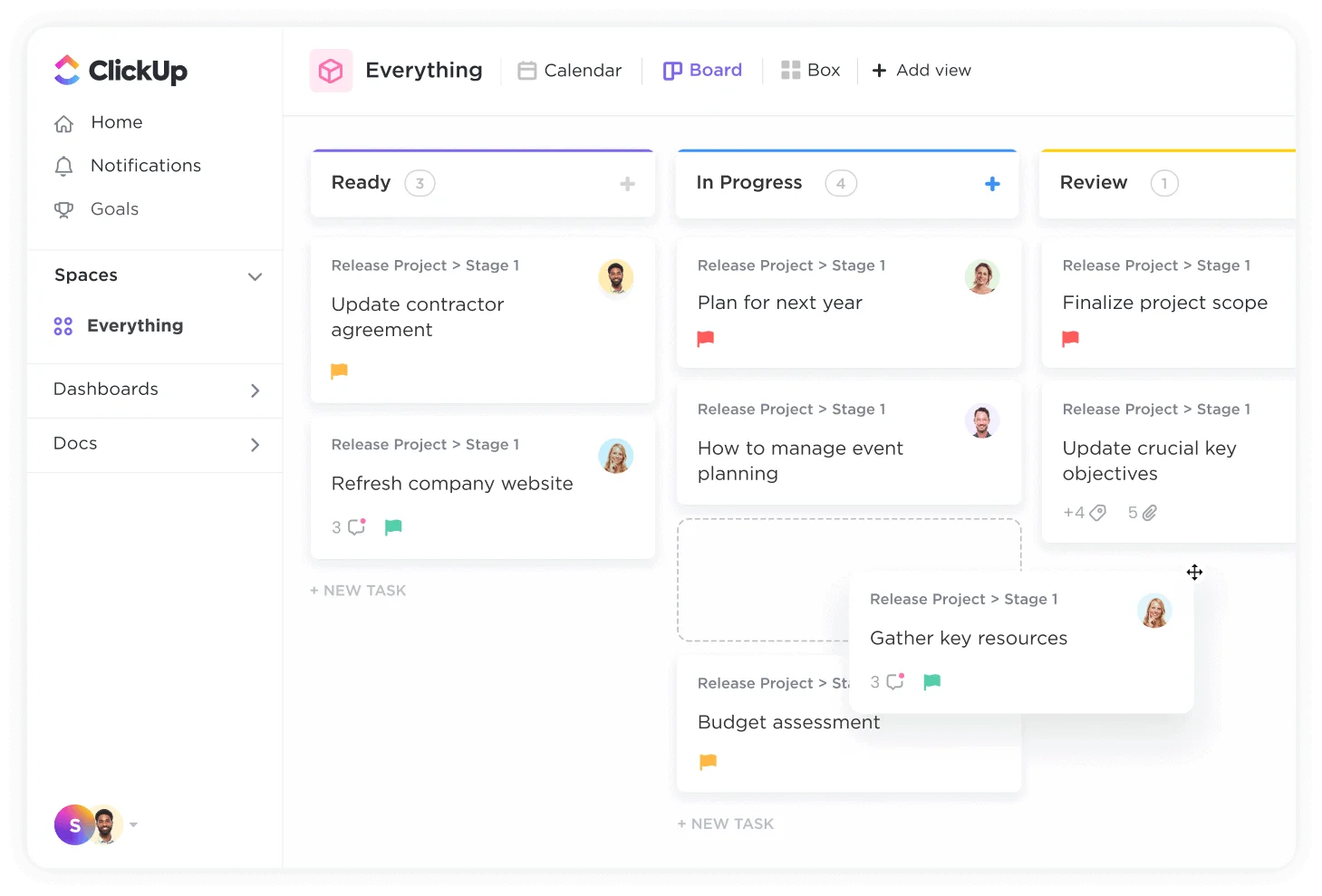
ClickUp unifies tasks, documents, and goals in a single workspace, making it one of the most comprehensive collaboration platforms.
Key features of ClickUp:
- Multiple views: Choose between list, board, or calendar layouts.
- Docs and whiteboards: Create collaborative documents.
- Automation: Customize workflows with no-code triggers.
Best for: Teams seeking a customizable productivity suite.
8. Google Workspace
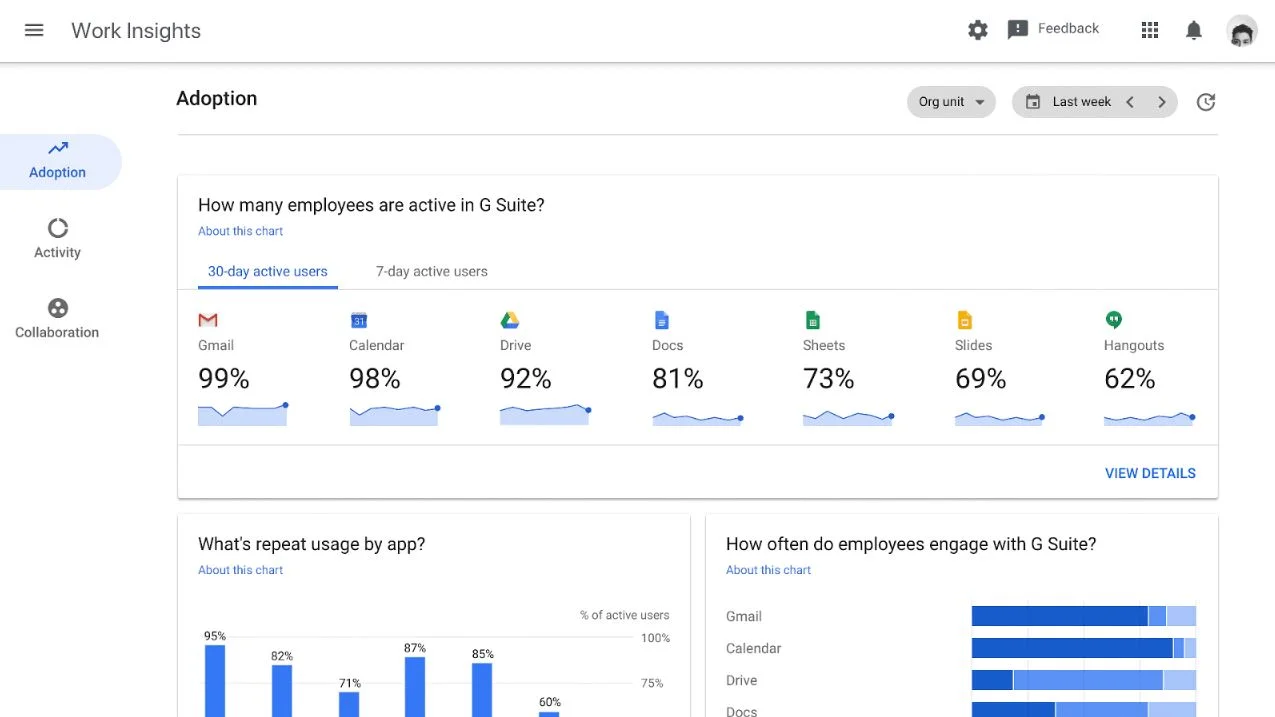
Google Workspace includes familiar tools like Gmail, Drive, Meet, Docs, and Sheets. It’s simple, reliable, and cloud-based.
Key features of Google Workspace:
- Real-time collaboration: Multiple users can edit files simultaneously.
- Video meetings: Host calls directly from Google Meet.
- Cloud storage: Centralized file management via Google Drive.
Best for: Organizations looking for straightforward, cloud-based collaboration tools.
9. Monday.com
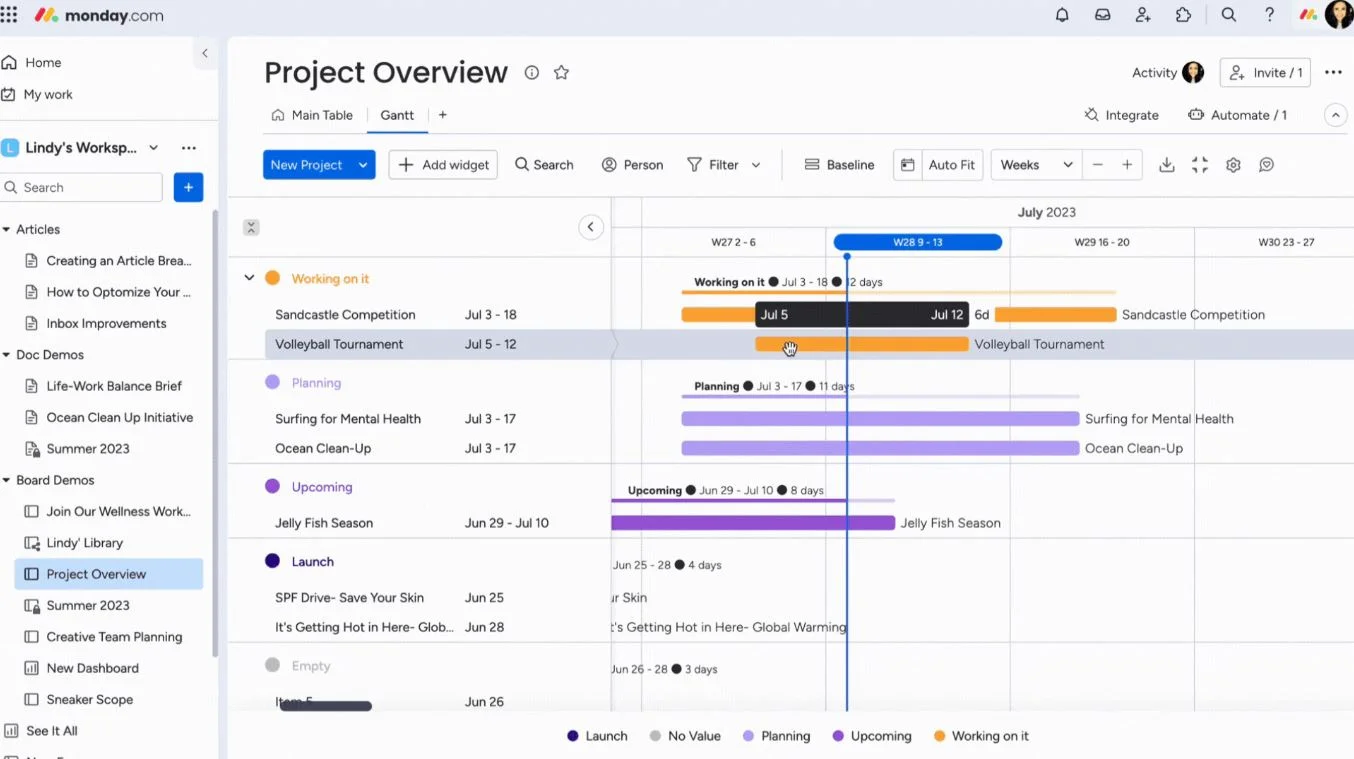
Monday.com is a work operating system that simplifies project tracking and collaboration through customizable boards.
Key features of Monday.com:
- Visual dashboards: View progress at a glance.
- Automations: Streamline repetitive tasks.
- Integrations: Works with Slack, Zoom, and Google Drive.
Best for: Teams that need flexibility in managing multiple workflows.
10. Miro
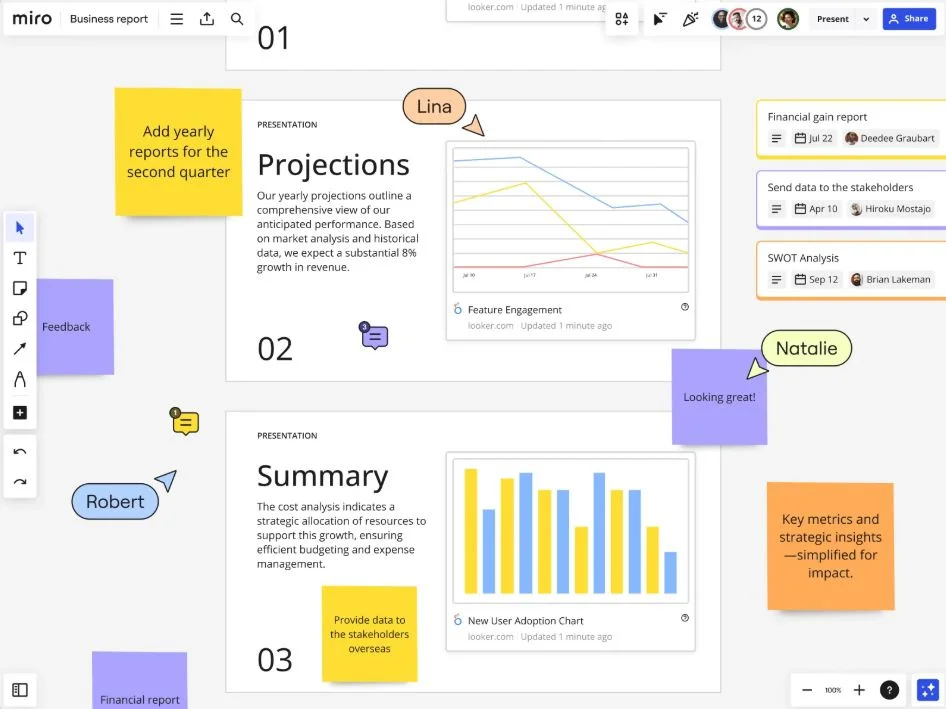
Miro is a visual collaboration platform for brainstorming, planning, and creative workshops.
Key features of Miro:
- Online whiteboard: Collaborate visually in real time.
- Templates: Prebuilt formats for agile boards and retrospectives.
- Integrations: Works with tools like Teams and Slack.
Best for: Creative and product teams collaborating remotely.
11. Notion
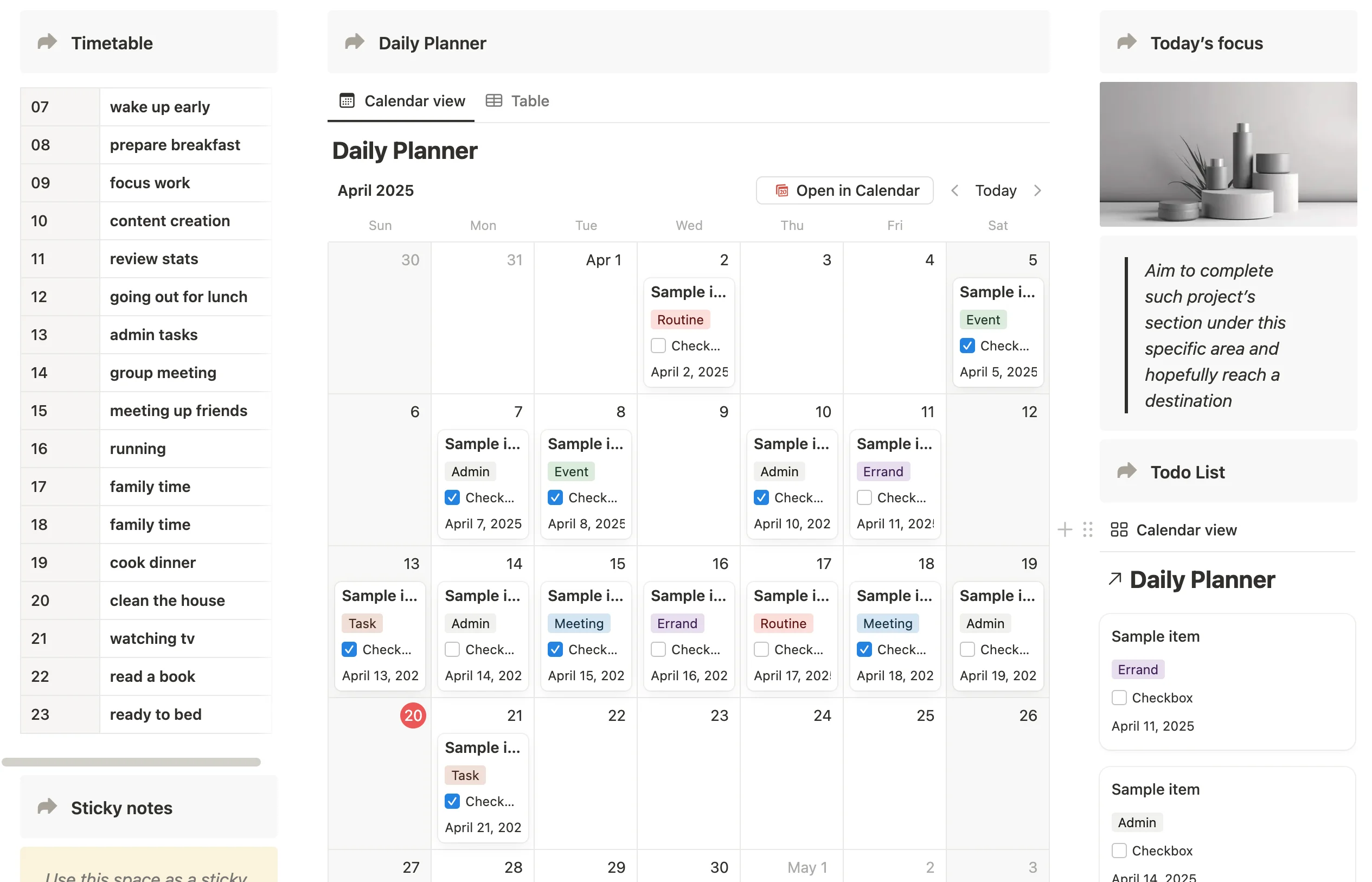
Notion combines note-taking, task tracking, and databases in a highly customizable workspace.
Key features of Notion:
- Custom templates: Build pages for projects, docs, or wikis.
- Real-time collaboration: Multiple users can edit and comment simultaneously.
- All-in-one organization: Replace scattered tools with one workspace.
Best for: Teams wanting flexible knowledge and task management.
12. Basecamp

Basecamp focuses on simplicity, combining messaging, file sharing, and to-do lists in one place.
Key features of Basecamp:
- Message boards: Centralized team communication.
- Schedules and to-dos: Clear task tracking.
- Automatic check-ins: Encourage team accountability.
Best for: Small businesses seeking a simple, easy-to-use collaboration tool.
13. Wrike
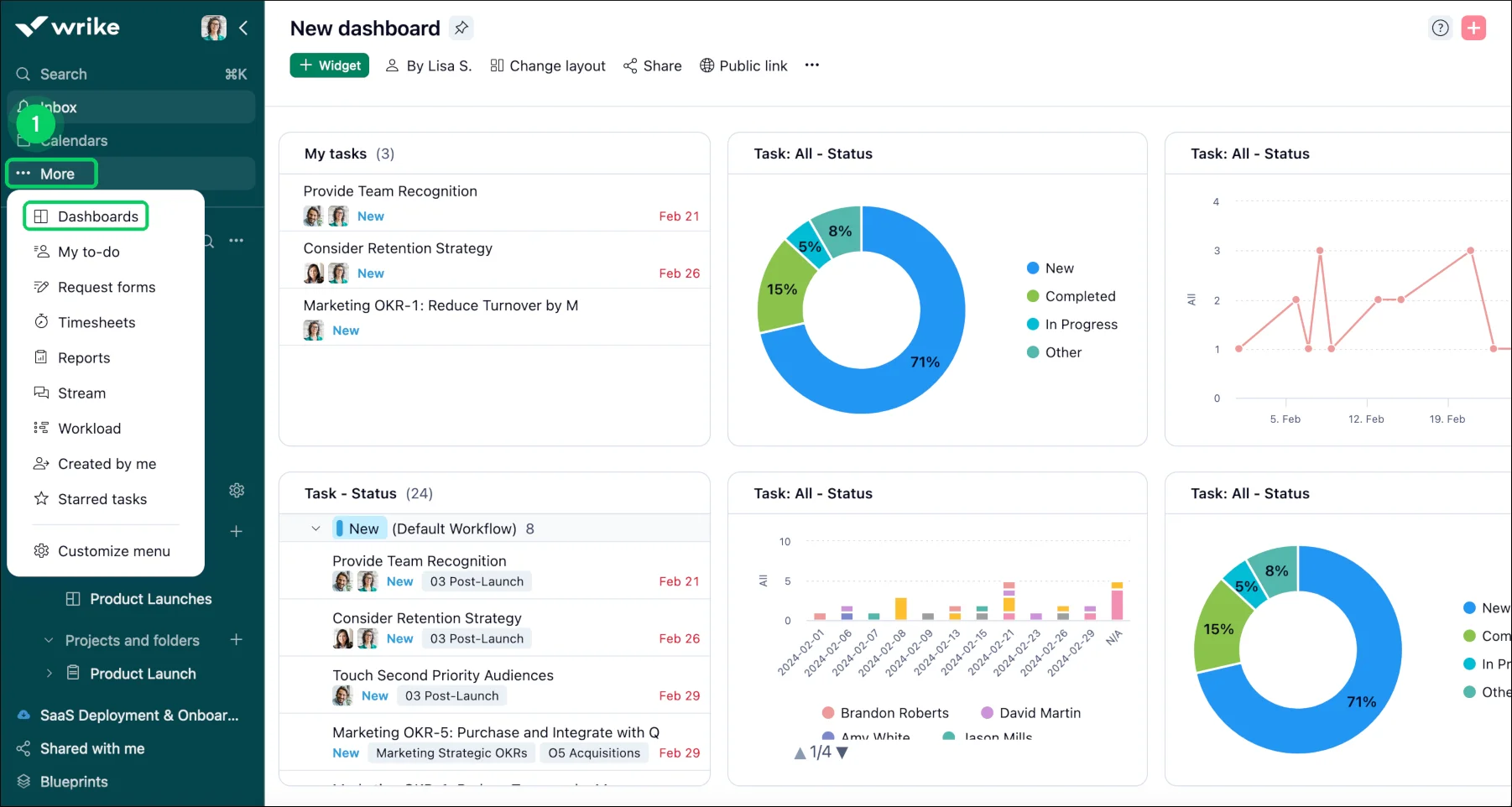
Wrike is a robust project management and collaboration platform for enterprise teams.
Key features of Wrike:
- Custom workflows: Adapt processes to each team.
- Time tracking: Monitor project timelines and budgets.
- Advanced reporting: Get real-time visibility into performance.
Best for: Large teams managing complex projects.
14. Smartsheet
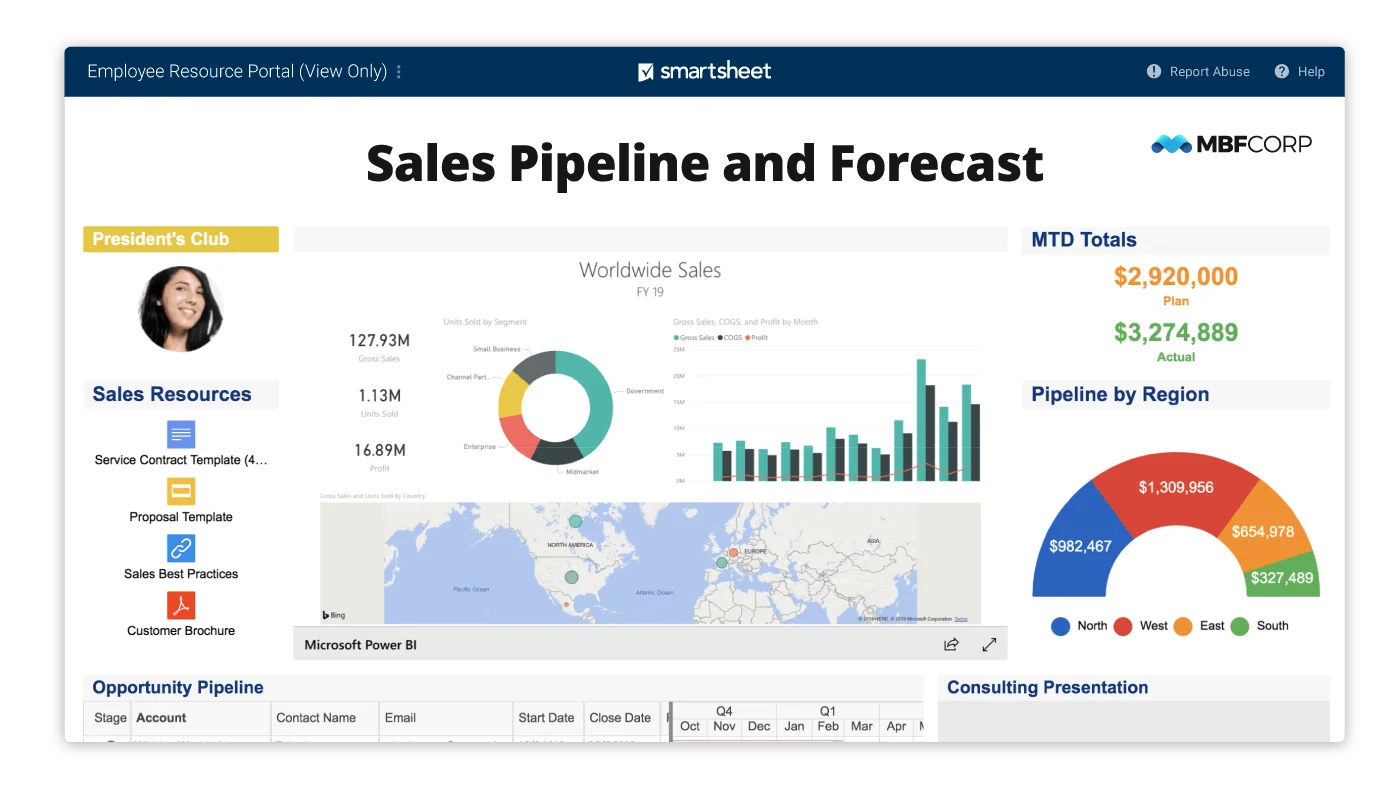
Smartsheet combines spreadsheets with project management features to improve planning and collaboration.
Key features of Smartsheet:
- Grid and Gantt views: Track tasks in multiple ways.
- Automation: Simplify updates and approvals.
- Collaboration tools: Share sheets securely with team members.
Best for: Teams that rely on spreadsheet-based project planning.
15. Zoho Projects
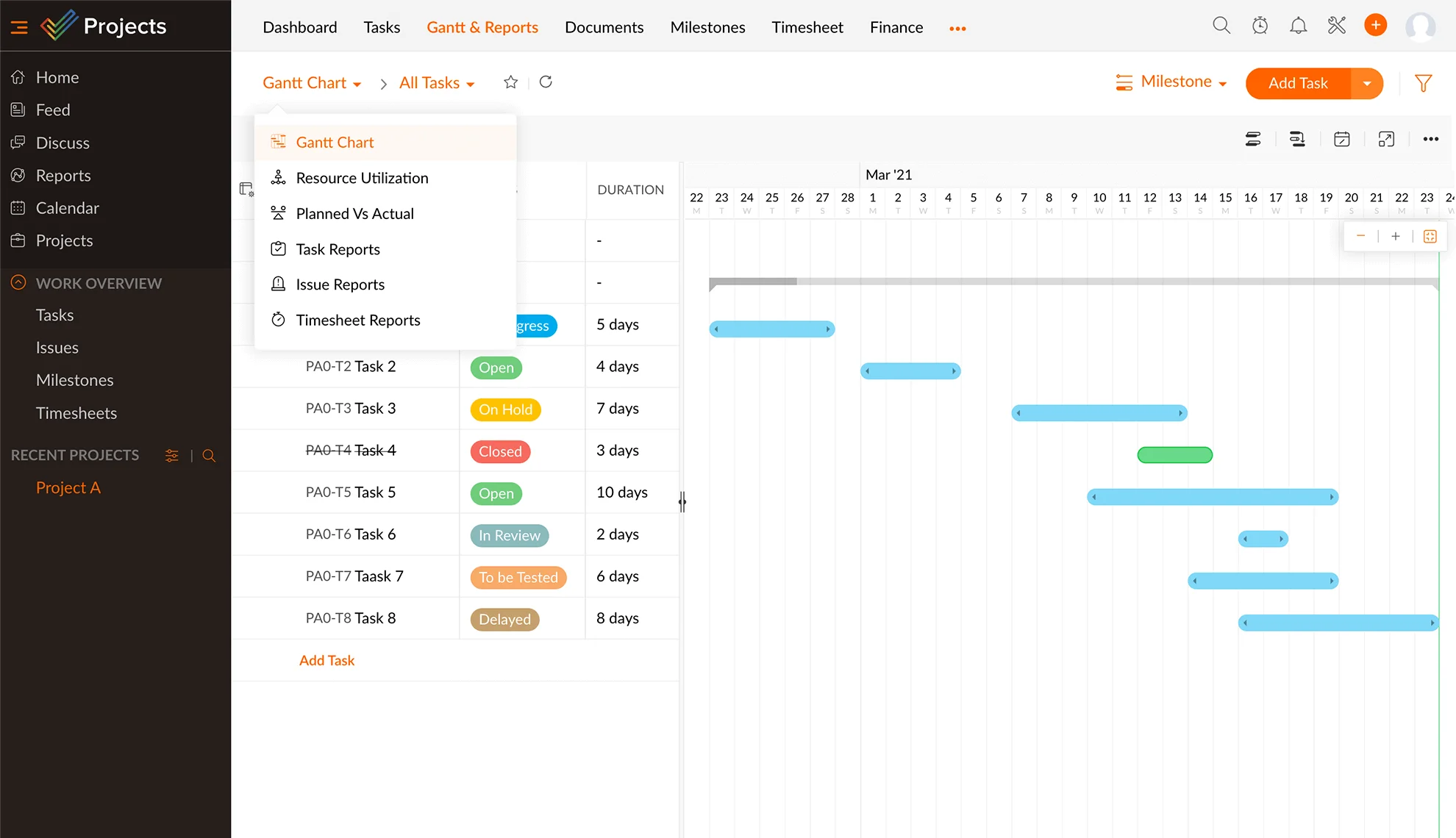
Zoho Projects offers end-to-end project management and team collaboration tools within the Zoho ecosystem.
Key features of Zoho Projects:
- Task automation: Streamline workflows and updates.
- Time tracking: Record billable hours easily.
- Integrations: Works seamlessly with Zoho CRM and other apps.
Best for: Businesses already using Zoho’s suite of applications.
Finding the right tool for your remote team
No two teams collaborate the same way. The right remote team collaboration software should fit seamlessly into your daily routines, enhance transparency, and reduce friction between communication and execution.
Axero bings everything—communication, collaboration, and knowledge sharing—under one roof. It’s built for scalability, security, and engagement.
Ready to bring your remote team together? Book a demo with Axero today and see how an all-in-one intranet can transform the way your team works.














 info@axerosolutions.com
 1-855-AXERO-55