
Enterprise collaboration shapes how employees communicate, coordinate, and manage daily work. As organizations grow and teams expand across locations, the need for a central hub becomes even stronger. When information lives in multiple tools, people waste time searching for updates, lose context, and face delays that can impact overall performance.
Modern collaboration platforms bring communication, documents, workflows, and project spaces together in one place. They support transparency, reduce silos, and give people structure in how they share information. At scale, these improvements help teams maintain clarity and work toward shared objectives. Leaders gain better oversight of ongoing work, and employees gain a consistent experience that keeps them informed.
This is where enterprise team collaboration software becomes essential. These platforms act as the digital foundation of the workplace, connecting individuals, departments, and entire organizations. Many teams now expect real-time messaging, searchable knowledge, and accessible workspaces that adapt to their roles. With the right platform, companies can streamline processes, improve engagement, and better support hybrid and distributed workforces.
Top 12 enterprise team collaboration software for 2026
- Axero
- Microsoft Teams
- Slack
- Google Workspace
- Asana
- Monday.com
- ClickUp
- Trello
- Notion
- Confluence
- Zoho Connect
- Bitrix24
What is enterprise team collaboration software?
Enterprise team collaboration software is a centralized digital space where employees communicate, share resources, and manage work. It brings together essential functions such as chat, document management, project tracking, and knowledge sharing, all behind a controlled and secure environment.
These tools help teams stay aligned without relying solely on email. Employees can access files, communicate in context, and collaborate in structured workspaces. For organizations with multiple offices or a distributed workforce, this level of coordination reduces friction and strengthens operational consistency.
A strong collaboration platform also creates a unified experience. Instead of switching between disconnected apps, employees access everything they need from one place—messaging, updates, tasks, and shared documents. This improves productivity and supports long-term knowledge retention across the business.
What to consider when choosing the right enterprise team collaboration software
Selecting the right collaboration platform depends on the specific needs of your workforce. Teams differ in how they communicate, how they share documents, and how they manage projects, so alignment with current workflows matters.
Look for features that support real-time communication, customizable workspaces, and secure content management. Focus on usability, especially if your company wants high adoption from day one. A platform needs to be intuitive, adaptable, and easy to navigate to support long-term use.
Communication tools
Employees need clear, structured ways to communicate. Look for messaging channels, threaded conversations, and the ability to share updates visibly.
Document management
Teams work faster when files live in one place. Consider version control, search functions, and simple permissions to support secure collaboration.
Customizable workspaces
Different teams work in different ways. Choose a platform that supports custom pages, templates, and layouts to match your workflows.
Integrations
Your existing tools should work smoothly with the new platform. Integrations reduce switching, maintain context, and support established processes.
Search and knowledge access
Teams rely on fast access to information. An advanced search function helps employees find documents, updates, and expertise instantly.
Security and governance
Enterprise collaboration requires strong access controls. Look for configurable permissions and policies that help maintain compliance.
12 best enterprise team collaboration software
1. Axero
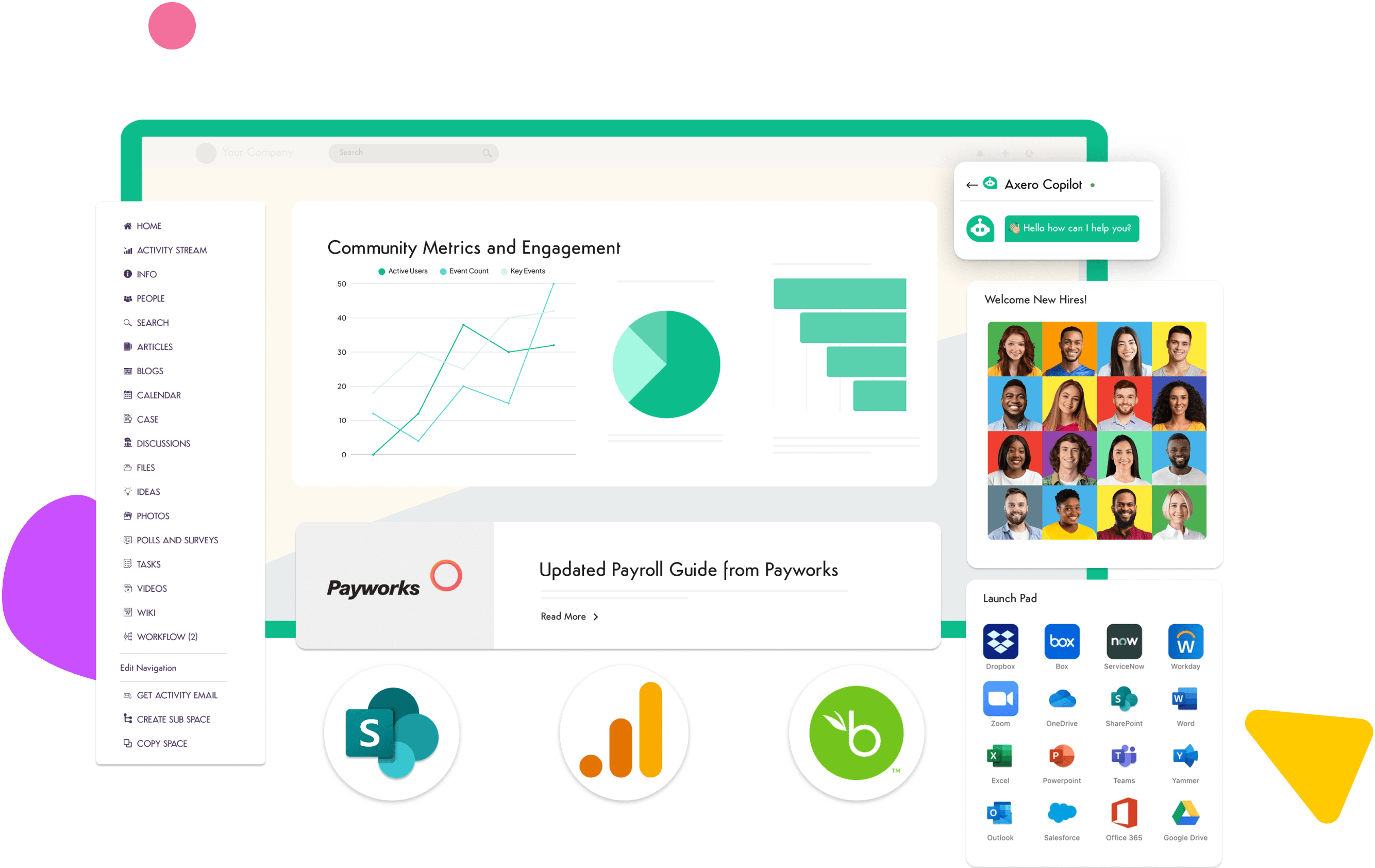
Axero brings communication, collaboration, and knowledge sharing together in one unified platform. It acts as a central command center where employees access updates, documents, workflows, and team spaces. With customizable layouts and flexible design tools, organizations shape the platform to match their structure and branding.
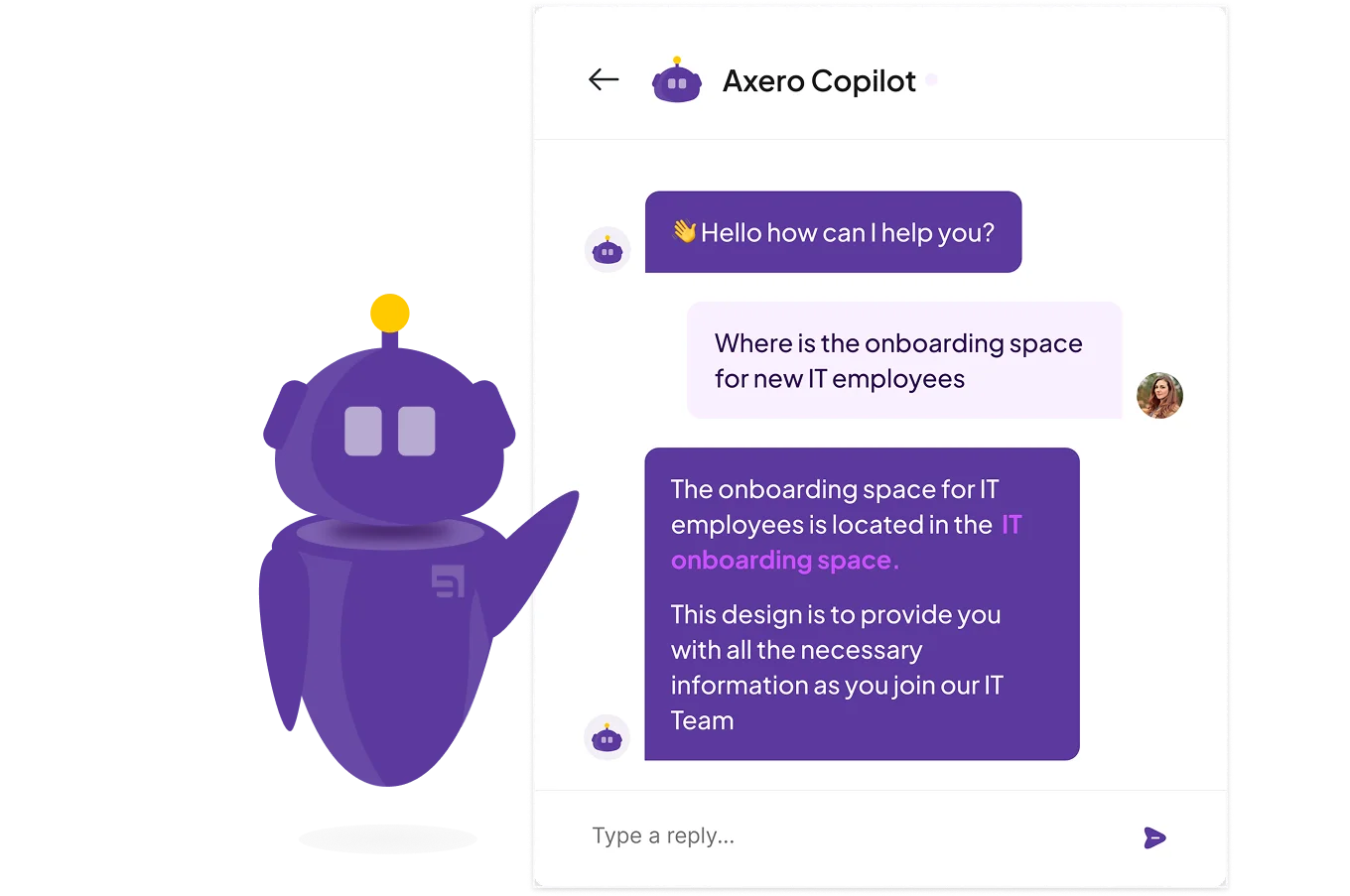
Axero also supports targeted communication, which helps teams share the right information with specific audiences. Built-in search makes it easier for employees to locate what they need, from documents to conversations. Leaders also gain visibility into engagement through analytics and reporting, helping them understand what information resonates and where support is needed. Axero helps organizations reduce tool sprawl and adopt a clear, consistent digital workplace experience.
Key features of Axero
- Workspaces: Create focused collaboration areas for teams and departments to share documents, updates, and timelines.
- Advanced search: Help employees find files, discussions, and people from one search bar.
- Custom dashboards: Present personalized content and quick links to streamline daily work.
Best for: Organizations that want an all-in-one digital workplace that supports communication, collaboration, and knowledge sharing from a single platform.

2. Microsoft Teams
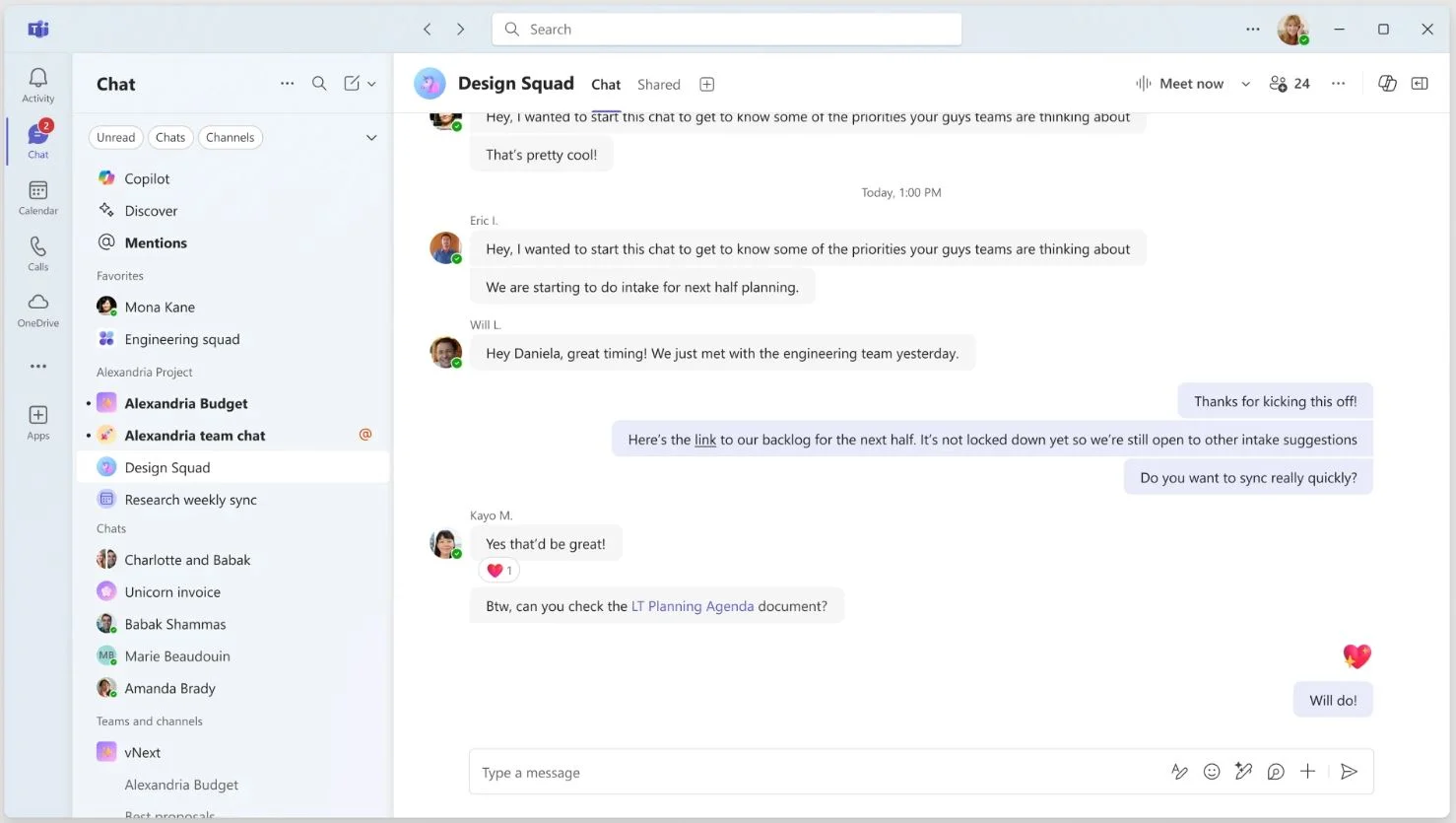
Microsoft Teams is a communication and collaboration platform that combines chat, meetings, calls, and file sharing. As part of the Microsoft ecosystem, it integrates well with tools like Word, Excel, PowerPoint, and SharePoint. Teams organizes communication through channels that support specific projects or departments. It gives employees multiple ways to connect through video meetings, shared documents, and persistent conversation threads. For enterprises that already use Microsoft 365, Teams becomes a natural extension of the work environment. It also supports external collaboration, which is helpful for cross-company projects. While it relies heavily on Microsoft tools, its structured communication makes it a widely adopted choice for large organizations.
Key features of Microsoft Teams
- Channel-based collaboration: Organize conversations and files around teams or projects.
- Integrated file editing: Edit documents directly within the workspace.
- Video and meeting tools: Host calls and share screens to support hybrid work.
Best for: Enterprises already using Microsoft 365 that want a communication and meeting-focused collaboration tool.
3. Slack
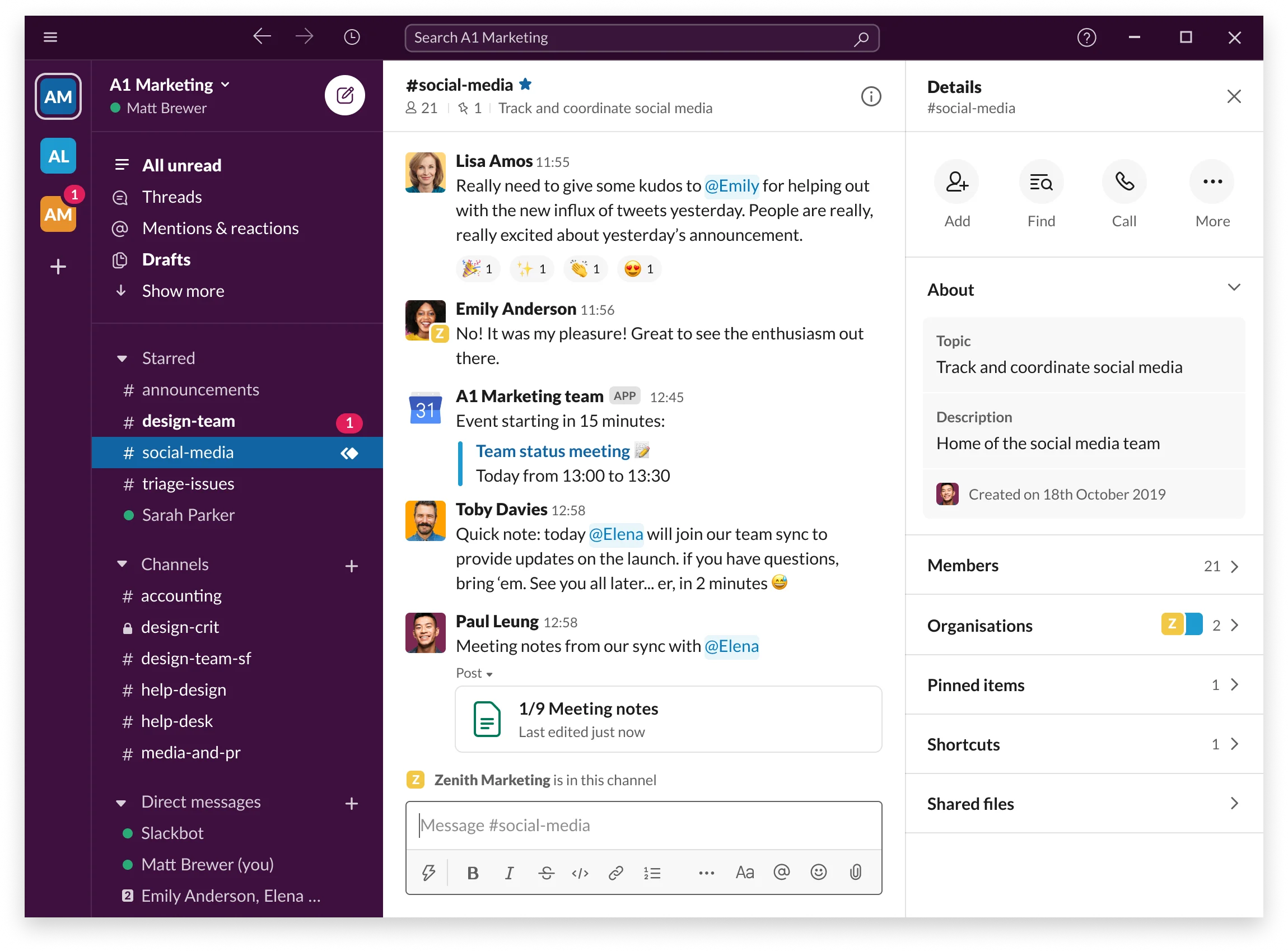
Slack is a messaging platform built for real-time team communication. It organizes conversations into channels, making it easier for employees to follow topics and updates. Slack supports integrations with a wide range of third-party tools, which helps reduce switching between apps. Its searchable history allows employees to reference past conversations, decisions, and shared files. Slack’s format suits teams that rely on rapid communication and want an easy way to connect across departments. With features like huddles and simple file sharing, Slack keeps conversations active and visible. While it focuses primarily on messaging, its flexibility makes it a common tool for distributed teams.
Key features of Slack
- Channels and threads: Structure conversations to keep information clear and searchable.
- Tool integrations: Connect with systems your teams already use daily.
- Huddles: Enable quick, informal voice or video conversations.
Best for: Teams that want a simple, messaging-first platform to support fast communication.
4. Google Workspace
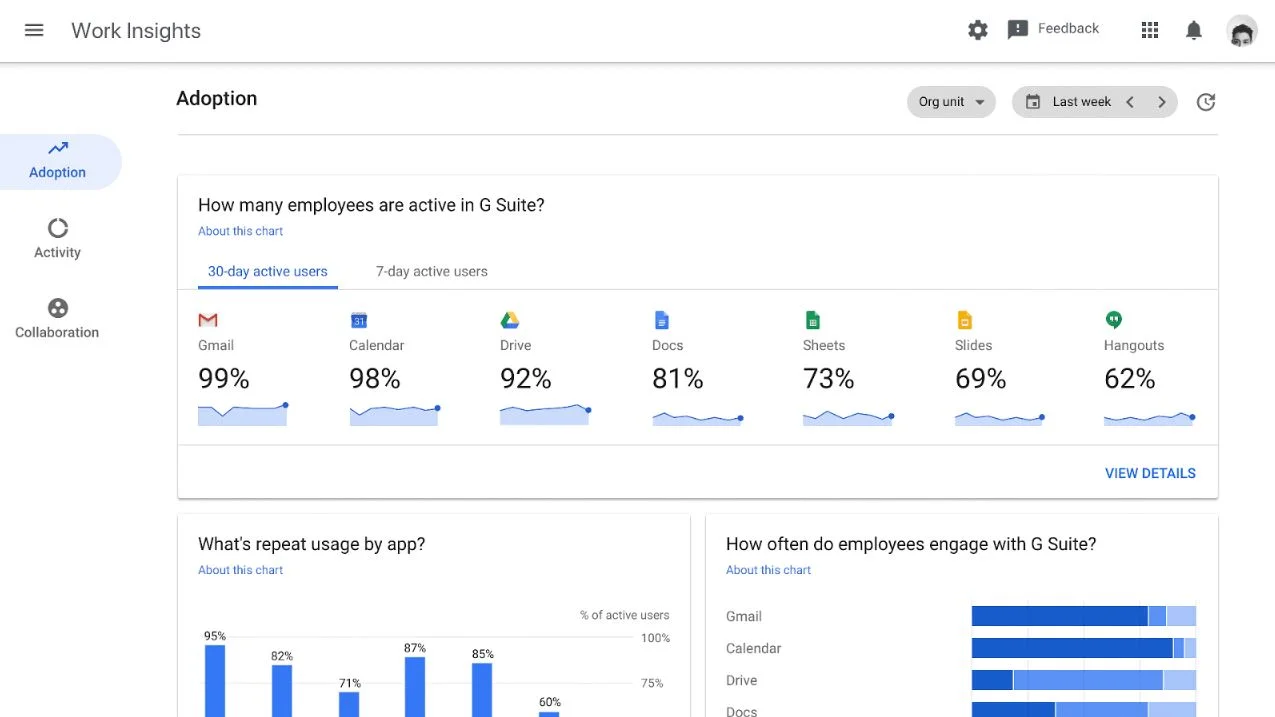
Google Workspace provides a collection of collaboration tools that support communication, document creation, and teamwork. It includes Gmail, Drive, Docs, Sheets, Slides, Meet, and shared team spaces. Employees can co-edit files in real time, track changes, and store documents in organized shared drives. Google Workspace supports chat and video meetings, and its browser-based structure reduces the need for software installations. Many teams appreciate its simple interface and collaborative editing features, which make working on documents more fluid. Google Workspace helps organizations centralize their content while offering reliable communication tools that fit into daily workflows.
Key features of Google Workspace
- Real-time editing: Collaborate on documents and track changes in one place.
- Shared drives: Maintain organized, centralized storage for teams.
- Meet and Chat: Support communication through meetings and messaging.
Best for: Organizations that want simple, cloud-based collaboration tools with strong document editing.
5. Asana
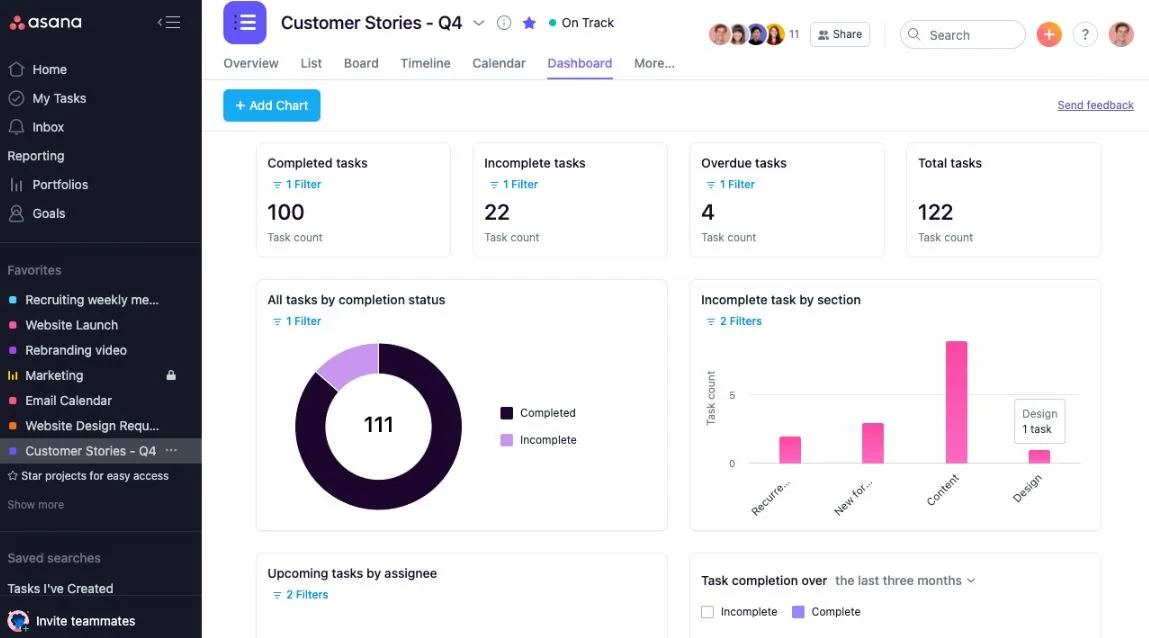
Asana is a project and task management platform designed to help teams track their work and organize projects. It provides multiple views, such as lists, boards, and timelines, to accommodate different working styles. Asana helps teams plan projects, assign tasks, and monitor progress in a structured environment. Teams can attach files, add comments, and track dependencies, which reduces ambiguity and supports accountability. The platform’s automation tools simplify routine tasks and keep work moving. While Asana is not a full communication suite, it complements collaboration by making project workflows transparent and manageable at scale.
Key features of Asana
- Project views: Switch between lists, boards, and timelines to match workflows.
- Task dependencies: Clarify sequences and reduce project delays.
- Automated rules: Remove repetitive manual tasks and improve efficiency.
Best for: Teams that want a structured way to manage projects and track work across departments.
6. Monday.com
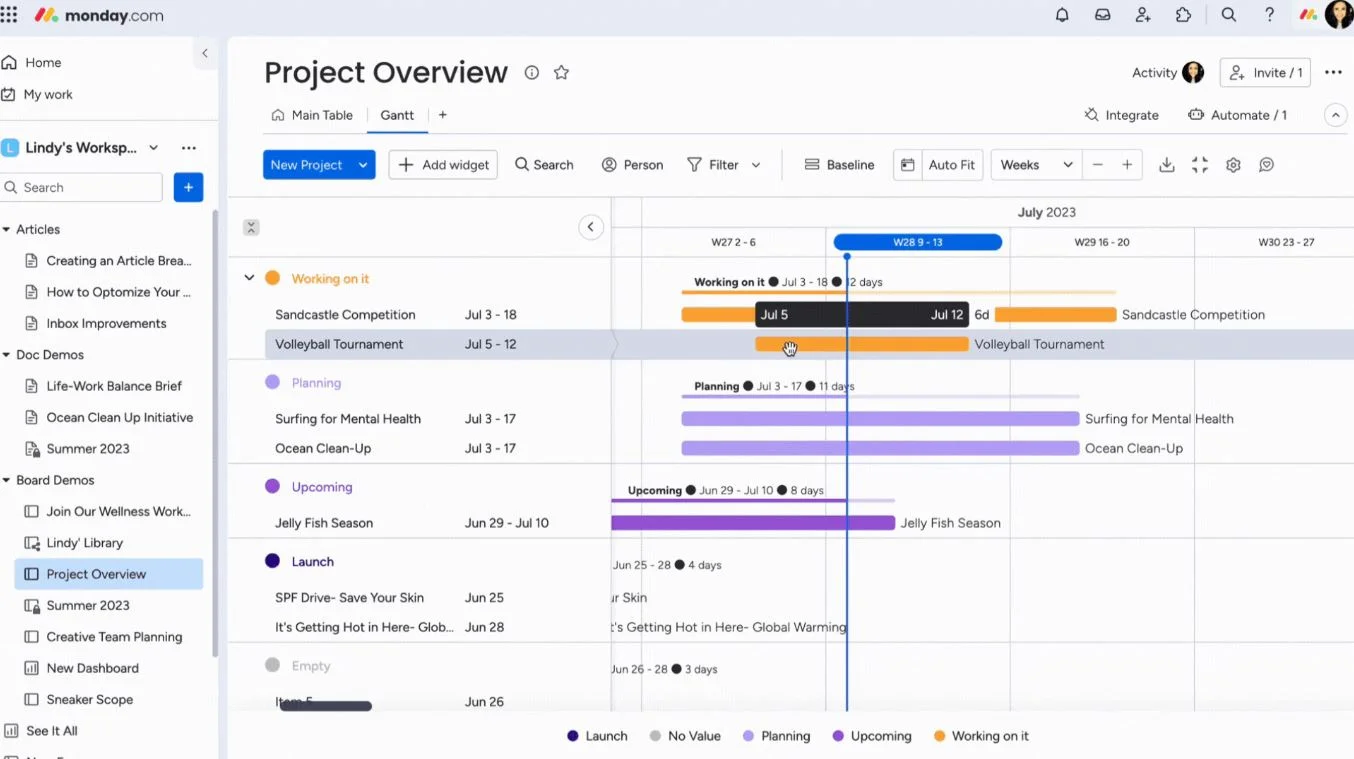
Monday.com provides a flexible workspace where teams manage tasks, workflows, and projects. Its visual boards allow organizations to track work at a glance, accommodating departments like marketing, operations, HR, and product teams. The platform supports automation, custom fields, dashboards, and templates, which help teams standardize processes. Monday.com also integrates with communication tools, helping employees see updates and collaborate without switching platforms. The customization options allow enterprises to tailor workflows for specific needs. While its focus is project management, the platform enhances collaboration by creating a shared view of ongoing work.
Key features of Monday.com
- Flexible boards: Adapt workflows to any team or project.
- Dashboards: Provide visibility into status, workload, and progress.
- Automations: Reduce manual work and keep processes moving.
Best for: Organizations that need customizable project and workflow management tools.
7. ClickUp
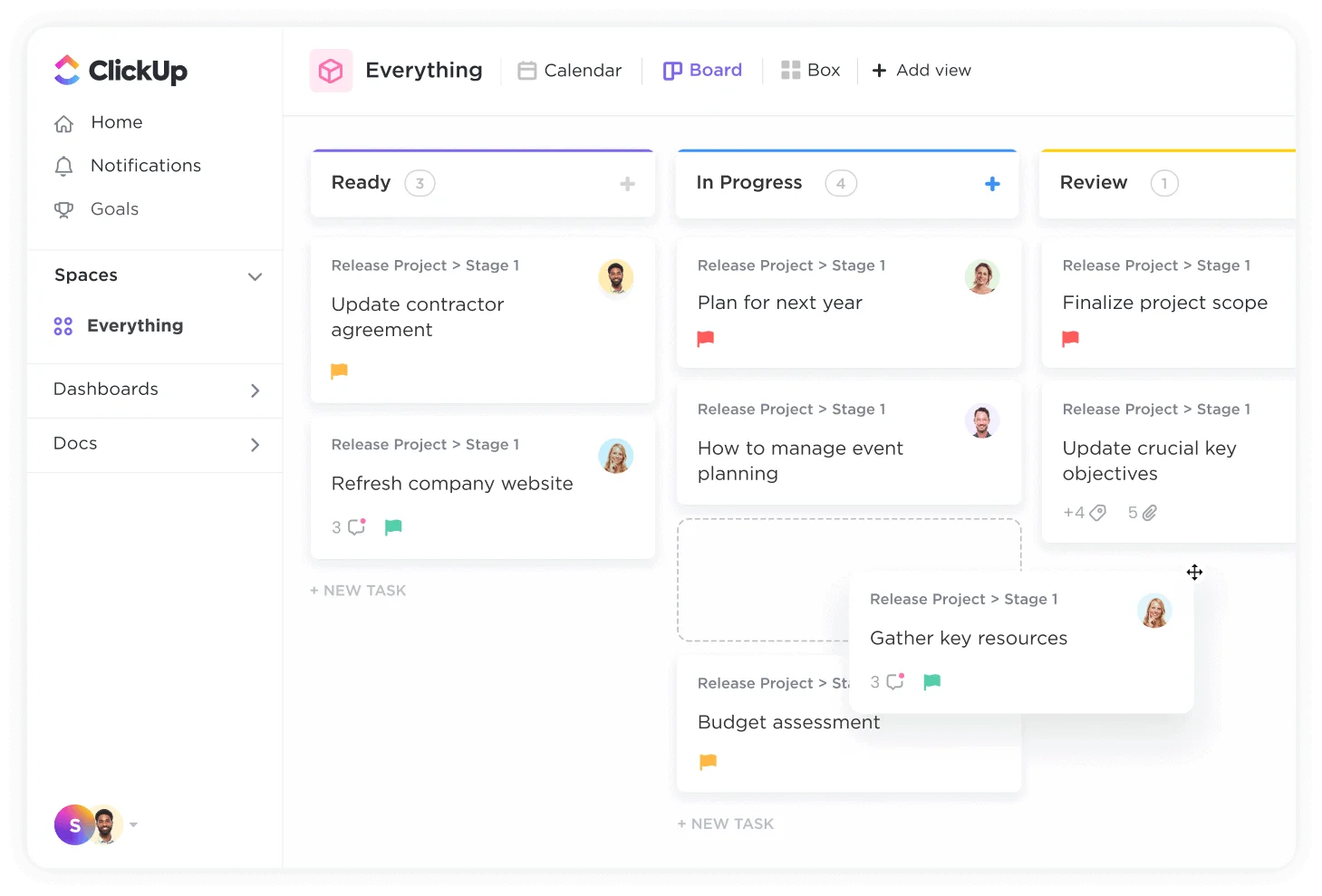
ClickUp offers a unified workspace for tasks, documents, goals, and communication. It combines features from project management, documentation, collaboration, and tracking into one platform. Teams can work in lists, boards, calendars, timelines, and more. ClickUp also includes a built-in doc tool, enabling teams to share resources and collaborate in context. Its hierarchy helps large organizations structure departments and projects with clarity. ClickUp supports comments, chat, and real-time updates, making communication straightforward. With broad customization options, it allows teams to model complex workflows within a single system.
Key features of ClickUp
- Multiple work views: Support different workstyles and planning methods.
- Docs and wikis: Store information and collaborate directly in the platform.
- Goal tracking: Connect tasks to measurable outcomes.
Best for: Enterprises seeking a flexible all-in-one workspace that supports project management and documentation.
8. Trello
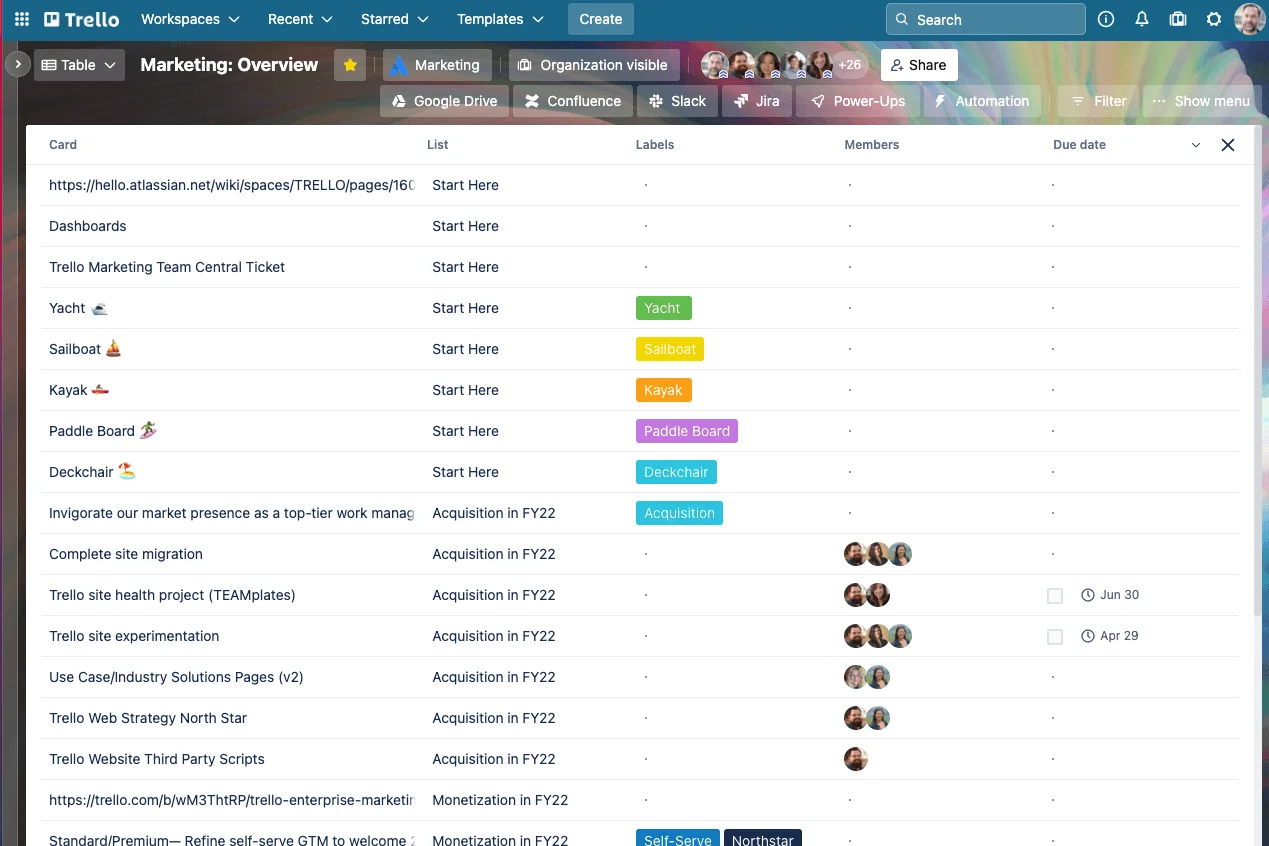
Trello is a visual collaboration tool built around boards, lists, and cards. Its simple structure makes it easy for teams to organize tasks, manage small projects, and track workflows. Trello’s card-based format helps employees move work through stages, attach files, leave comments, and assign responsibilities. It integrates with various third-party apps, allowing teams to connect their existing tools. Trello suits teams that need a straightforward system without heavy configuration. While it is lighter than some enterprise tools, its clarity and ease of use make it helpful for managing team tasks and short-term initiatives.
Key features of Trello
- Kanban-style boards: Track work visually and move tasks between stages.
- Card-based collaboration: Add comments, attachments, and checklists.
- Integrations: Connect Trello with communication and productivity tools.
Best for: Teams that want a simple, visual way to manage tasks and small projects.
9. Notion
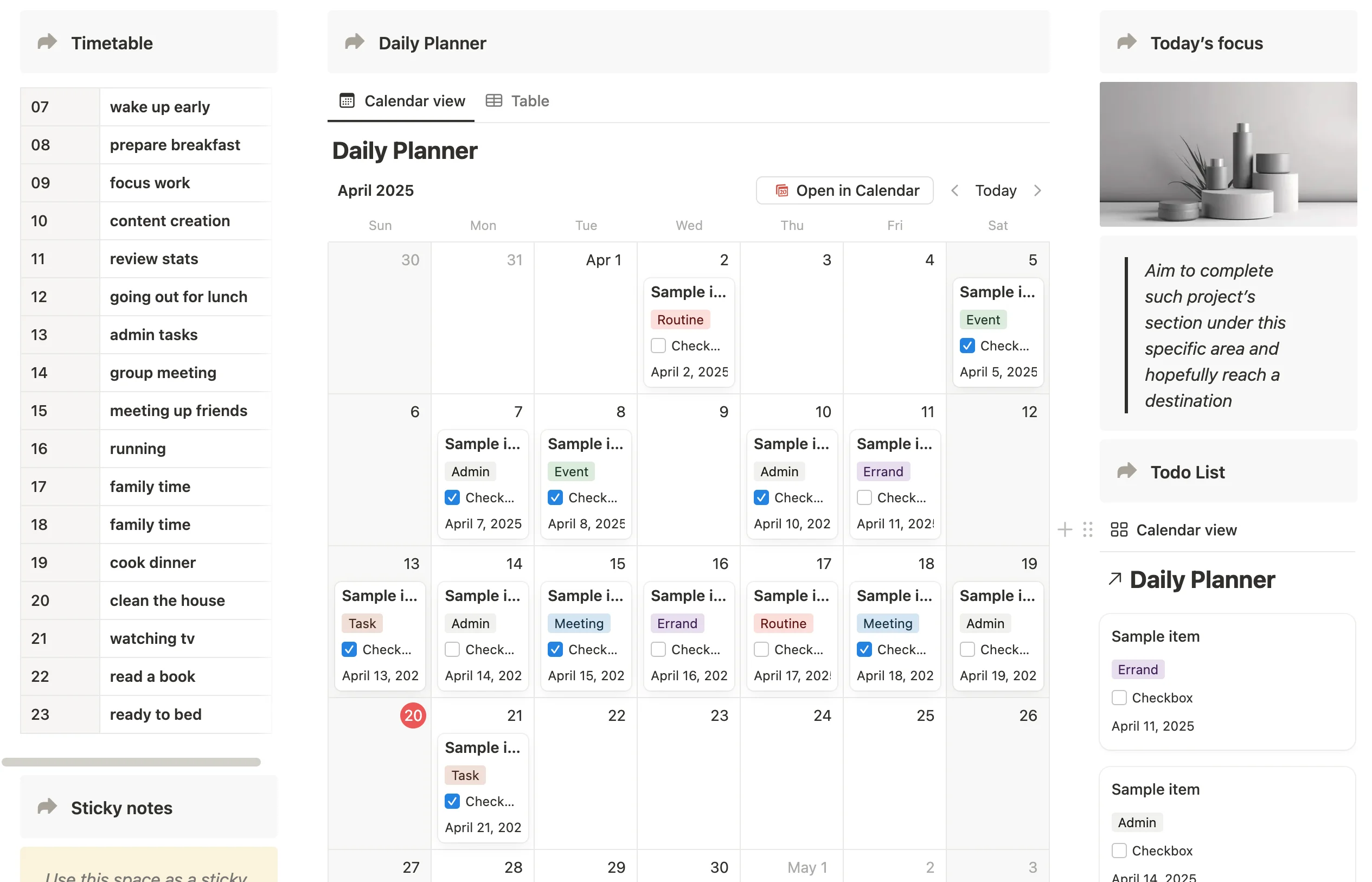
Notion combines notes, documents, databases, and team workspaces in one platform. It helps teams create shared knowledge hubs, collaborate on pages, and organize workflows. With its flexible building blocks, organizations can create wikis, project trackers, documentation libraries, and departmental spaces tailored to their needs. Notion’s databases support views like tables, boards, calendars, and galleries. Its collaboration features allow employees to comment, tag teammates, and update information in real time. Notion benefits teams that want customizable structures and a place for both documents and lightweight project management.
Key features of Notion
- Custom pages and workspaces: Build structured hubs for teams and departments.
- Databases: Use tables, boards, and calendars to manage tasks or content.
- Real-time collaboration: Edit pages and leave comments in context.
Best for: Organizations looking for a flexible workspace that blends documentation and collaboration.
10. Confluence
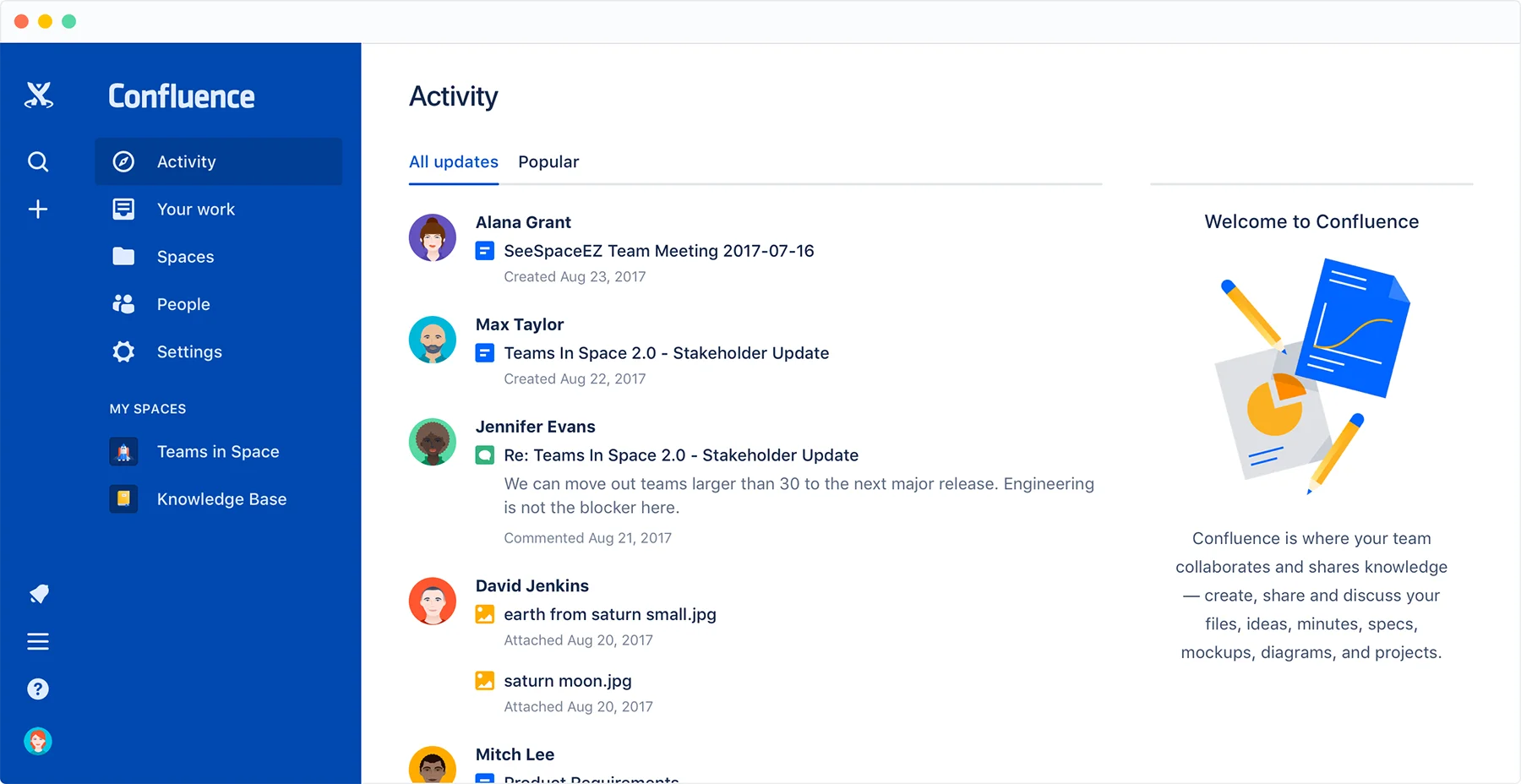
Confluence is a documentation and knowledge management platform that supports organized collaboration. It provides structured pages and spaces for teams to store meeting notes, project updates, and internal documentation. Confluence integrates closely with Jira, which helps technical teams link work between planning and documentation. Employees can comment on pages, collaborate on content, and reference shared knowledge easily. The platform helps enterprises maintain version control and organize long-term documentation. While it focuses more on knowledge than communication, its structure supports collaboration across complex teams.
Key features of Confluence
- Spaces and pages: Organize documentation and updates in a structured hierarchy.
- Version history: Maintain clarity around revisions and changes.
- Jira integration: Connect project tracking with supporting documentation.
Best for: Teams that rely heavily on documentation and structured knowledge.
11. Zoho Connect
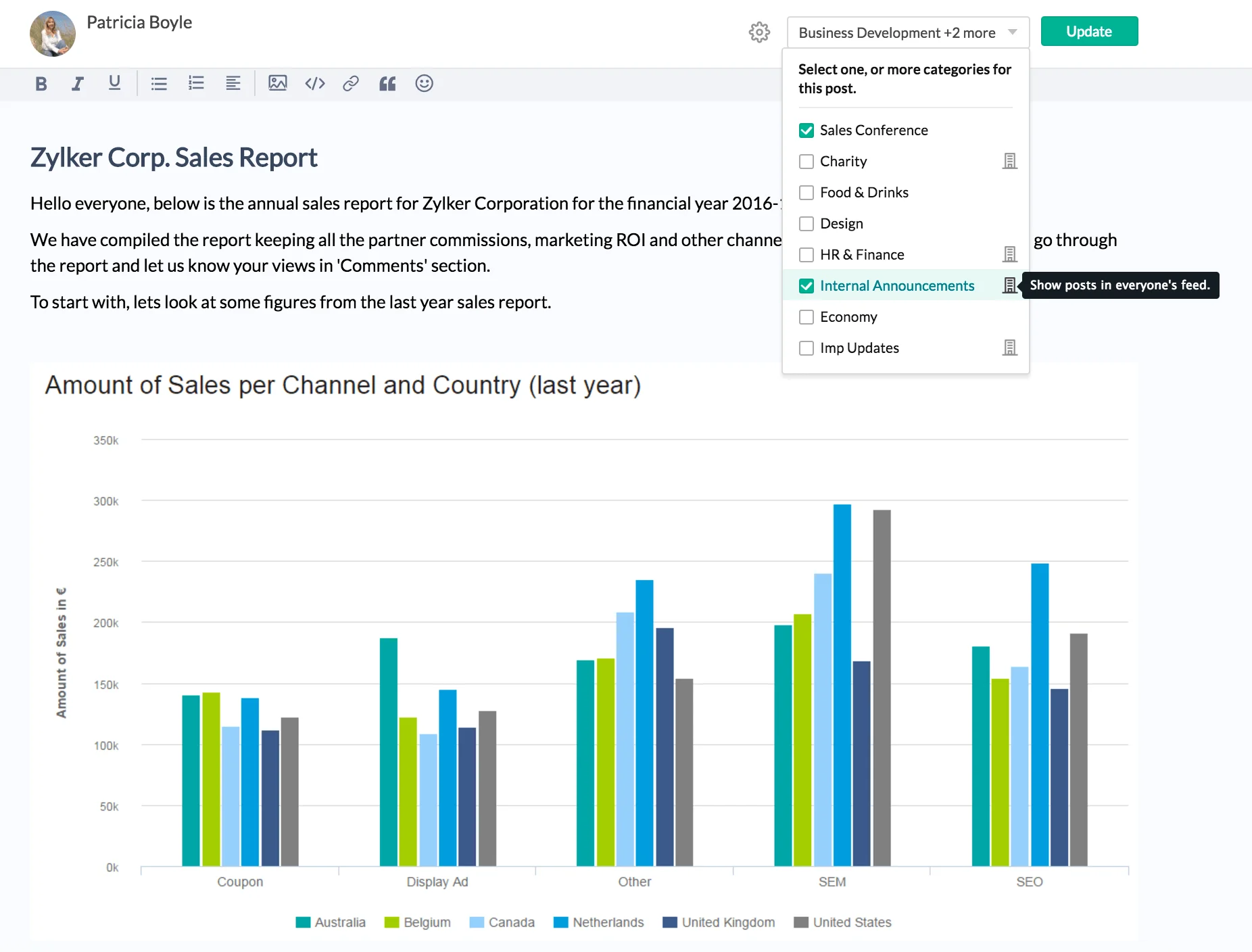
Zoho Connect is an enterprise collaboration platform that combines communication, knowledge sharing, project tools, and team spaces. It provides channels for discussions, shared documents, and customizable apps to support team workflows. Zoho Connect also includes task boards, groups, and a company-wide social feed to keep employees aligned. It offers integrations across the Zoho suite and other third-party systems, allowing organizations to build a connected digital workplace. Its combination of communication and workspace features makes it suitable for teams that want an internal hub without the complexity of larger enterprise systems.
Key features of Zoho Connect
- Channels and feeds: Share updates and maintain transparent communication.
- Custom apps: Build simple internal tools that support workflows.
- Task boards: Organize work visually and track progress.
Best for: Organizations using Zoho tools or seeking a collaboration hub with adaptable components.
12. Bitrix24
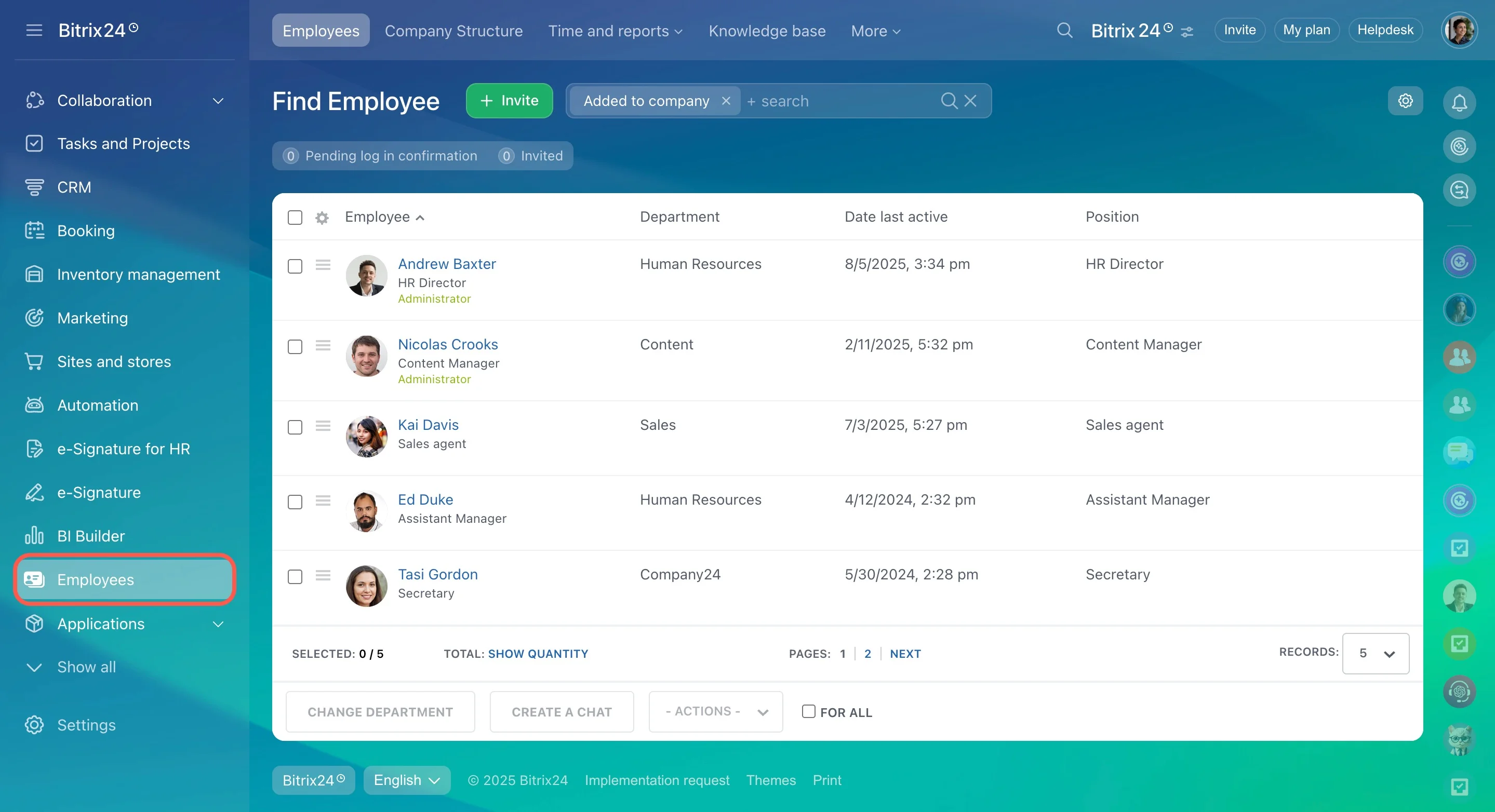
Bitrix24 is a collaboration and business management platform that includes communication tools, tasks, CRM features, and workspaces. It supports messaging, video calls, project tracking, and document storage. Bitrix24 provides various workspace views and offers automation tools that help teams coordinate complex processes. Its built-in CRM helps organizations align sales and operational work within one system. The platform also offers options for cloud or self-hosting, giving companies flexibility in managing data. Bitrix24 suits enterprises that want multiple business functions in one platform, though its wide feature set may require configuration.
Key features of Bitrix24
- Messaging and meetings: Communicate through chat, voice, or video.
- Task and project tools: Plan work using lists, boards, or timelines.
- CRM integration: Link collaboration with customer-facing processes.
Best for: Organizations that want an all-in-one platform combining collaboration and business operations.
Choosing the best enterprise team collaboration software
The right collaboration platform supports cohesion, simplifies daily workflows, and gives employees a central place to stay informed and connected. As companies scale, these tools help maintain clarity across departments, keep knowledge accessible, and support hybrid and distributed teams. When choosing your platform, focus on usability, flexibility, and alignment with the needs of your workforce. Look for a solution that supports communication, document access, and shared workspaces in a single environment.
Axero brings these capabilities together in one platform. We help organizations create a unified digital workplace that strengthens communication, supports collaboration, and provides employees with consistent access to the information they rely on. Book a demo today and see how Axero can support your teams.










 info@axerosolutions.com
 1-855-AXERO-55