
Keep your entire team in the loop with activity streams and notifications
Real-time streams keep everyone current without adding email overhead.
Online Workspace Software
Axero's online workspaces give you the tools to upload, share, create, organize, customize, and access your files, documents, and conversations.

Trusted by














Organize how you want. You don't have to change the way you already work.
What you can do
Axero's online workspaces are used by teams and company departments to work together on projects, communicate, and get things done. No other collaboration software gives you so much flexibility and choice.
Real-time streams keep everyone current without adding email overhead.
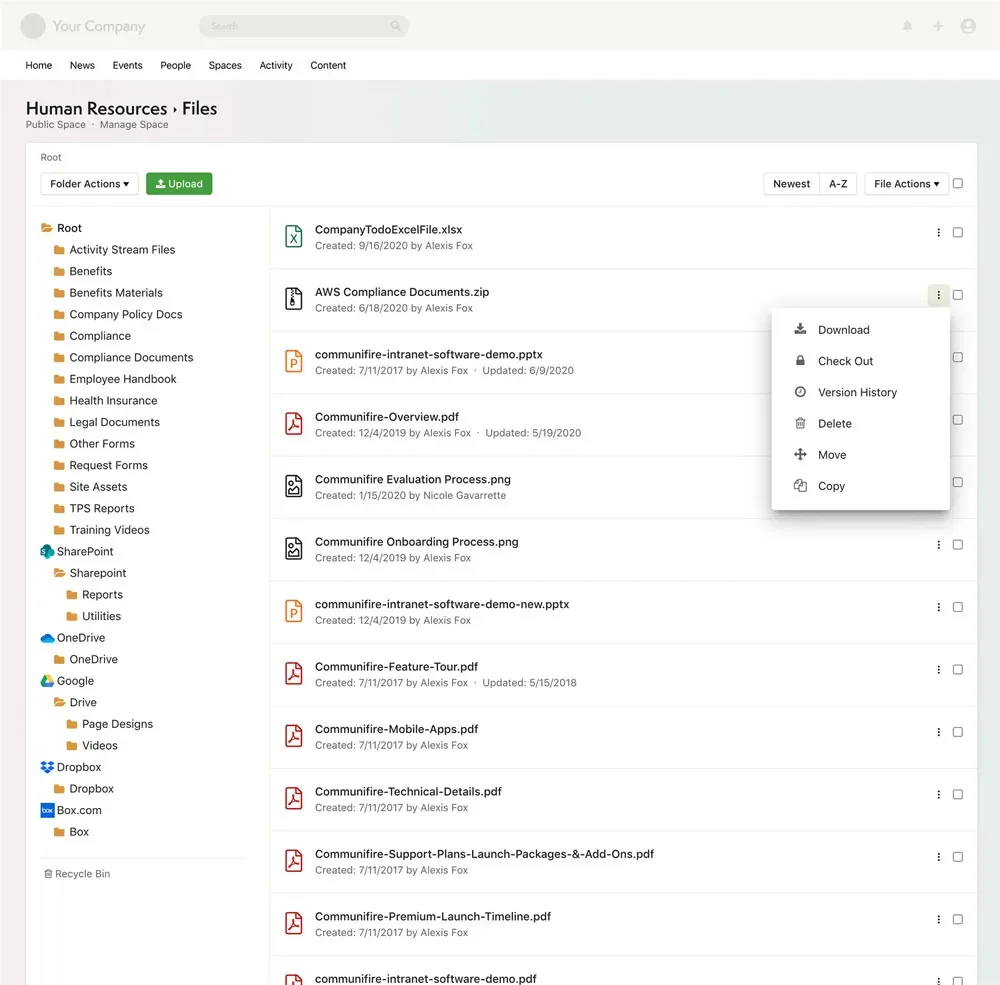
Upload and share anything with permission-based access for every file.
Publish and organize knowledge using the right format for every purpose.
Keep discussions attached to the content they're about — not buried in inboxes.
Every space has its own task manager so project to-dos stay with the project.
Personal and shared calendars keep every deadline and meeting organized in one place.
Customize membership, content, roles, permissions, and workflows for every space.
Get up and running quickly — Axero is designed to be intuitive for every team member.
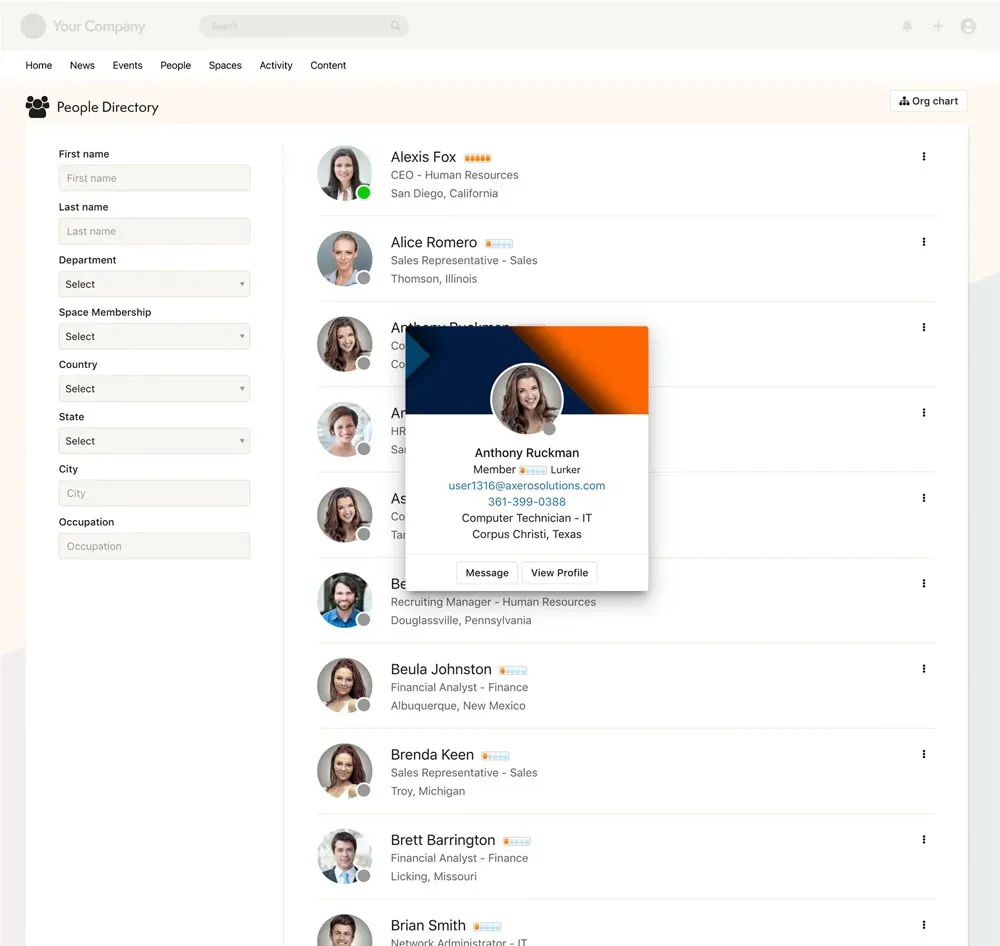
While a community in itself helps create a collaborative environment there is a need to be able to work and communicate within smaller sub-groups within the larger community. In the real world business scenarios teams form groups such as departments or committees and need an online space where they can work together. Similarly, social communities tend to create separate interest specific groups where those with similar interests can connect. Axero offers a groups and spaces feature which gives users the option to create groups where other users can come and collaborate or discuss around a common topic.
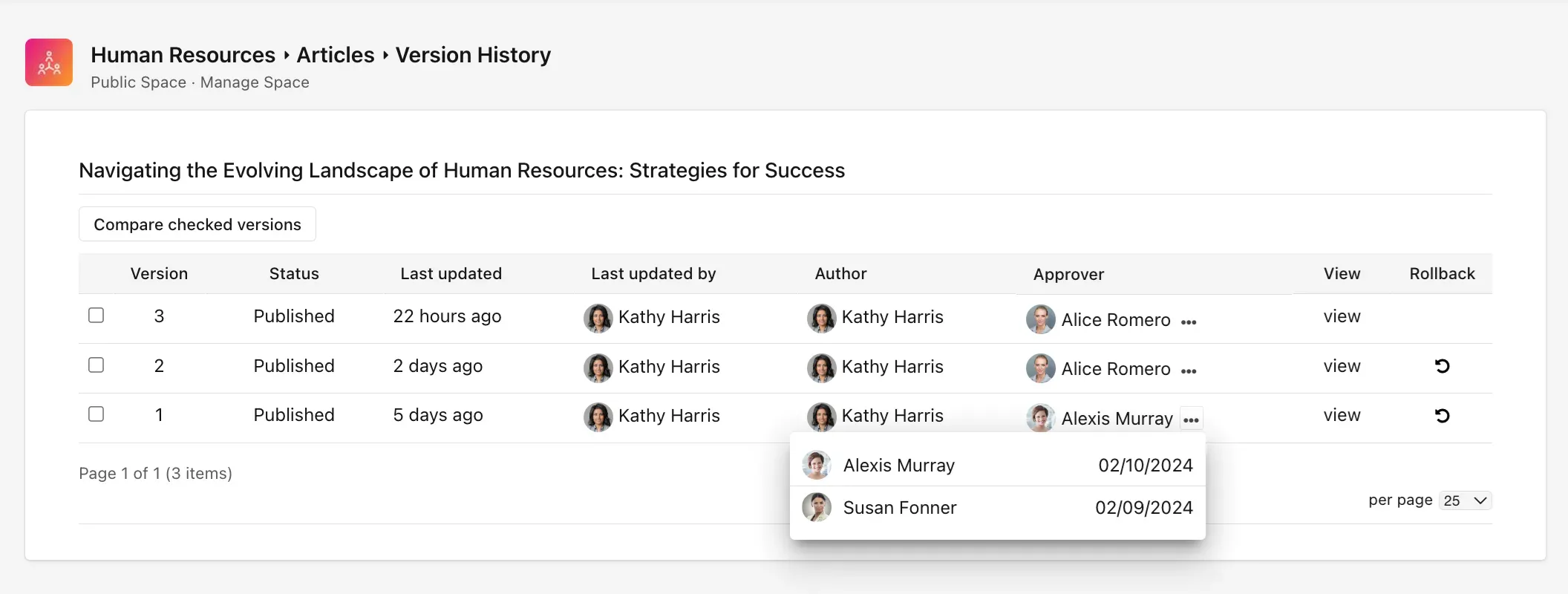
Users can 'Create A New Space' which requires the basic details like the name, description, photo, whether the space will be public or private and whether it will be moderated or not. This is followed by selecting the applications that the group should feature such as articles, blogs, events, files, and more. The main spaces page displays a list of spaces already created by users along with an overview of what each space is about and how many members are within it.
The space creator or group manager has additional space management options from where settings can be altered, membership, content, roles, permissions and workflows can be managed giving them some administrative control over their spaces and groups. The spaces offer extensive workflow settings allowing space owners to customize flow of content on every section of the space.
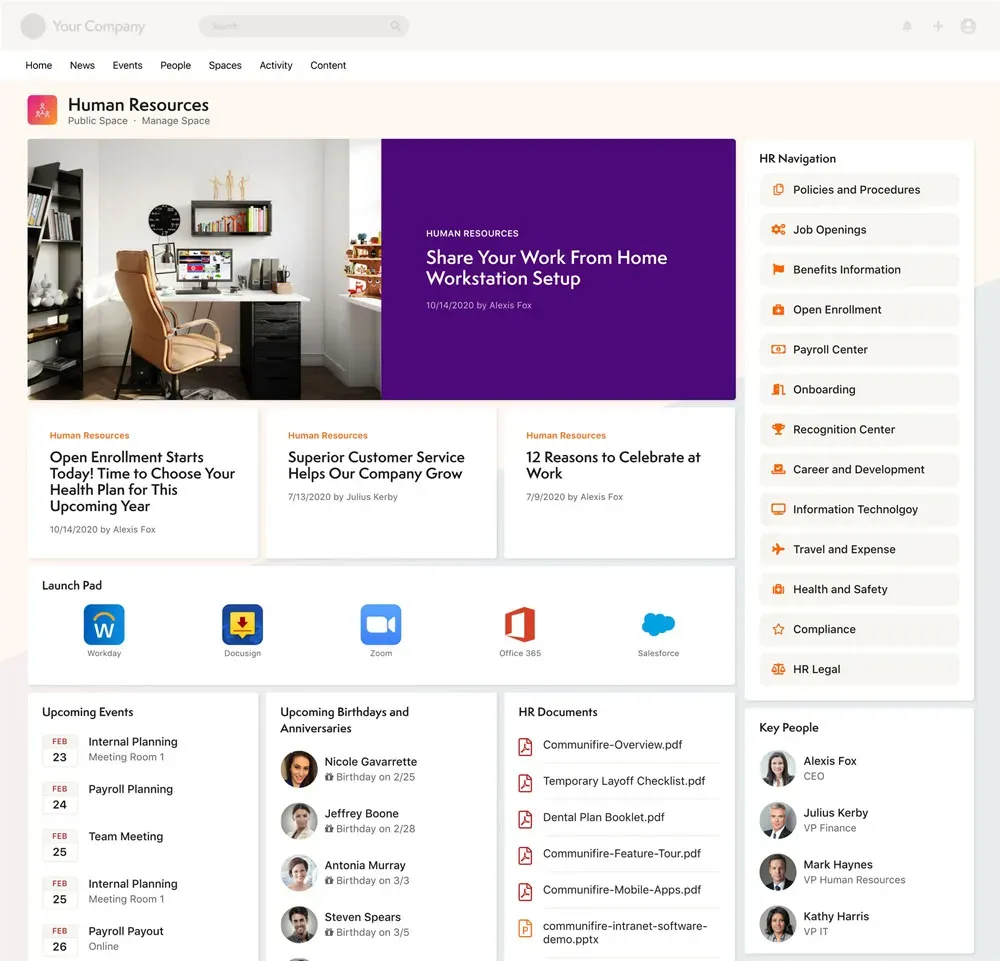
Privacy settings ensure 'Open Spaces' are made public and members can go to a space and opt to join. Private Spaces are not listed and membership is done on the basis of invites allowing the groups and spaces to be used as required. The online workspaces and groups feature gives each member of your team the ability to create their own workspaces and bring people with something in common together to get work done.
“Axero has been a great platform to learn and use. It is user-friendly and easy to navigate. The support team has also been great and extremely helpful.”
Jamie E.
Millennium
“Working with the Axero team has been a wonderful experience. I started out new to Axero software, but thanks to the helpful Axero Library and the ability to reach out to my Axero rep with questions, learning and training others has been really smooth and stress-free.”
Allison H.
Hylant Group
“The experience has been wonderful overall. The support team is always there when you need help, making everything feel easy and reassuring. The onboarding process is smooth and straightforward, so you can get started quickly without any hassle.”
Karan S.
Algoma University